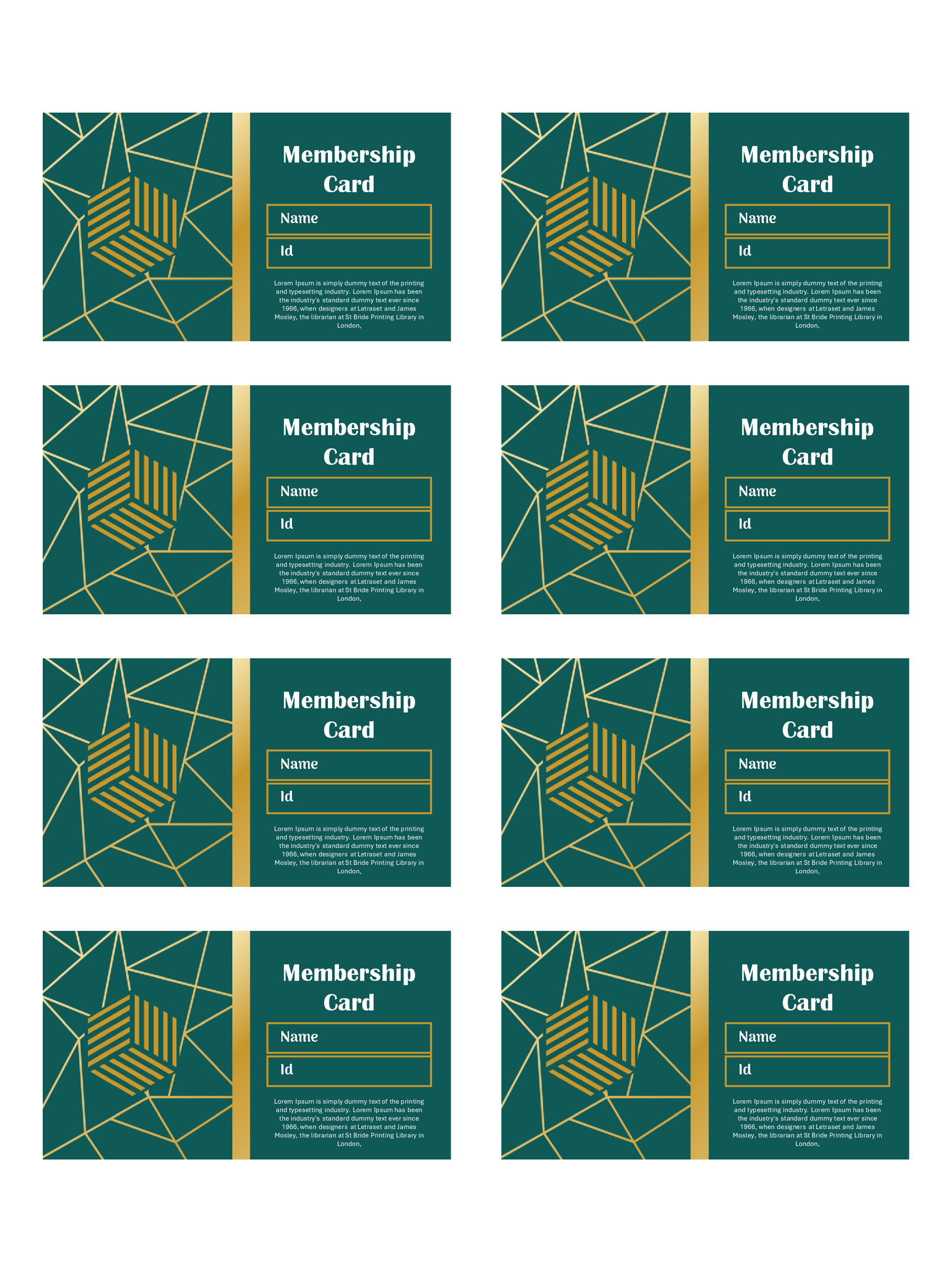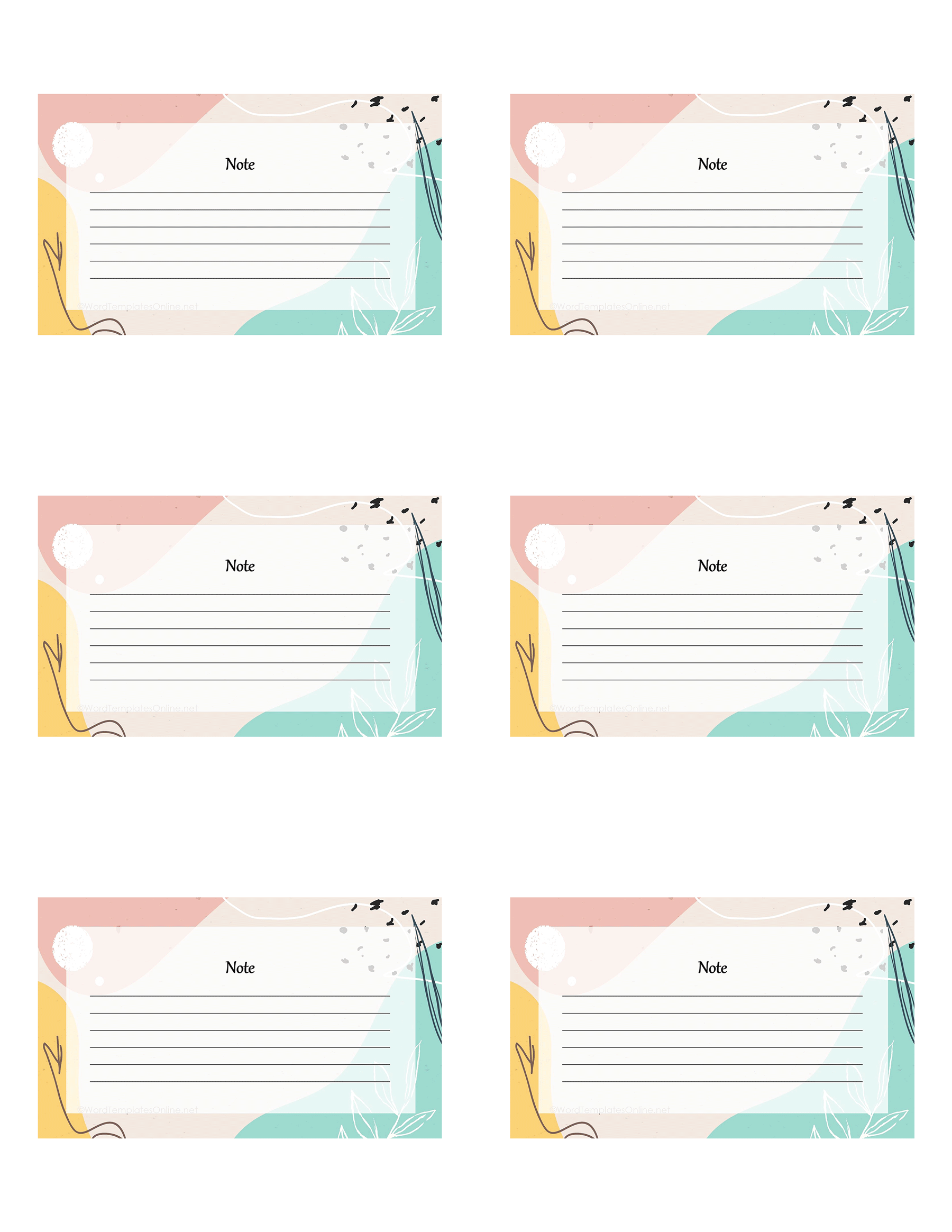
So, you’re setting up a new classroom and wondering how to make it more welcoming for students? You have a lot of prep work to do, and out of all one thing that you can’t overlook is something surprisingly simple: knowing each other’s names. It sounds small, but that first moment of recognition makes a real difference in making a classroom a safe space.
Interestingly, for years, name tags have been the ultimate “silent icebreaker,” and for good reason. They are the best thing to kill first-day anxiety, and replace awkward “hey..you” moments with genuine and confident connections.
But let’s be real, as a teacher, with everything else on your plate, you don’t have time to wrestle with margins and text boxes from scratch. The simple way is to grab ready-made name tag templates and take one burden off your shoulders instantly.
So, What Exactly Is a Name Tag Template?
A template is basically a ready-made layout where you just need to insert your names and print it, no wasting hours on designing, no overthinking on fonts or spacing. Moreover, the significant reason that makes them must have is their clean, structured format, so everything looks neat and consistent without extra effort.
You’ll usually find two common types: printable and digital. Printable name tags are the classic ones you hand out at events or in classrooms, while digital ones are used in virtual settings like online exams or assignments.
What goes on a name tag?
If you think a good name tag is one that is loaded with information, you’re wrong. It includes things just enough to make introductions easy and natural. Here’s what should go in it:
- It all starts with the basics: A name always comes in the center and should be written in a clear, bold font that is easy to read from a distance. Beyond this, you can add details according to need. For example, in a school setting, adding the class and section might help the teacher and student to stay oriented.
- Now, go for other elements: Once the essentials are covered, there’s room for a little personalization. You can add a school logo, small icons, or basic contact information to give it an official feel. That said, these are extras, so only add when there is enough space and no clutter.
- Always design in a way that helps you read a name tag without squinting: Usually, you will see a tag have all the do’s and still fall flat, possibly because the design is not thought through. What makes it look better is clean fonts, good contrast between text and background, and a breathing room between elements. The best thing? All these things are included in our template.
Free Student Name Tag Templates You Can Use
The fact that you will find thousands of simple stickers online, but why settle for less when you can get a professional upgrade for free? Interestingly, we’ve launched a fresh collection of student name tag templates that you can paste either on a notebook or a student’s desk to take the guesswork out of student identification.
Apart from this, these free templates are built directly on Google Slides, which removes the design struggle and goes straight to the fun part: customizing. Whether you’re looking for a minimalist, “high school cool” vibe or something bright and welcoming for kindergarten or primary students.
Since they come with fully editable options, you can color-code by house or add your school logo in seconds.
Name Tag Template 01
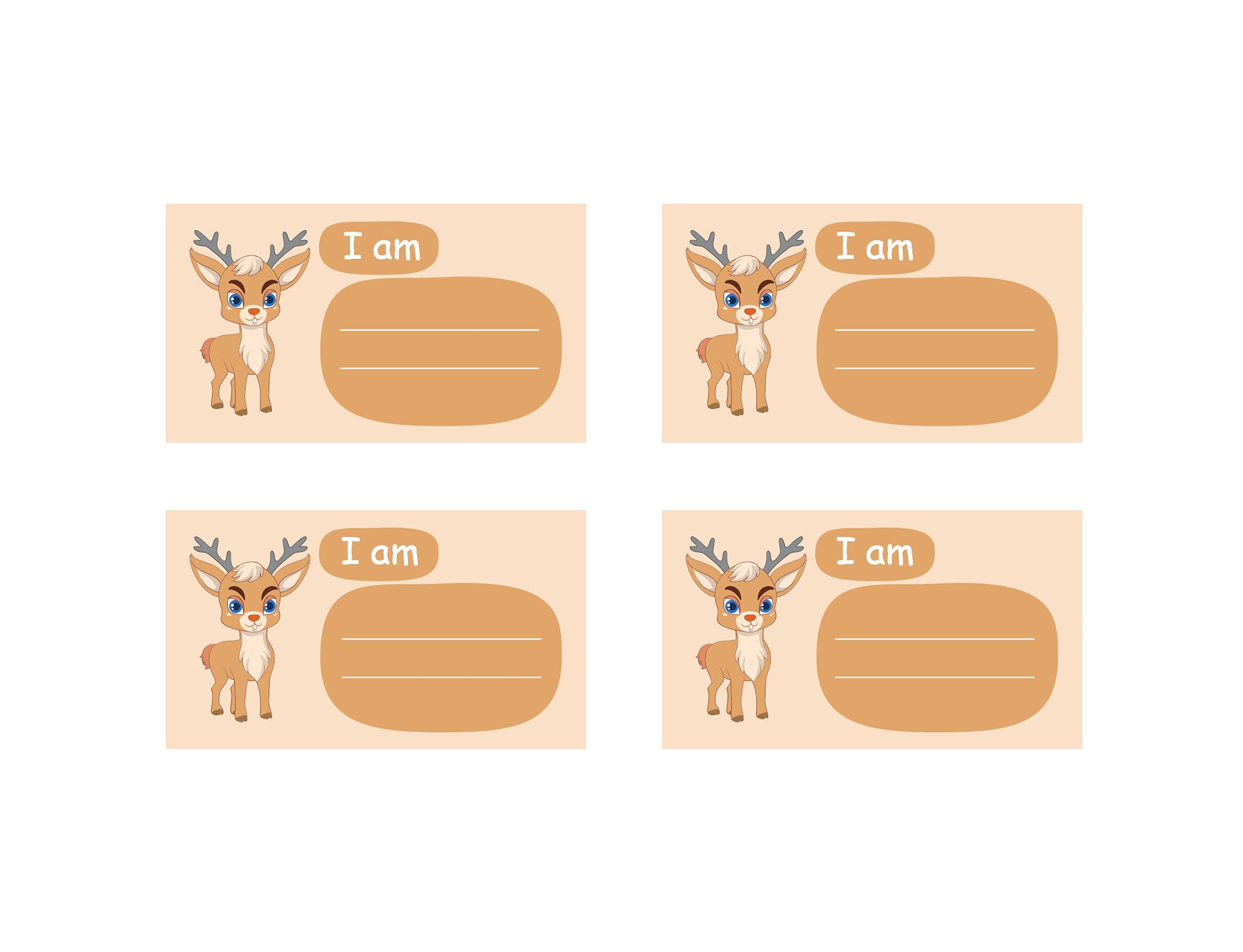
Name Tag Template 02
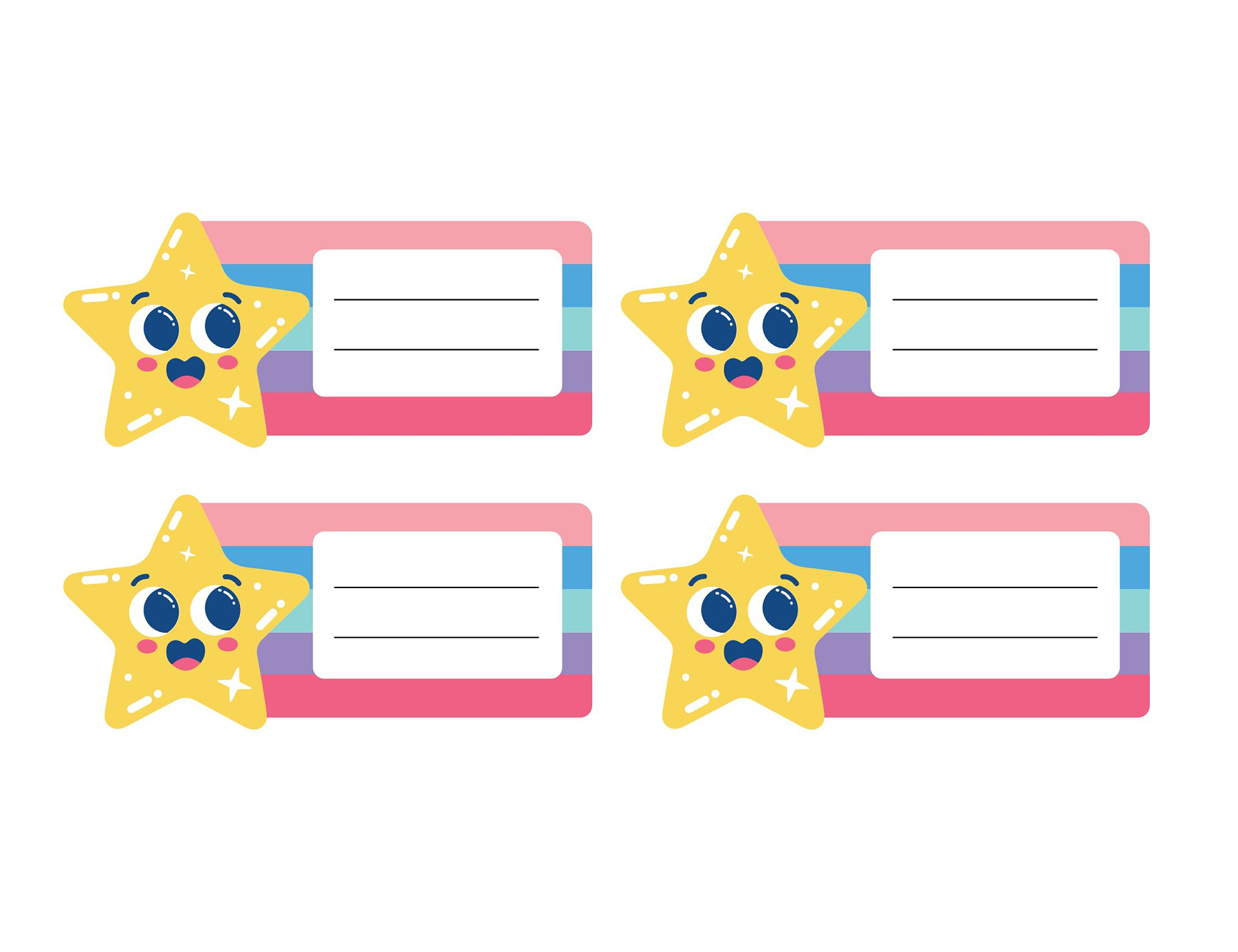
Name Tag Template 03
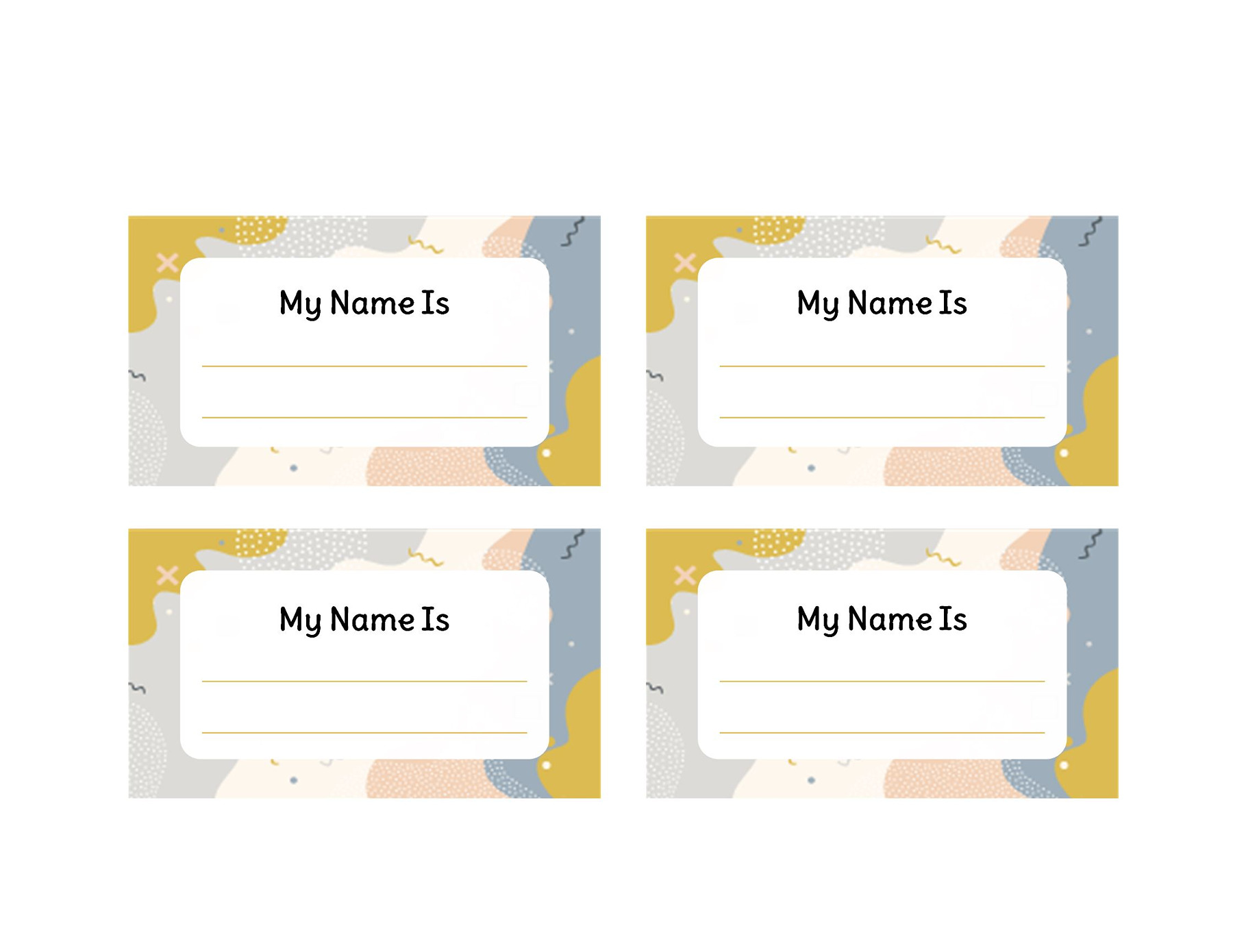
Name Tag Template 04
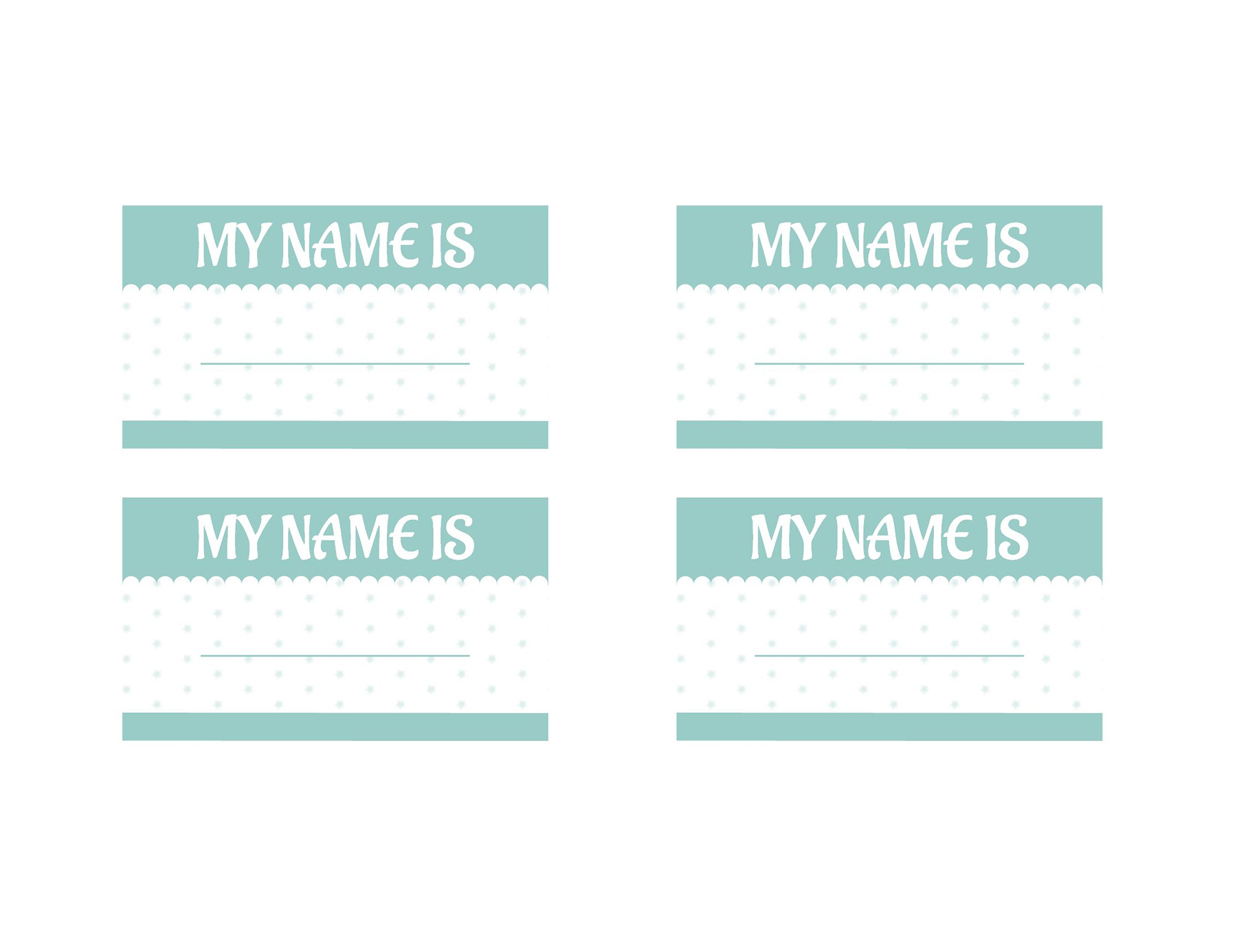
Name Tag Template 05
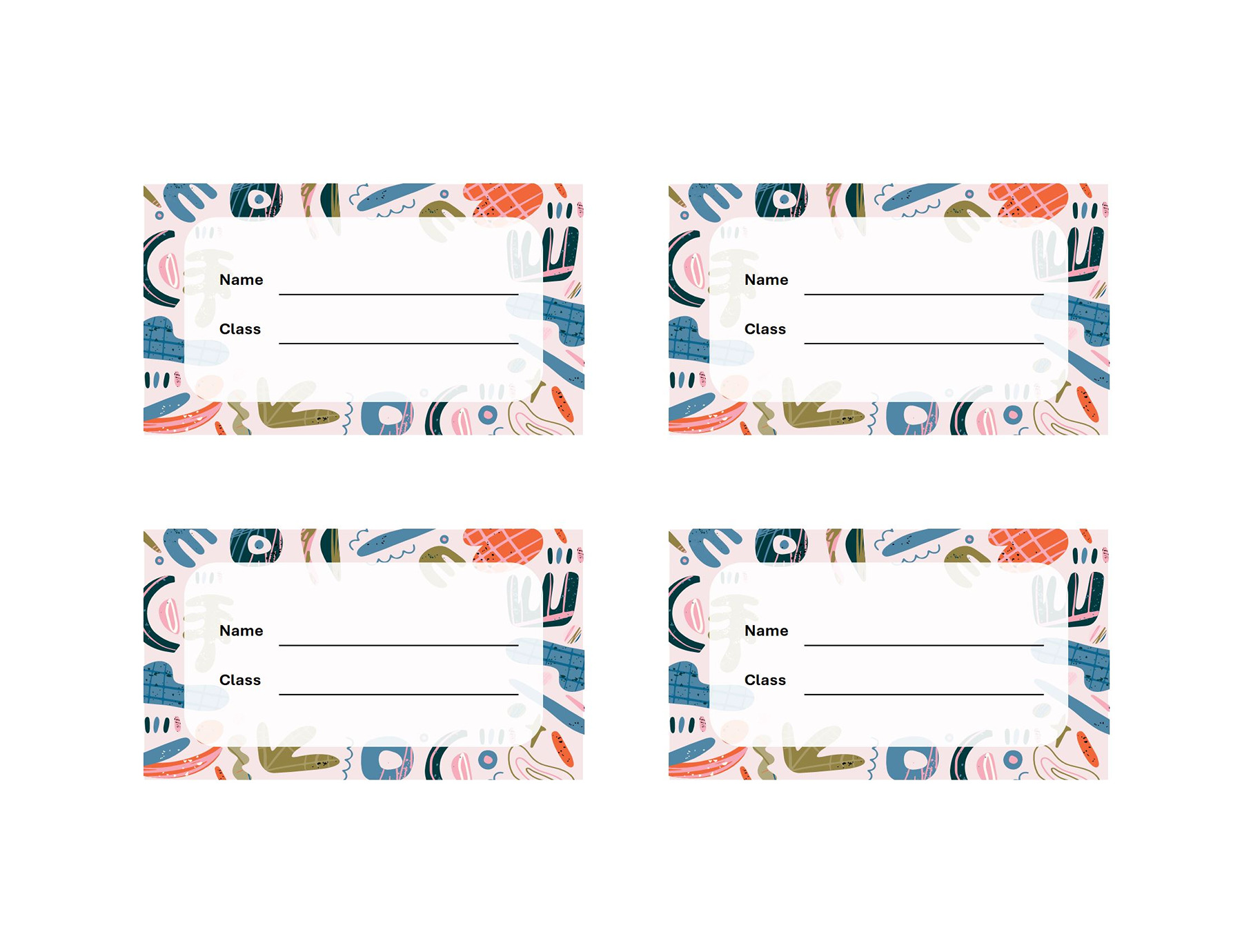
Name Tag Template 06
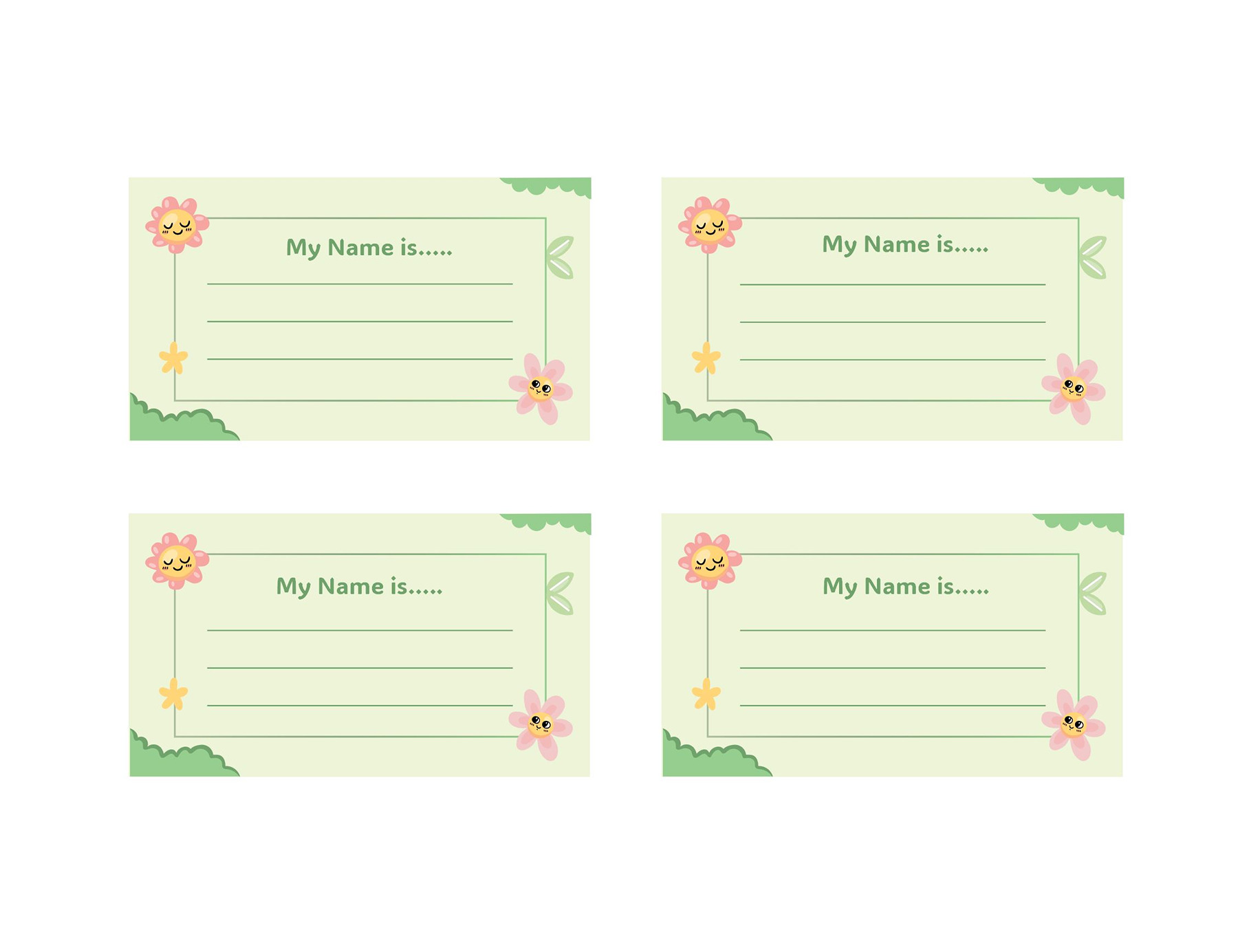
Name Tag Template 07
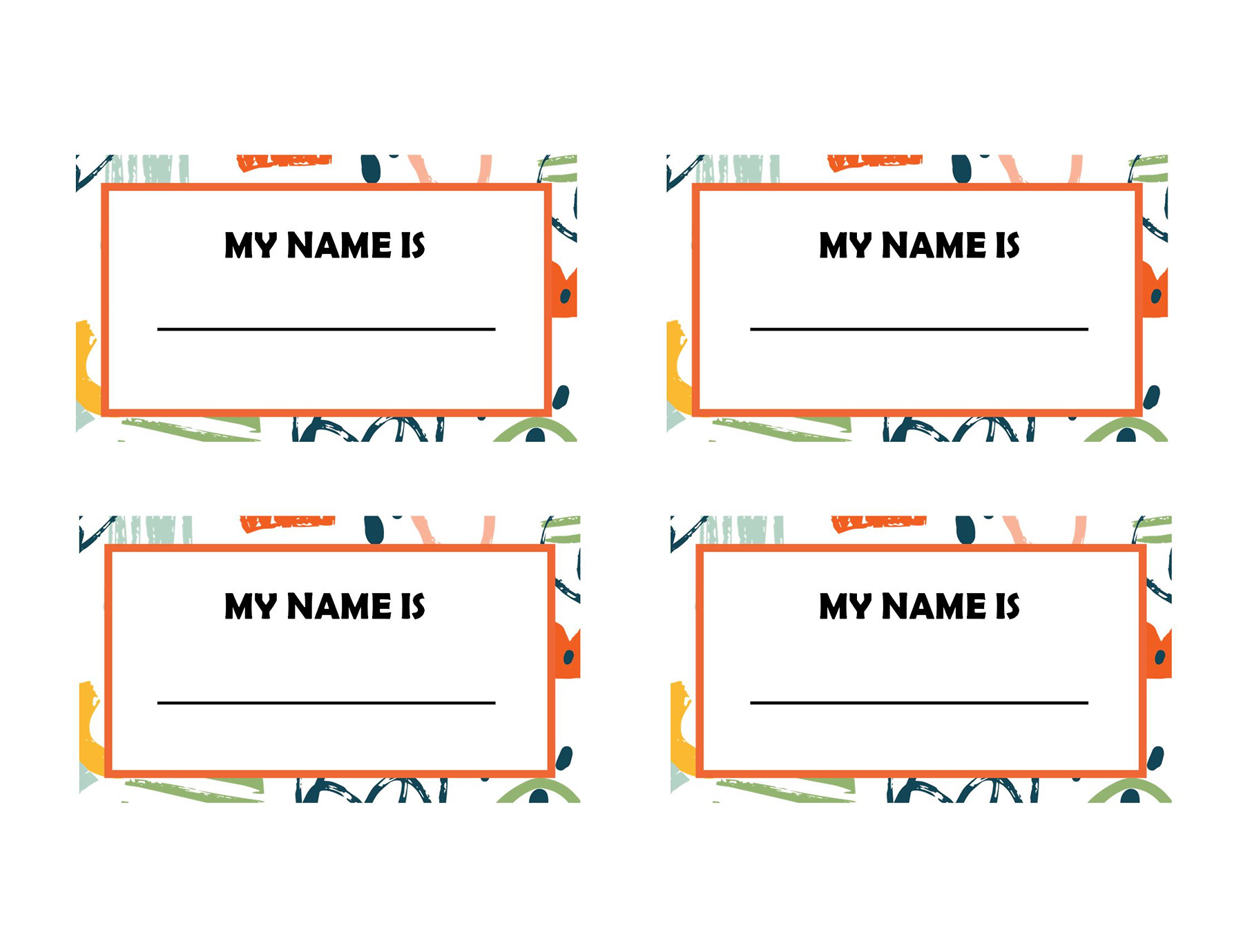
Name Tag Template 08
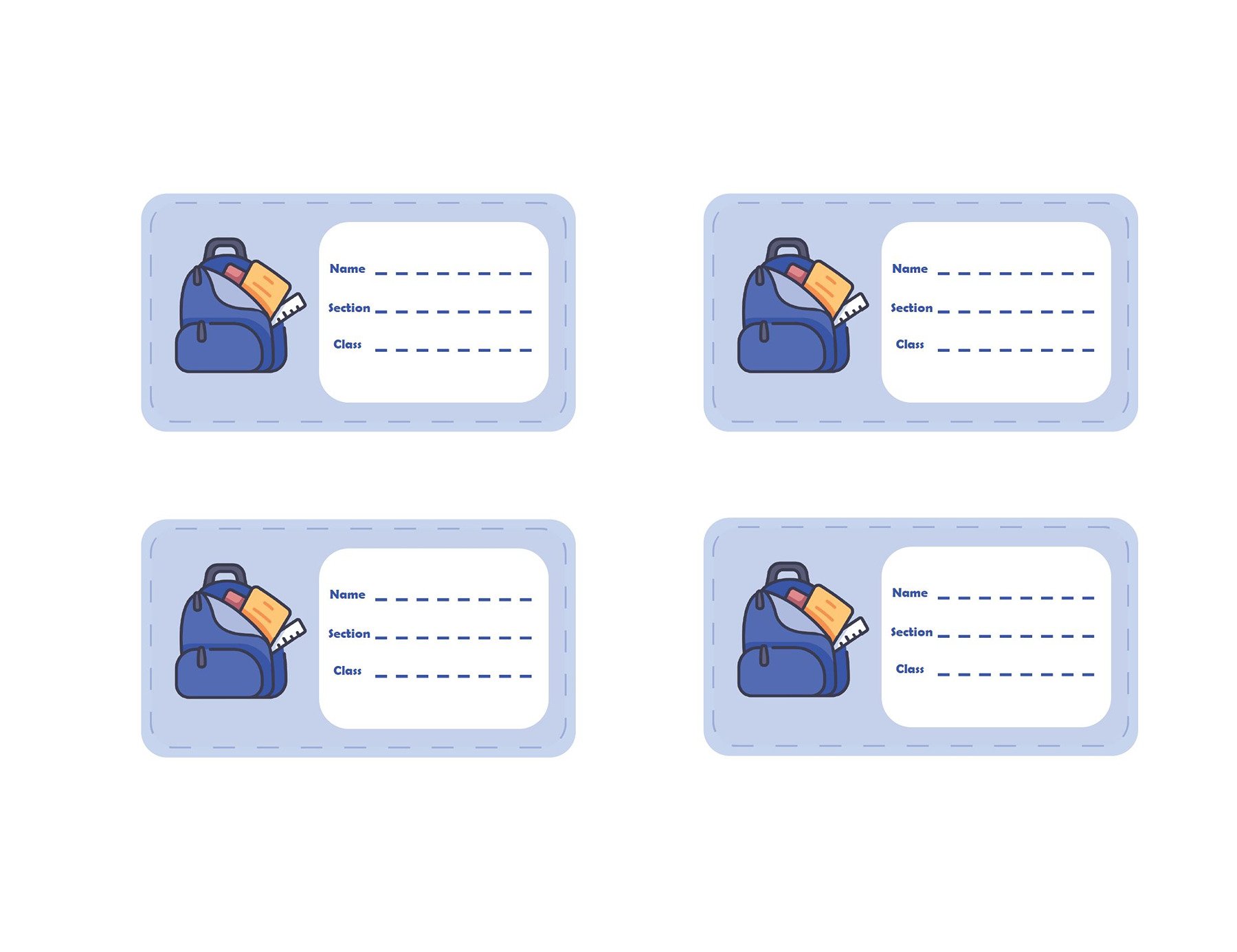
Name Tag Template 09
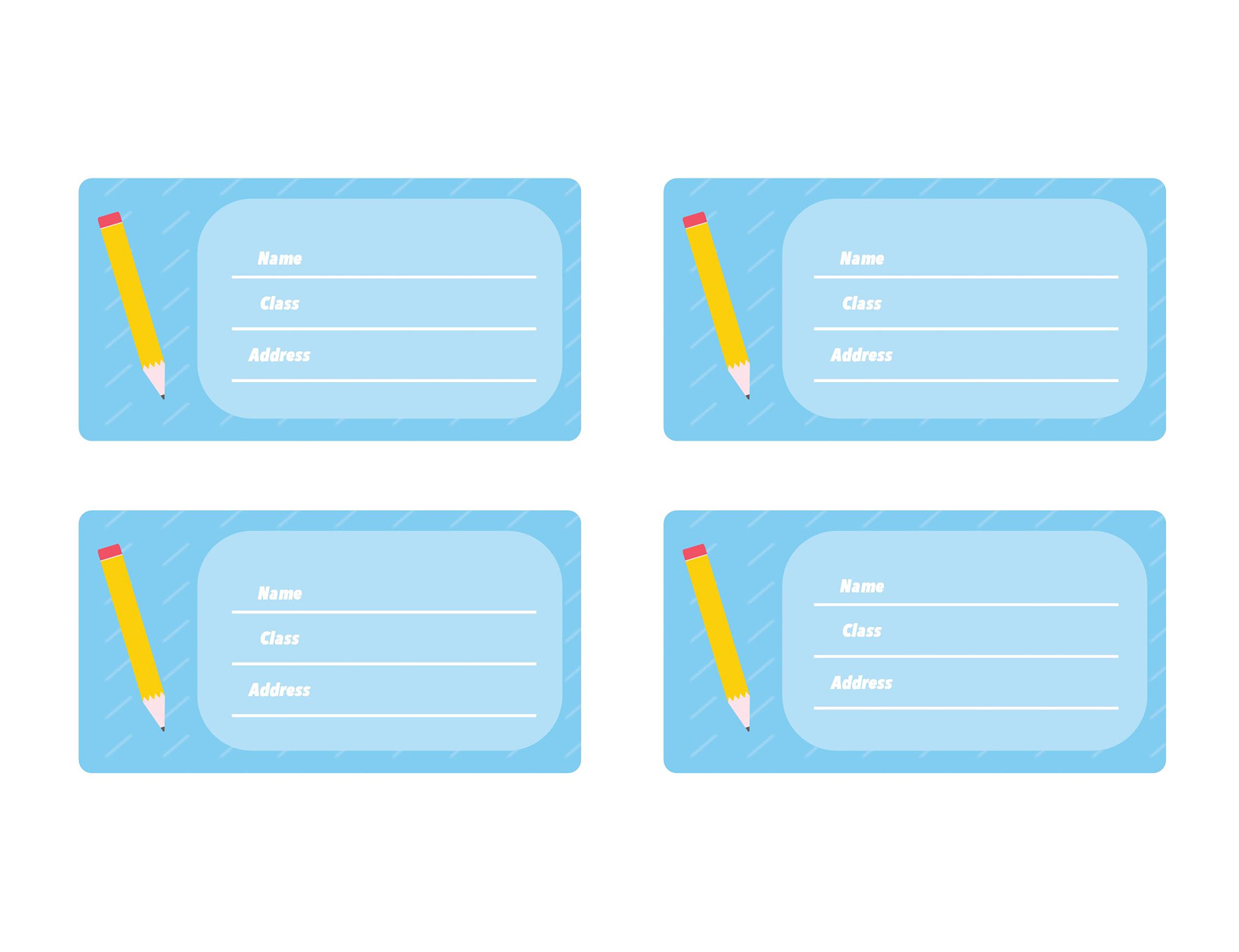
Name Tag Template 10
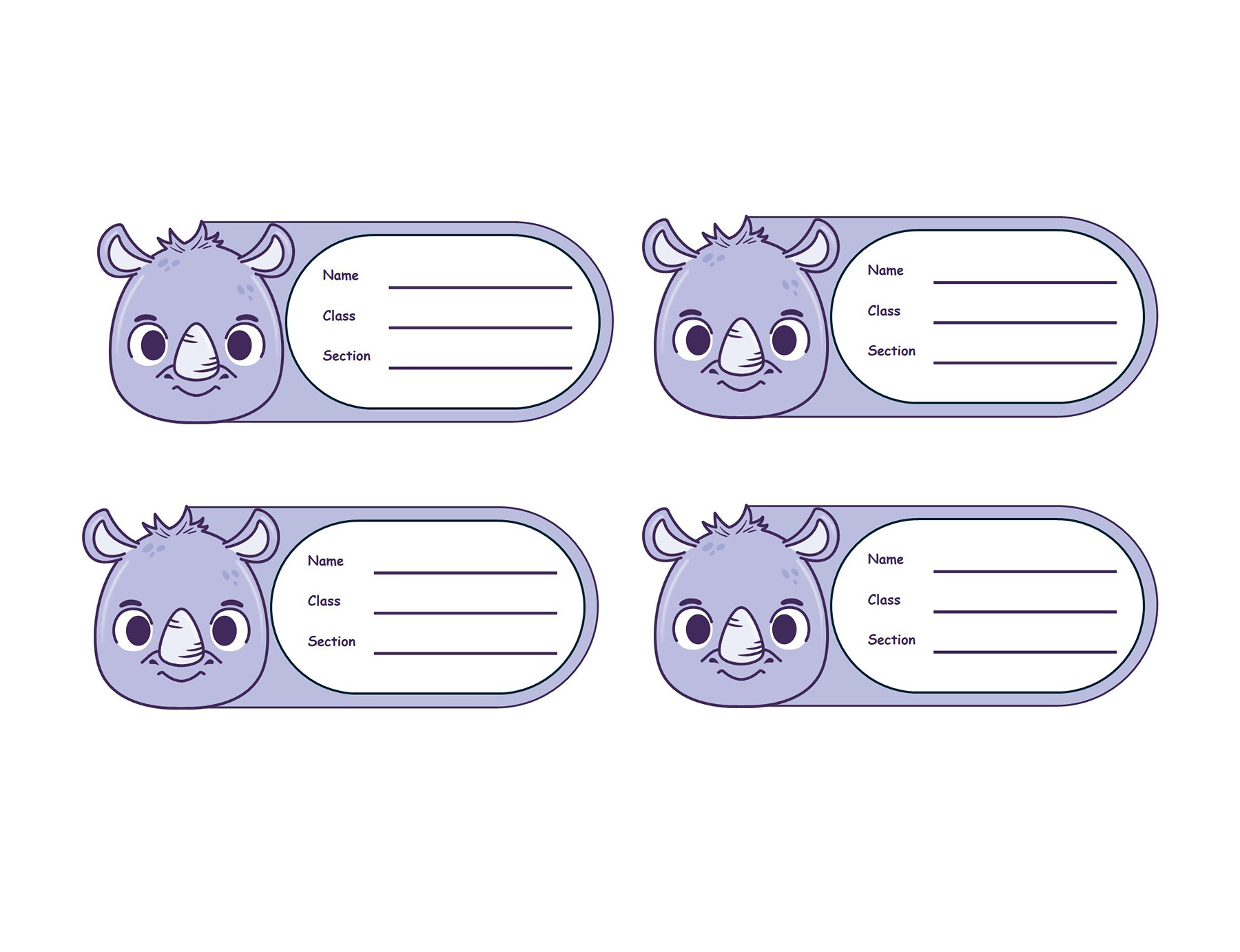
Name Tag Template 11
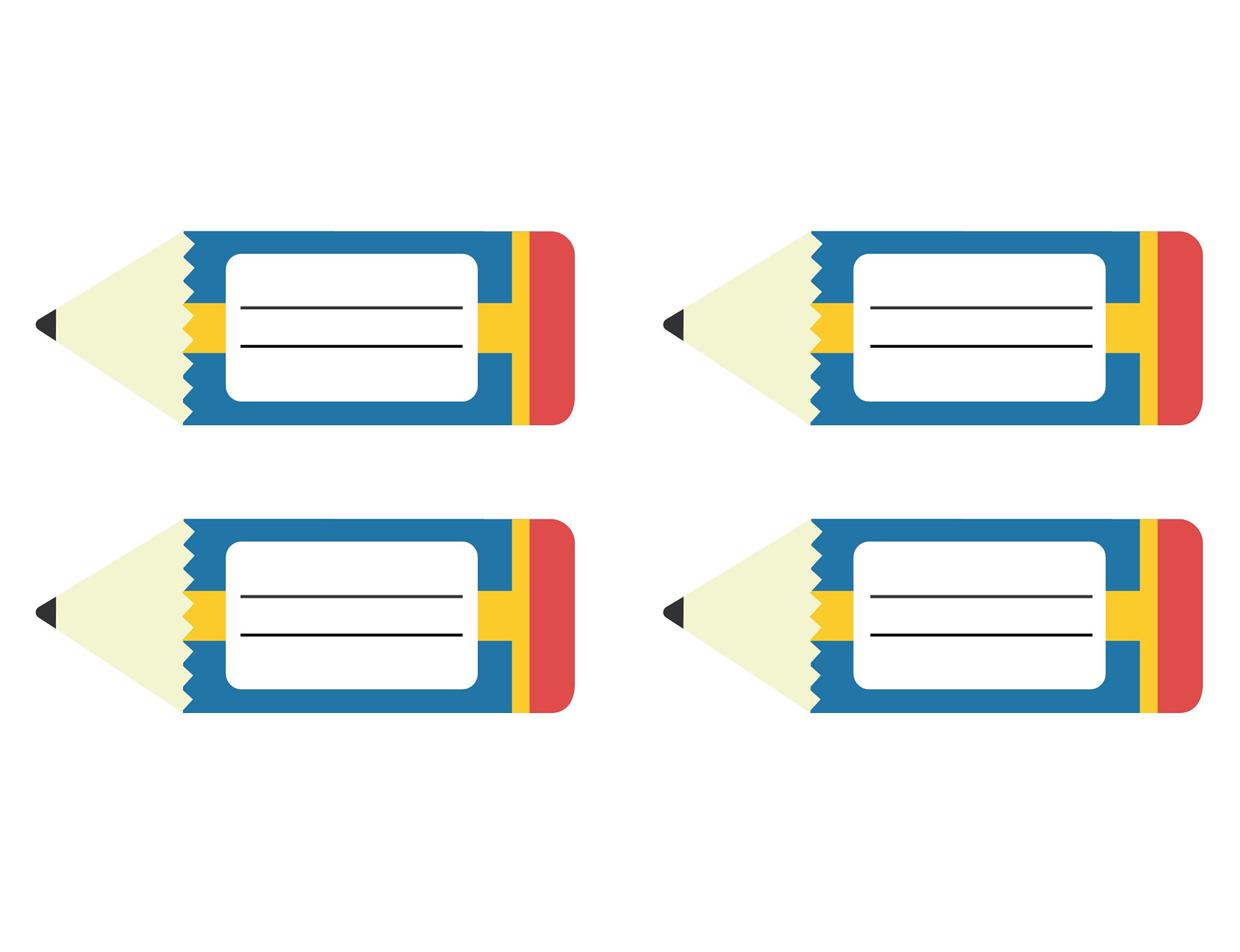
Name Tag Template 12
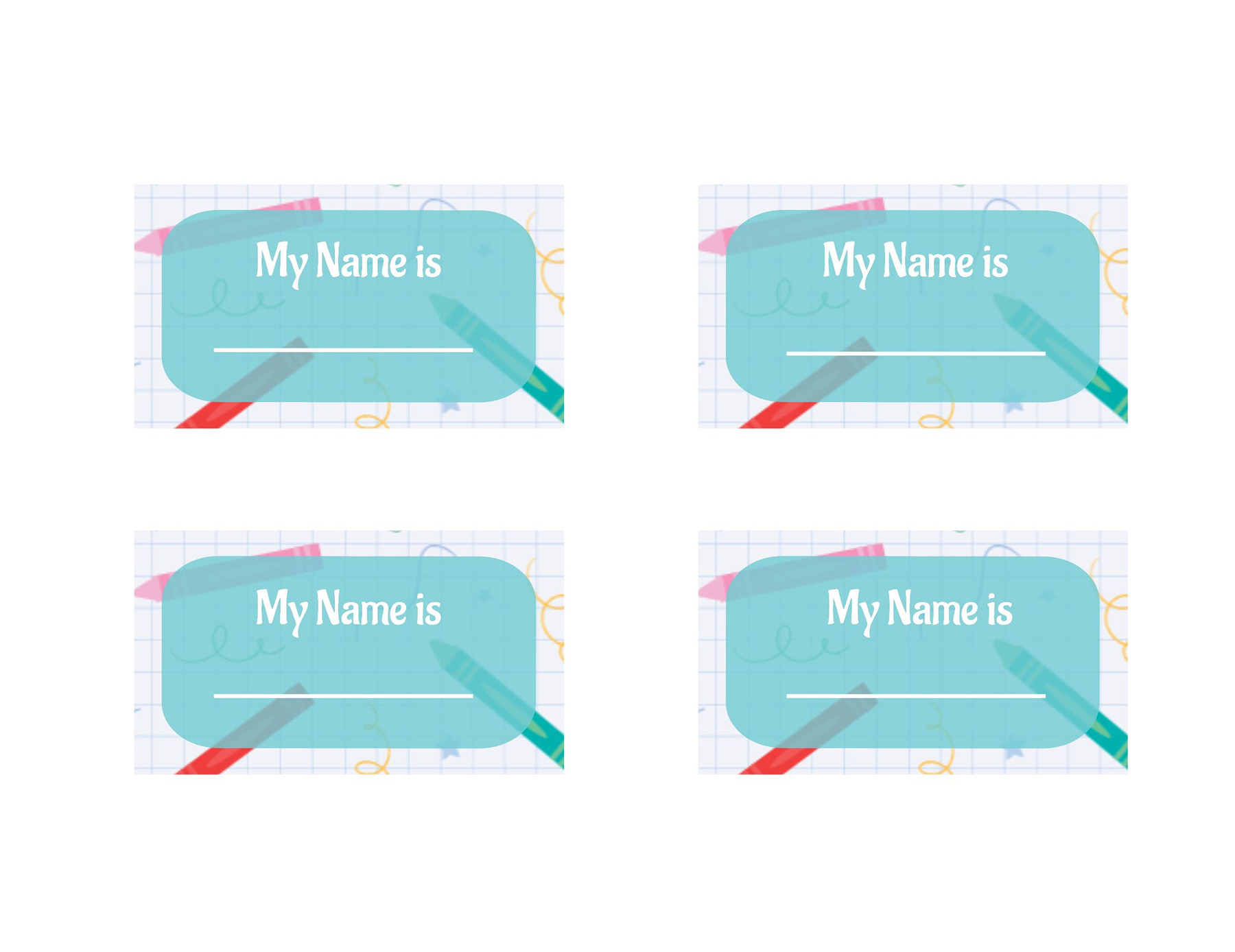
Name Tag Template 13
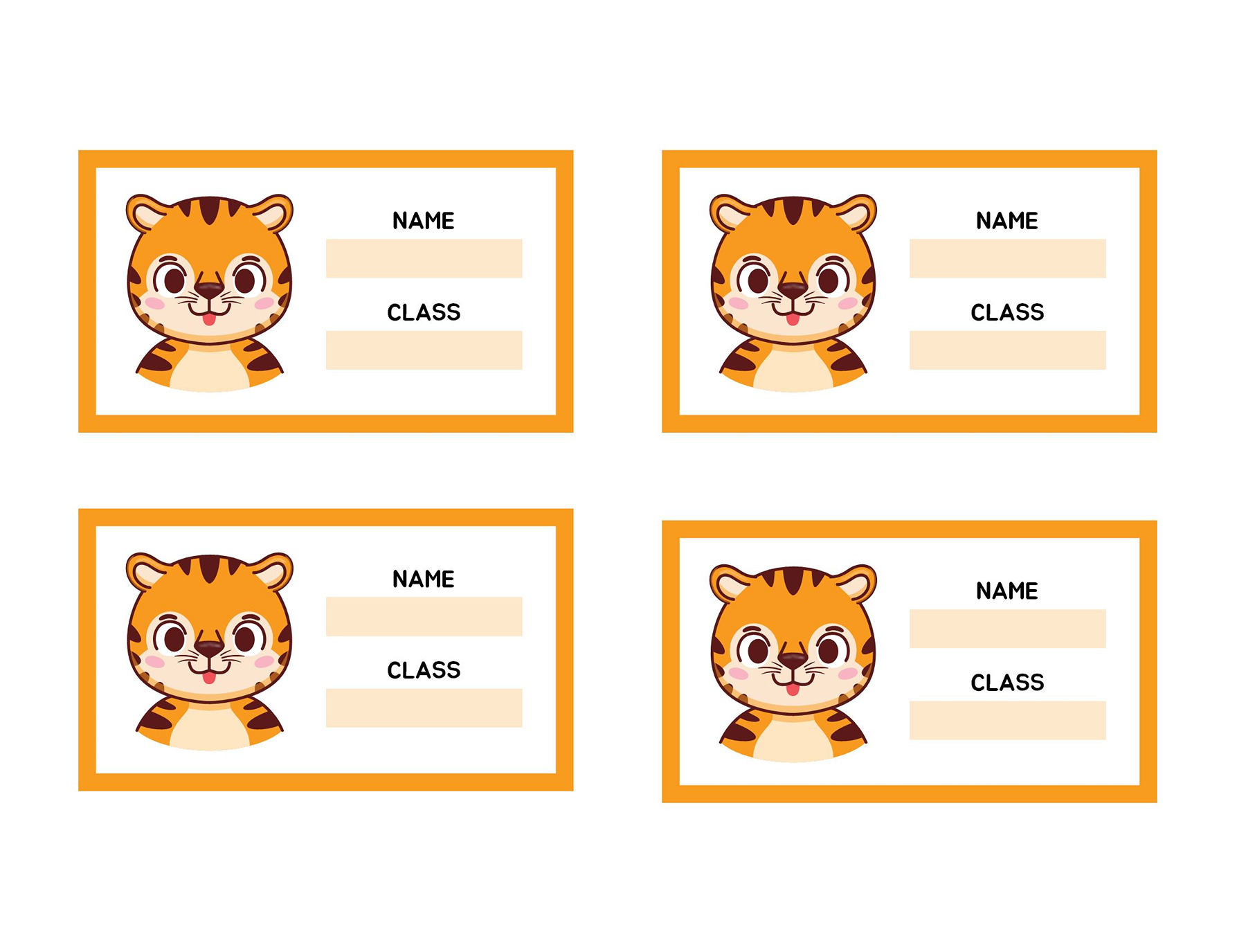
Name Tag Template 14
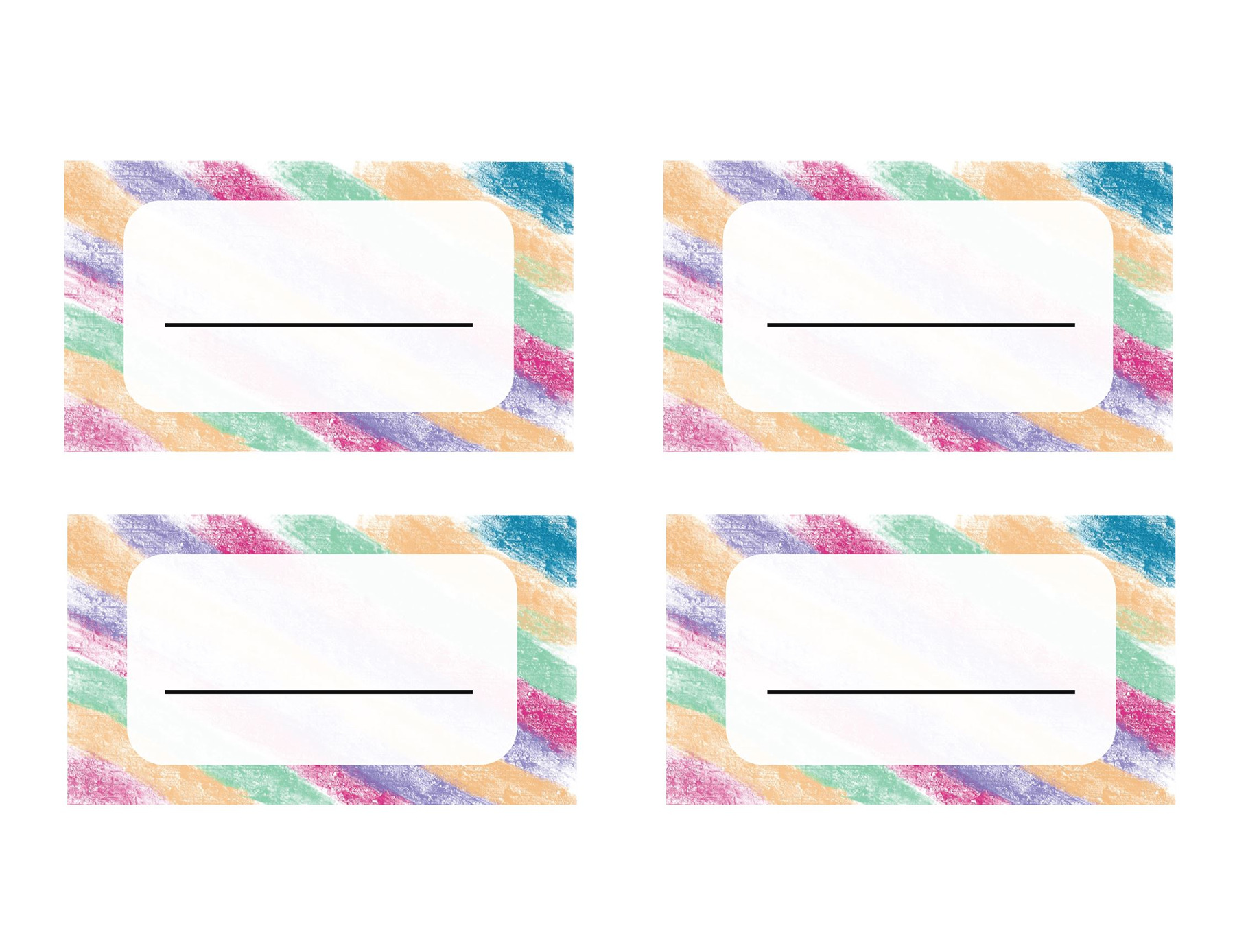
Name Tag Template 15
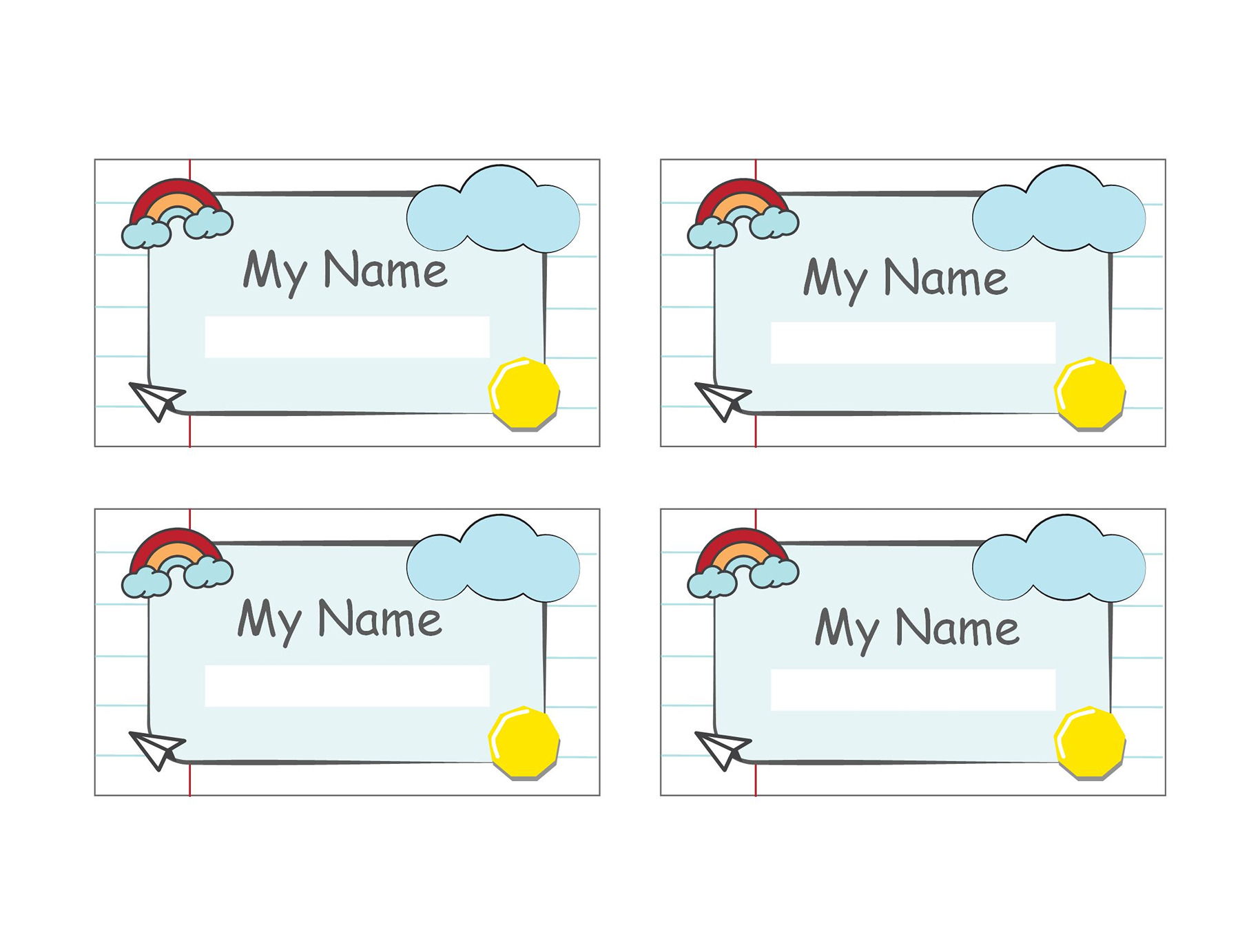
Name Tag Template 16
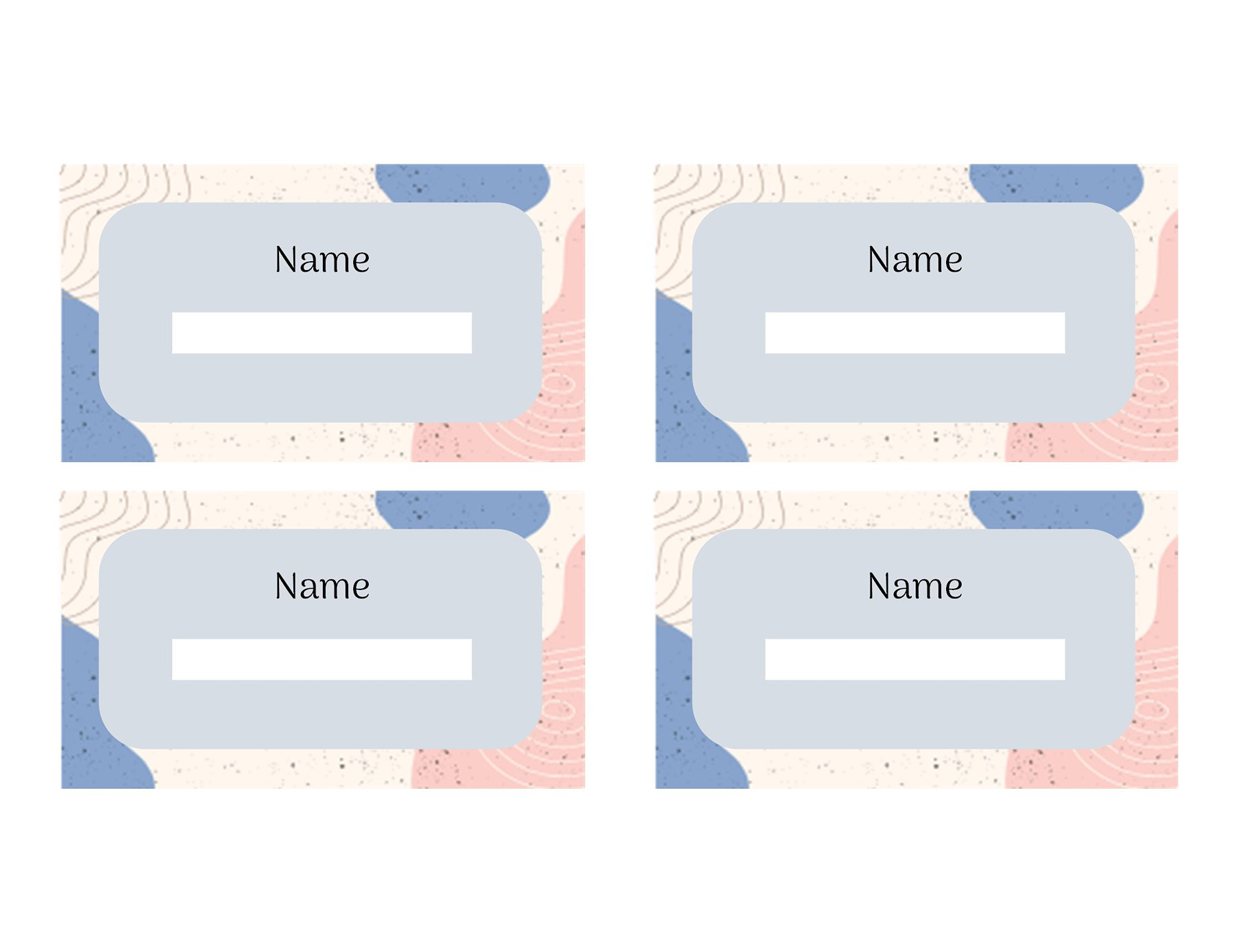
Name Tag Template 17
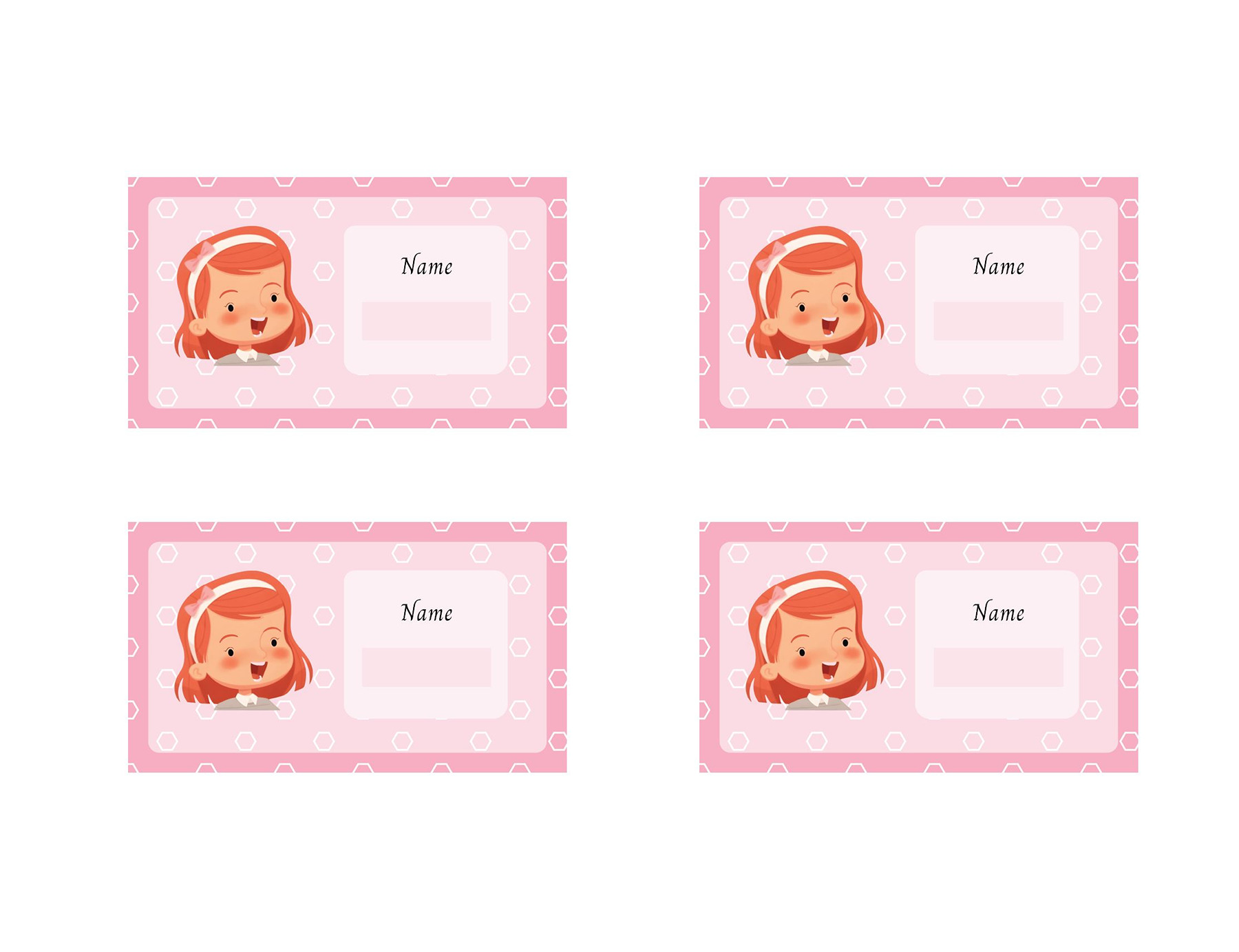
Name Tag Template 18
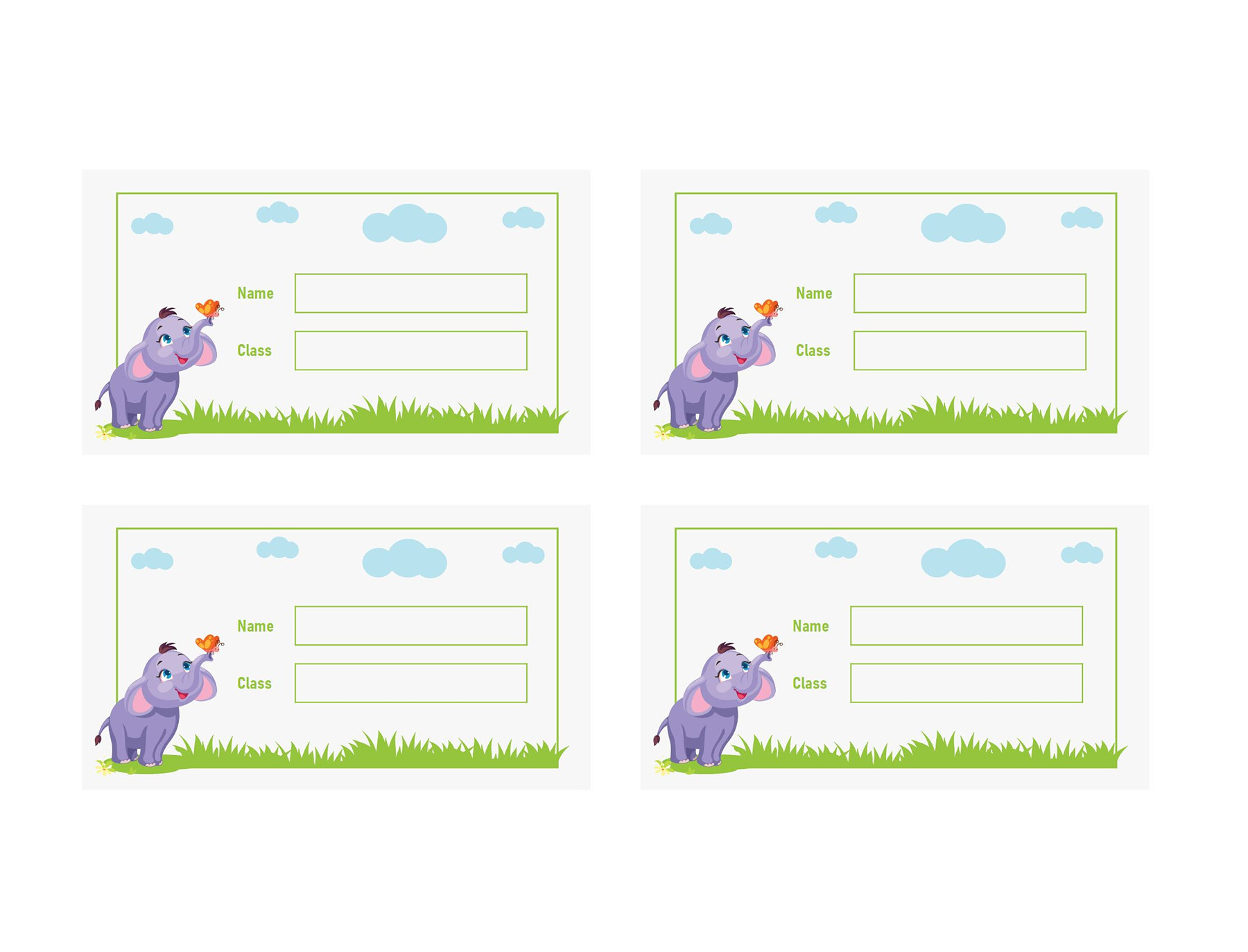
Name Tag Template 19
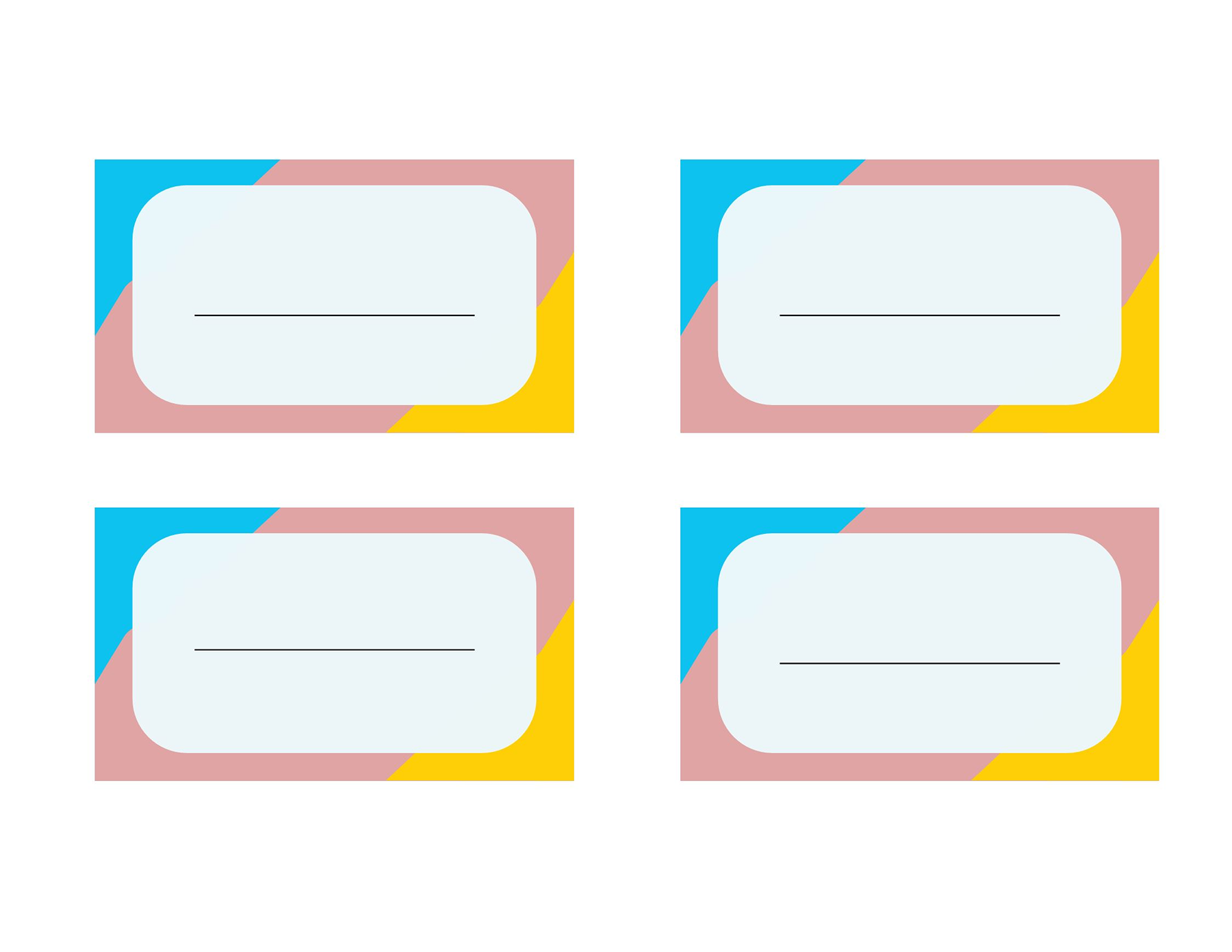
Name Tag Template 20
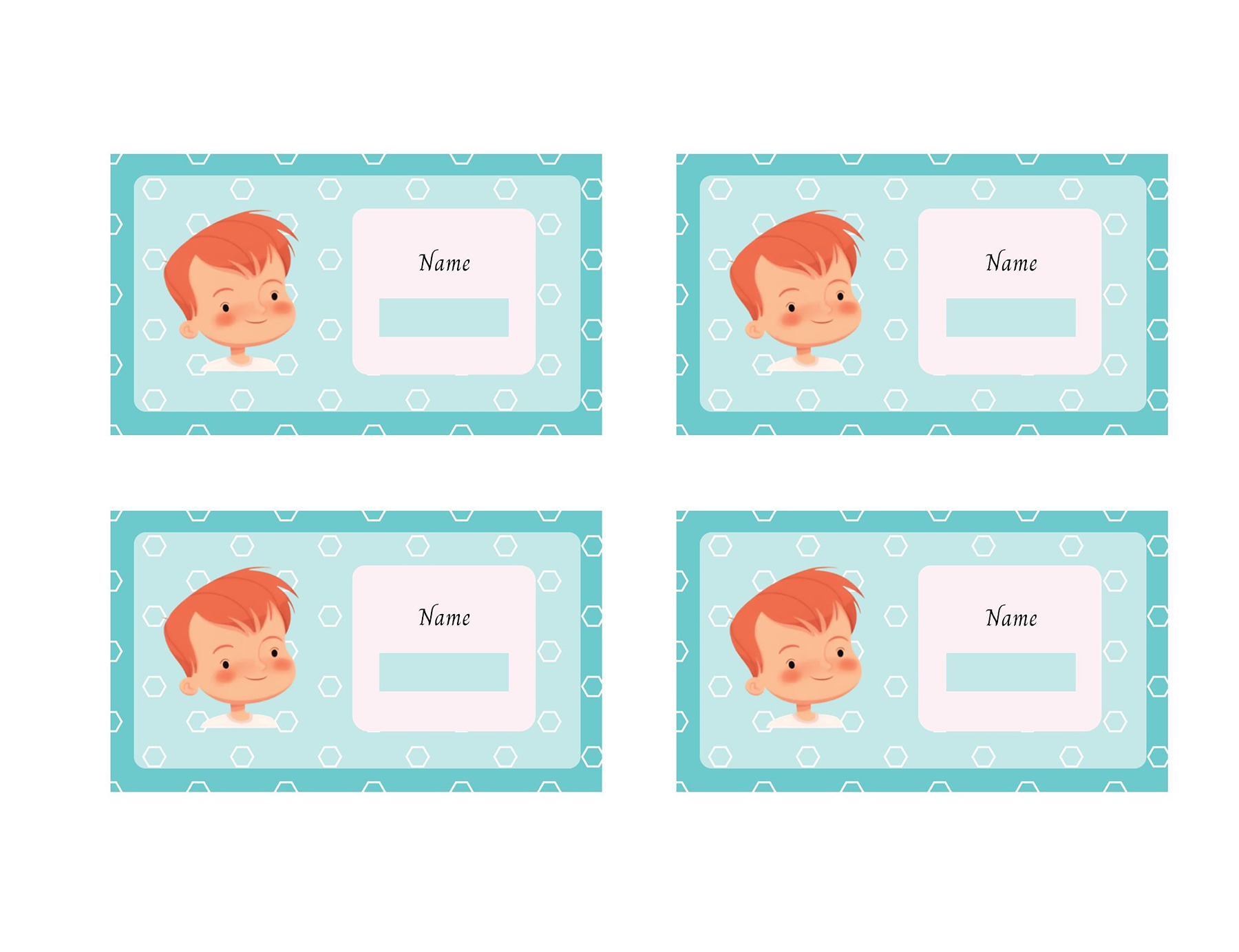
How to Edit a Student Name Tag Template to Make It Yours
Let’s clear one myth: you don’t need to be a designer or professional to get this job done. Just follow a few simple steps, and that’s all.
Step 1: Grab the right template
Explore our wide range of student name tag templates to choose one that actually goes with your vibe. For the classroom, always go with something clean and student-friendly.
Step 2: Tweak name and other details
Now, add each student’s name clearly, and if required, also mention roll number, section, or class.
Step 3: Adjust design
The template’s purpose is to make the name tag presentable. If you think it doesn’t go with the theme, you can adjust it by using readable fonts and soft colors.
Step 4: Print or share digitally
Once you’re sorted with editing and design, you can either print them or share them digitally (if required). Plus, don’t forget to do a quick spelling check because fixing 30+ name tags later is not a fun game at all.
Some Tips That Help You Design Name Tags More Effectively
Well, keep in mind one thing: designing a name tag isn’t about making it fancy; it is all about making it work instantly.
TIP 1: Keep text large and readable
If someone has to squint or lean in to read the name, what’s even the purpose of the tag? For this, always use large text and readable fonts that make a name easy to spot from a distance.
TIP 2: Do not make it a poster
Usually, teachers overcrowd a tag, making it feel like a poster. It is not necessary to add everything in there. Only stick to the important details,
TIP 3: Use contrast for better visibility
Light text on a light background? Well, it’s a terrible idea. Instead of this, go for a strong contrast, such as dark text on a light background, so everything pops and is easy to read in seconds.
At the End of the Day…
It is important that students feel a sense of familiarity on the first day of school. A name tag can add a little help to it. It allows teachers to call students by their names instead of “roll number 12” in order to make them feel recognized and create a comfortable environment, especially at the start of a new session.
However, we know that setting up a new classroom comes with a pile of responsibilities, and among everything, making a name tag from scratch feels like an extra burden. But a template can help you a lot. Just add names, maybe class or section, print them out, and you’re done.
Frequently Asked Questions
What size should a name tag be?
It totally depends on how you’re using it, but a common size that you should use is 3 x 4 inches.
Are name tag templates printable?
Absolutely! The templates both come in downloadable and printable formats, so you can download, edit, and print on regular paper.
Which format is best for editing name tags?
Every template of ours has an editable format like Google Slides and PowerPoint that is simple to use for quick edits. In case you want more design control, you can go for tools like Canva.
About This Article