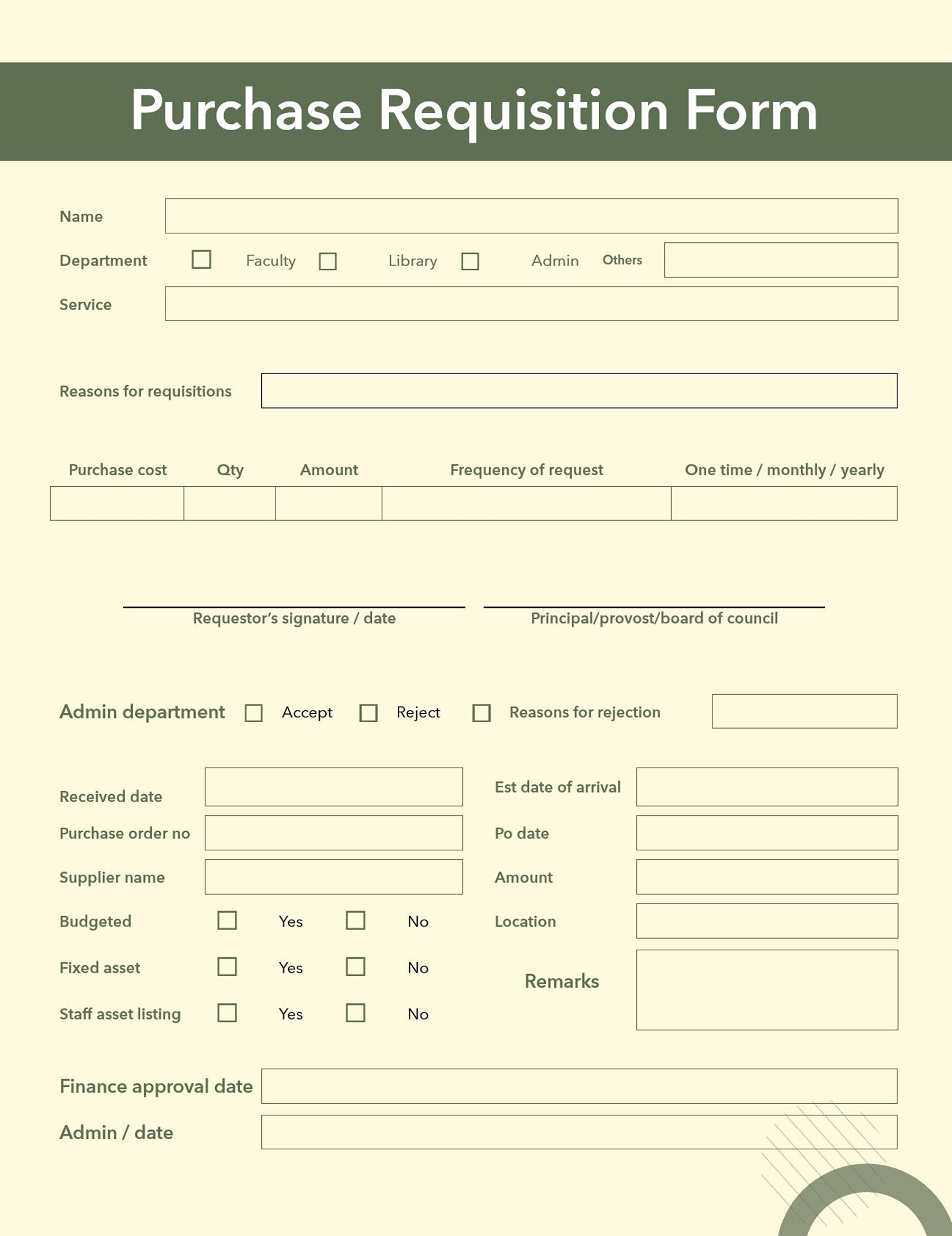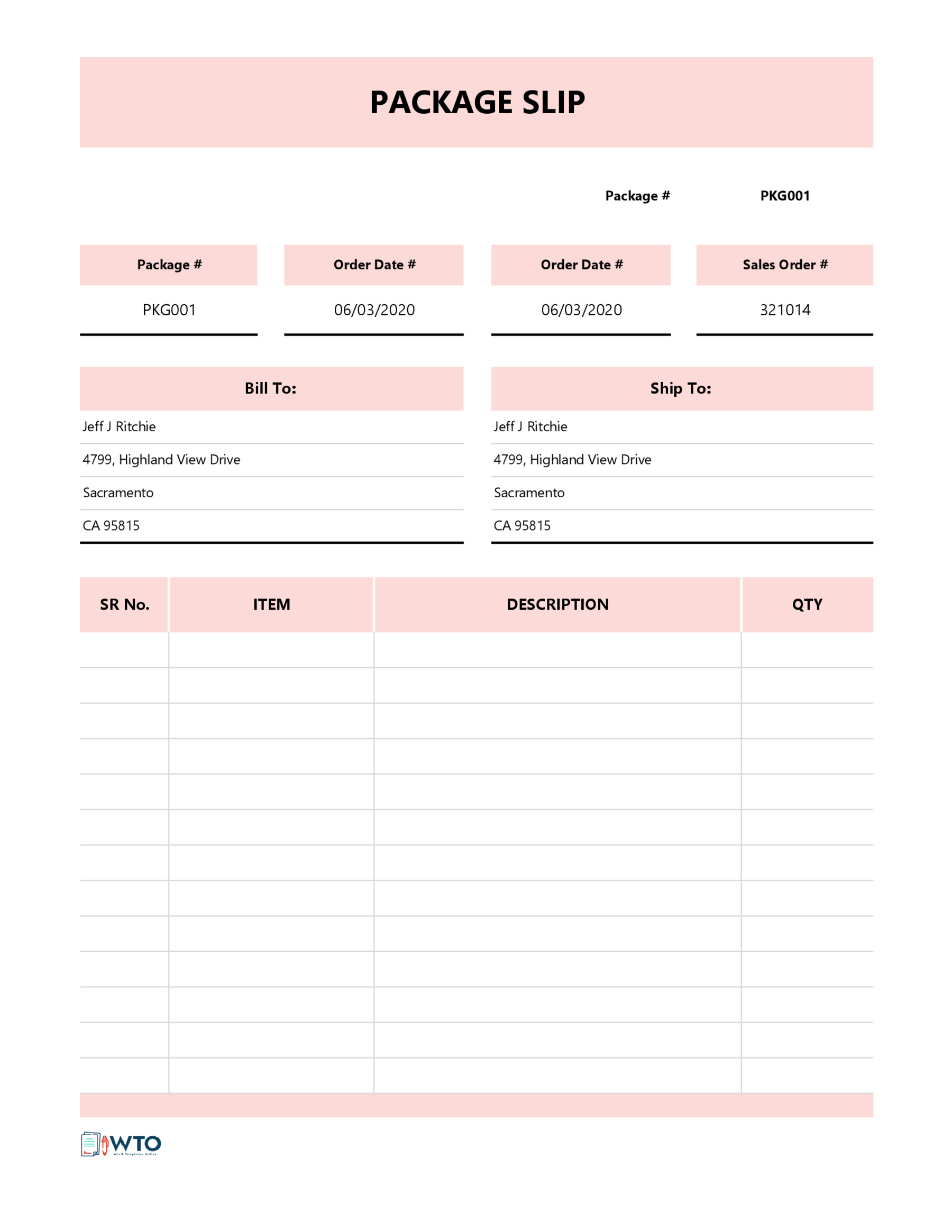
A work order template is a structured document that is used to outline and delegate tasks such as repairs, maintenance, installations, etc. It includes elements such as job description, costs, deadlines, personnel, etc. You can use the template in printed or digital form, and you can also customize it to suit different industries such as maintenance, landscaping, inspection, etc. In this article, we have covered various topics on the work order template, i.e., its purpose, components, types, and common mistakes to avoid.
Purpose and Importance of a Work Order Template
- It simplifies assignments to make sure that work orders are consistent and accurate to prevent confusion.
- It reduces errors and delays by providing a standard format that minimizes the likelihood of missing important information.
- It promotes efficient resource allocation by including fields that estimate materials, labor, and tools requirements, which helps managers avoid shortages.
- It allows for tracking and record keeping by providing a digital or paper trail, which can be used for audits, budgeting, analysis, etc.
- It allows for scheduling so that regular tasks such as maintenance can be done on time.
Key Components of a Work Order Template
A work order template is a standardized document has the following components that makes it effective:
Header information
This appears at the top of the template. Include the company name, logo, contact information i.e. email, phone number and address. The header highlights the identity of the service provider and how they can be reached for questions or follow-ups.
Work order number and date
Every worker has a unique work order identification number and the date it was issued. The reference ID allows for easier tracking and prevents duplication by helping workers refer to specific tasks without confusion.
Client or customer details
This is where the template captures the client details. Write the client’s or organization’s name, contact details i.e., email, phone number, and address. Remember to also indicate the location where the work will be done. This makes sure that the right work is done and at the right place.
Description of work or services
This is an important part of the template. It is where you will outline the tasks to be don,e including objectives, instructions, etc. This will lead to accurate and efficient completion of work.
Materials and equipment needed
This is the section where you include any tools, parts or machinery that is required to complete the work. Also indicate the quantities and specifications needed for effective cost estimation. Proper planning prevents unplanned interruptions during workflow.
Assigned personnel
These are the people tasked with undertaking the job. Write their names, contact details, and roles to promote accountability and allow for smooth coordination of activities.
Start and completion dates
Indicate the start and completion dates to show how long the work is expected to be carried out. This helps with scheduling, performance tracking, and time management.
Approval and signature sections
This is the last section of the template. It provides space where the supervisors, workers and clients can sign to approve the work order after reviewing. A client’s signature shows that the work has been completed to their satisfaction, while the supervisors’ or workers’ signatures show approval to proceed.
Types of Work Order Templates
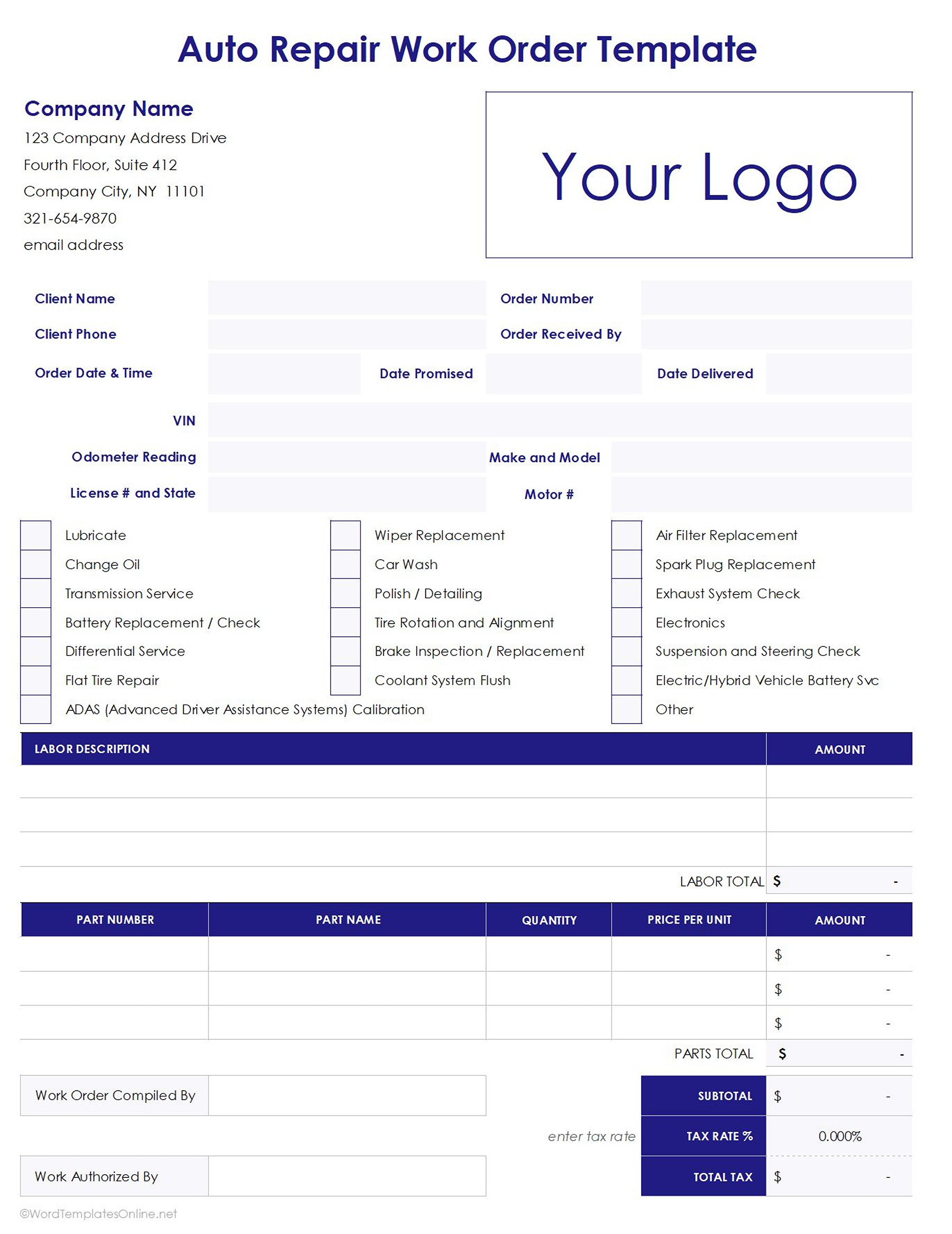
Auto repair work order template
This template is designed for car garages to help mechanics record services provided clearly and manage billing. It has sections such as labor hours, vehicle details, parts used, problem diagnosis, etc.
Download
Download
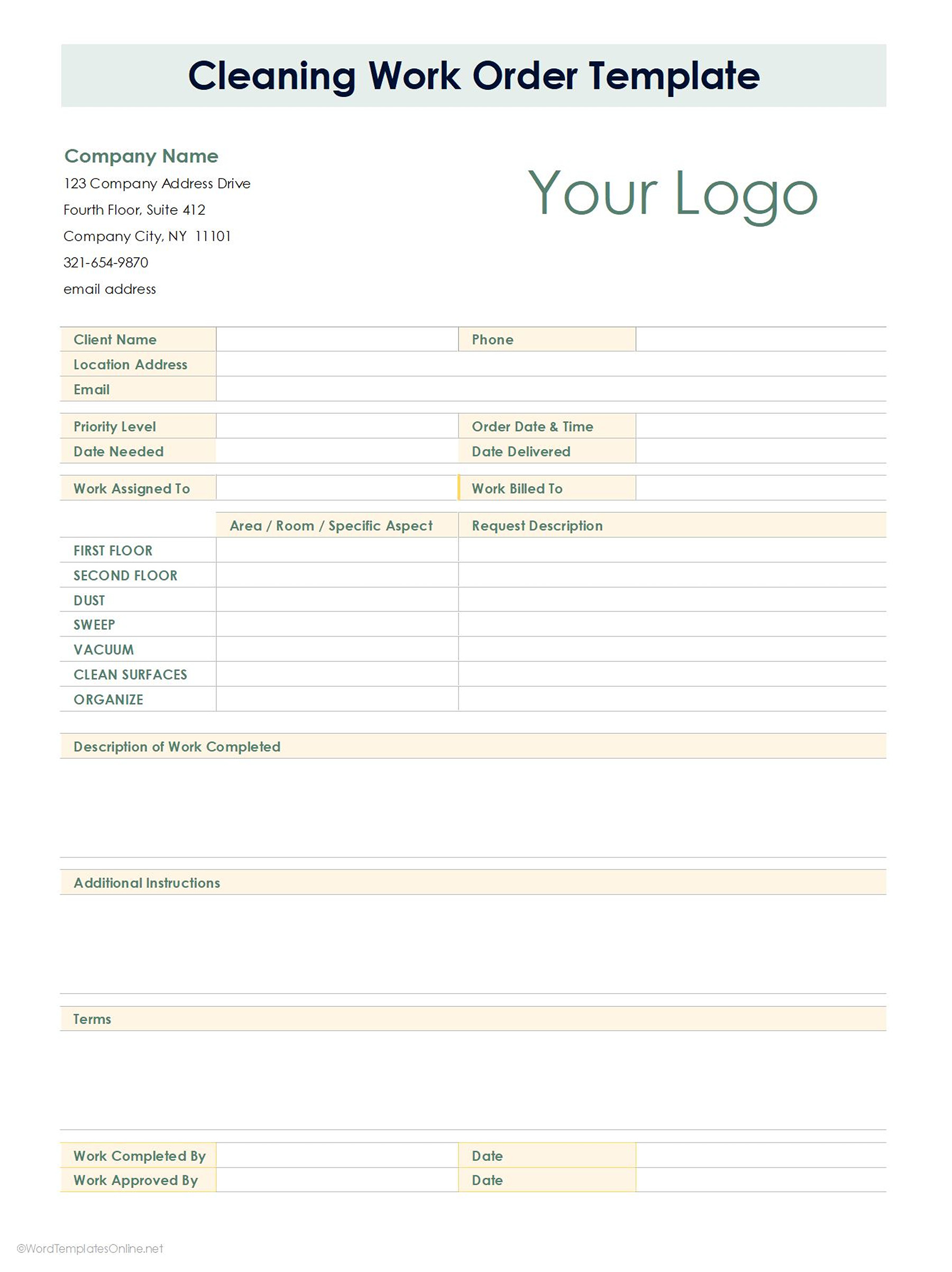
Cleaning work order template
It is used by companies that provide cleaning services to maintain consistency in cleaning routines and offer quality. It highlights tasks that need to be completed such as supplies needed. The types of cleaning work include: window cleaning, vacuuming carpets and seats, floor scrubbing and cleaning, power washing, dry cleaning, etc.
Download
Download
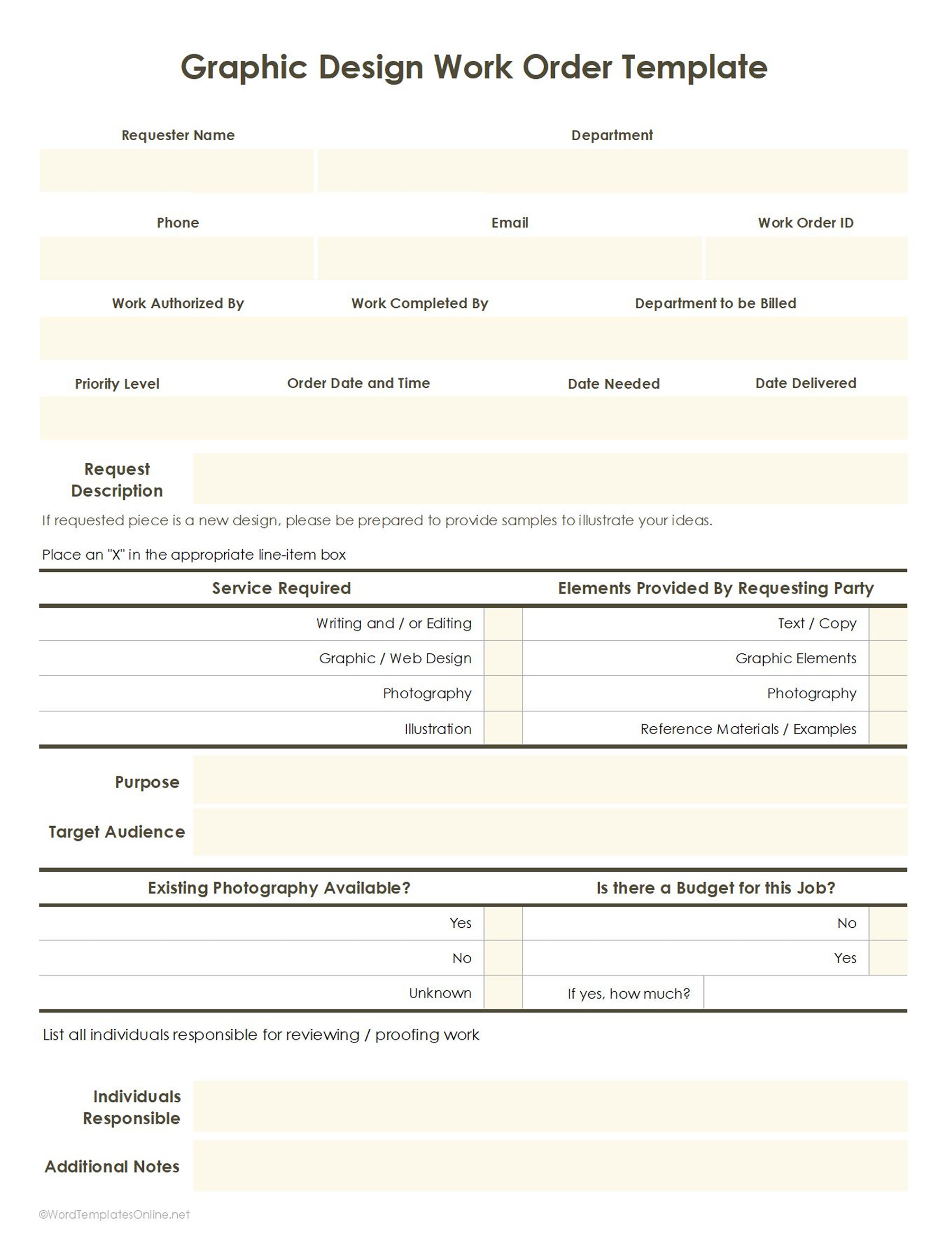
Graphic design work order template
It is used by designers and creative companies to clarify expectations. It includes details such as deadlines, project scope, client details, design specifics such as size, format, etc.
Download
Download
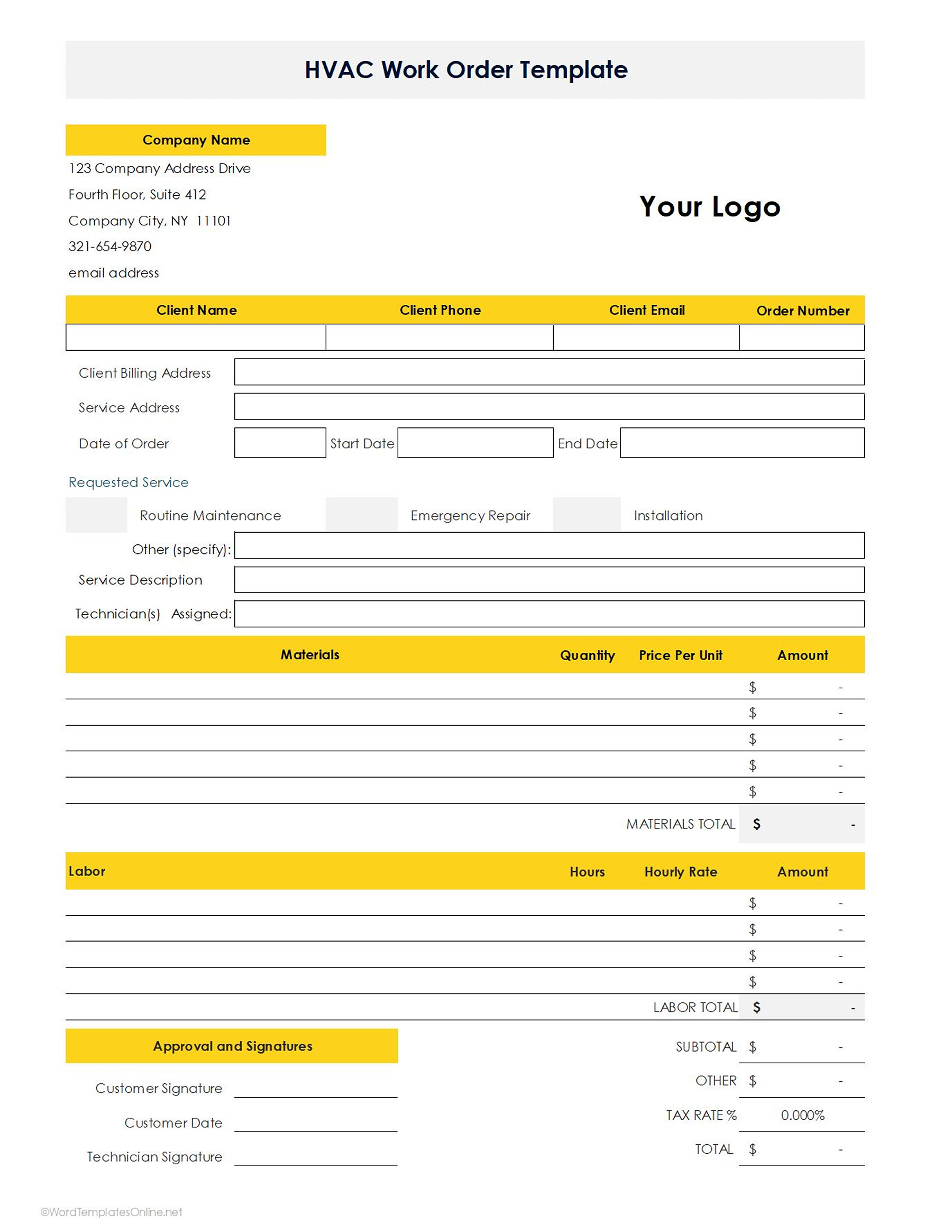
HVAC work order template
This template is used in HVAC service providers i.e. heating, cleaning, ventilation and air conditioning. It includes details such as parts replacement, equipment serviced, system diagnostics, etc.
Download
Download
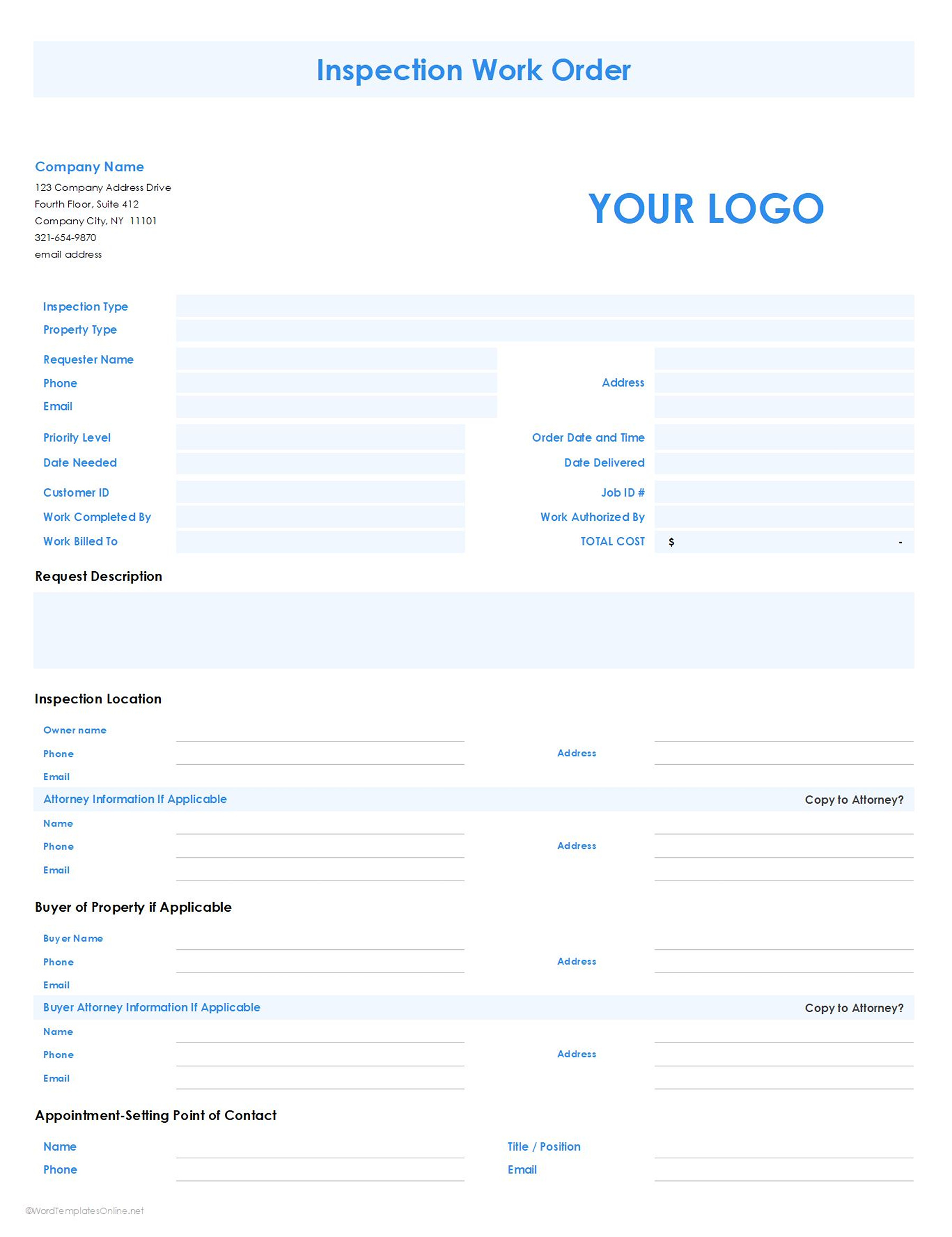
Inspection work order template
This template is used when conducting safety, property or quality inspections. It covers fields such as compliance standards, checklists, location details, inspection criteria, etc. that helps organizations document results.
Download
Download
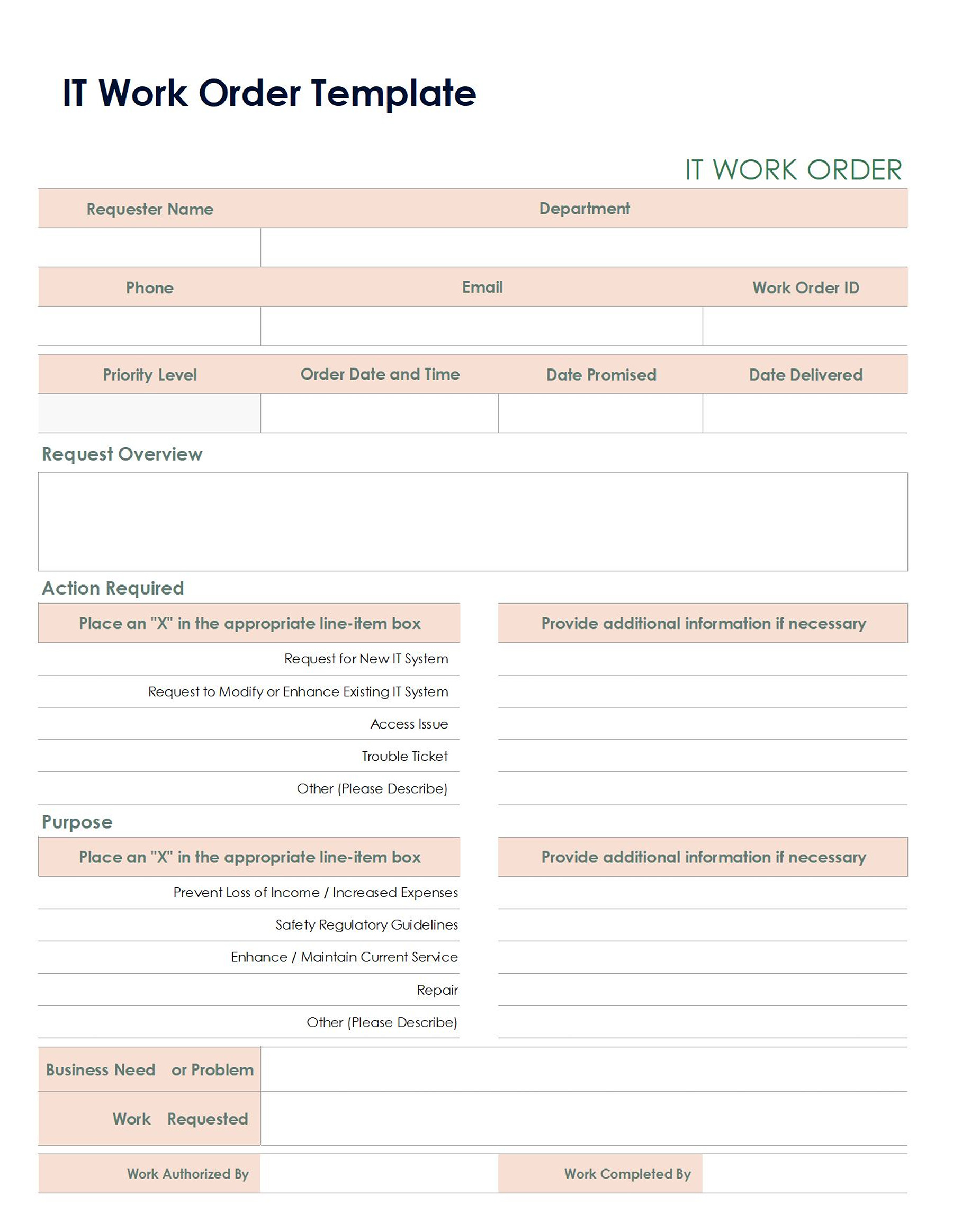
IT work order template
It is used by IT departments and includes details such as problem description, resolutions, affected systems, etc. It is used by companies to help maintain system reliability.
Download
Download
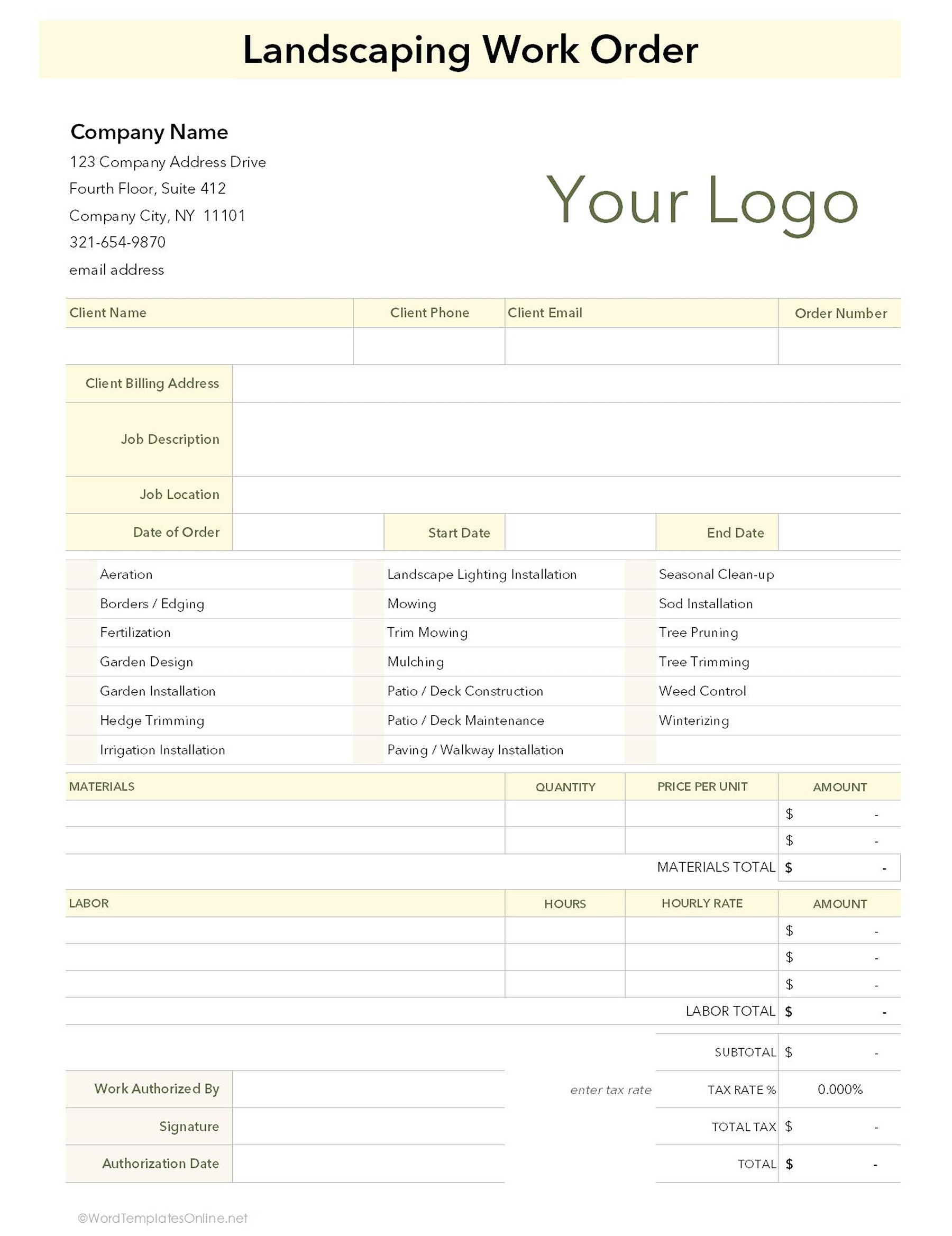
Landscaping work order template
This is for companies that offer landscaping services. It has sections that require details such as scope of work, materials needed, timelines, etc. and can be used for commercial or residential landscaping.
Download
Download
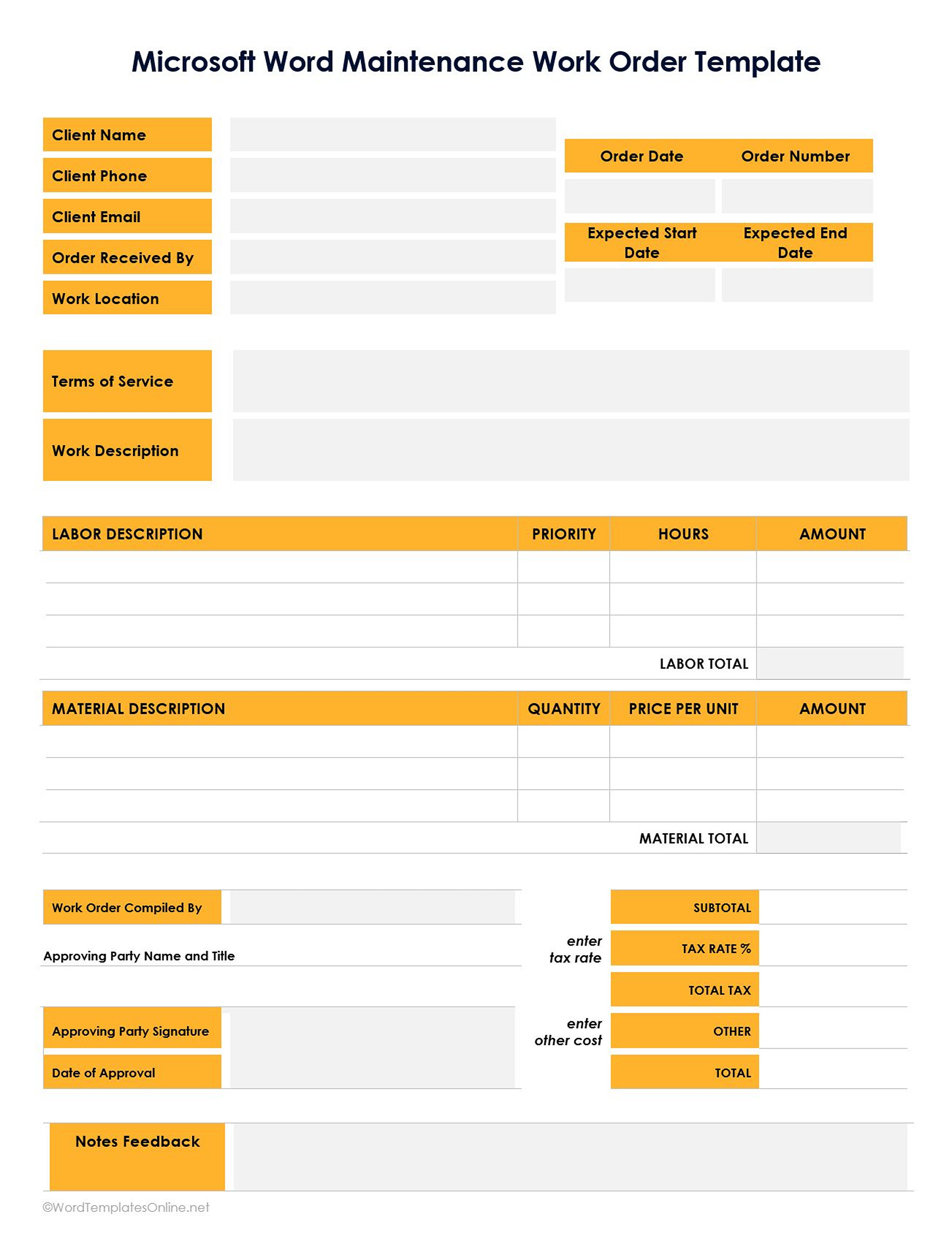
Maintenance work order template
This template is used across different industries to carry out emergency or routine maintenance. It includes details such as safety checks, repair history, service, etc., which helps companies prevent unexpected breakdowns.
Download
Download
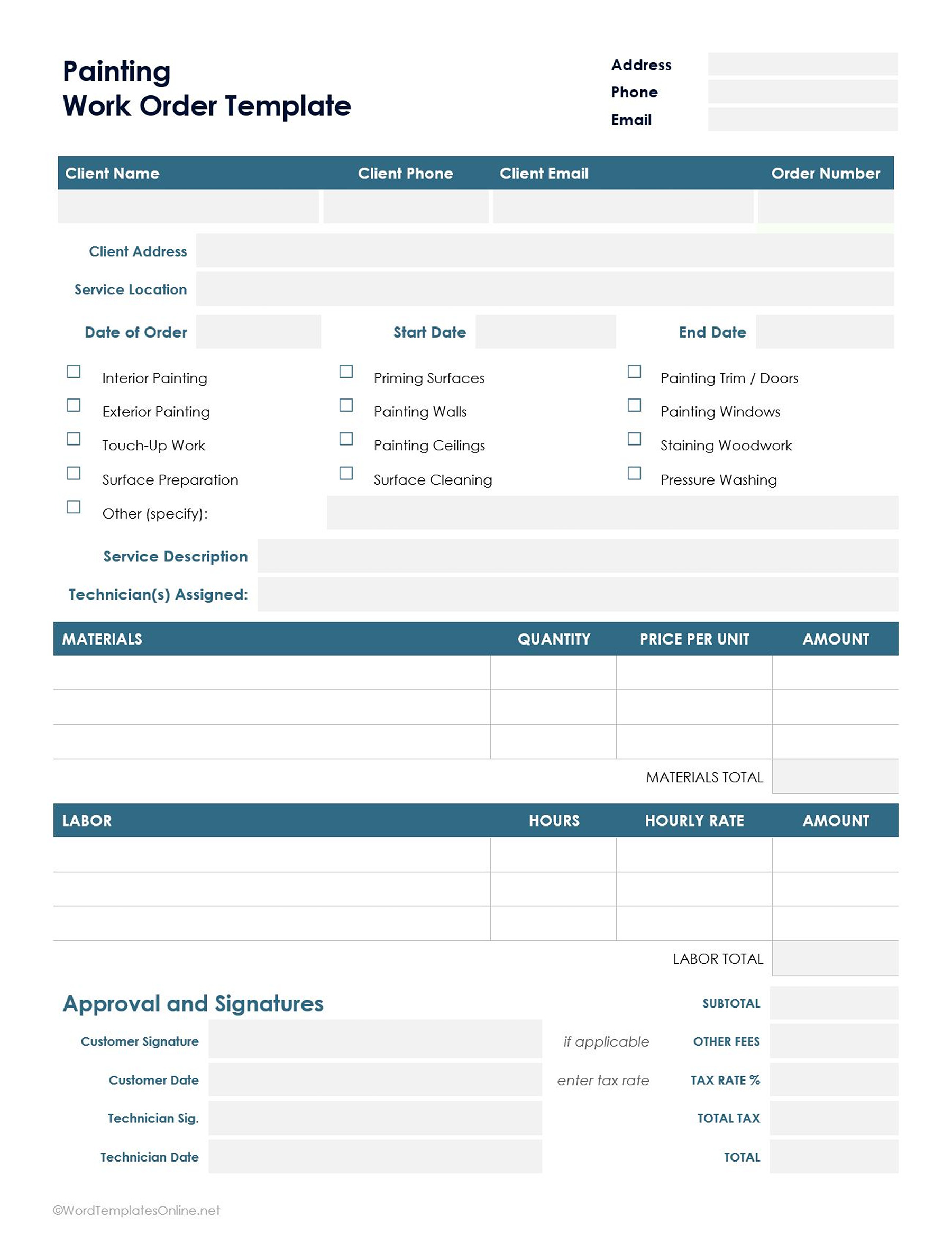
Painting work order template
It is used by painters to cover details such as surface preparation instructions, color codes, timelines, job phases, paint type, etc. It makes sure that there is accuracy in preparation and application.
Download
Download
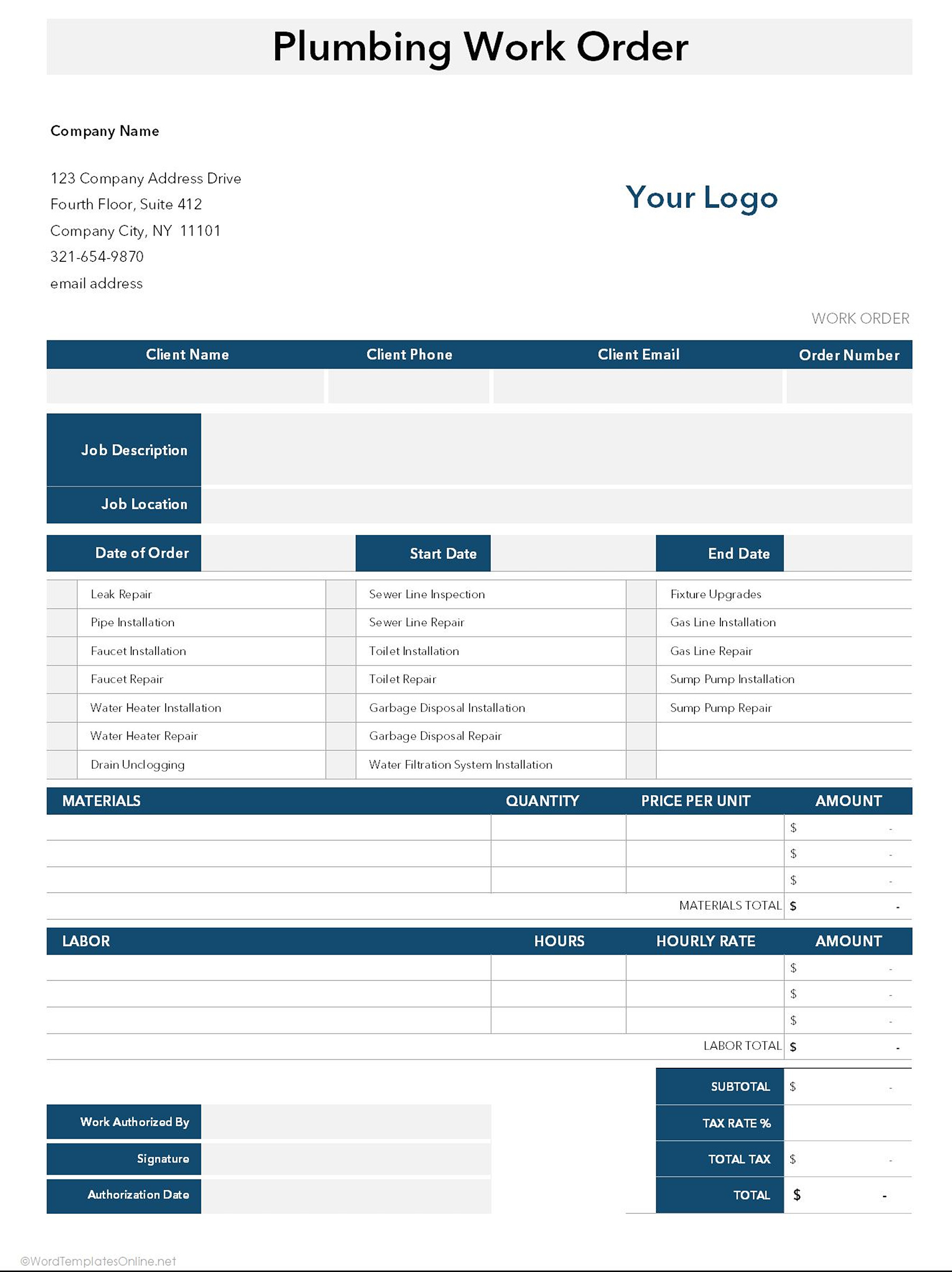
Plumbing work order template
It is used by plumbers to document repair costs, labor, material costs, etc. It contains details such as service location, client name, etc., for proper recording and billing.
Download
Download
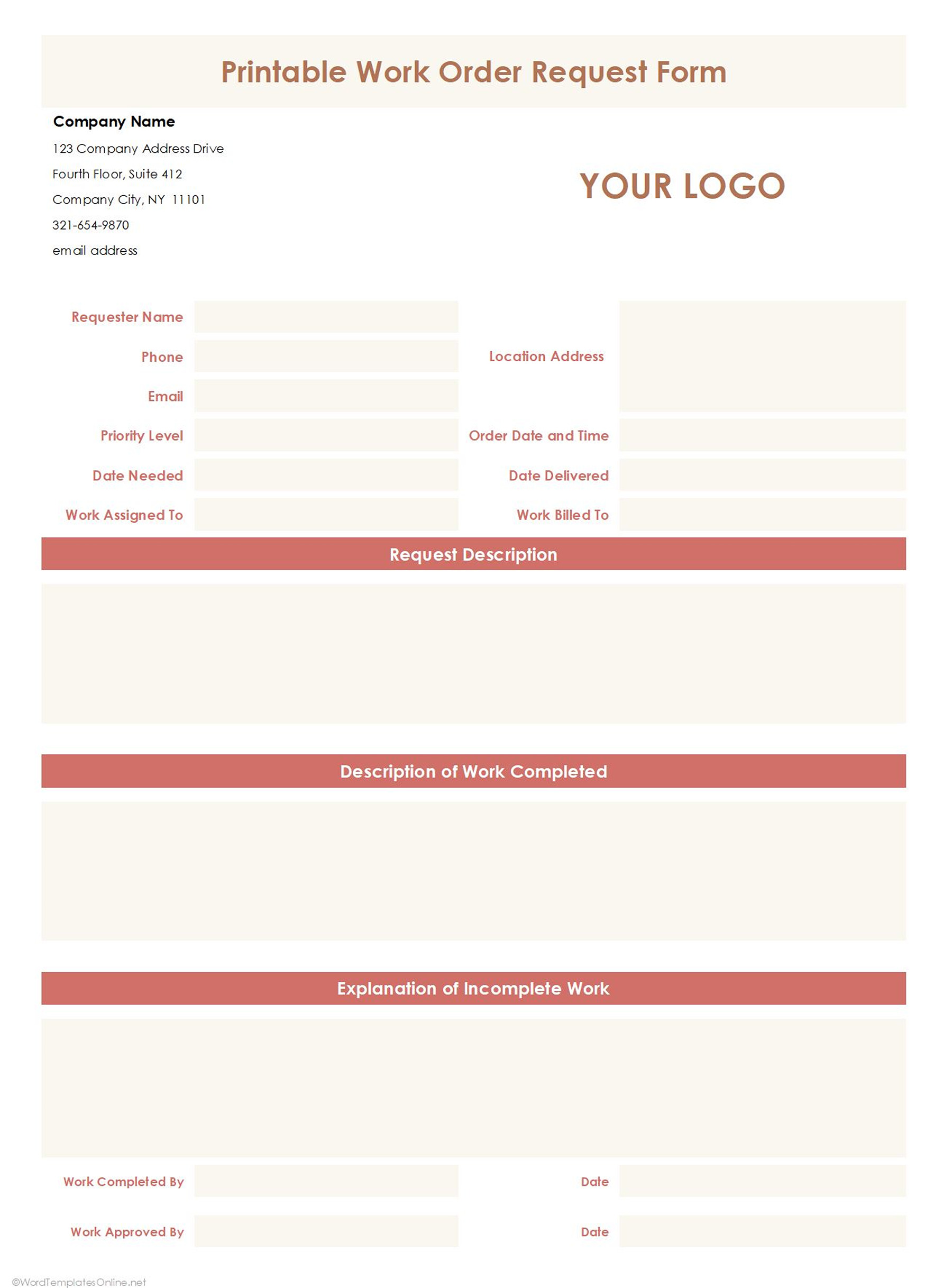
Printable work order template
It is a general-purpose template that you can print and fill out manually. However, it is best suited for businesses where paperwork is preferred. It has editable fields that you can customize to suit different jobs.
Download
Download
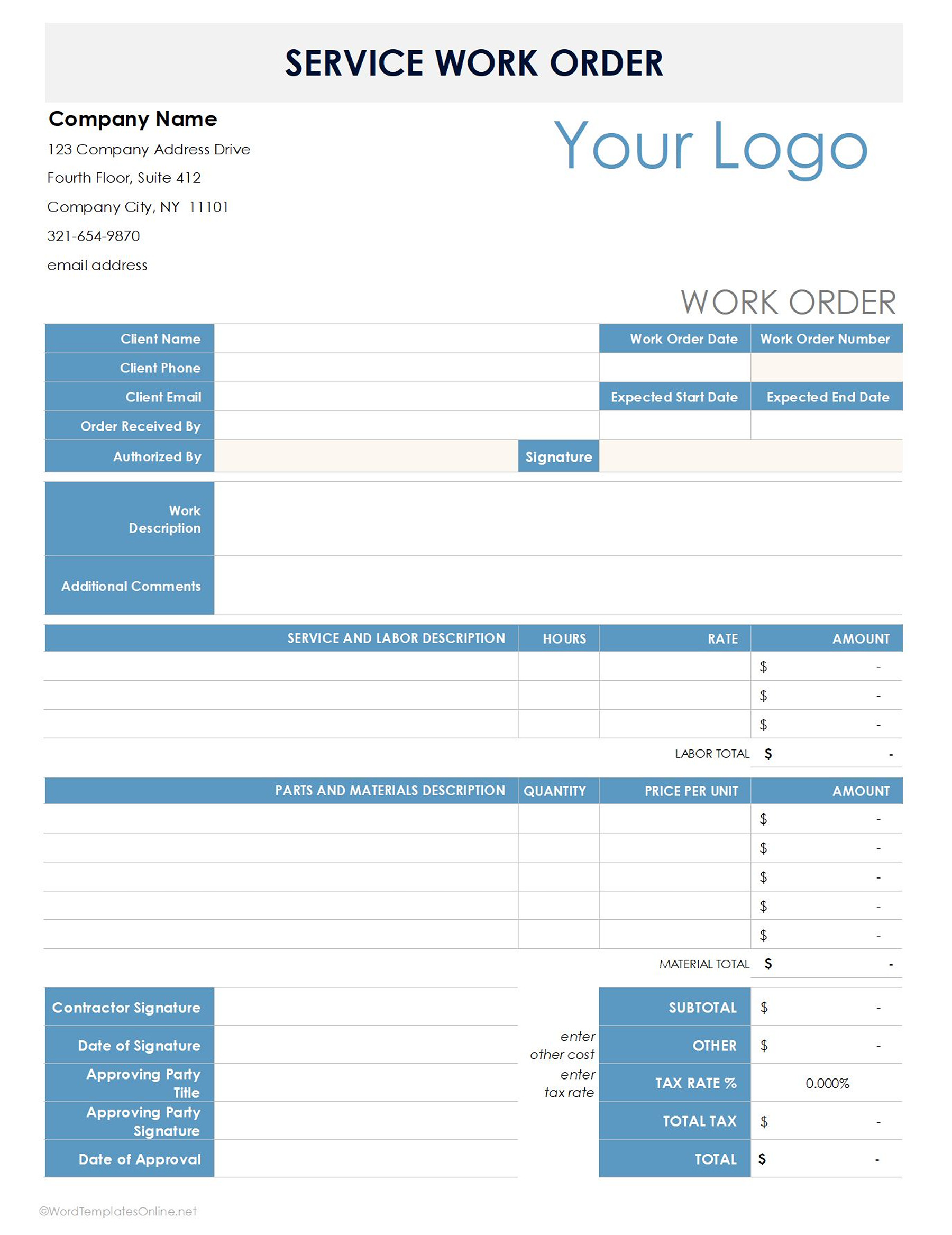
Service work order template
It is used by service-based industries for tasks like installations and repairs. It contains details such as service details, customer information, notes, materials used, etc. This template is flexible and can be used across multiple fields.
Download
Download
Customization Tips Based on Industry Needs
- For cleaning services, add checklists for specific areas to avoid missing steps and to track progress.
- For HVAC, include the system types i.e., heating, serial numbers, model, etc. to help with compliance standards.
- For inspection services, align the checklist with safety standards to give a professional presentation.
- For IT templates, include built in sections such as ticket number, steps taken, resolution status etc. which is especially helpful for larger teams.
- For landscaping, you can attach pictures or diagrams to make it visually appealing.
- Use relevant terms specific to your industry. For example, heating can be used in HVAC but not in graphic design.
- Regularly update your templates to make improvements or changes where necessary.
- Identify industry-specific requirements. For example, in the automotive industry: VIN, mileage, etc.
Common Mistakes to Avoid in Work Order Templates
- Missing important details such as job descriptions, labor requirements, due dates, material requirements, etc. leads to delays, confusion and unsatisfactory work.
- Poor formatting and clarity lead to disorganized work and increase the likelihood of miscommunication.
- Lack of tracking mechanisms which makes it difficult to track progress or confirm work completion
How to Use a Work Order Template Effectively
- Fill the template correctly by entering all the required fields i.e., client details, scheduling, resource requirements, etc.
- Put in place a defined workflow for how work orders are started, reviewe,d and approved.
- After the job is done, store the work order for future reference. It can be stored digitally on a project or cloud management systems or in physical print.
Conclusion
Work order templates are important when you want to organize tasks, assign responsibilities, maintain service quality, and have proper documentation. They simplify the workflow process and reduce errors when properly used. Editable templates are available online and easily downloadable. They will help you design work order templates that are effective. You can also customize them to suit specific needs.
Final Tips
- Keep it simple and user-friendly
- Automate where possible, for example, using digital tools such as auto-fill
- Regularly review and update your template
About This Article