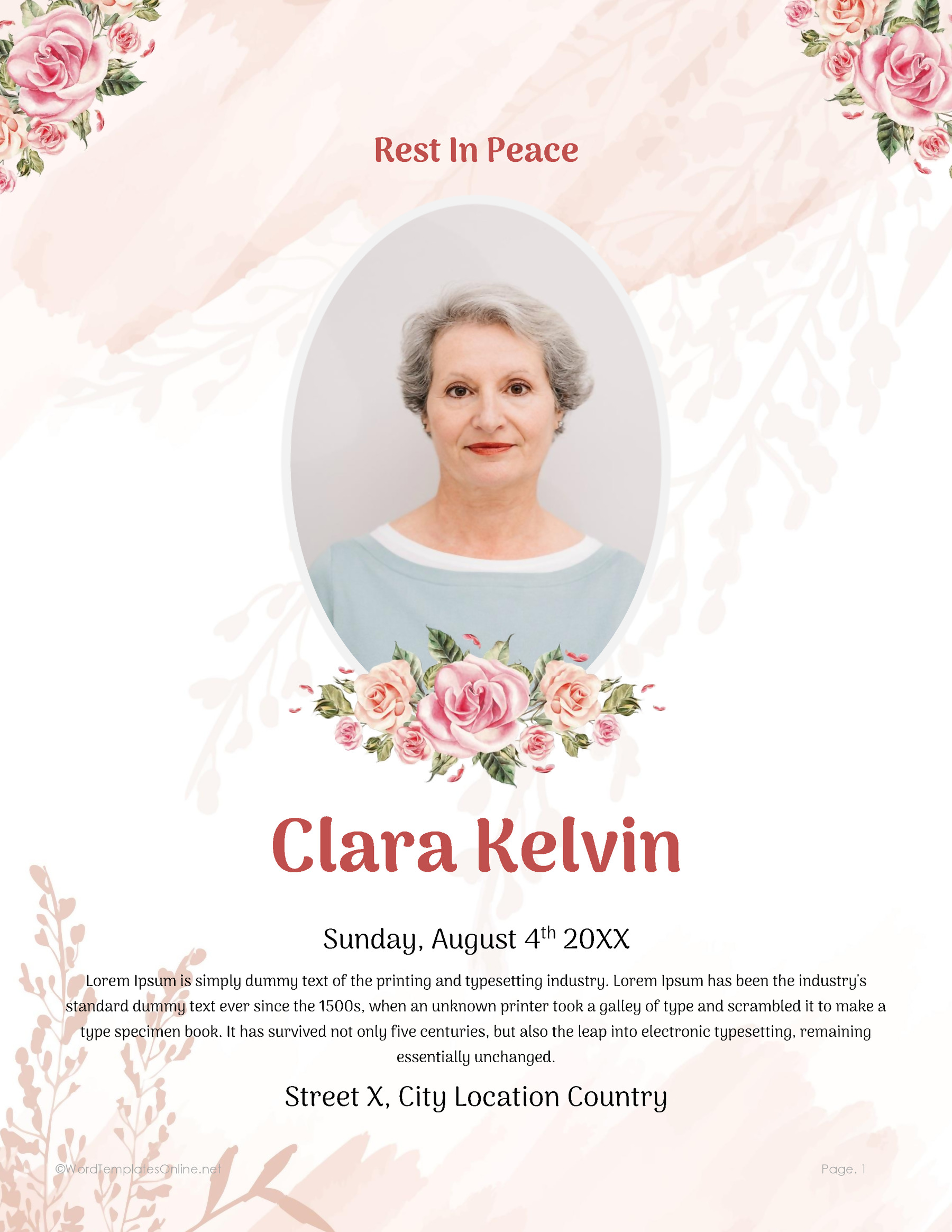
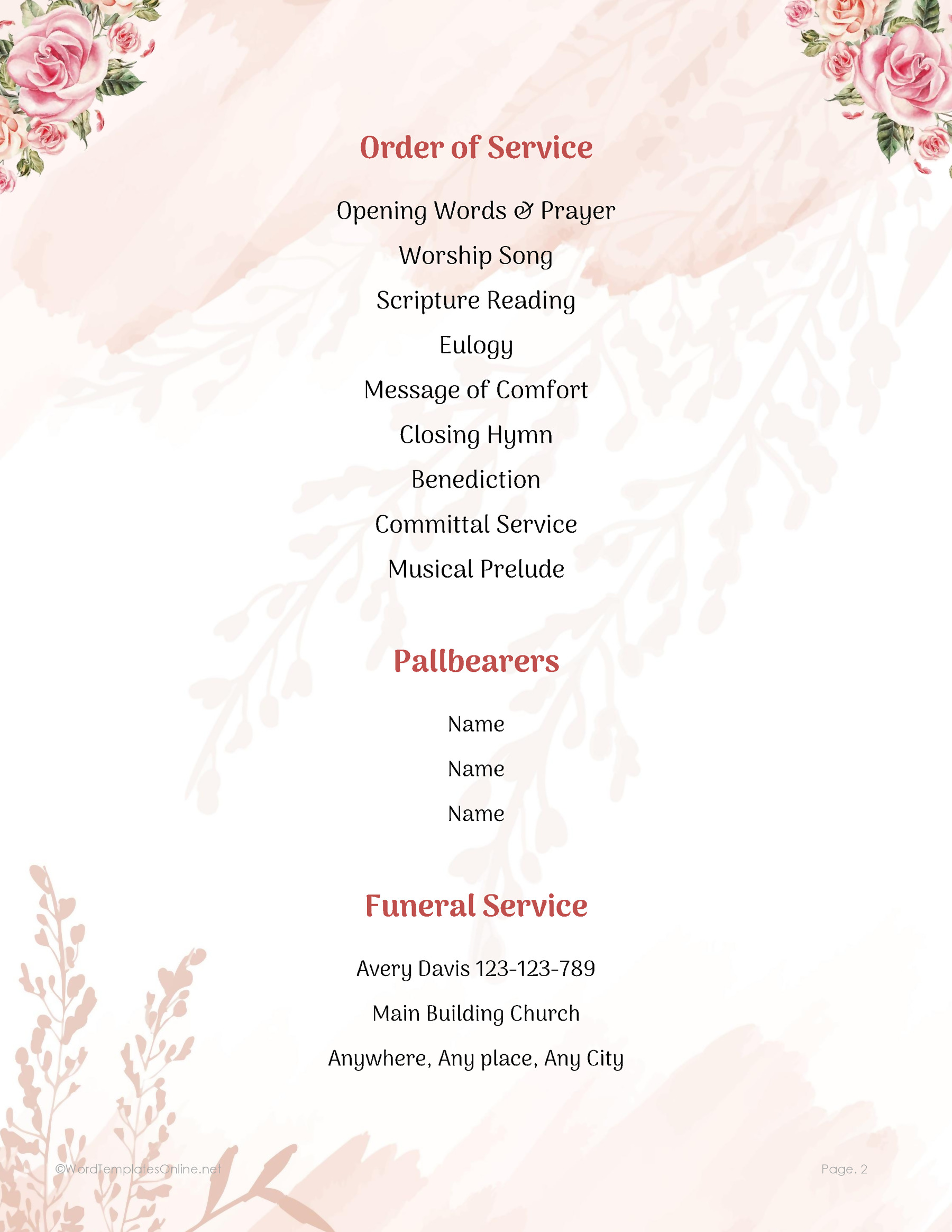
A funeral service program has two main jobs. The cover identifies the person being remembered. The service page gives guests the order that the family and service leader have agreed on. Before you print copies, both pages should be checked by the people who can confirm those details.
If several relatives are sharing information, gather the confirmed name and dates, selected photograph, service time and location, and final service sequence in one place before editing. This gives you a common reference and helps you identify any details that still need confirmation.
Below are ten funeral service program designs. Each has a memorial cover and a separate service page, with downloads for Microsoft Word (.dotx), OpenDocument (.odt), and linked Google Docs versions. The pages are portrait layouts, not prearranged folded booklets. If you’re planning a folded handout, the page order and printing setup need a separate check.
Funeral Service Program Template 01
Funeral Service Program Template 02
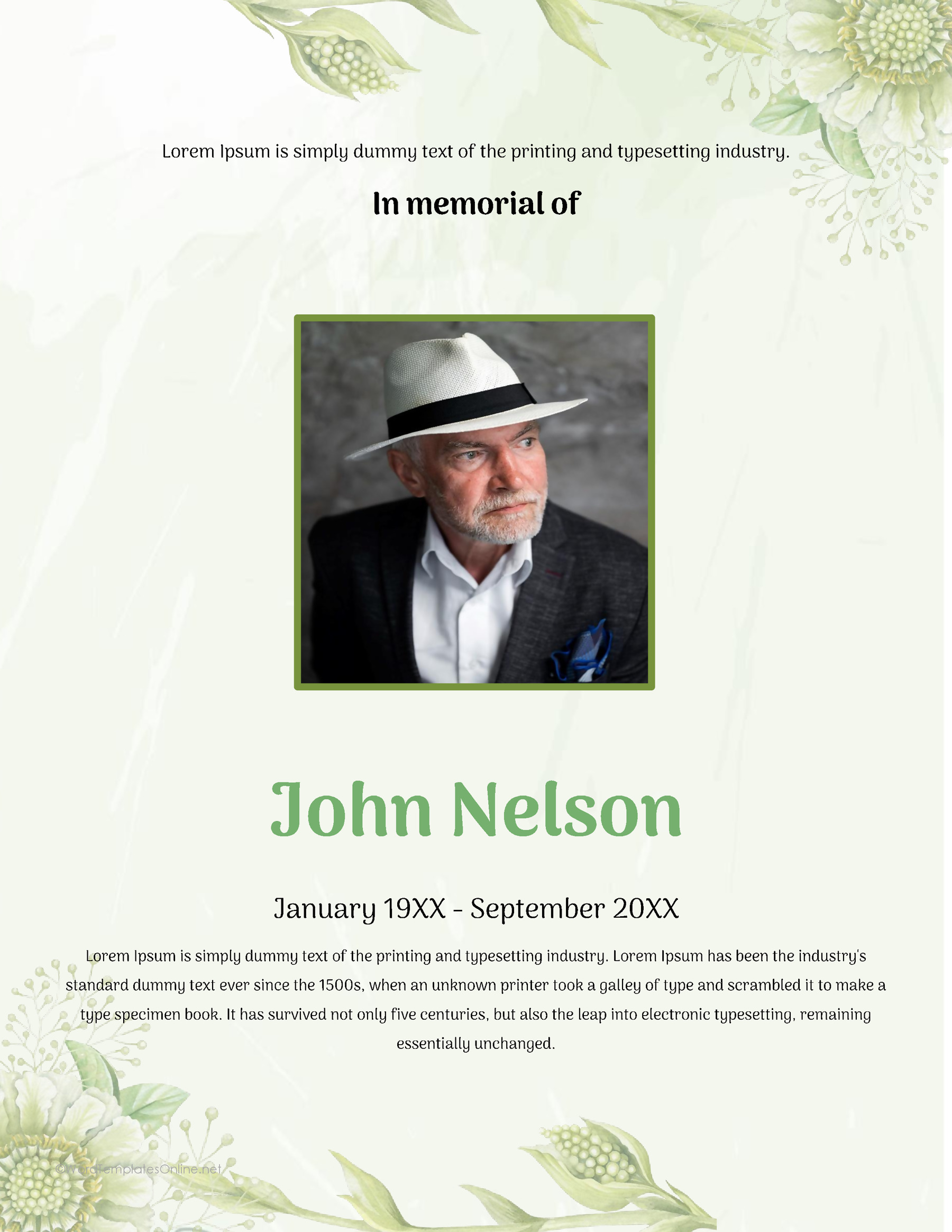
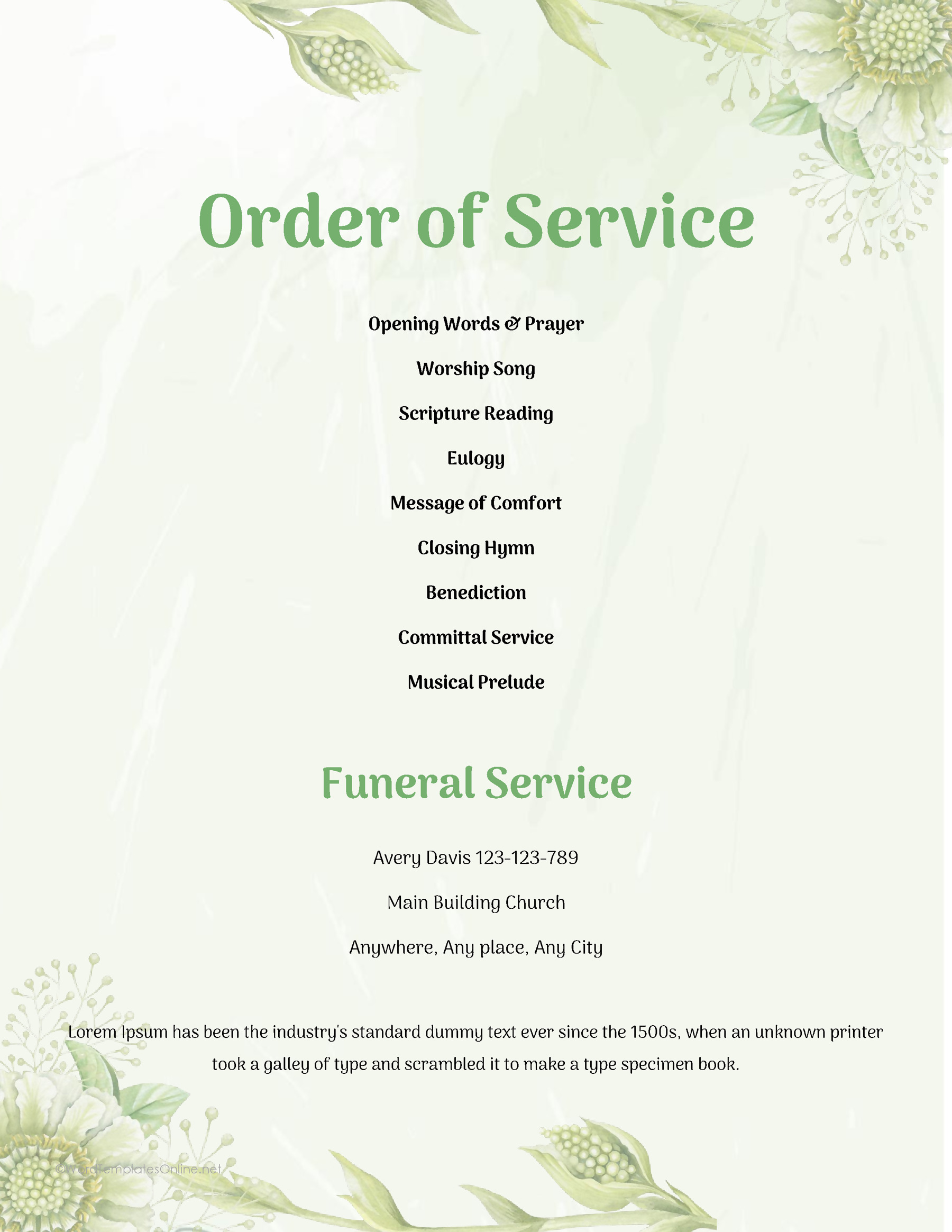
Funeral Service Program Template 03

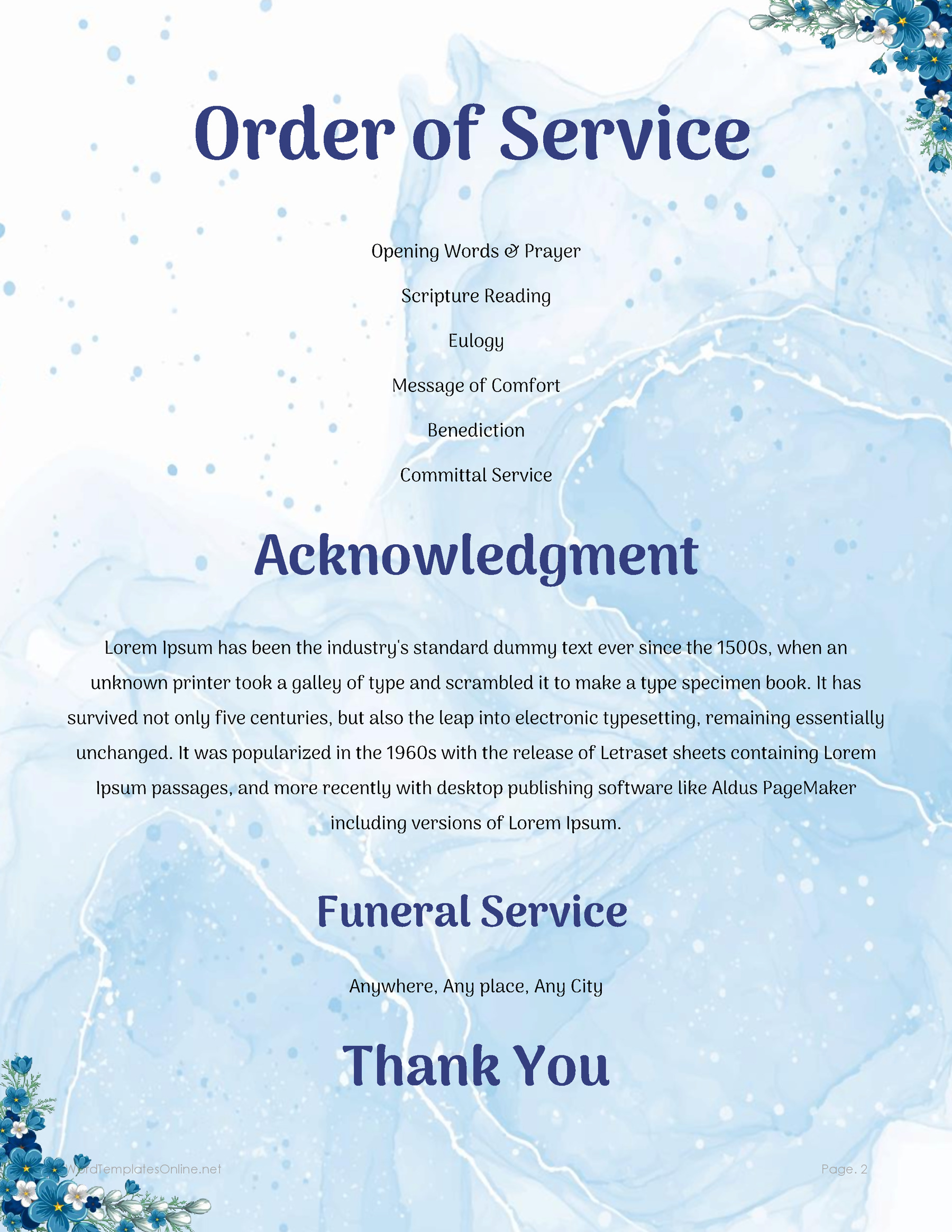
Funeral Service Program Template 04

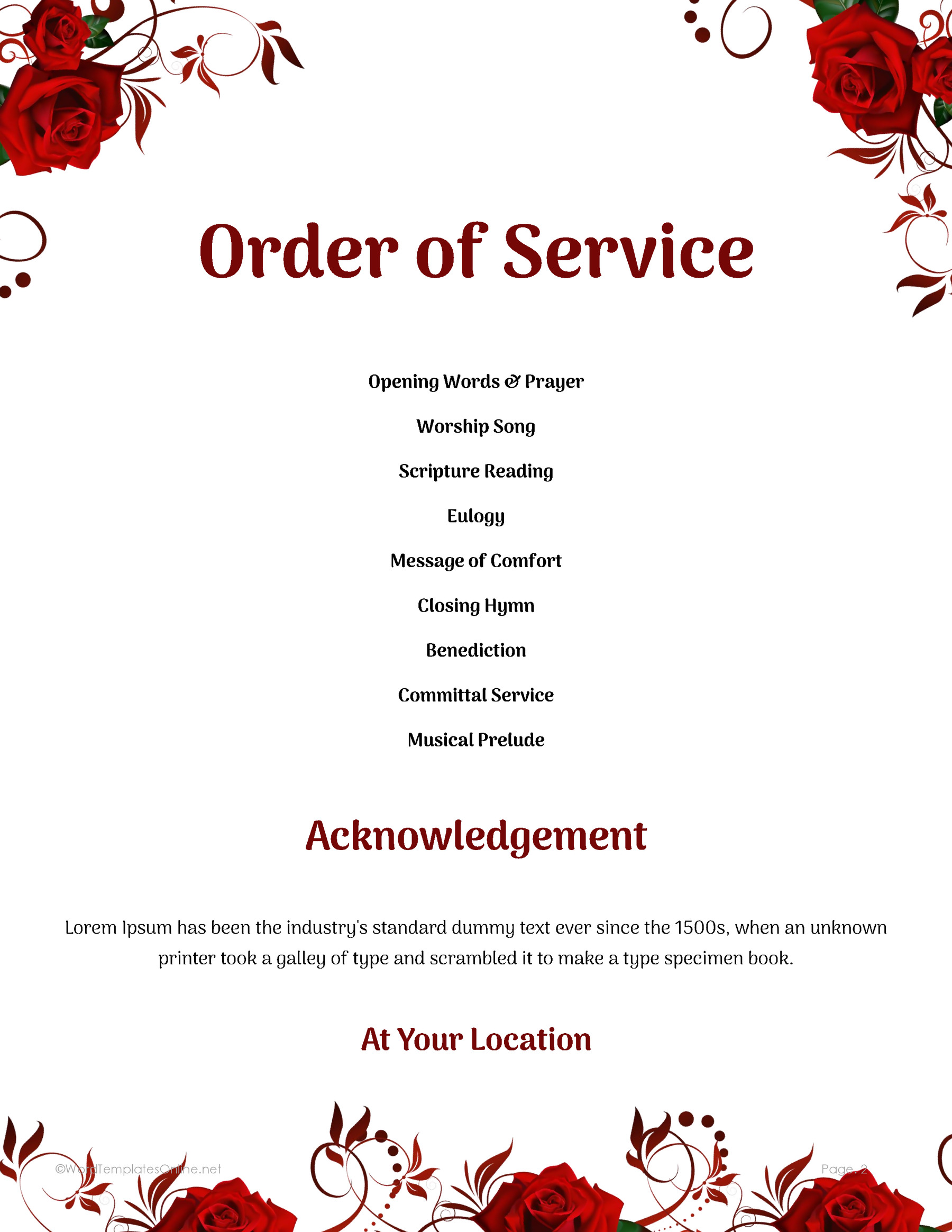
Funeral Service Program Template 05
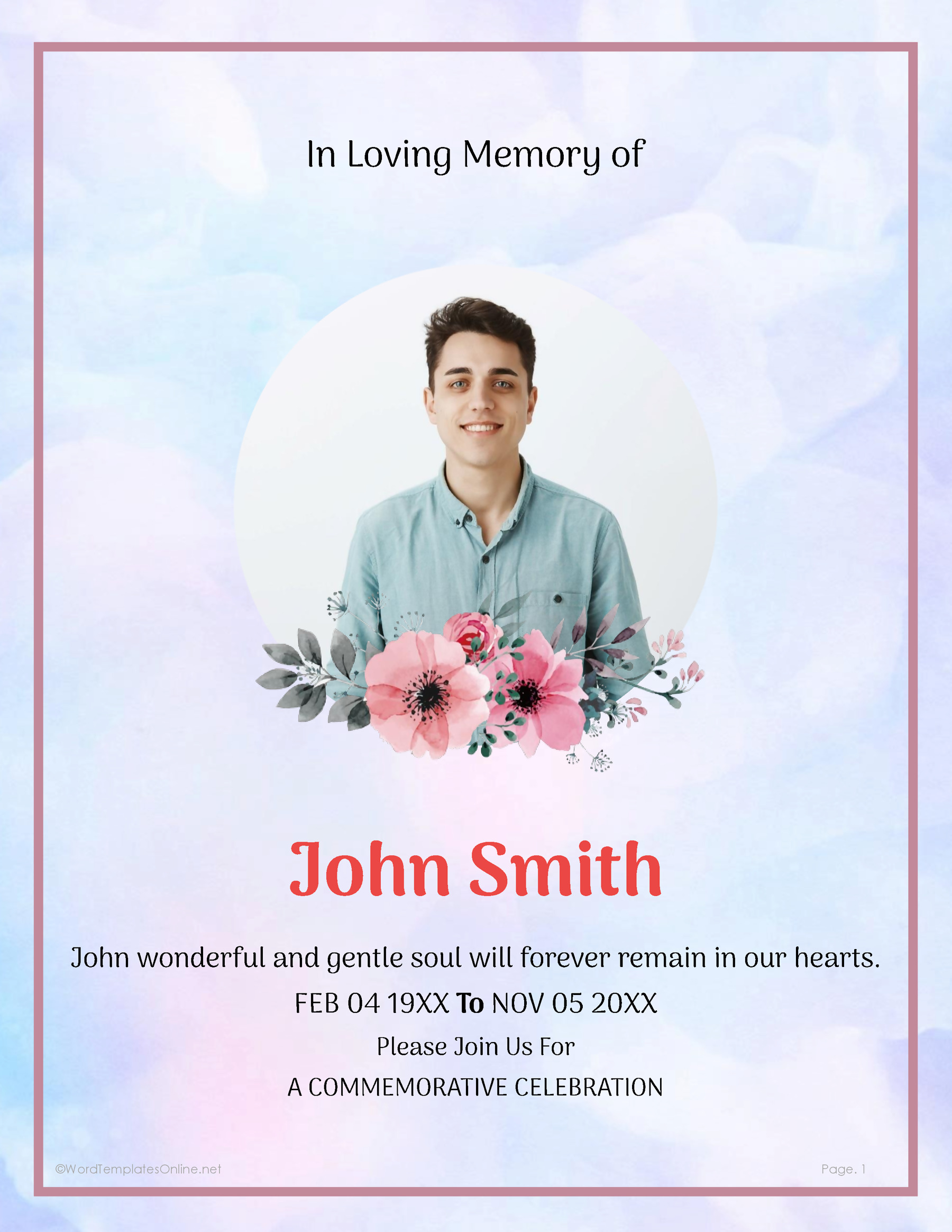
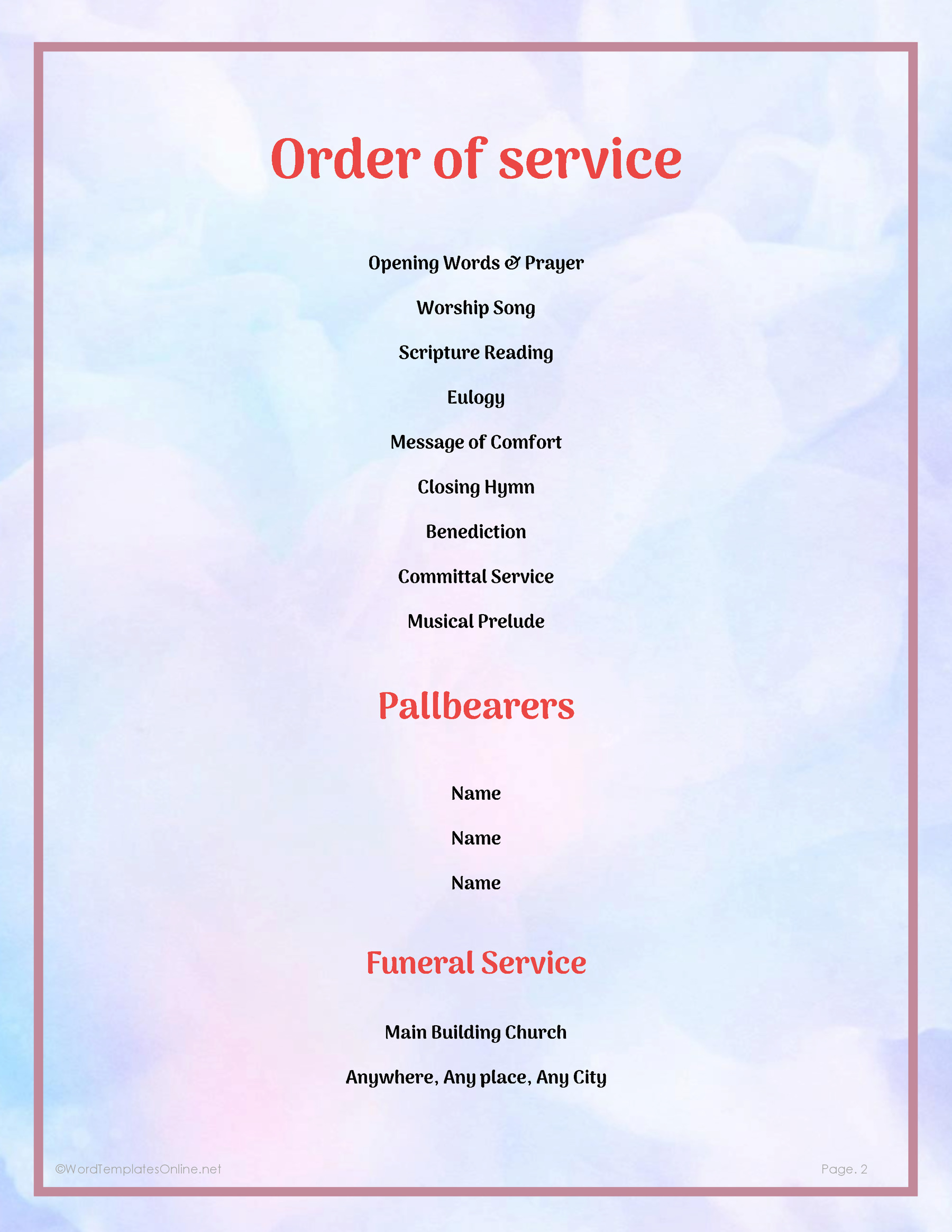
Funeral Service Program Template 06
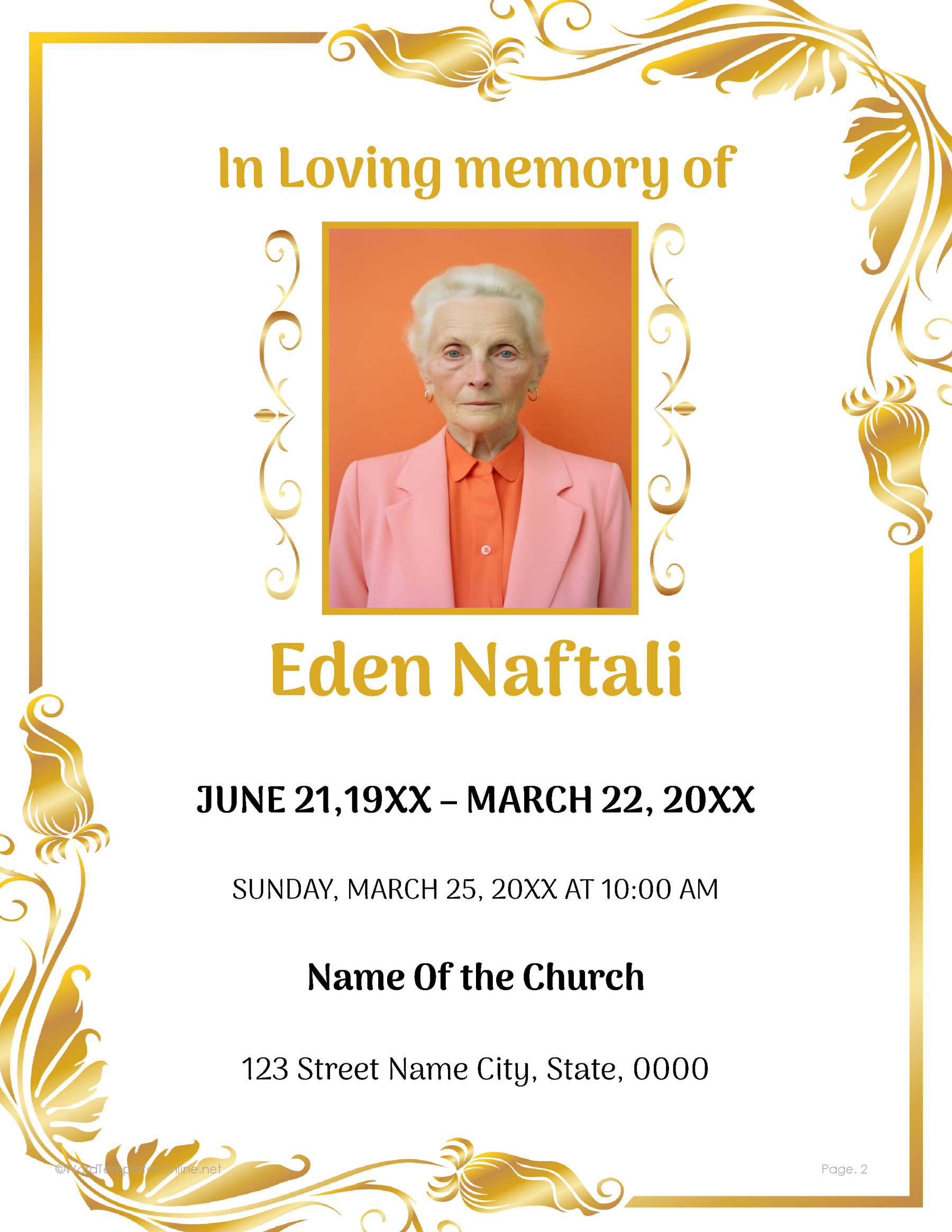
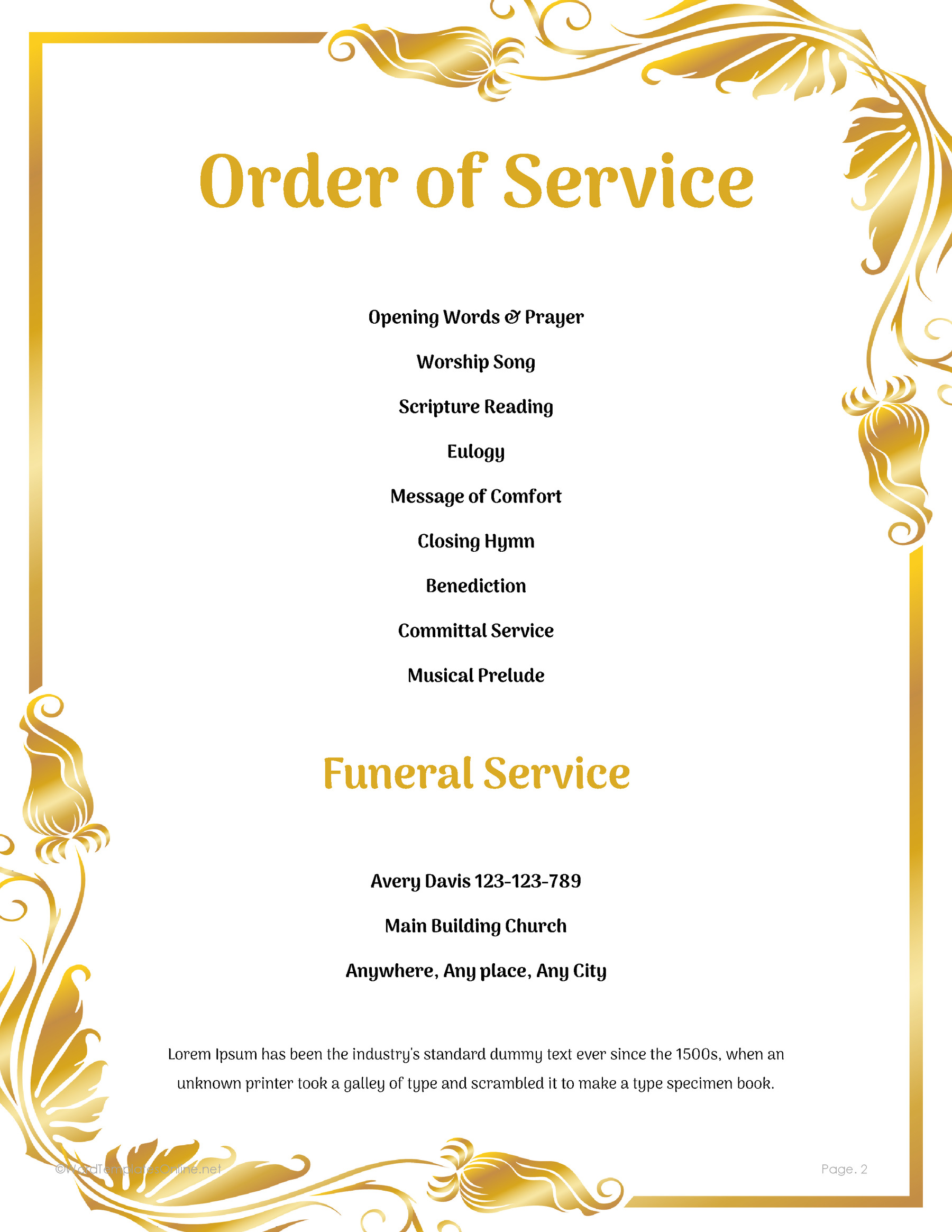
Funeral Service Program Template 07

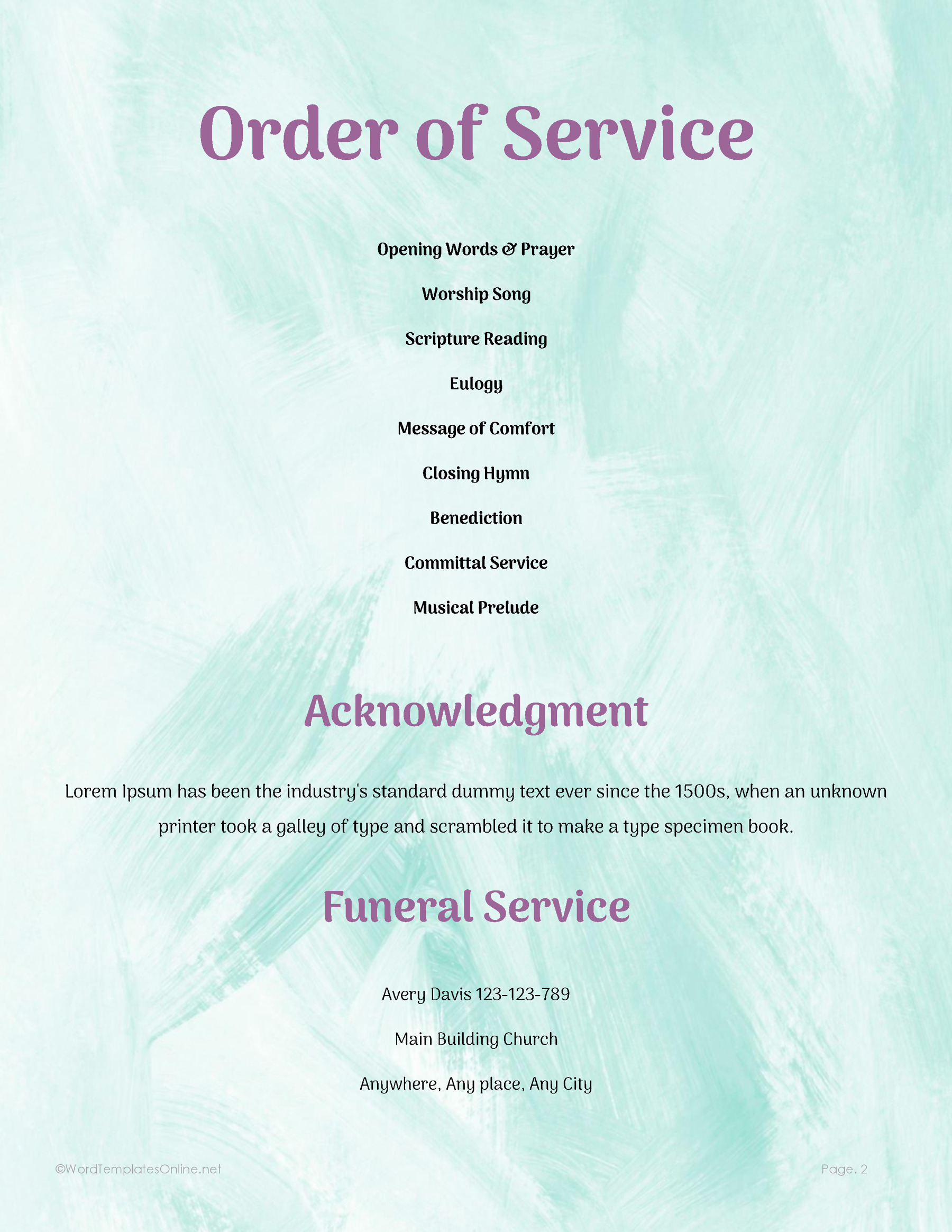
Funeral Service Program Template 08
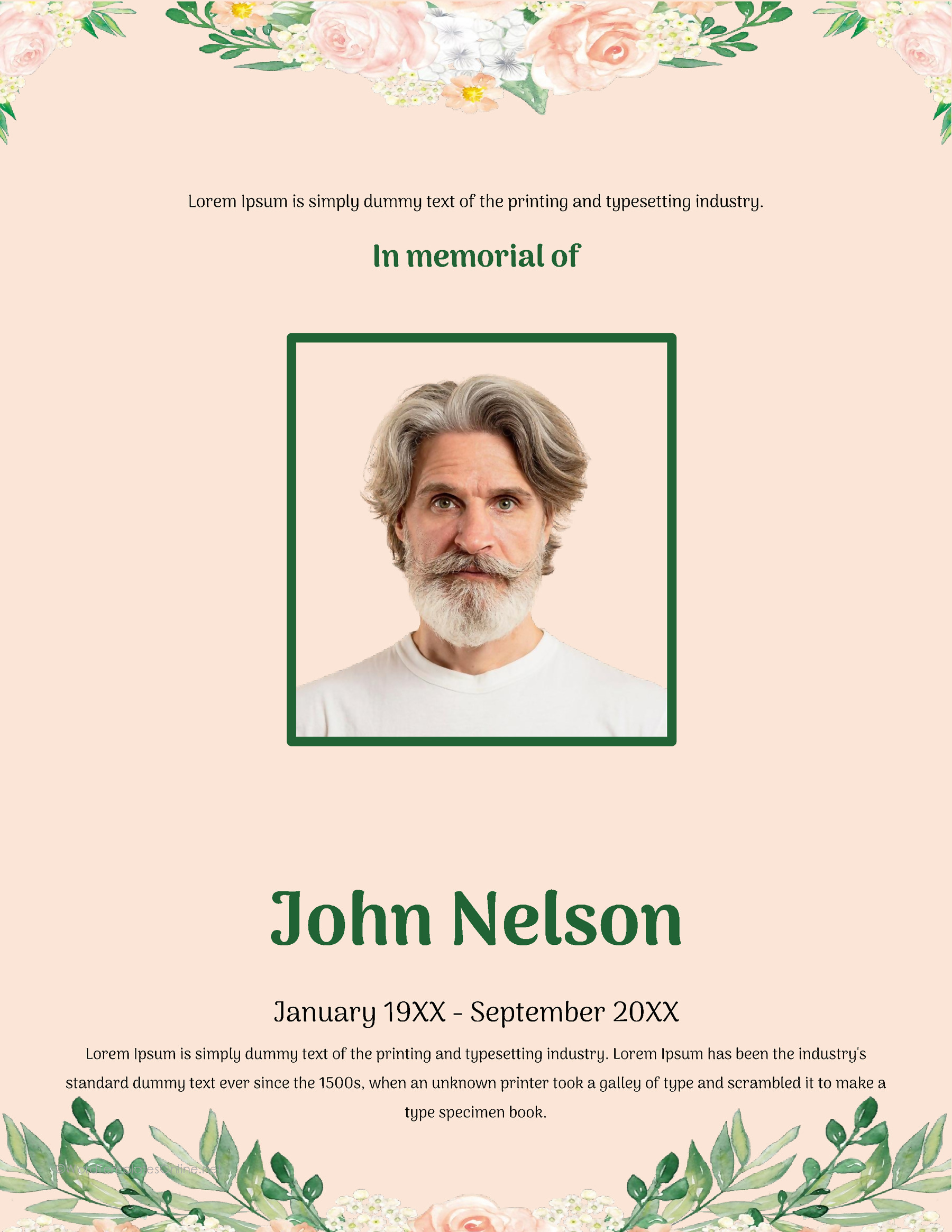
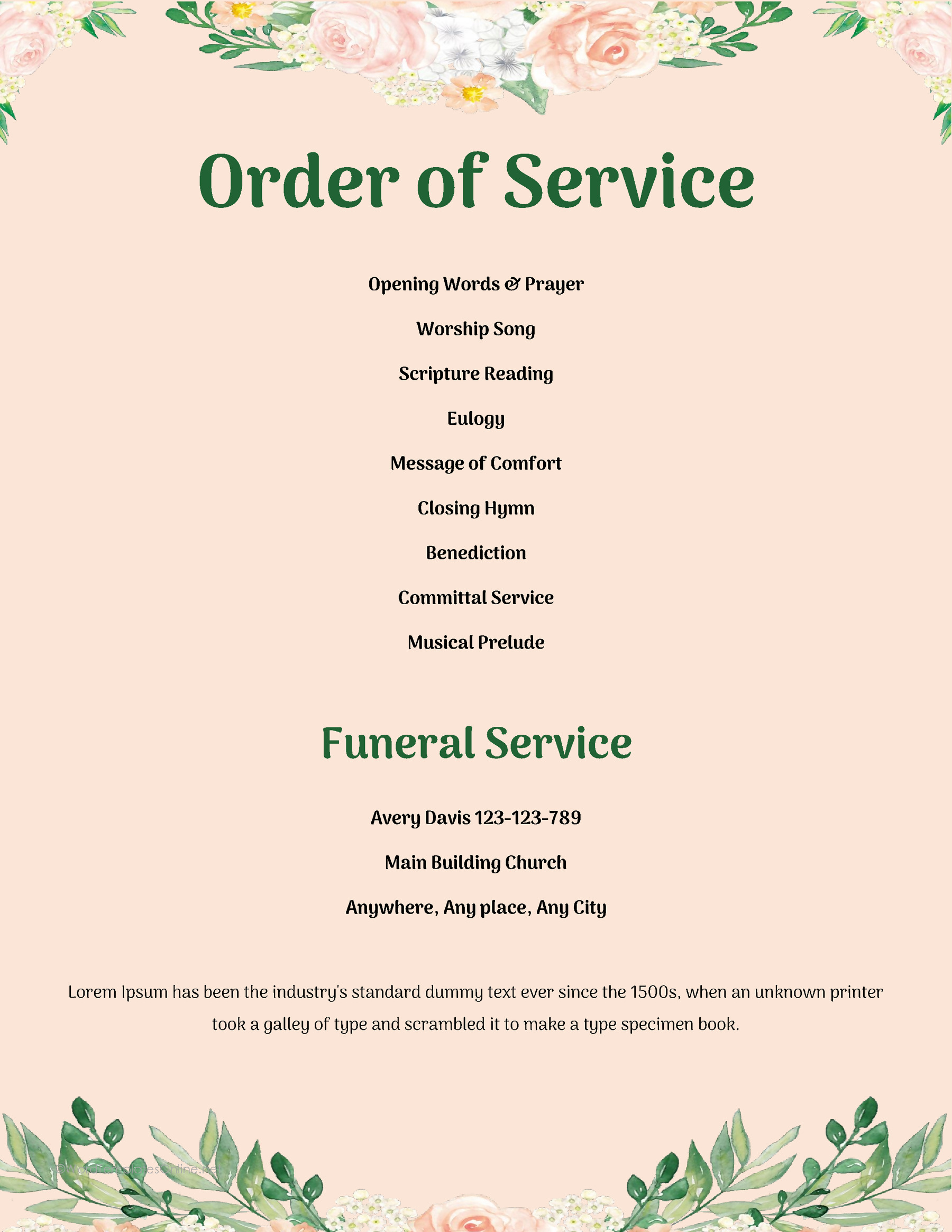
Funeral Service Program Template 09

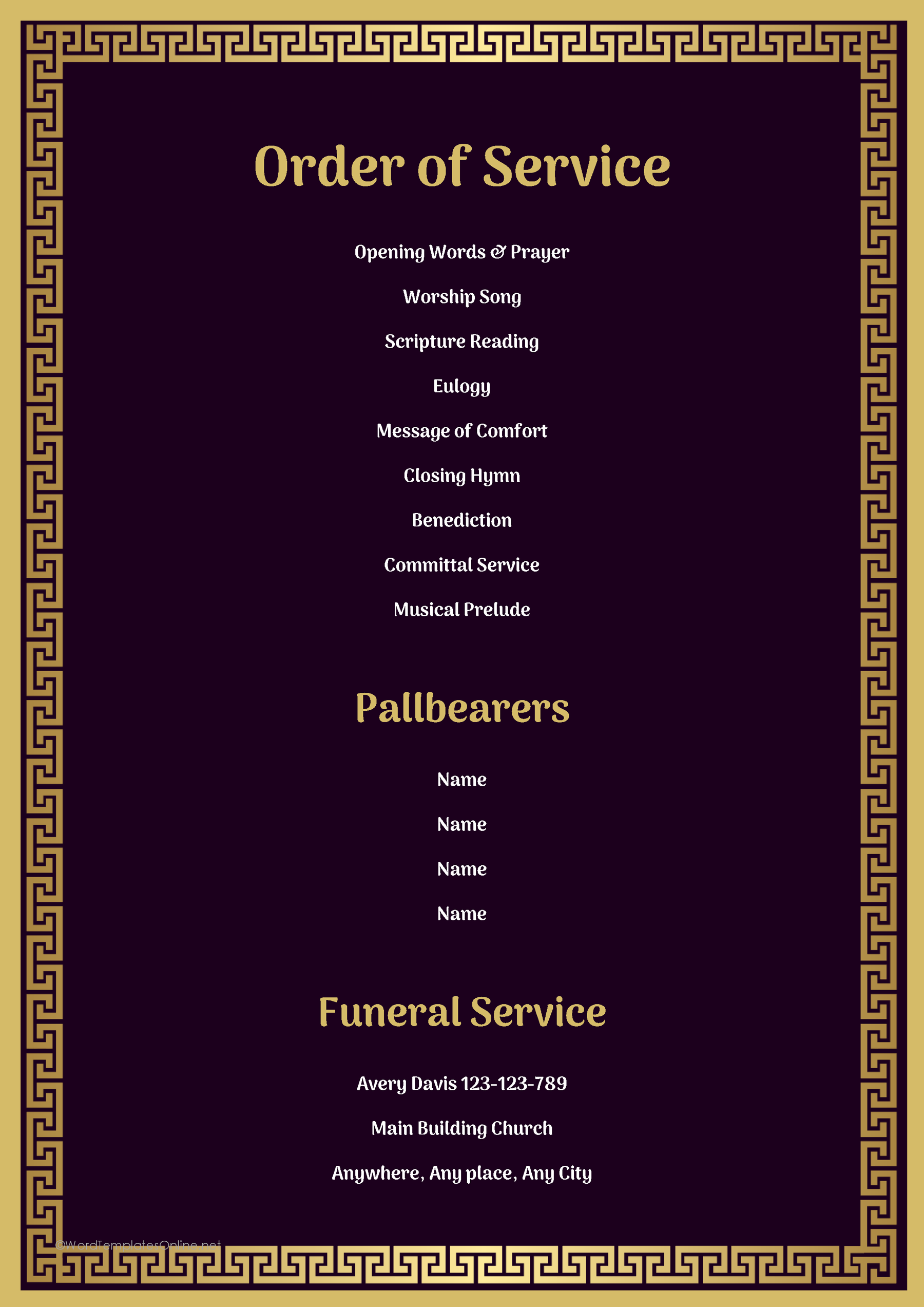
Funeral Service Program Template 10
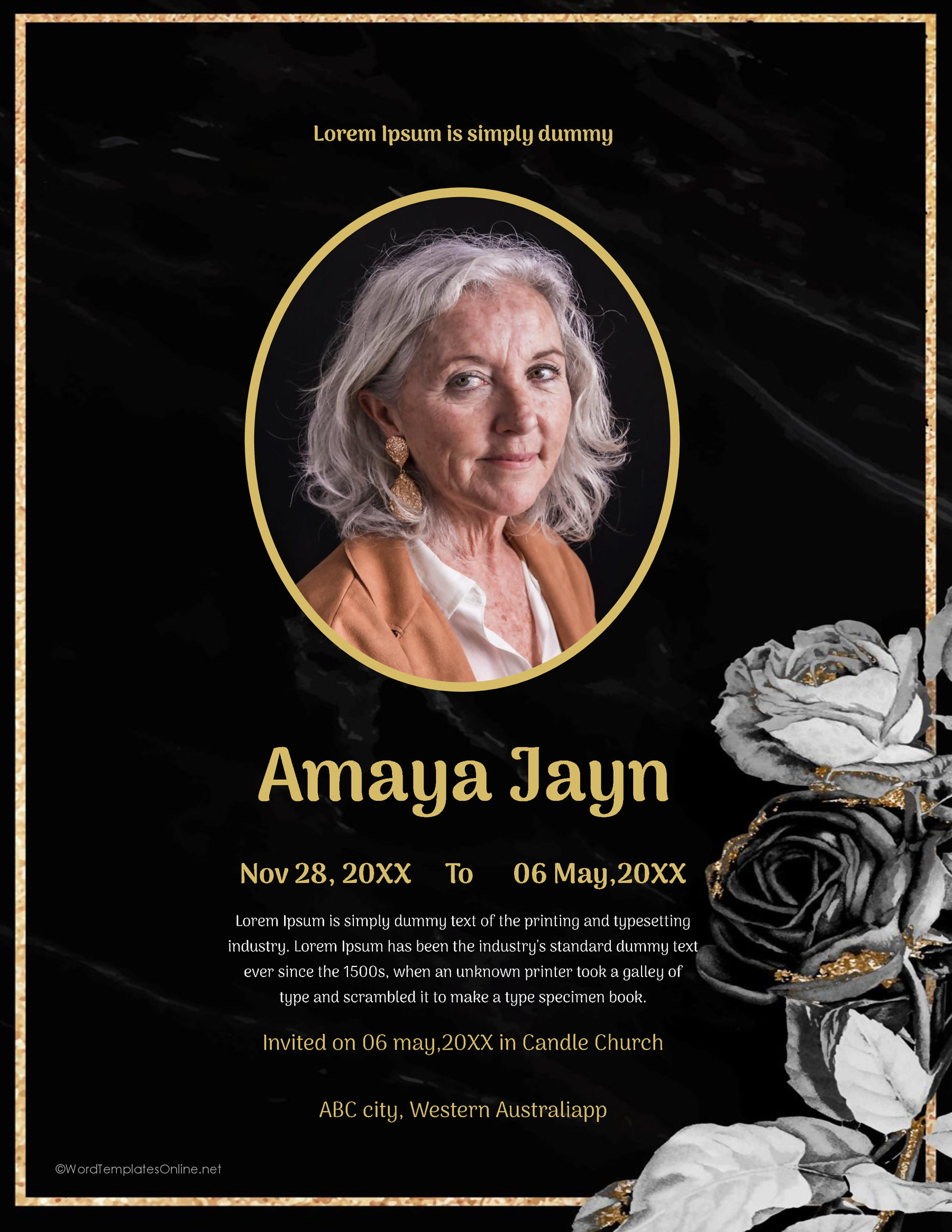
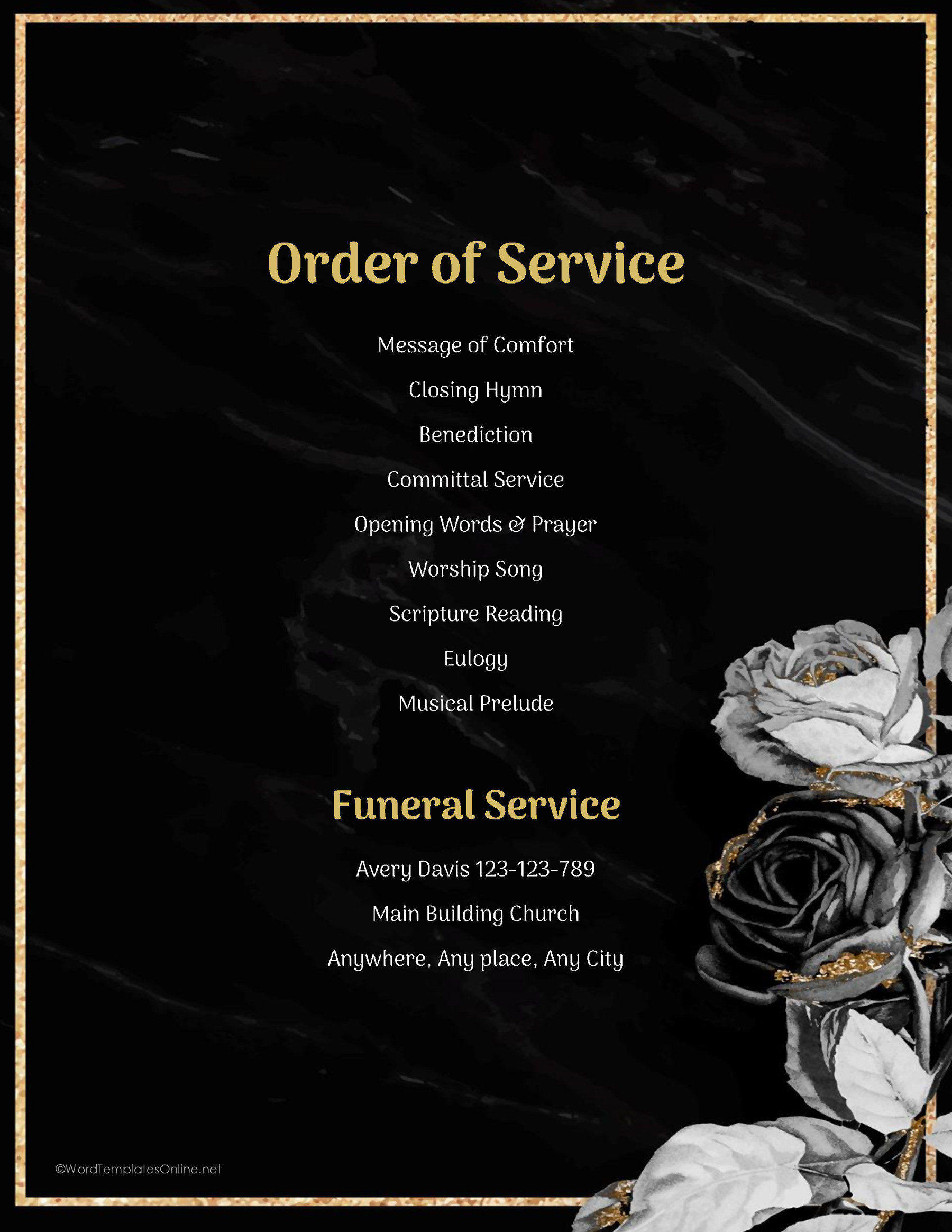
Give the cover the details the family wants remembered
The cover can stay simple. Use the person’s chosen name and confirmed dates. If the design includes the service time or location, add those details from the final arrangements. The wording should match the actual occasion. You don’t need to add a prayer, quotation or a long life story simply because the sample includes room for text.
Names are worth checking with the family even when they seem familiar. Someone may use a middle name, initials or a particular spelling that doesn’t match an old contact list. Ask the relative responsible for the details to approve the name and dates exactly as they should appear in print.
For the portrait, use a photo the family wants to share. Some designs use oval or circular frames while others leave a wider view of the picture. Once you’ve placed the photo, look at the actual crop rather than the original image. A face that is easy to see on a phone can be too small or partly cut off in the program. Check the result at the size people will hold in their hands.
A short, approved tribute can be enough. Leaving a little open space is better than adding words the family hasn’t chosen.
Build the service page from the agreed order
With the cover details in place, turn to the sequence guests will follow during the service. Start with the order confirmed by the service leader, not the one printed in the template. The sample entries show what a program might contain. They aren’t instructions for how the ceremony should proceed.
A service might include readings, music, tributes, prayers or other parts. Which ones belong on this page depends on the arrangements and the family’s wishes. The funeral program examples from Renaissance Funeral Home show some possible components, but they aren’t a substitute for the final plan for this service.
Work down the approved sequence and enter each part as it has been agreed upon. For instance, if a reading is included, an entry could read:
[Reading title] — [reader’s preferred name]
Replace both brackets with the confirmed details. This is an example of how to write an entry, not a suggestion to add a reading that isn’t part of the service. Check the title and the participant’s preferred name against the final plan. If something changes, update the program from the revised arrangements rather than guessing where an item belongs.
The layouts also differ in the space they give to other information. Some have lines for pallbearer names. Others provide an acknowledgment area where the family can thank people or share a brief message. These aren’t required parts of every service. Consider what the family actually wants included before deciding which writing areas matter most.
The number of printed lines doesn’t determine how many people can be named. If the selected design doesn’t have enough space, try a roomier layout or adjust your working copy rather than leaving someone out to match the sample.
Replace the sample wording throughout the page, including smaller text near the service details or contact information. A program can look finished from a distance while still carrying a sample name or an unrelated message.
Once the page has been filled in, let the service leader review the sequence, participants and exact titles or wording. This is particularly helpful when the program has been prepared from several conversations or versions of the arrangements.
Read one proof before you print the copies
Bring the finished cover and service page together for a final review. The family should check the person’s details, photograph and personal wording. The service leader should check what will happen during the ceremony. Each review covers information that the other person may not be able to confirm.
For the final proof, focus on three things:
- Names and dates: Check the cover and every participant’s name against the approved information.
- Order and wording: Read the service page from top to bottom, including titles and any message from the family.
- Printed pages: Check the smallest text, photograph, page selection and any extra pages created during editing.
Paper size needs attention too. Nine of the supplied Word designs use US Letter pages, while design 09 uses A4. Match your print settings to the paper and layout you’ve chosen. Check the page in print preview before producing copies.
The source files include credits. Keep them in the file, and select the intended cover and service pages when preparing the handout. After editing, look for any additional pages or text that has moved out of place.
Print one proof at the intended size before making the rest. Hold it as someone attending the service would. Read the smaller lines, check longer names and look closely at the portrait. If the pages will go on opposite sides of a sheet or be folded into a booklet, test that arrangement separately. Two designed pages don’t establish the folded page order. If you’re using a printing service, ask how it needs the pages arranged.
Once the family and service leader approve the proof, you can print the number of copies agreed for the service.
About This Article