Choose from 22 food diary template options for recording meals and drinks. There are daily sheets, weekly grids, a three-day record, and a compact monthly overview. Each template entry offers Word, ODT, and Google Docs options, so you can keep a digital record or print a blank sheet to fill in by hand.
Start with the information you need. A separate amount column can make portions easier to record; a time column helps you keep track of when meals and snacks happened. If you prefer writing freely, an open journal may suit you better than a form with several prescribed fields.
Choose a food diary layout
Start with the six layouts in the first collection, compared below. The second collection adds sixteen daily, weekly, and monthly options, with a selection guide before its downloads.
| Layout | What you can record | When it is useful |
|---|---|---|
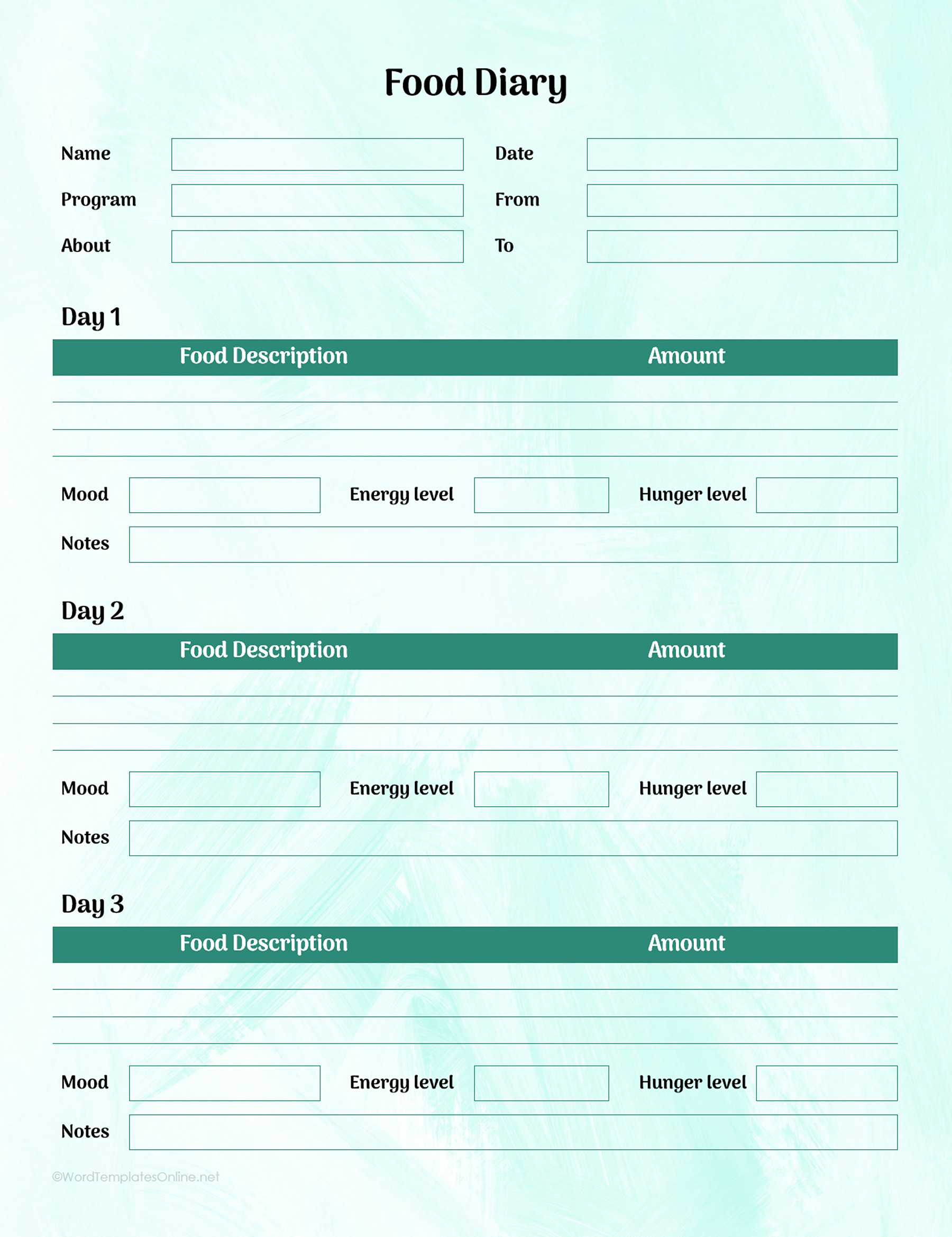
| 1. Three-day food record | Food descriptions, amounts, and daily mood, energy, hunger, and notes | A short record with a dedicated amount column |
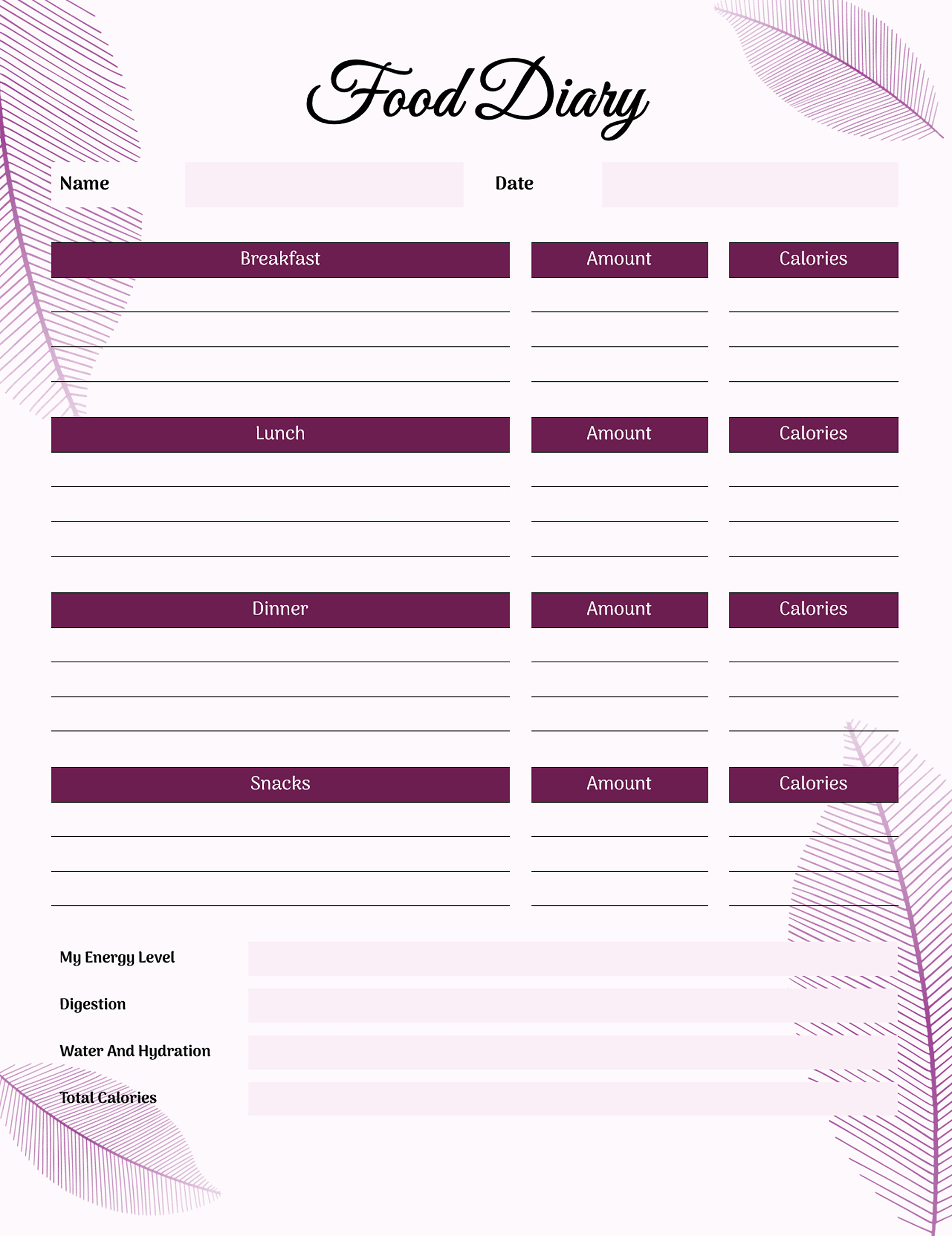
| 2. Daily meals and reflection | Breakfast, lunch, dinner, snacks, amounts, calorie entries, hydration, and reflection | A one-day sheet that keeps meals and personal notes together |
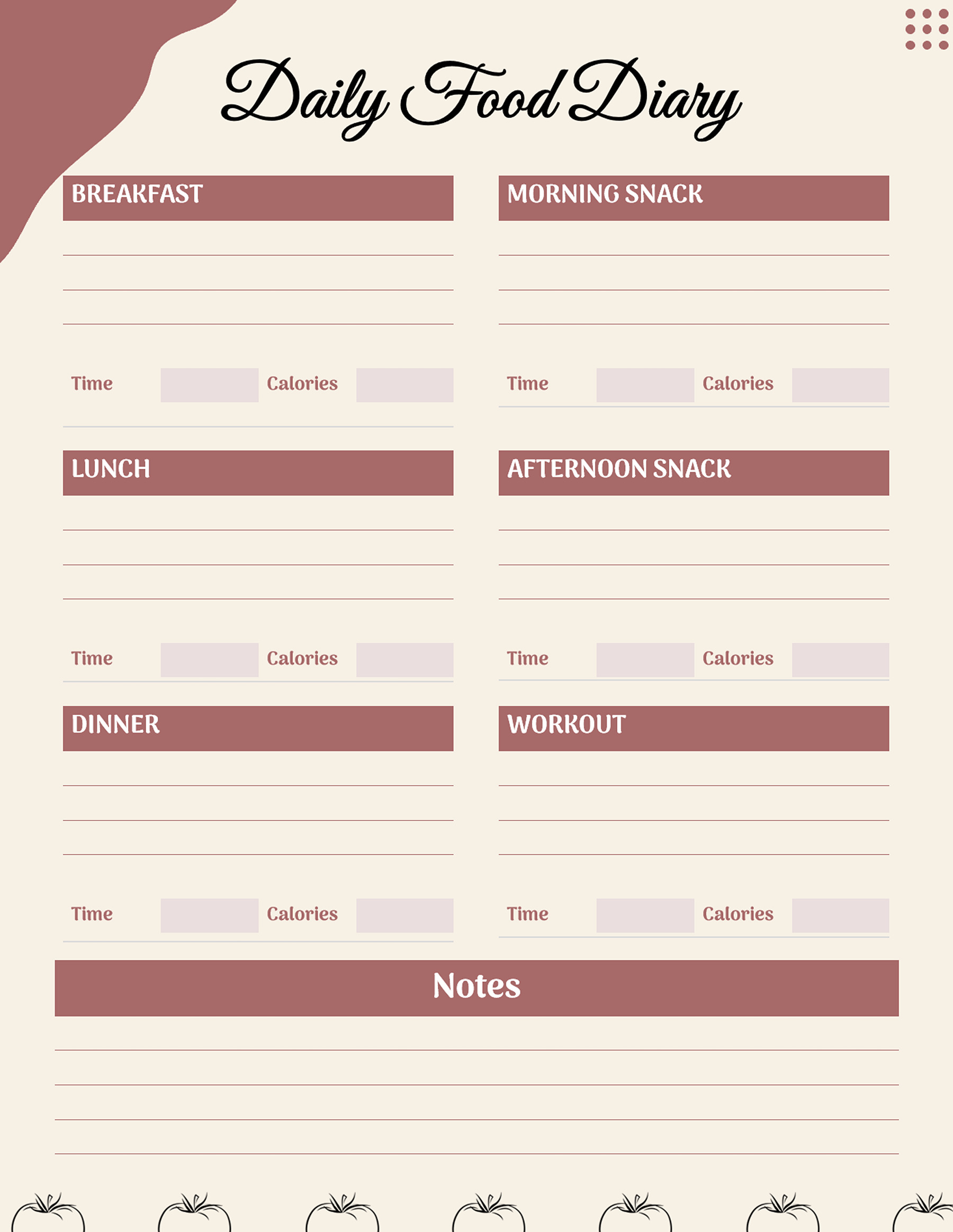
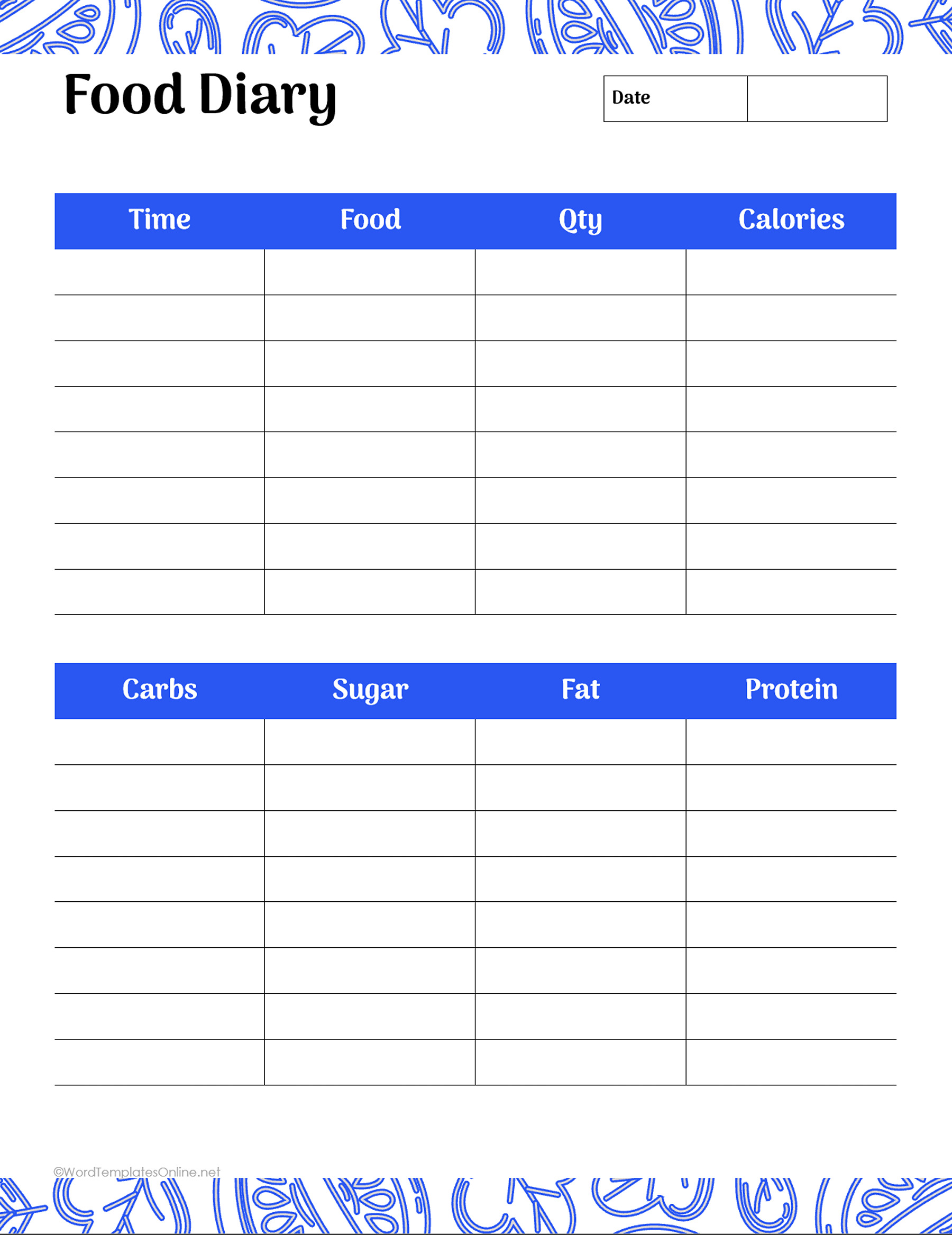
| 3. Timed daily meals | Meal and snack sections, time, calorie entries, and notes | Recording when you ate; include portions in the food description |
| 4. Day-by-day context tables | Food and beverages, time, place, calorie entries, and comments | Brief entries with space for location and context |
| 5. Open-entry journal | Free-text columns and notes | Writing meals and observations in your own format |
| 6. Food and nutrient record | Time, food, quantity, calorie entries, and a separate nutrient table | Keeping a detailed record when you already have nutrient information |
For example, the daily reflection sheet gives you places to note hydration and how you felt, while the timed meal sheet puts more emphasis on when you ate. The nutrient record adds spaces for carbohydrates, sugar, fat, and protein. Choose those extra fields if they serve the purpose of your record; you don’t need to fill every type of field to keep a food diary.
Download the first six food diary layouts
The numbers in this first collection match the comparison table. Choose a layout below, then select the format you want to use.
Food Diary Template 01
Food Diary Template 02
Food Diary Template 03
Food Diary Template 04
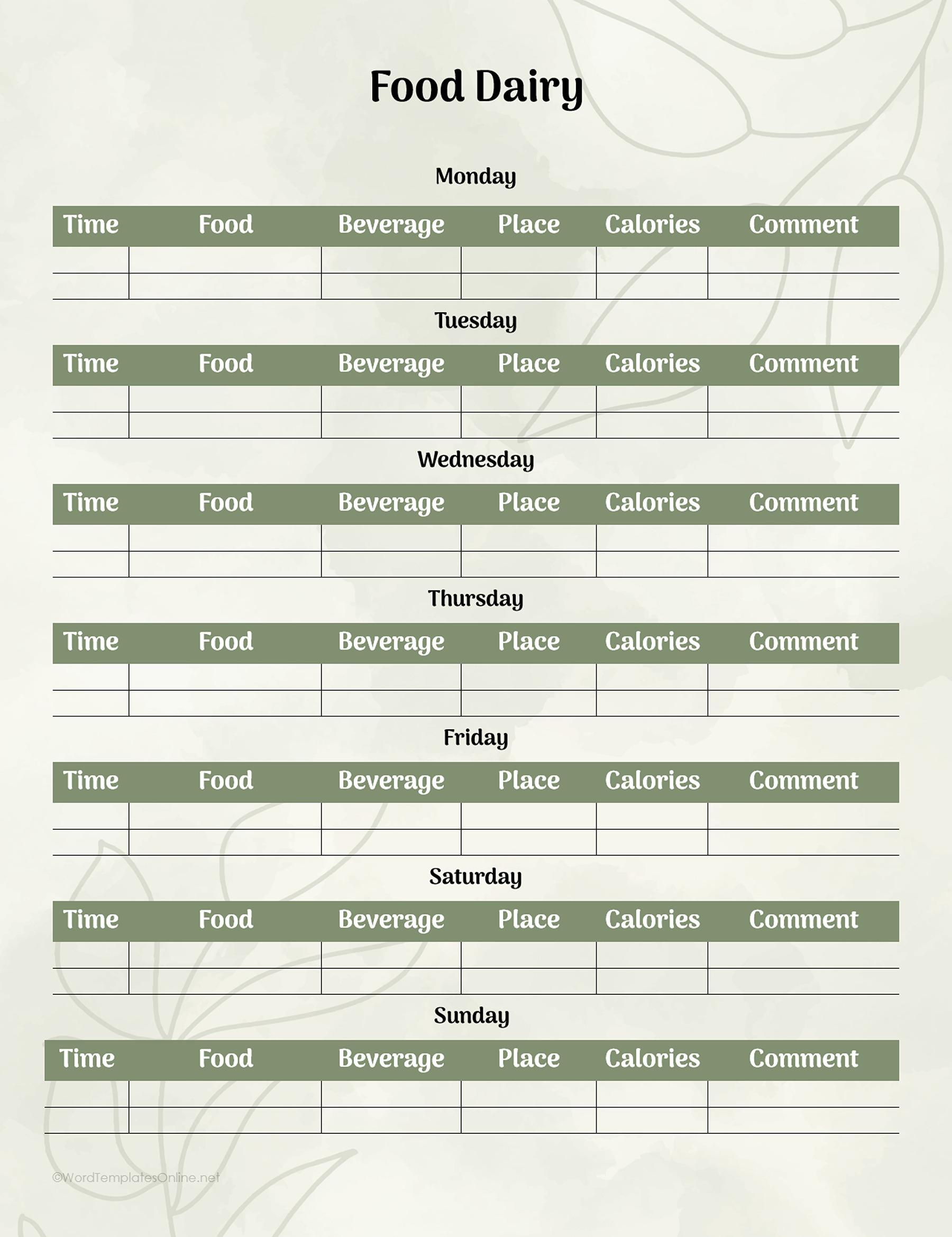
Food Diary Template 05
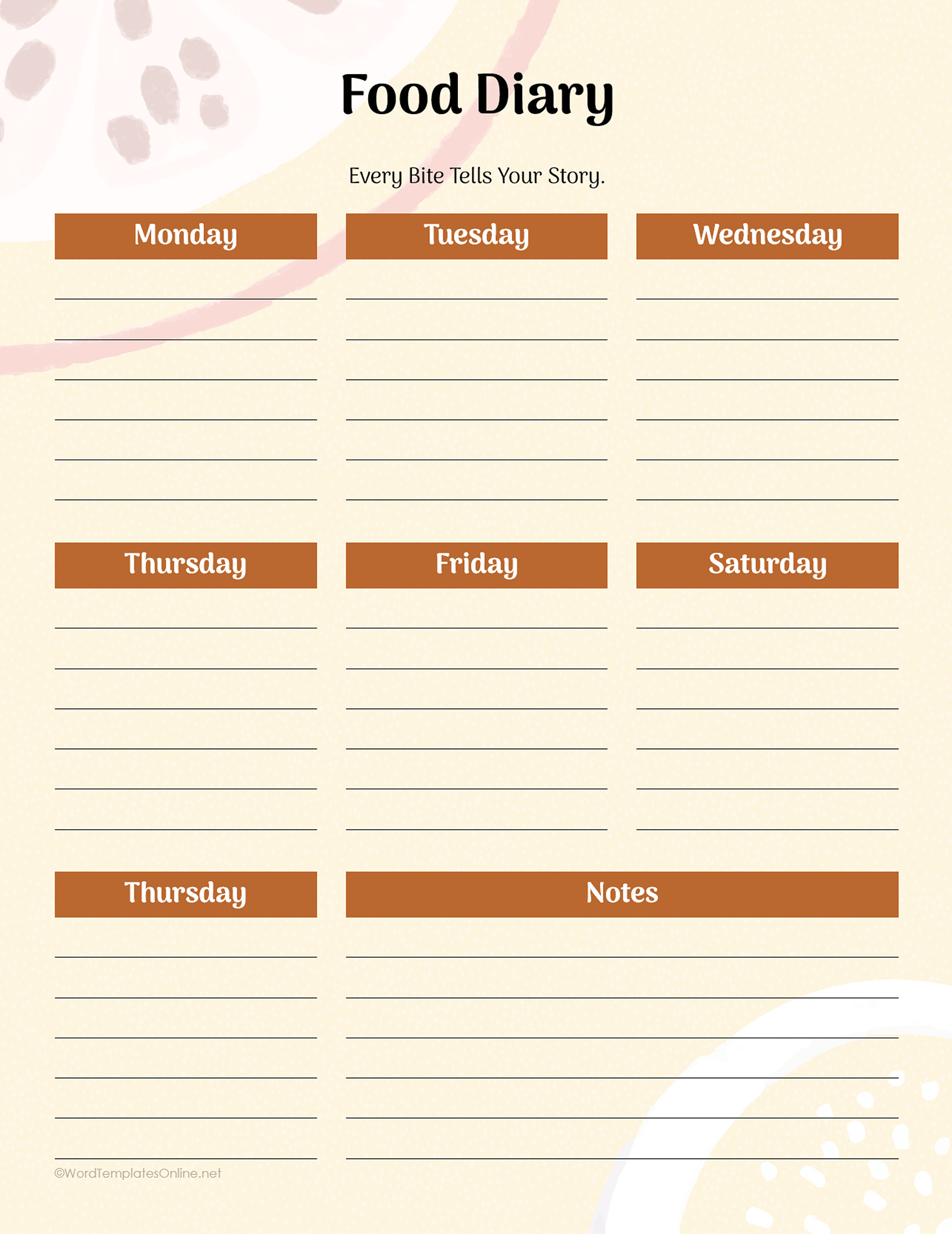
Food Diary Template 06
The Word files are DOTX templates, which you can use as the starting point for a new document in Word. Save your completed record separately from the blank template. Microsoft’s template guidance explains how to create a document from a template.
Use the ODT option in an editor that supports OpenDocument text files, or choose Google Docs if you prefer working in a browser. Keep a personal working copy for your entries. For a handwritten diary, print one blank sheet and check the writing space before printing more.
More daily, weekly, and monthly layouts
The next collection contains sixteen more template choices, numbered 01–16 in the gallery below. Use these numbers when comparing the layouts in this section.
Daily sheets with room for extra notes
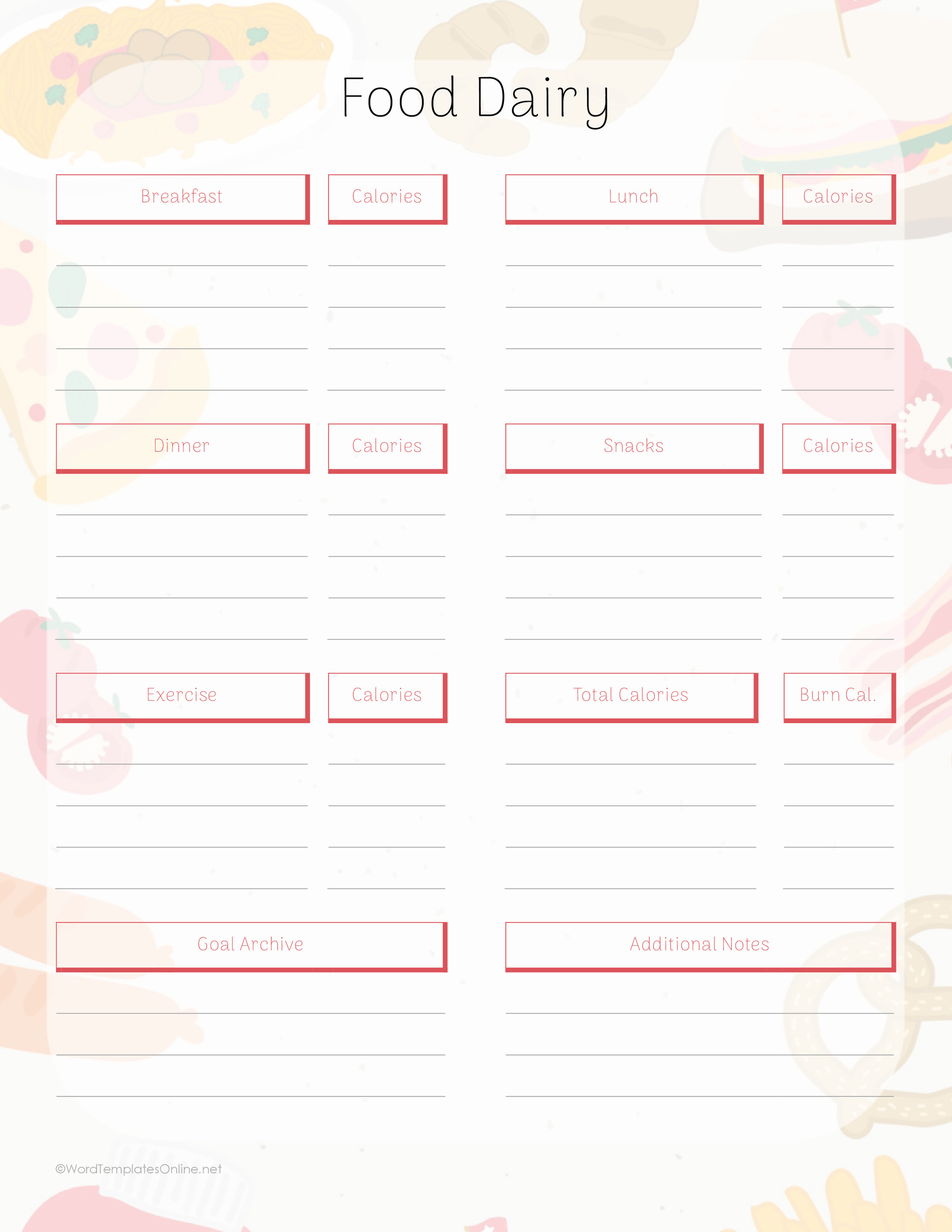
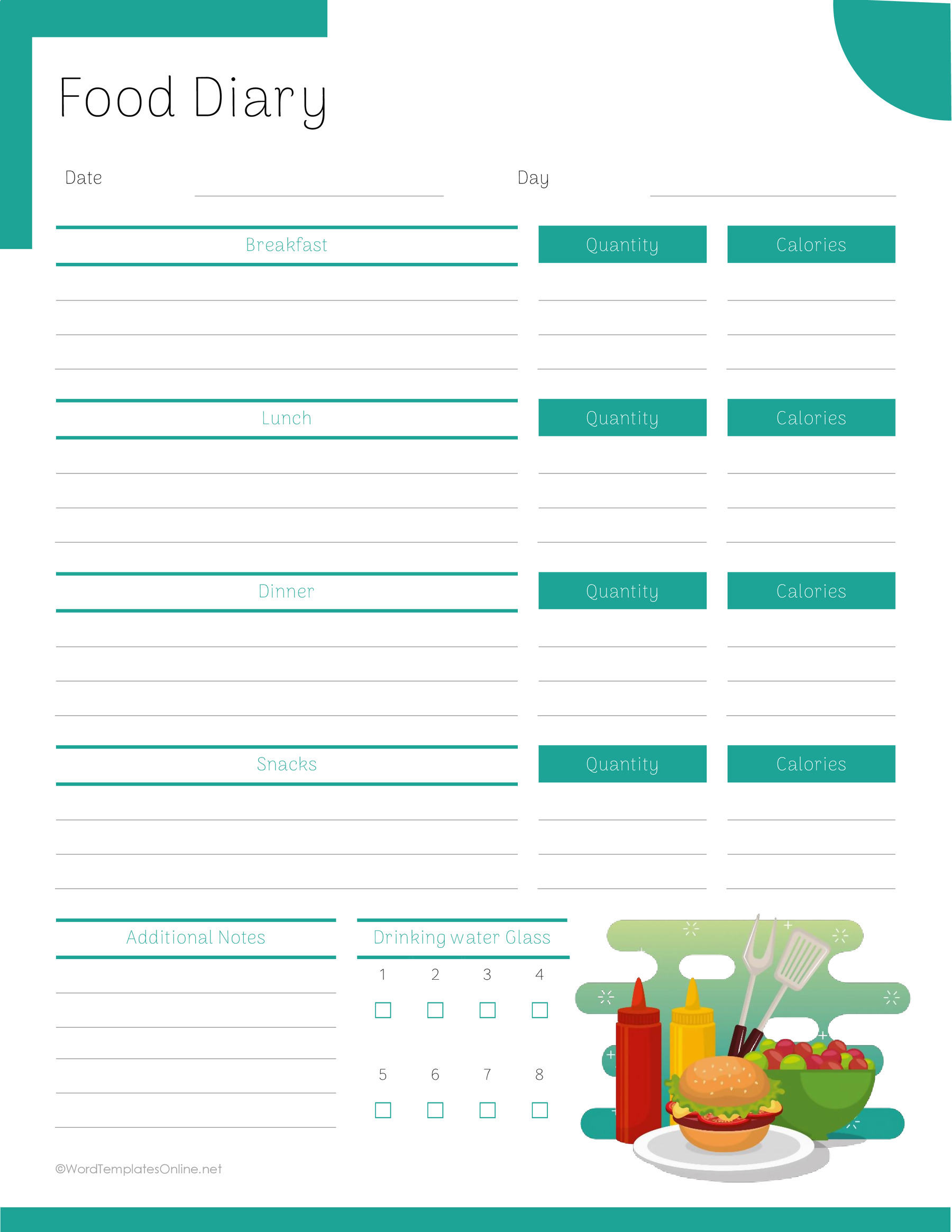
Template 01 uses separate lined boxes for breakfast, lunch, dinner, and snacks, with additional notes below. Template 02 adds a quantity column for each meal and a water-glass checklist. Choose 02 when you want portions in their own space rather than beside the food name.
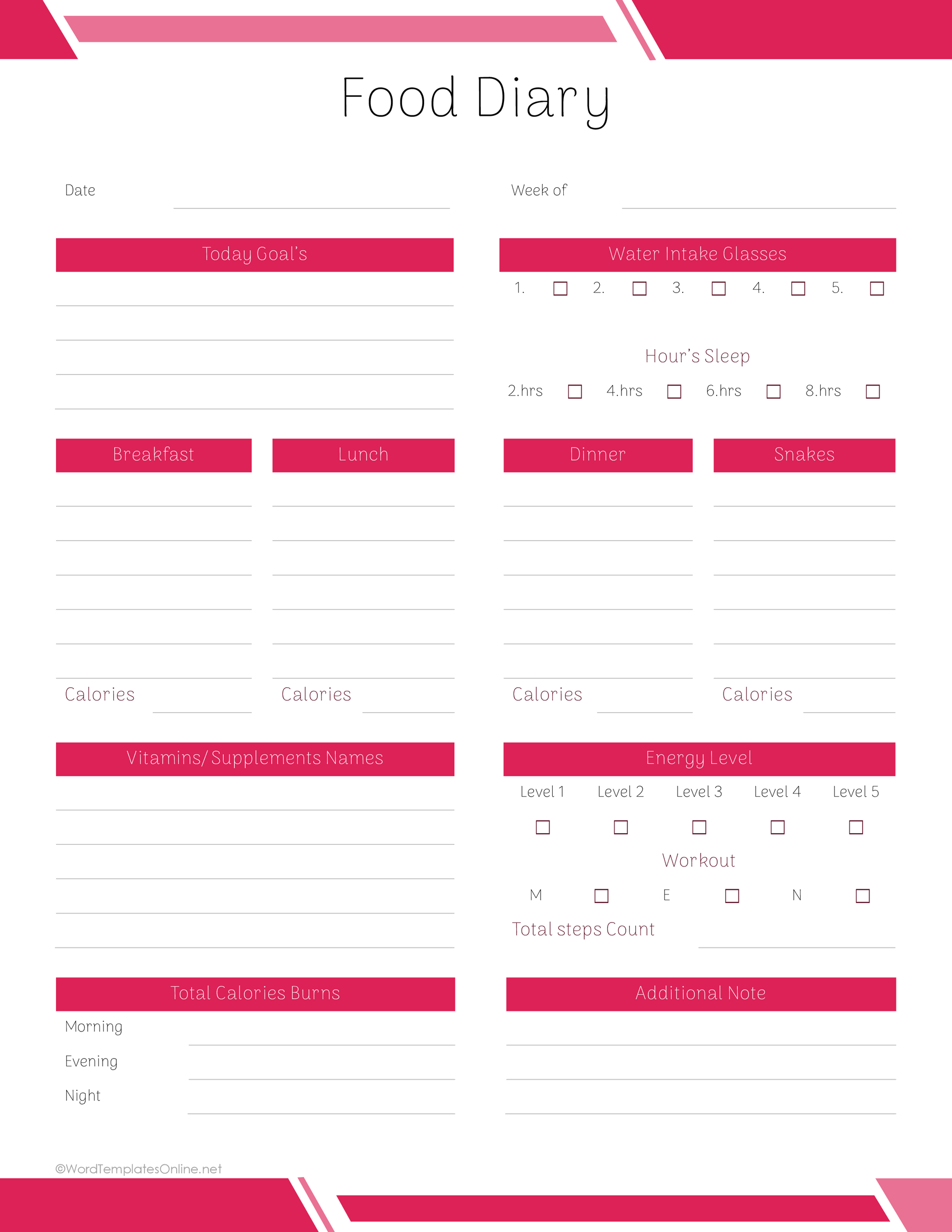
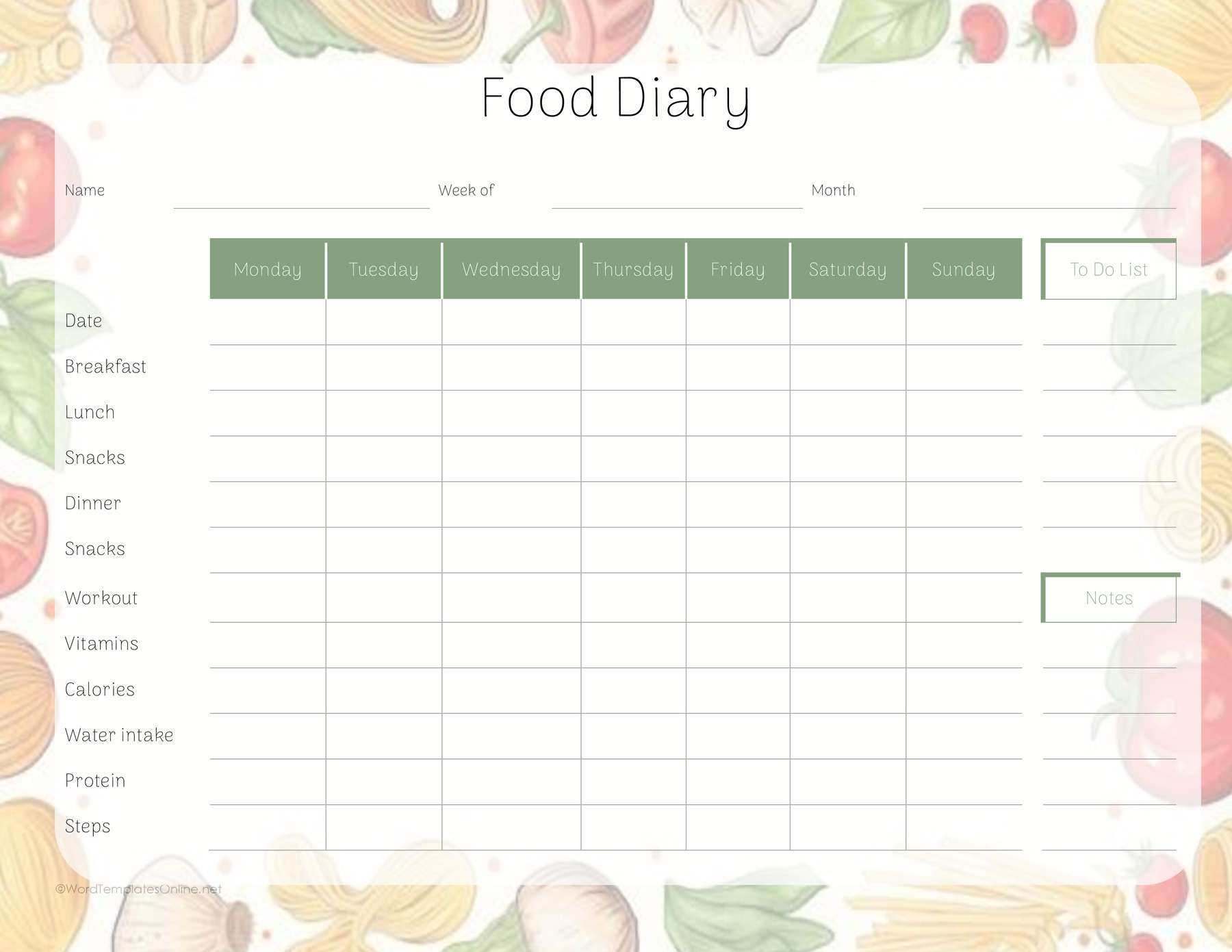
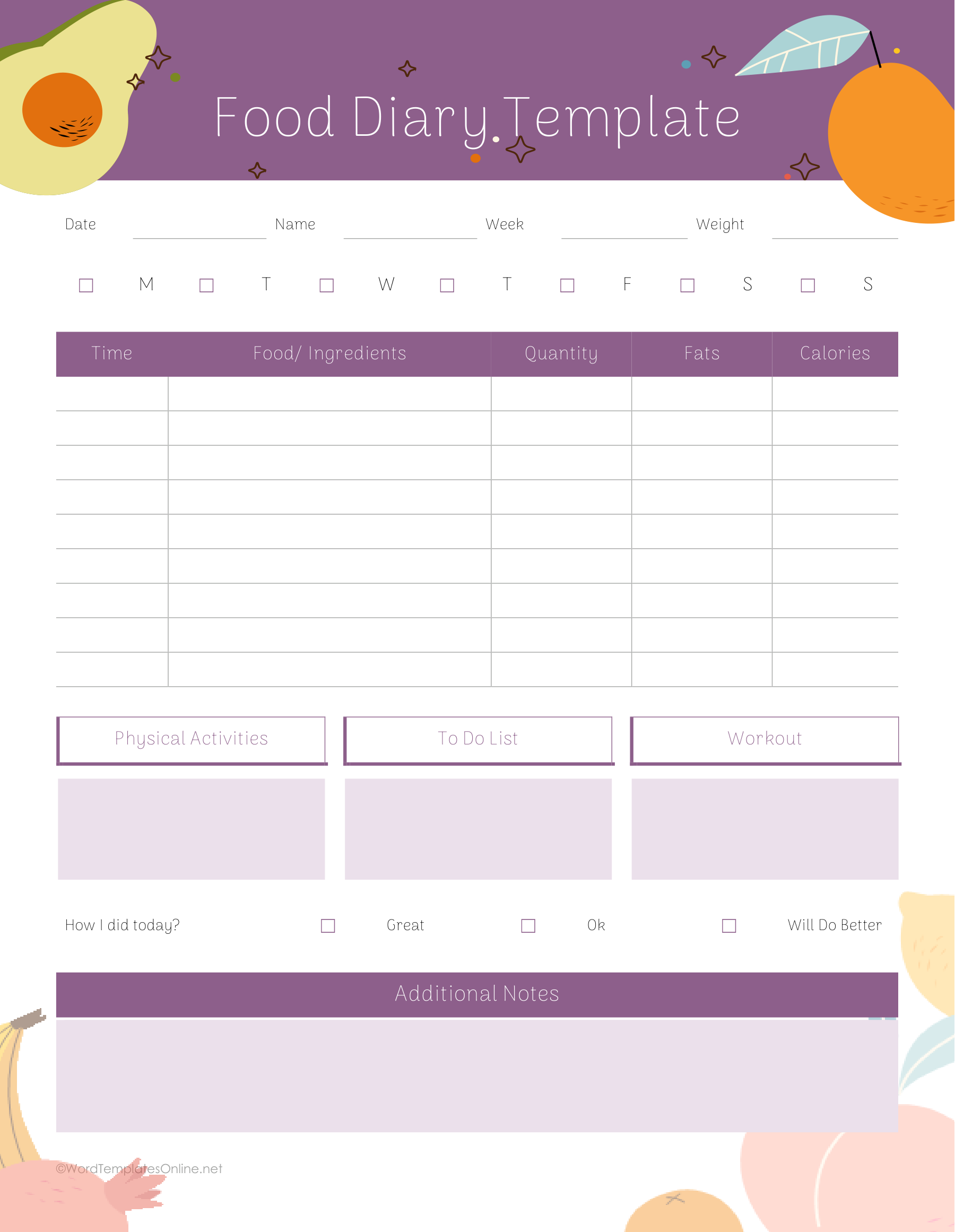
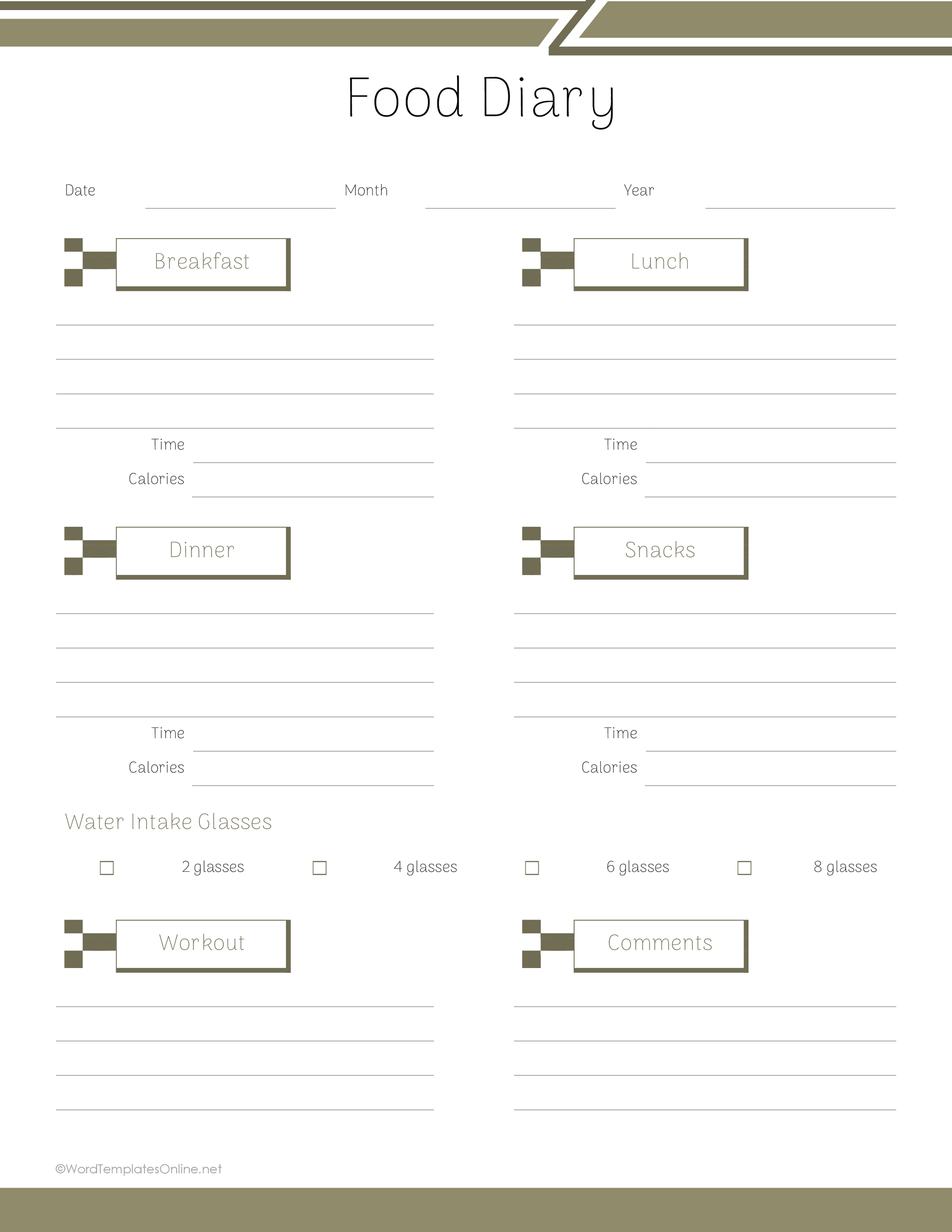
For a record that includes other parts of your day, Template 05 has spaces for water, sleep, energy, and supplements. Template 13 combines meal and nutrient entries with priorities, activity, and notes. Template 15 gives you a time-and-quantity table plus room for physical activities and reflection. The Google Docs version of Template 16 instead uses four meal boxes with time fields, a water checklist, and comments.
Tables for food and nutrient entries
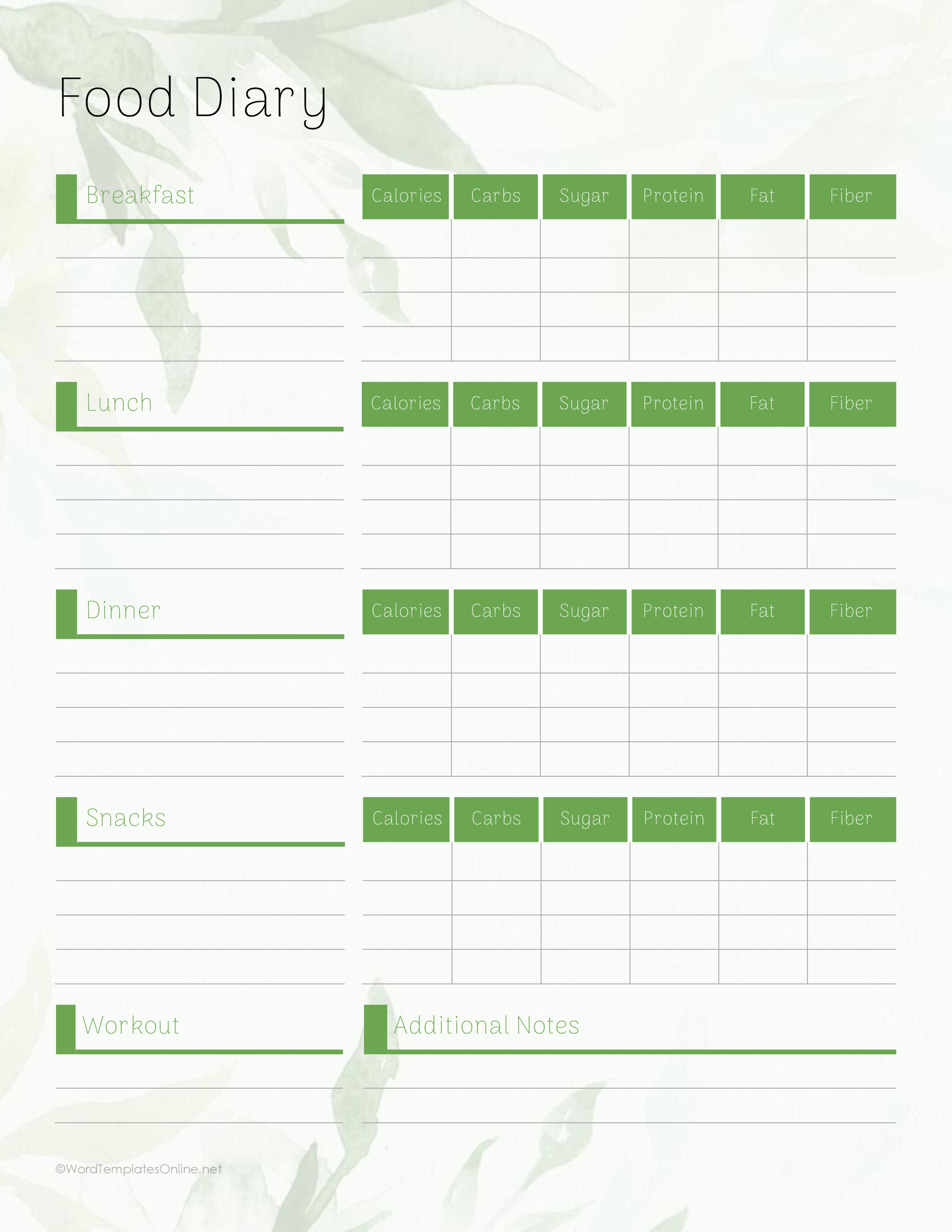
Template 03 separates the day’s meals and snacks, with columns for calories, carbohydrates, sugar, protein, fat, and fiber. Template 06 arranges breakfast, lunch, and dinner in separate Monday–Sunday tables. Template 08 places food or drink, serving size, and nutrient entries together in day-by-day tables. Pick one of these if you already have figures you want to retain; the tables provide blank entry spaces rather than calculated results.
Weekly layouts for brief entries
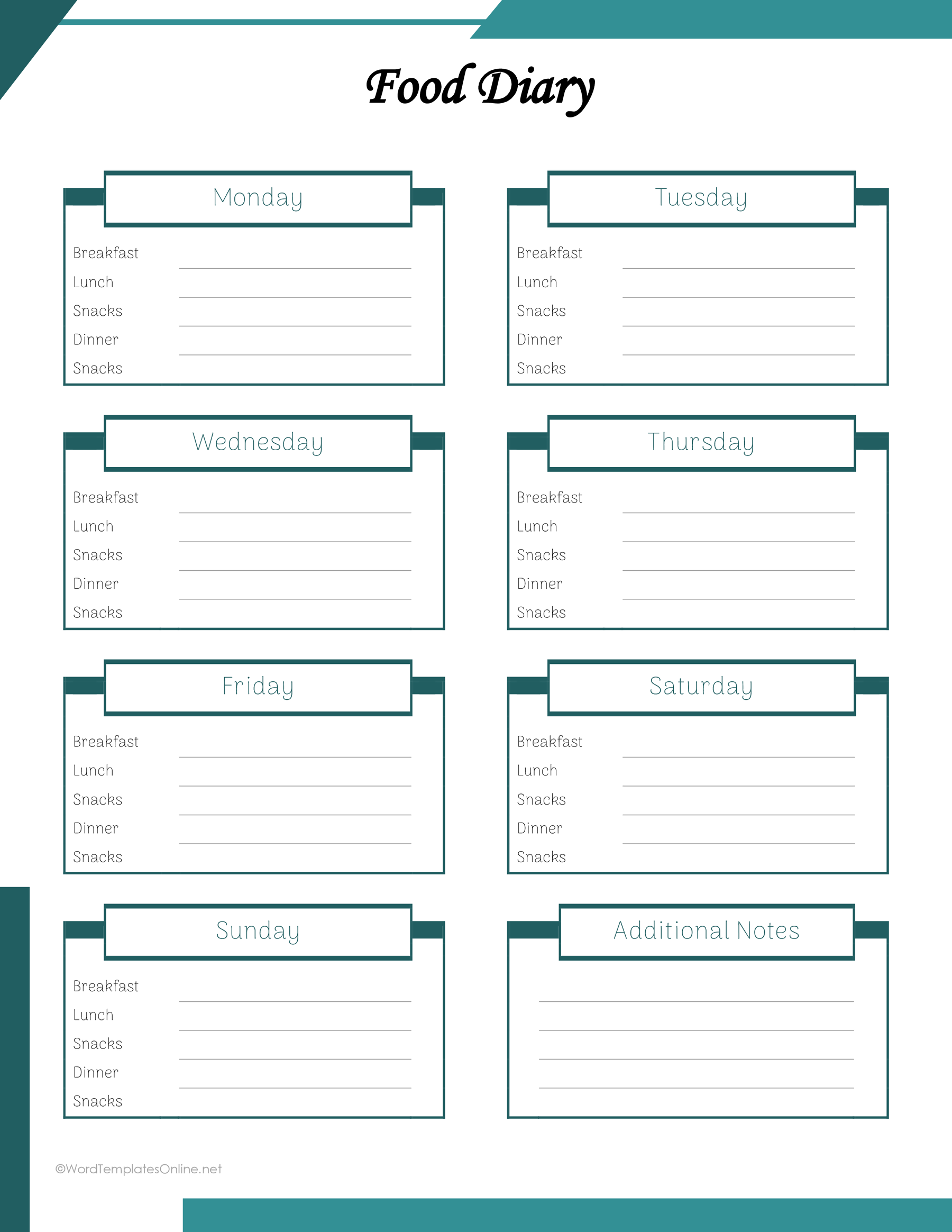
Templates 04 and 07 show the week in separate day boxes. Template 04 includes snack lines, while 07 gives you breakfast, lunch, and dinner spaces plus notes. Template 09 turns the days into columns, with meal rows and additional fields for water, steps, and nutrient entries.
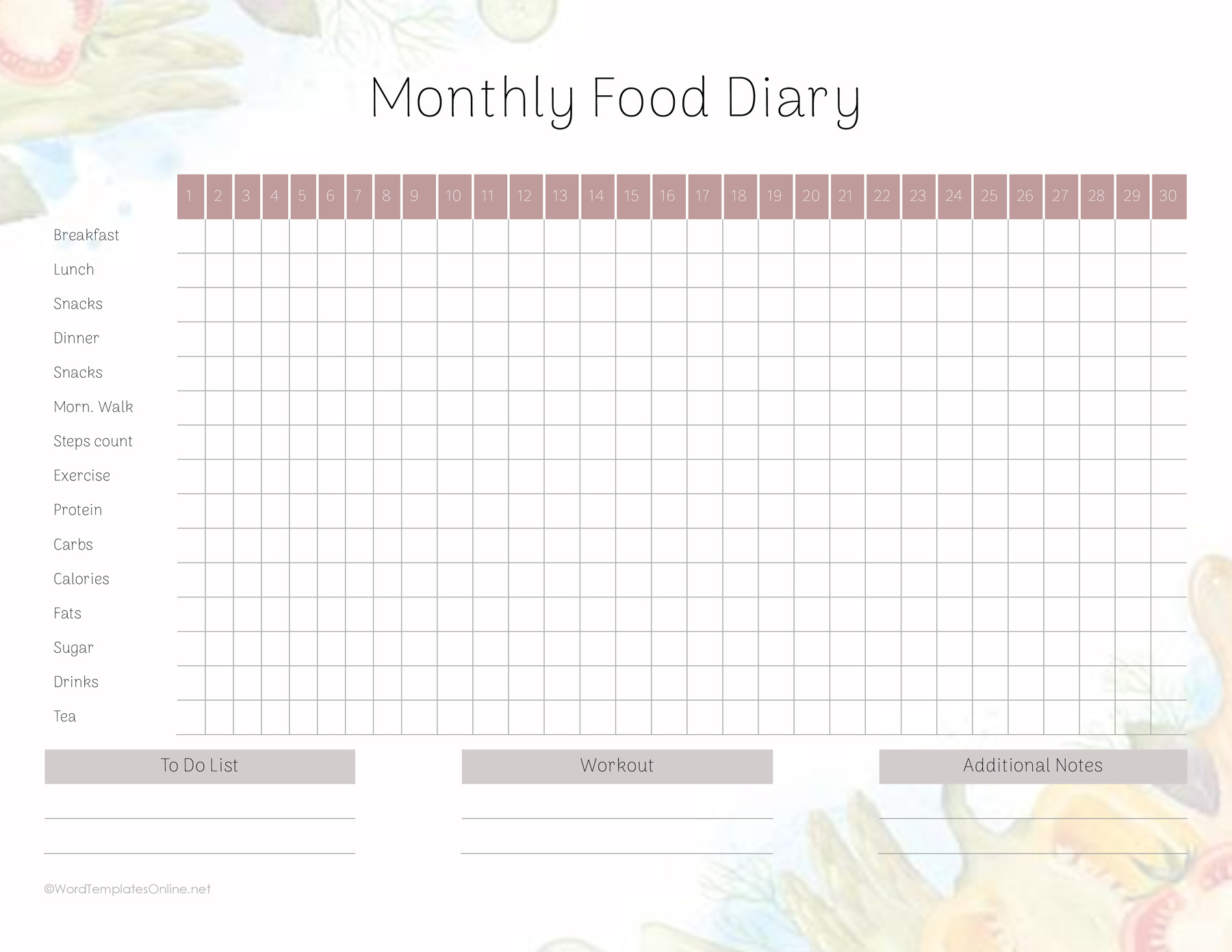
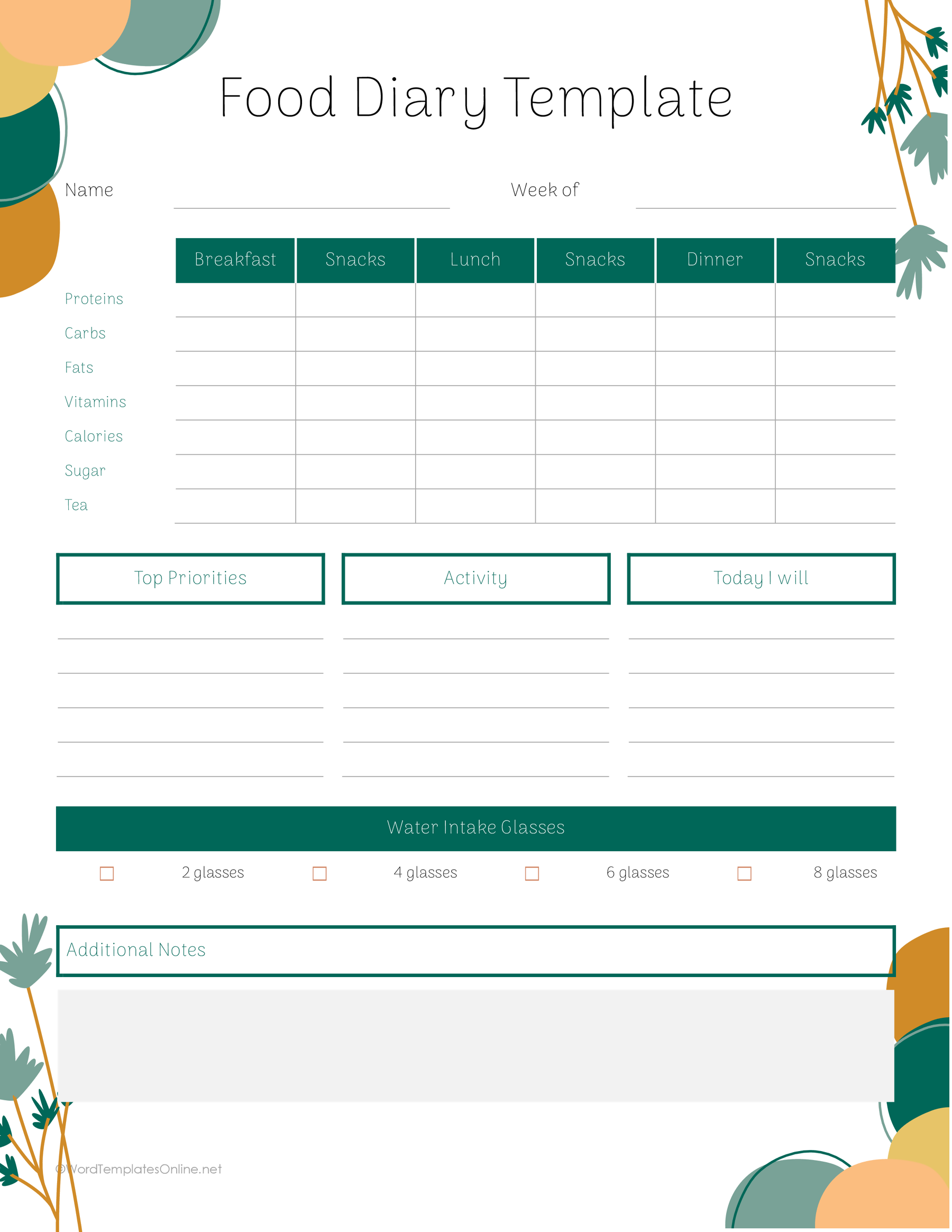
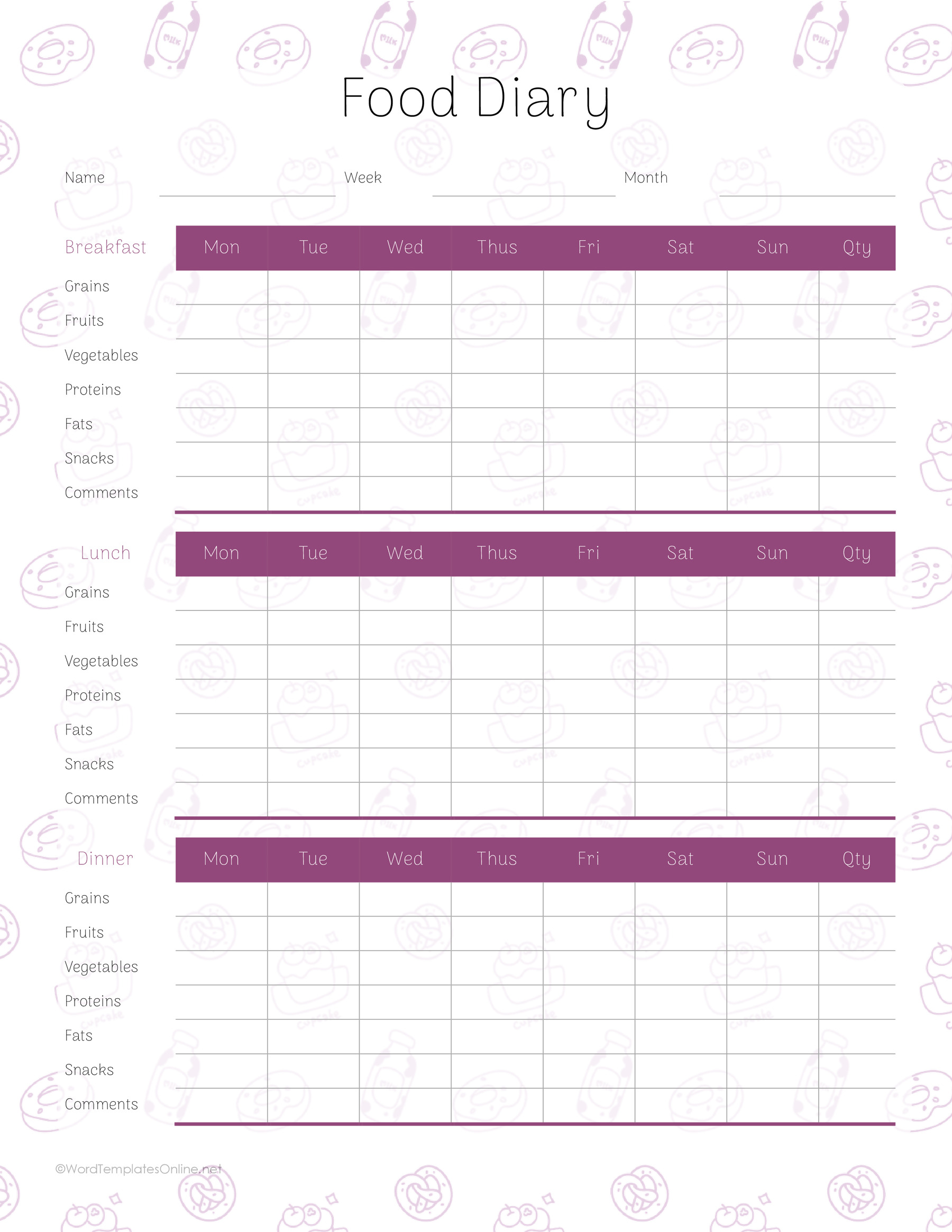
Template 10 puts weekdays down the side and meals and snacks across the top; it also includes a to-do list and notes. Template 12 uses day columns with meal, water, and notes rows. Template 14 separates breakfast, lunch, and dinner into weekly grids with food-group rows and a quantity column. These grids suit short summaries. Use a roomier daily sheet if your entries need ingredients, preparation details, or several portions.
A compact monthly overview
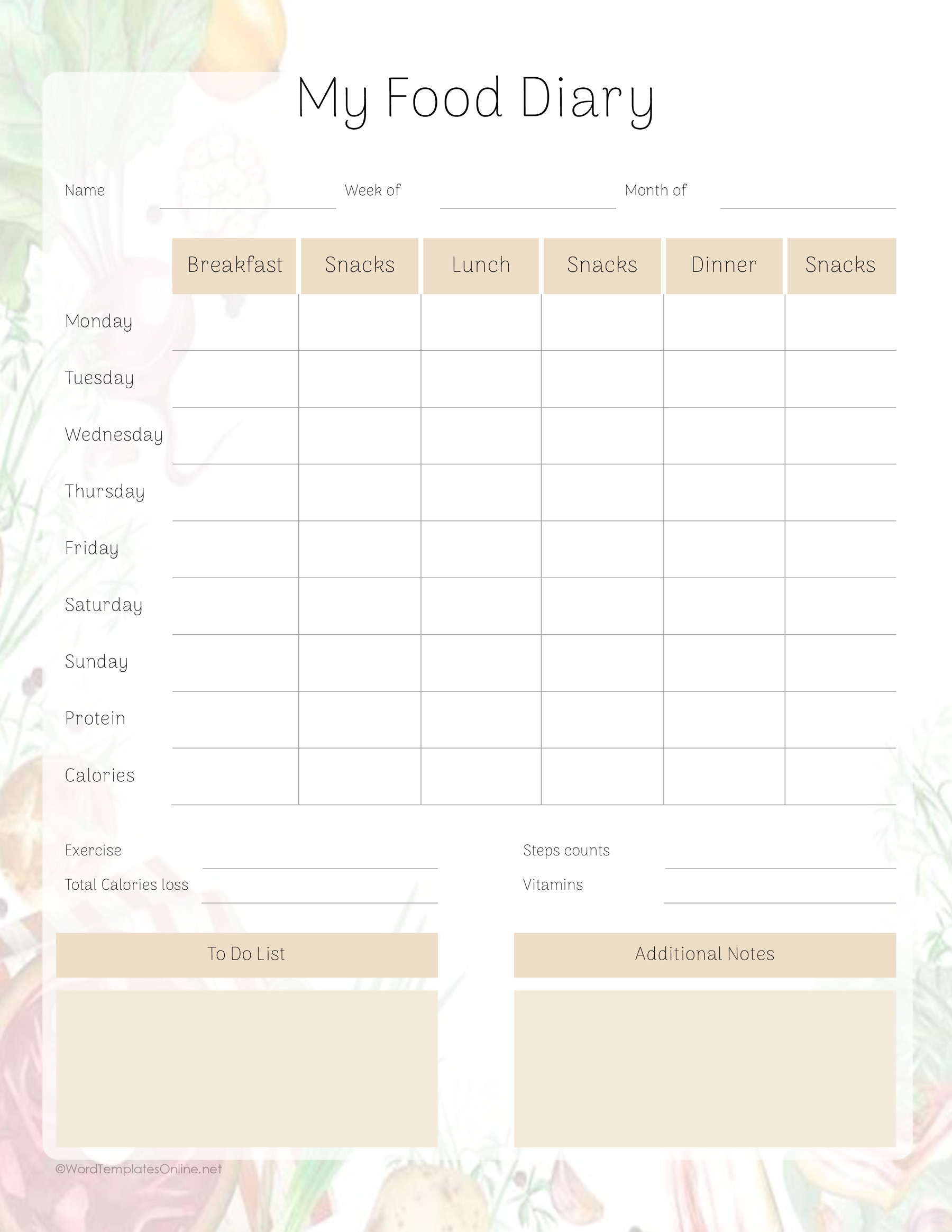
Template 11 has thirty numbered columns and rows for meals, snacks, drinks, and other entries. It gives you a broad overview with small spaces for each item. Keep entries brief, or pair it with a daily sheet when you need more detail. Numbered columns let you organize the record by day without writing a full date in every box.
Select a template from the additional collection below, then choose its format. The instructions that follow apply to both collections.
Food Diary Template 01
Food Diary Template 02
Food Diary Template 03
Food Diary Template 04
Food Diary Template 05
Food Diary Template 06
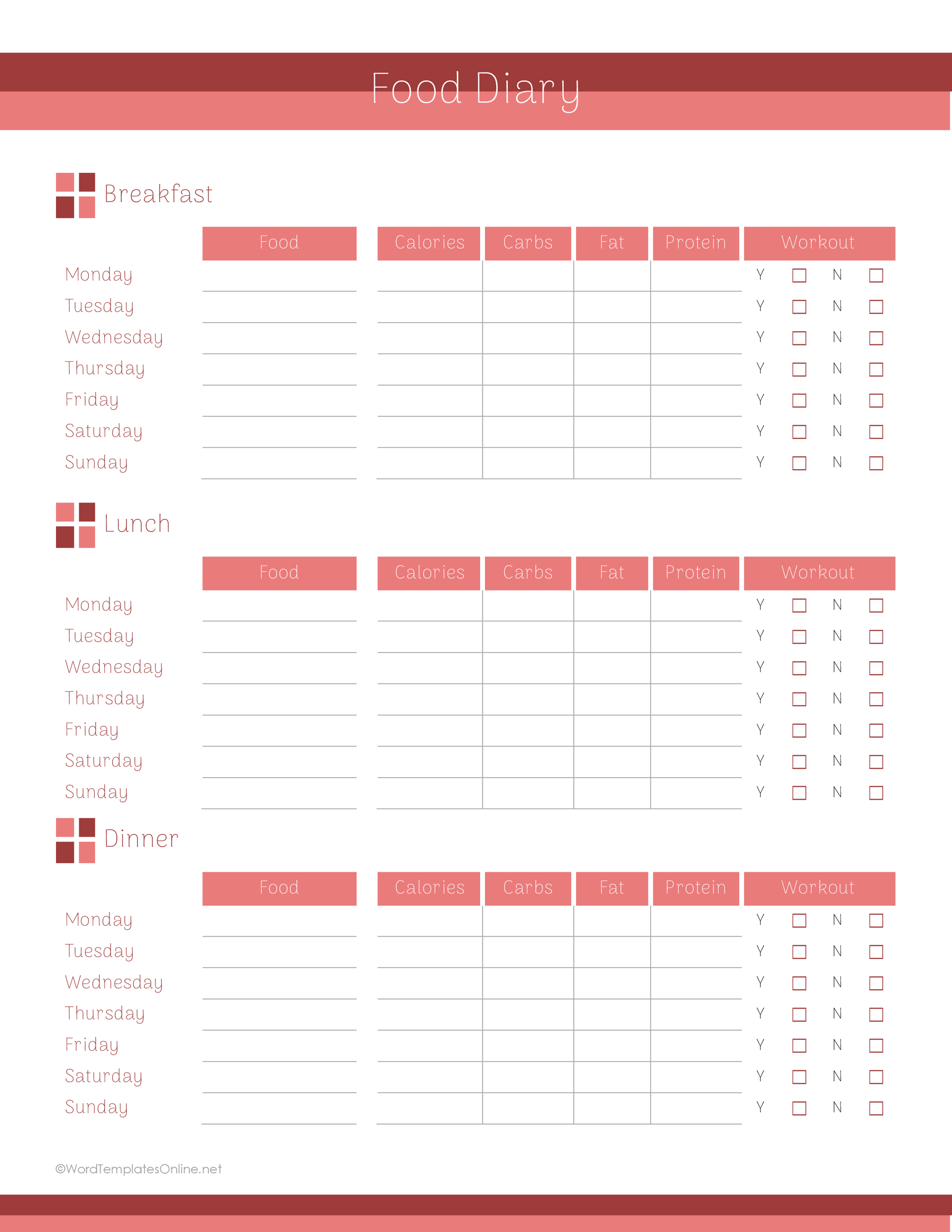
Food Diary Template 07
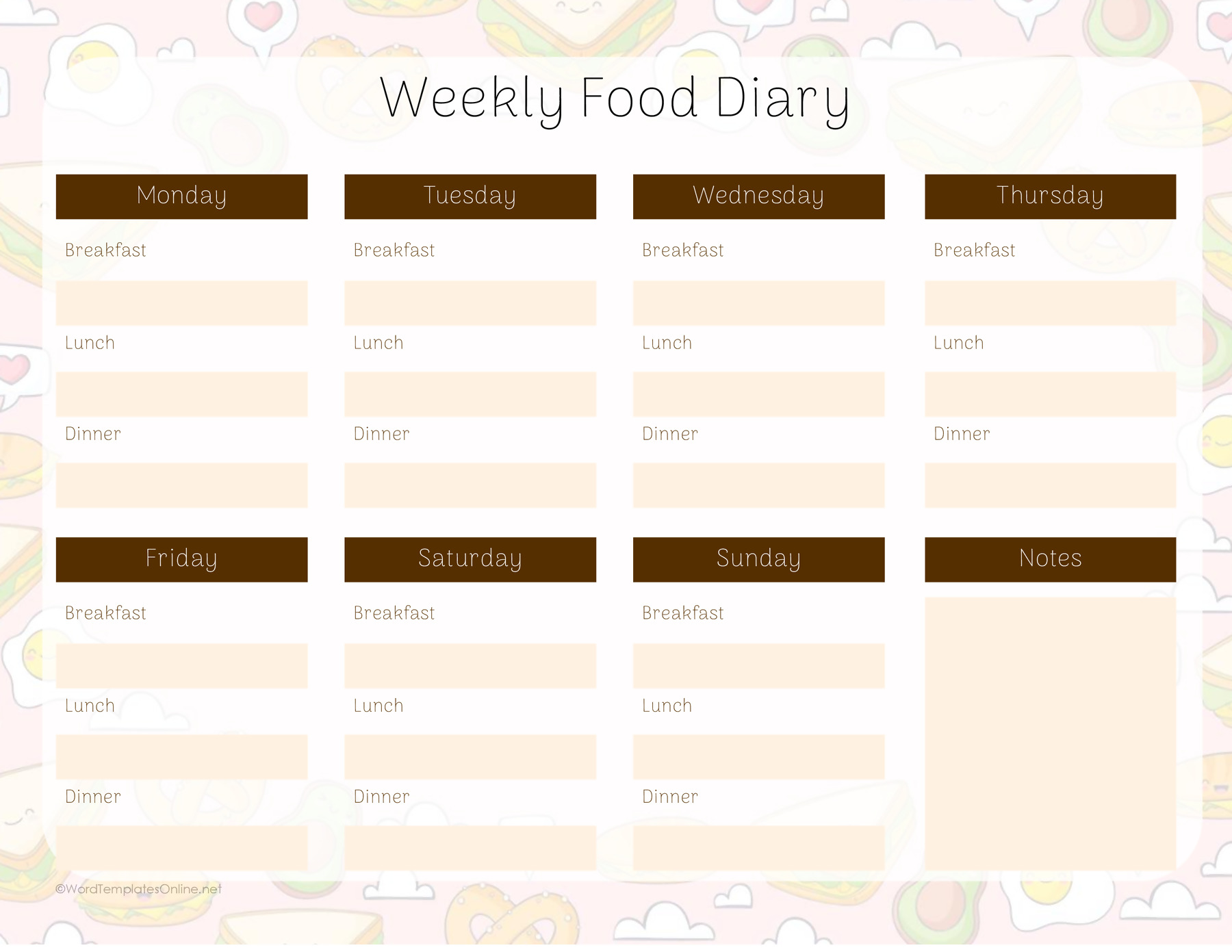
Food Diary Template 08
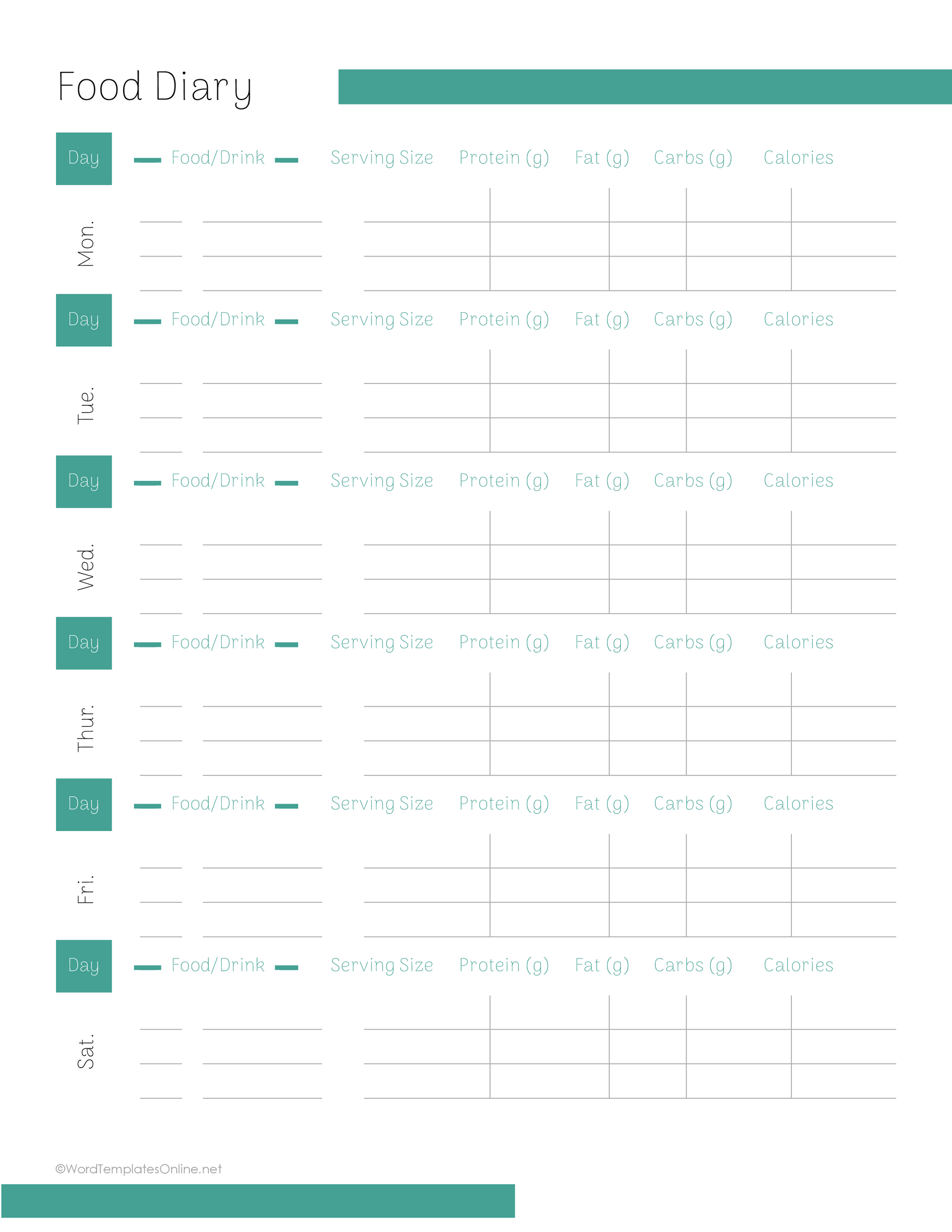
Food Diary Template 09
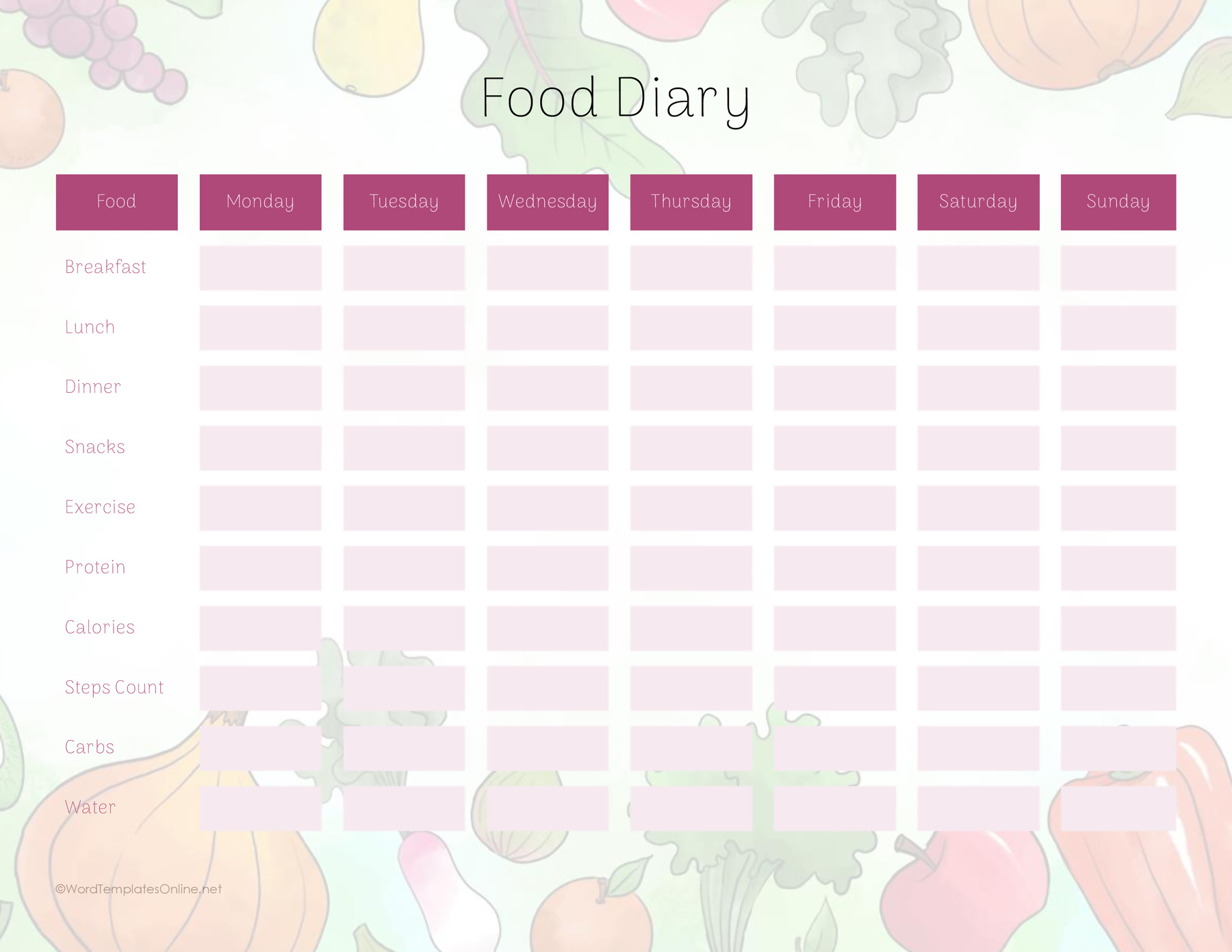
Food Diary Template 10
Food Diary Template 11
Food Diary Template 12
Food Diary Template 13
Food Diary Template 14
Food Diary Template 15
Food Diary Template 16
How to fill in your food diary
Record meals, drinks, and amounts
Add the date, then record food and drinks as you go. This helps you capture details that are easy to forget later, such as a drink between meals or milk added to tea. East Lancashire NHS food-diary instructions recommend prompt entries with food, drinks, amounts, and preparation details.
Write what was in the meal. “Rice with chicken and sauce” will tell you more next week than “lunch.” A few words about preparation or additions can help too: boiled vegetables, for example, or mayonnaise in a sandwich.
Record the amount you ate or drank, rather than the amount served. “One mug,” “two slices,” and “half a medium bowl” are useful descriptions when you do not have a weight. A number needs a unit: “2” alone could mean two slices or two bowls. Calderdale and Huddersfield NHS food-diary guidance uses weights, household measures, and item counts to describe portions.
When your chosen form has no separate amount column, put the portion beside the food description. Keep drinks identifiable too: “tea with milk, one mug” is clearer than listing “tea” without an amount or any additions.
Add optional context and nutrient figures
Use time, place, hydration, and reflection fields for the details you want to retain. A note can be simple, such as “ate at my desk” or “felt hungry before lunch.” NIDDK’s guidance on food and beverage diaries includes time and feelings as possible parts of a record. There is no need to give every meal a judgment or turn a brief observation into an explanation for it.
Calorie and nutrient spaces need manual entries. If you have a figure, note its source and units; if you do not, leave the space blank. Any total you record also needs to be worked out separately.
A sample entry in two layouts
Here is a fictional entry to show how the same information fits different forms:
8:00 am — porridge made with milk, one medium bowl; tea with milk, one mug.
In the three-day food record, enter “porridge made with milk” under Food Description and “one medium bowl” in the matching Amount space. Add “tea with milk” with “one mug” as its amount. If you want to retain the time, include it with the description or in Notes.
In the timed daily meal form, enter “8:00 am” in Time. Put “porridge made with milk, one medium bowl; tea with milk, one mug” in the breakfast description. This keeps the portions with the foods because this layout has no separate amount column.
The example shows how to record an entry; it is not a suggested meal. No calorie figure is supplied because the entry does not specify enough information to calculate one.
If you miss an entry or cannot remember a portion
Add what you remember and mark an uncertain amount as an estimate. If a detail has gone completely, leave it blank rather than inventing it. Notes can hold information that has no matching column, such as a portion on the timed daily form. Calorie or nutrient figures that you cannot establish can stay blank too.
For example, suppose an earlier entry says “2 toast” and you meant two slices. Change it to “toast, two slices.” If you cannot remember whether it was one slice or two, mark the amount as uncertain instead of choosing a number just to complete the box.
Decide how long to keep the record
If a clinician has requested a food diary, follow their instructions about how many days to record. The Calderdale and Huddersfield form, for example, leaves the duration for the clinician to fill in.
The three-day template gives you space for three days. You can use additional sheets when you need a longer record. For personal use, choose a period that fits what you want to note and keep the detail consistent from entry to entry.
Choose your layout, save a working copy or print a blank sheet, and try a first entry. If the arrangement does not suit the way you want to write, you can also browse more food-diary formats and layouts.
About This Article