A wedding business booklet and a booklet for wedding guests have different jobs. Seven of these eight designs introduce wedding services; Wedding Booklet 05 includes the couple’s names, their story and ceremony space. All eight are available in PowerPoint and Google Slides.
Wedding Booklet 01
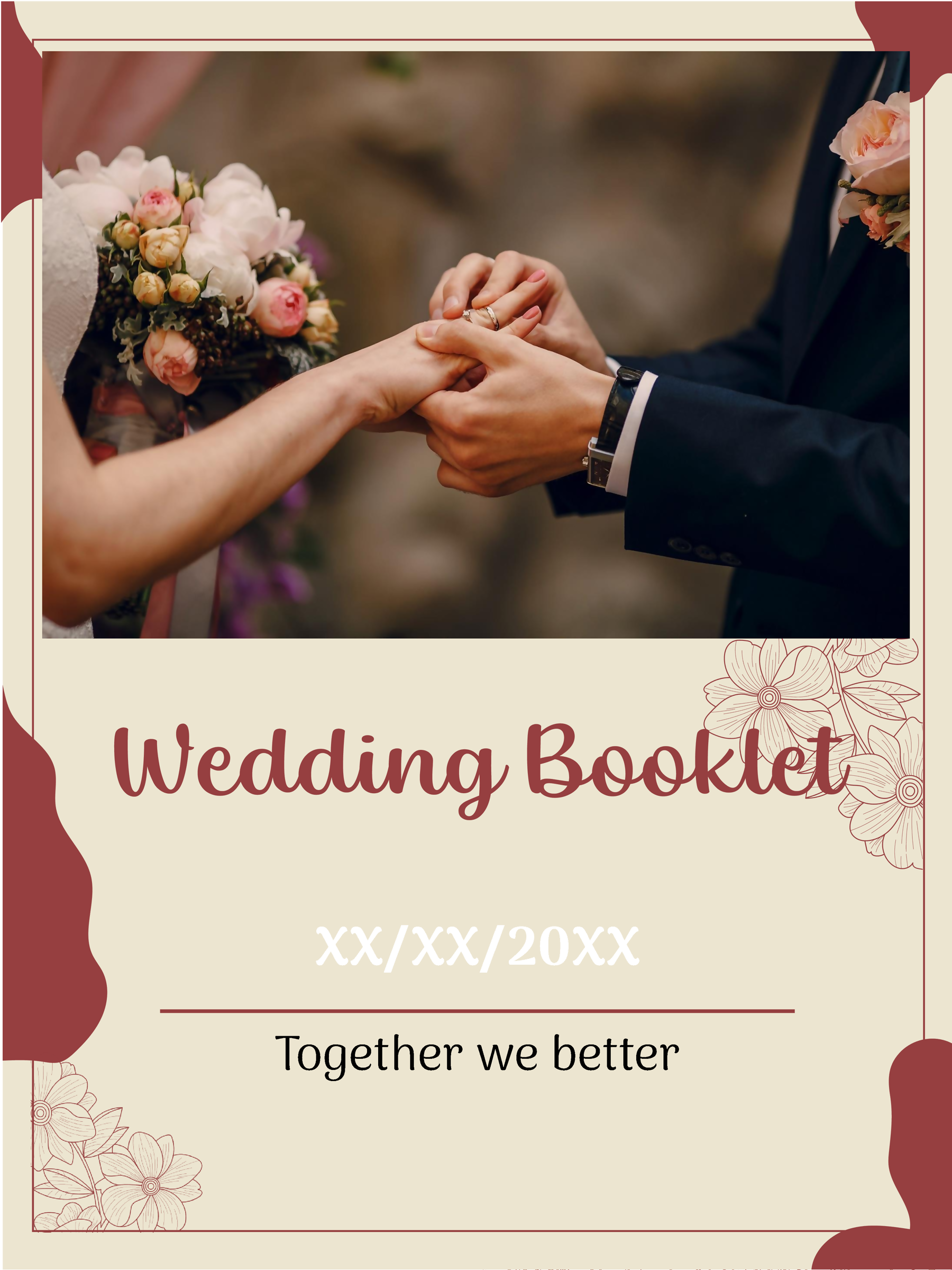
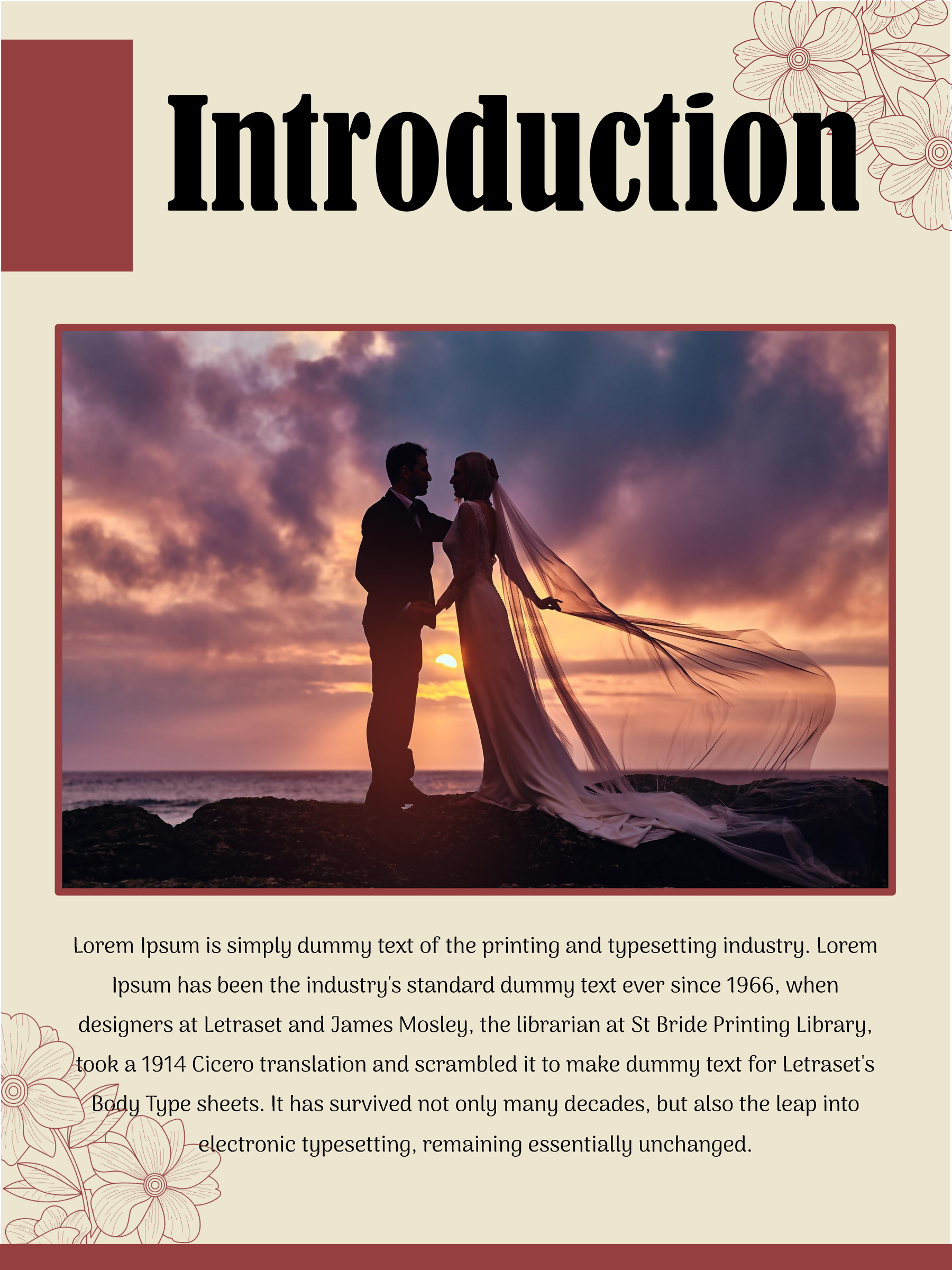
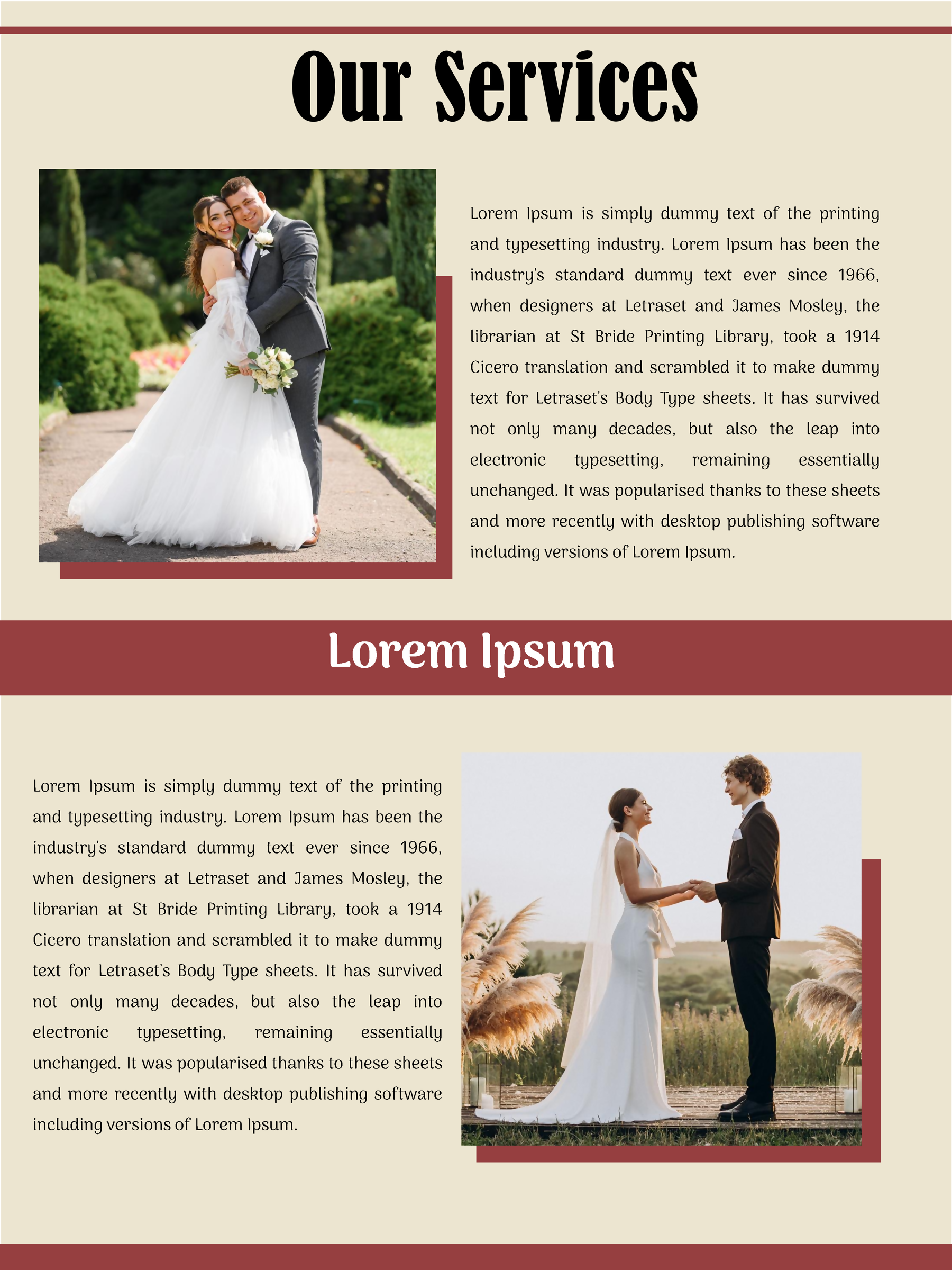
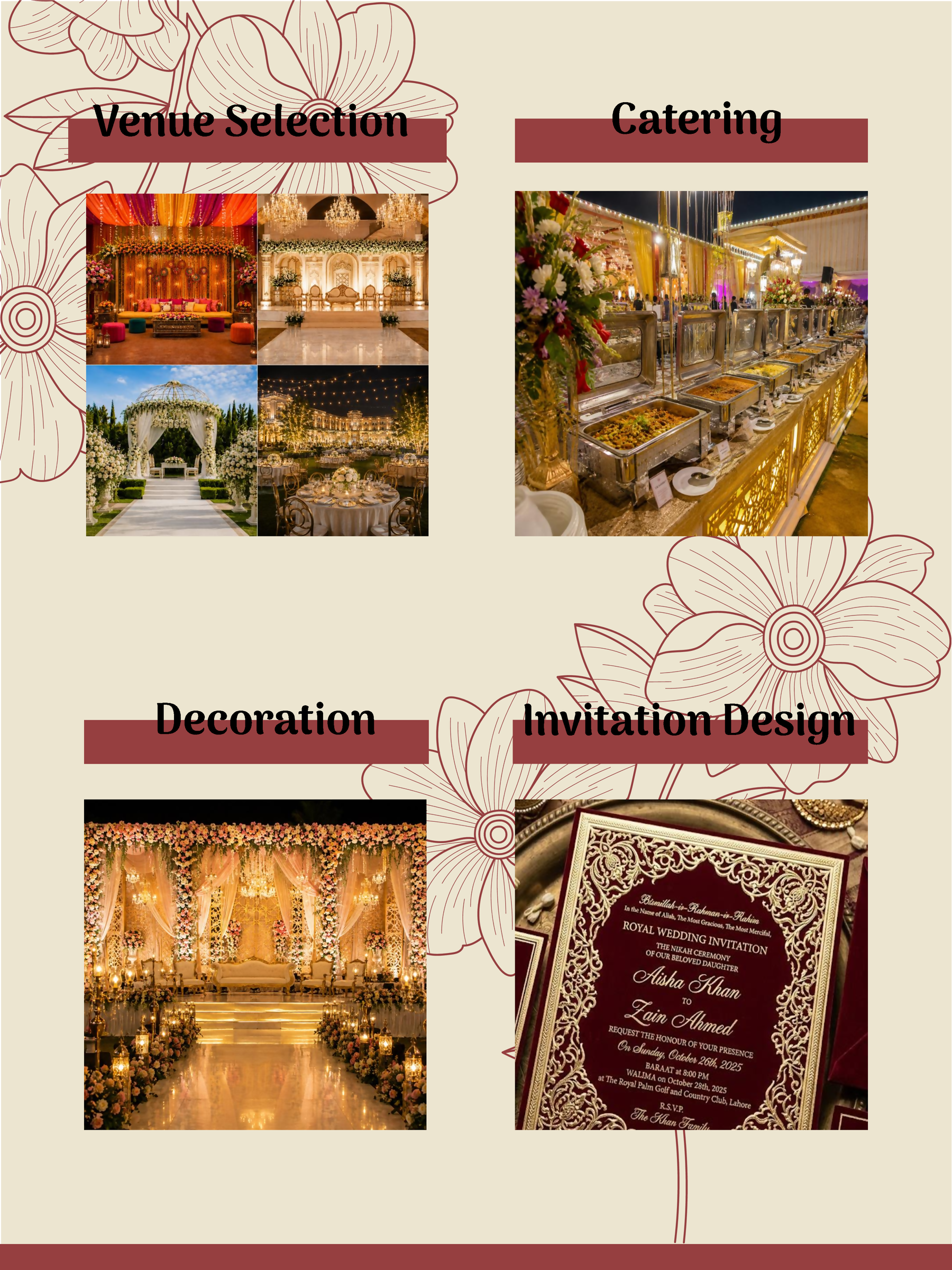
Wedding Booklet 02
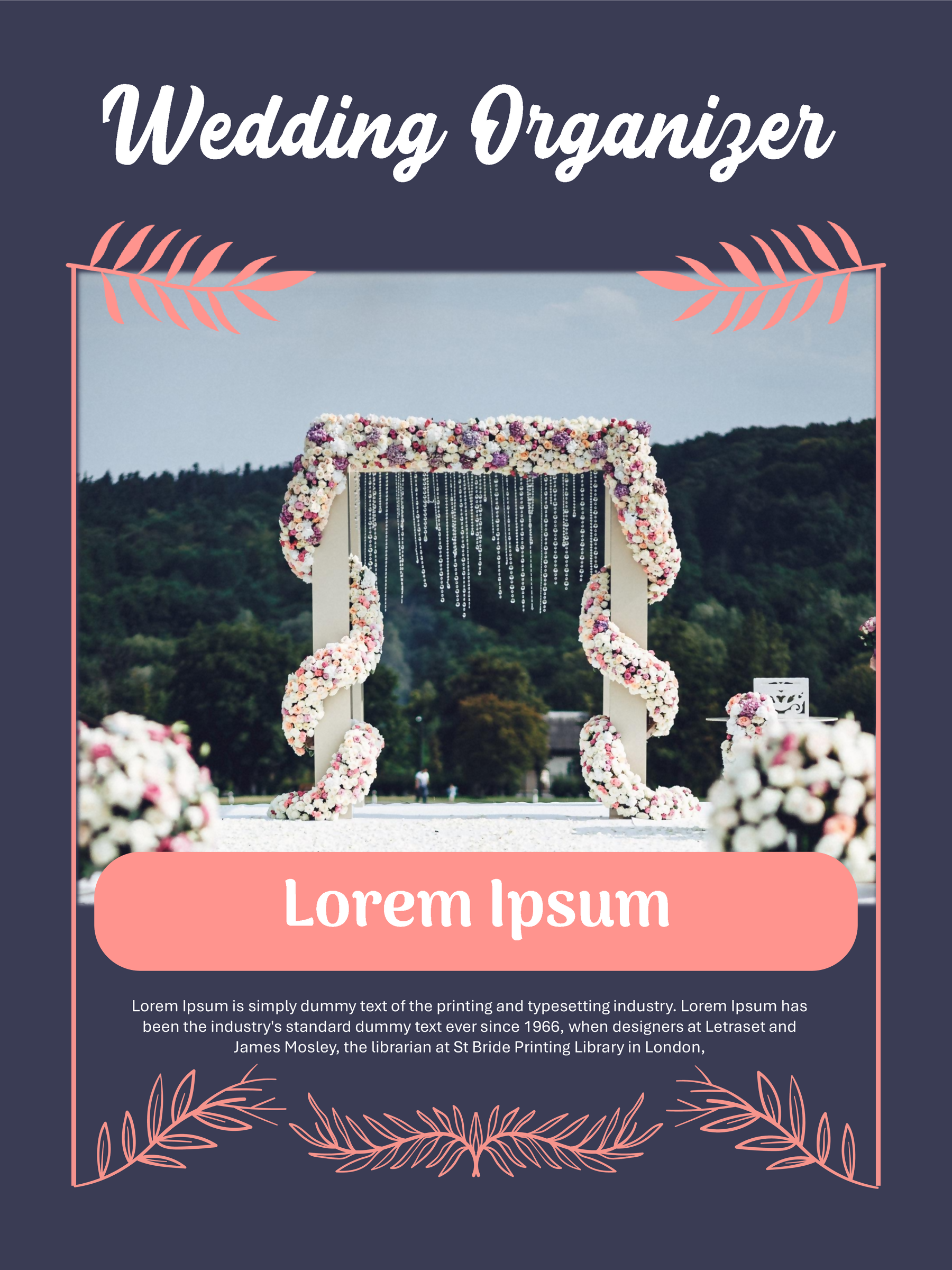
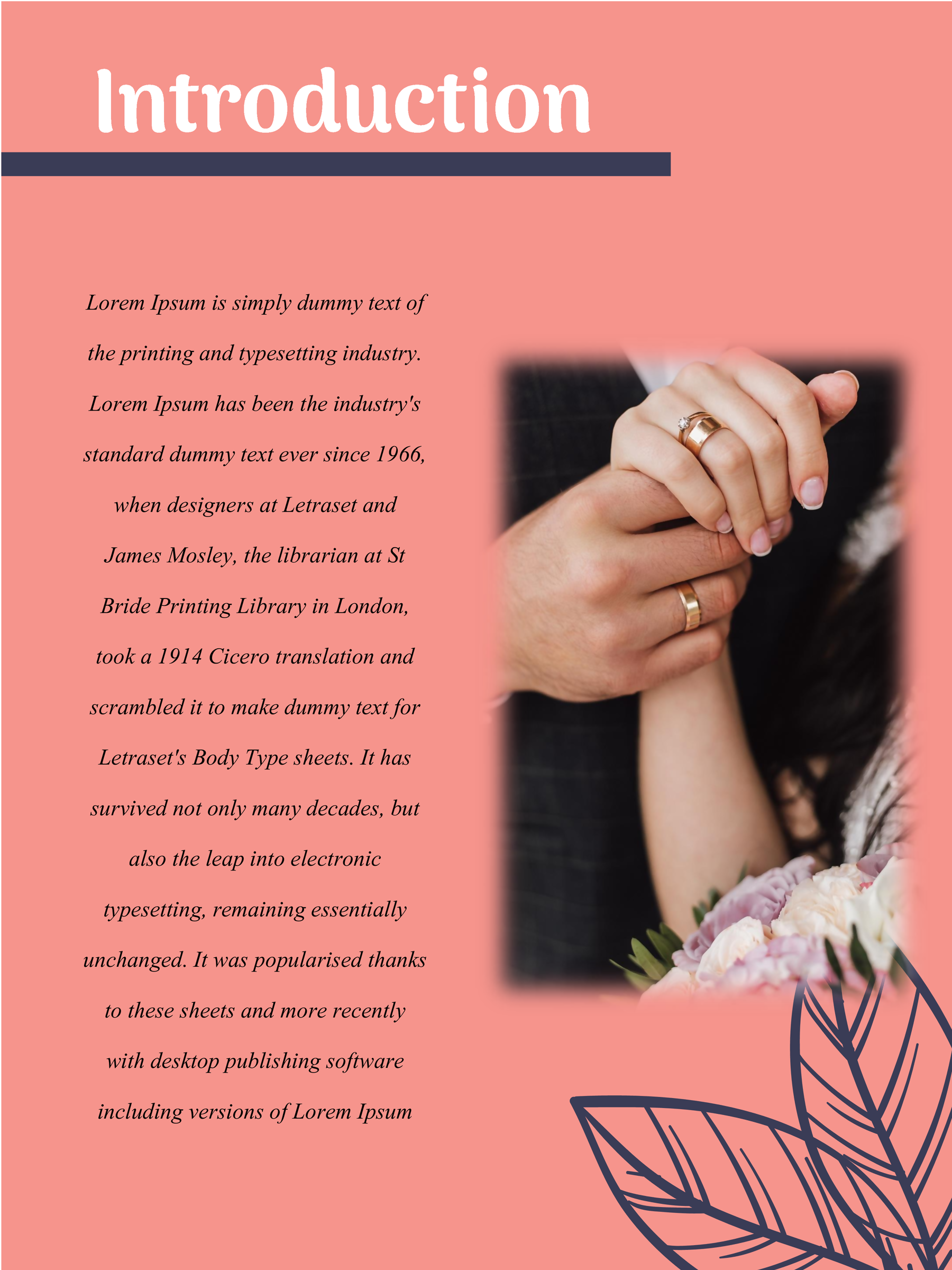
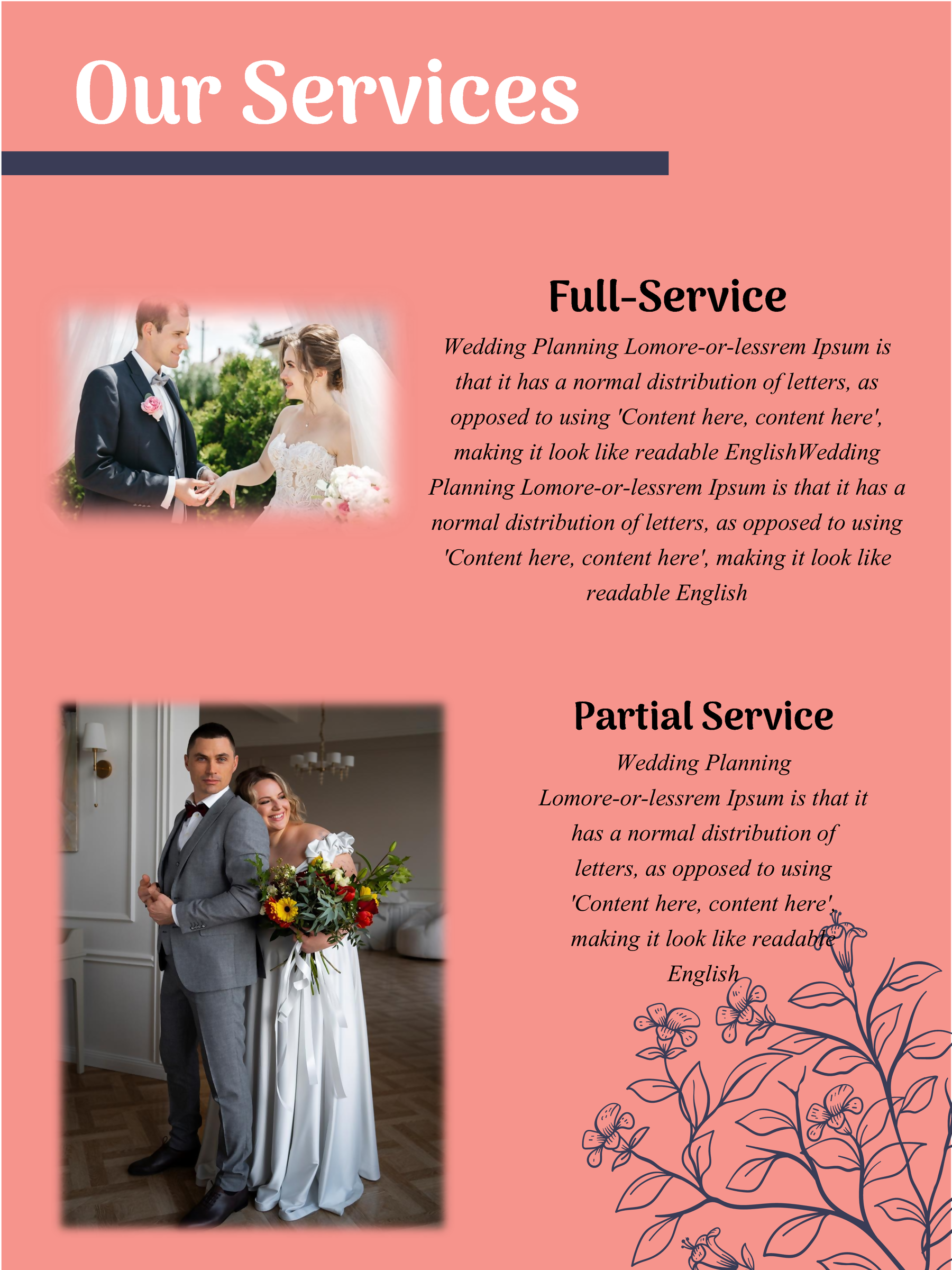
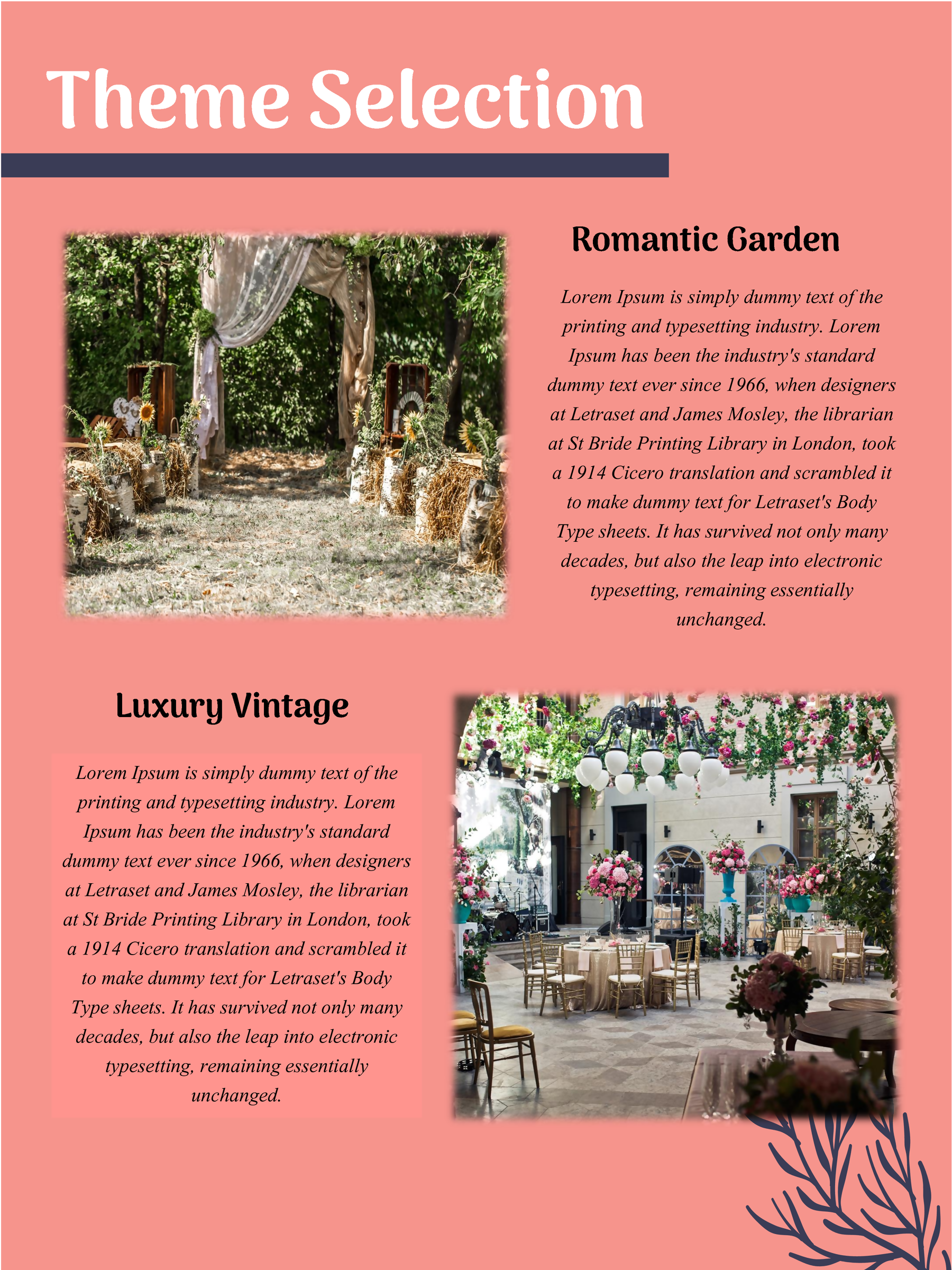
Wedding Booklet 03
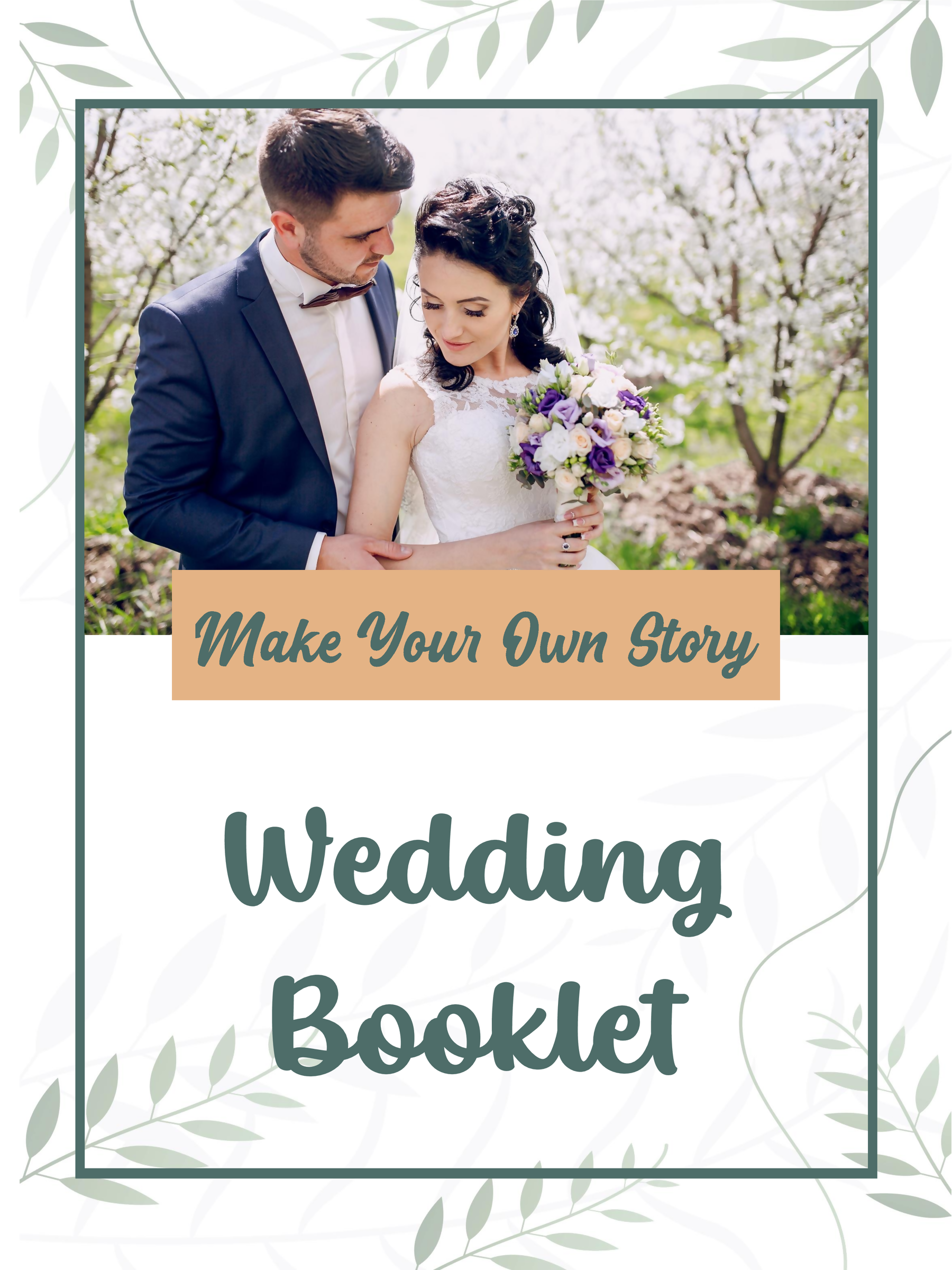
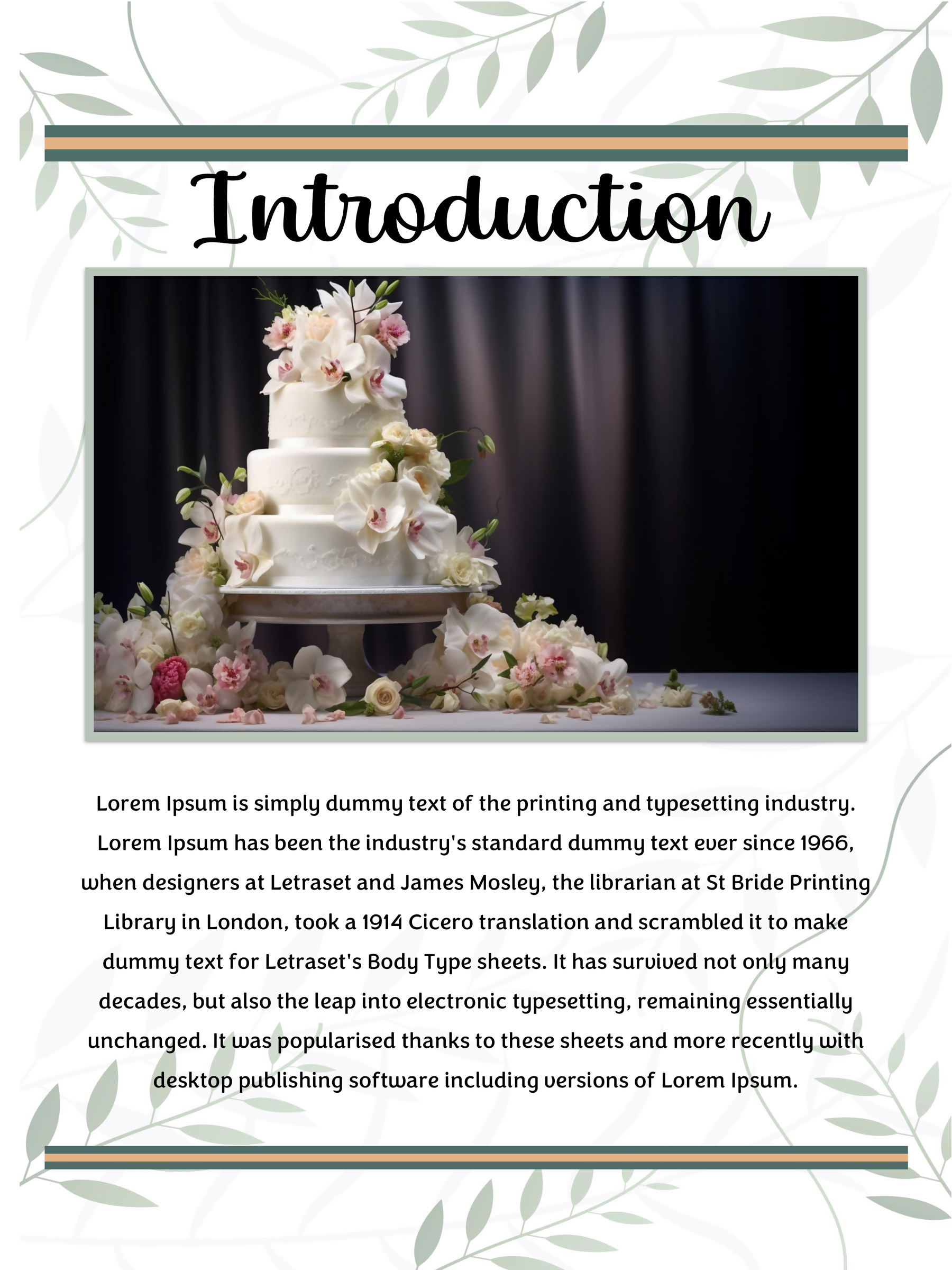
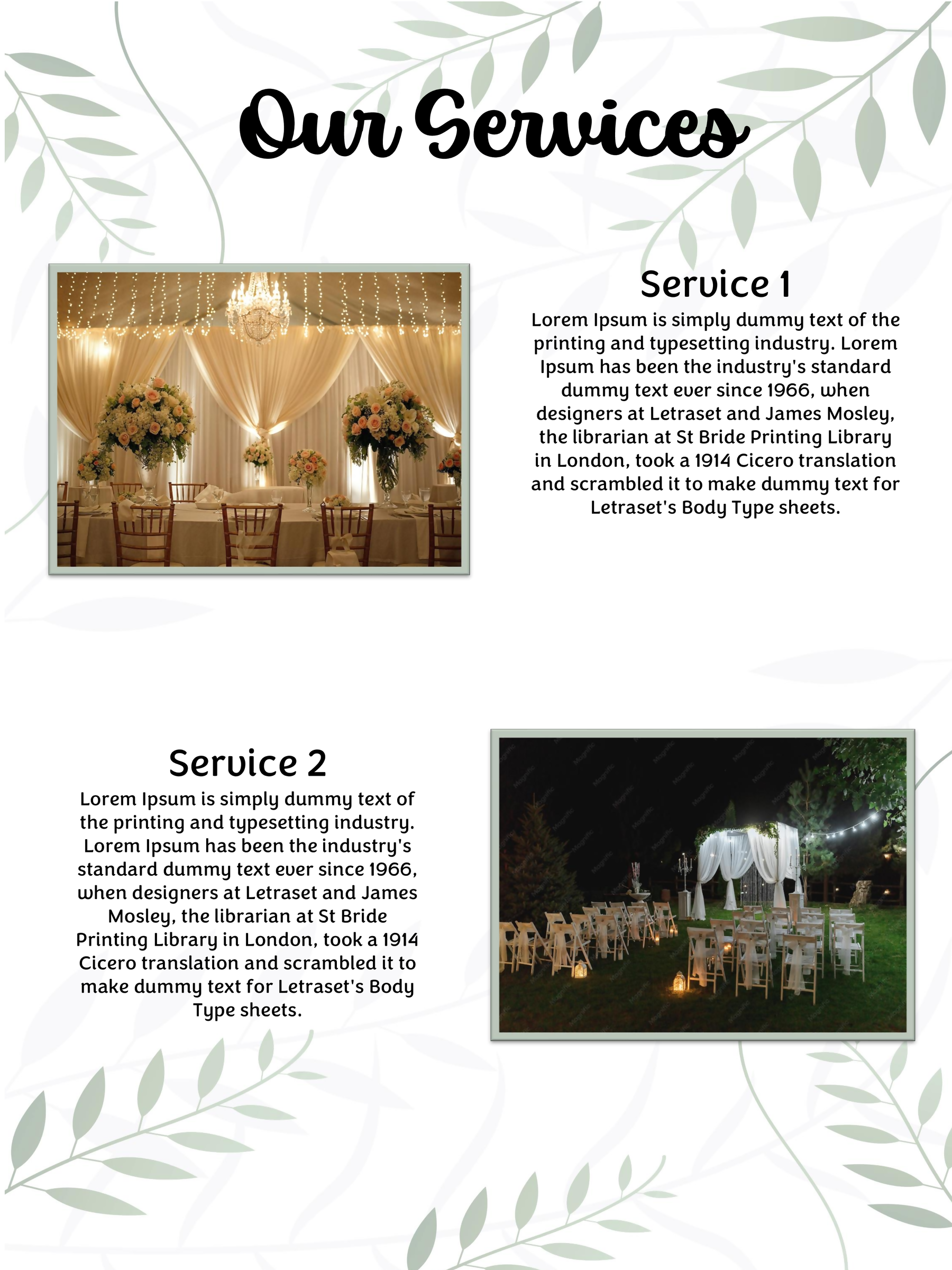
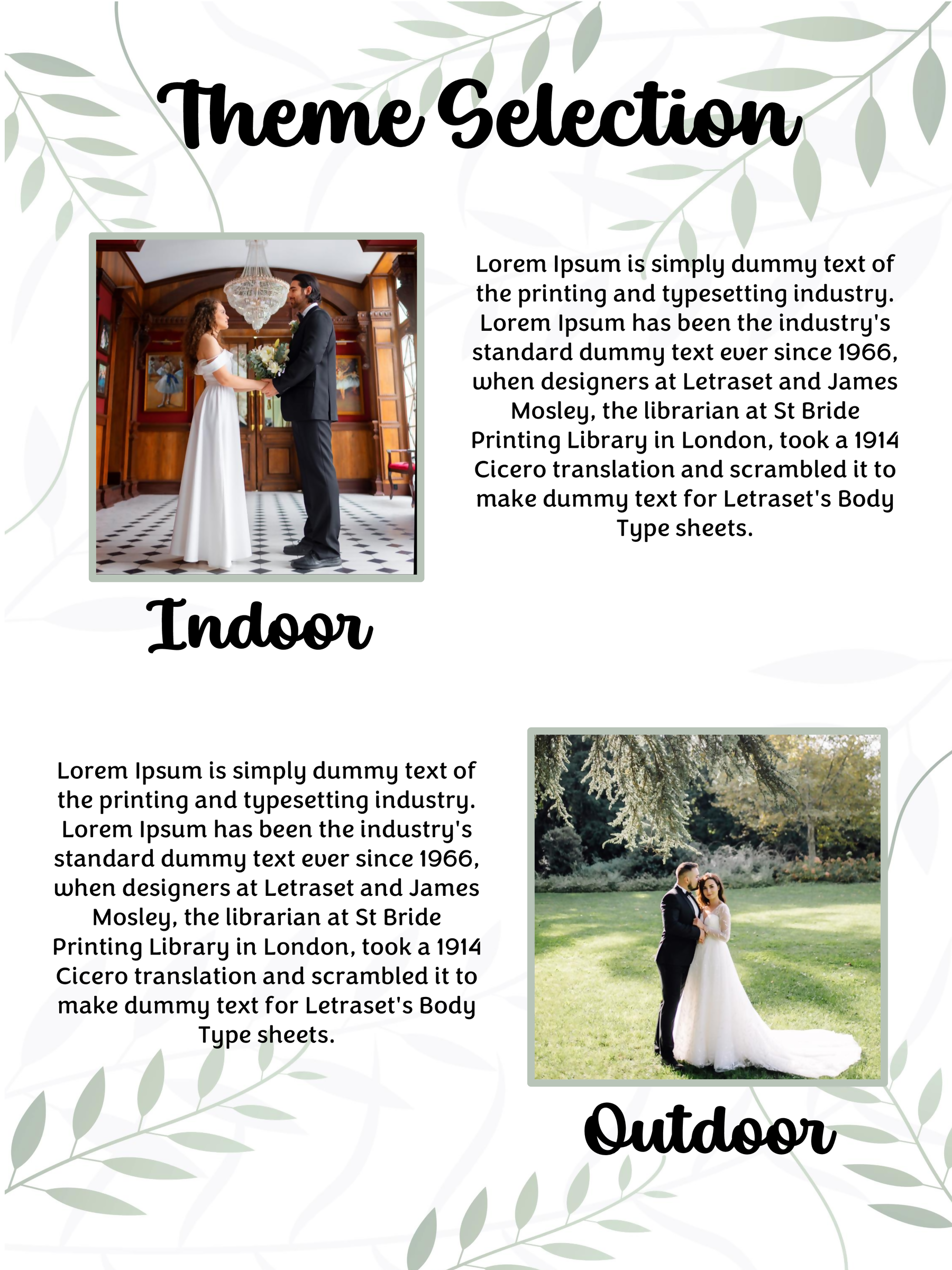
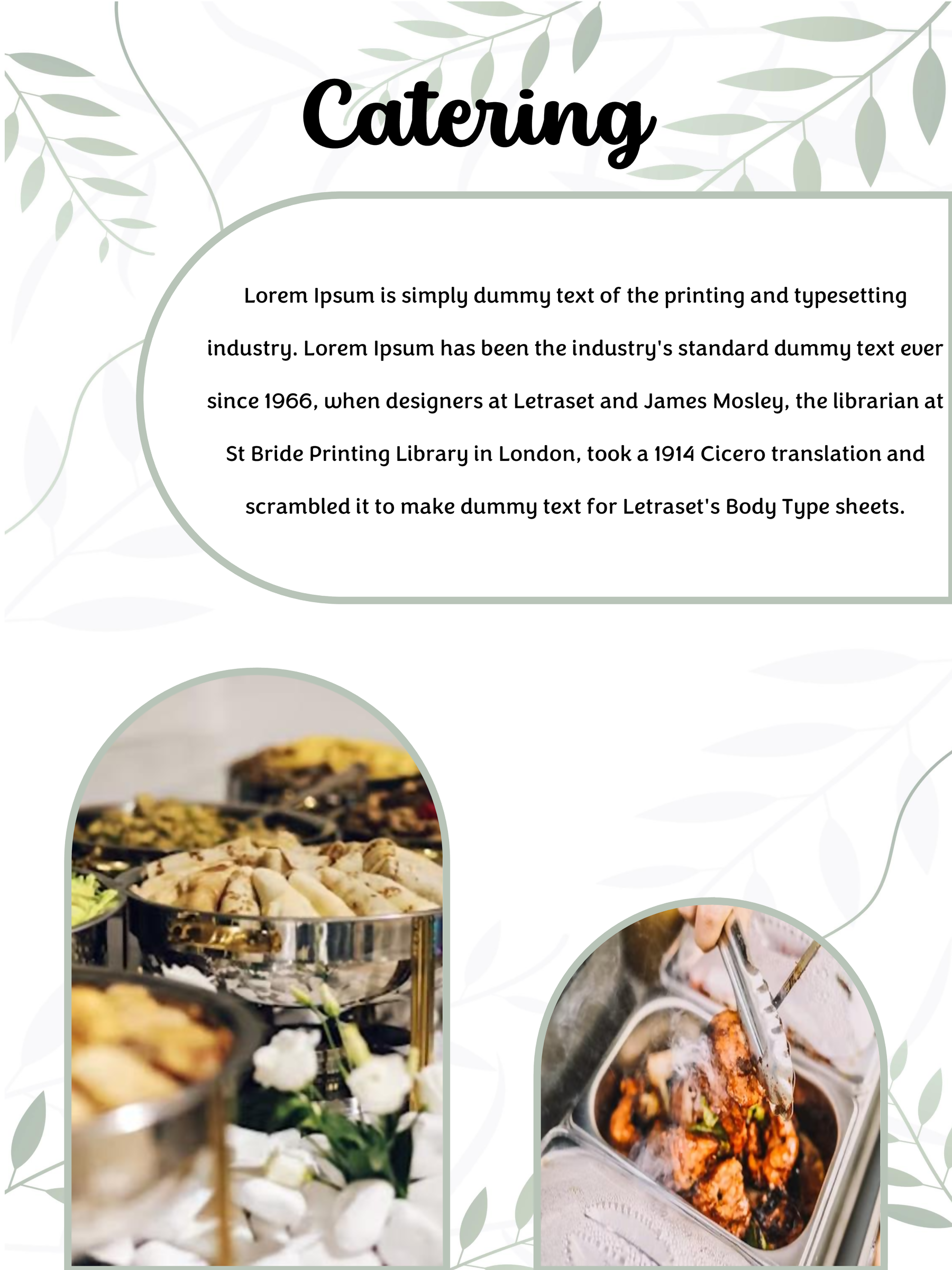
Wedding Booklet 04
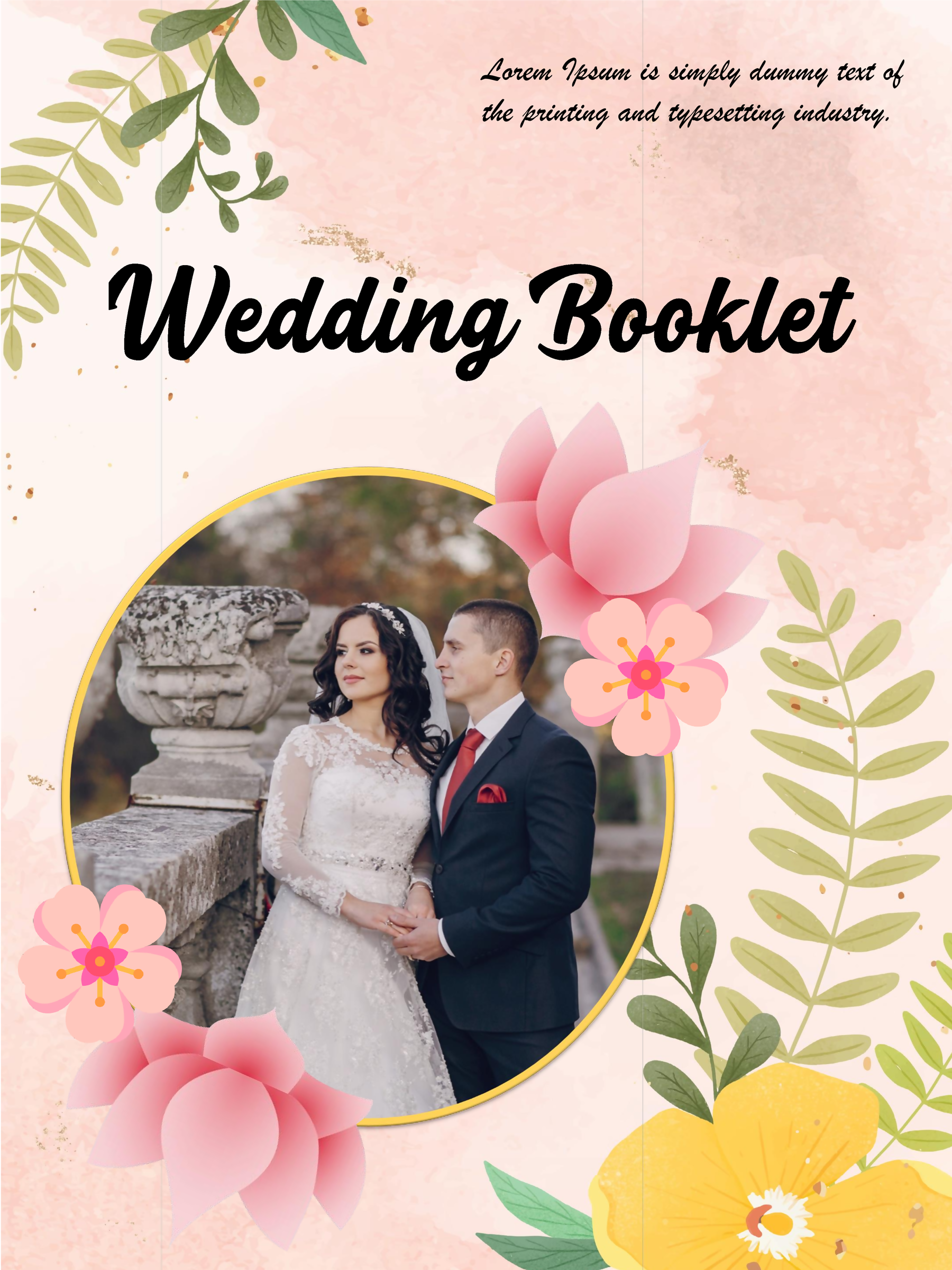
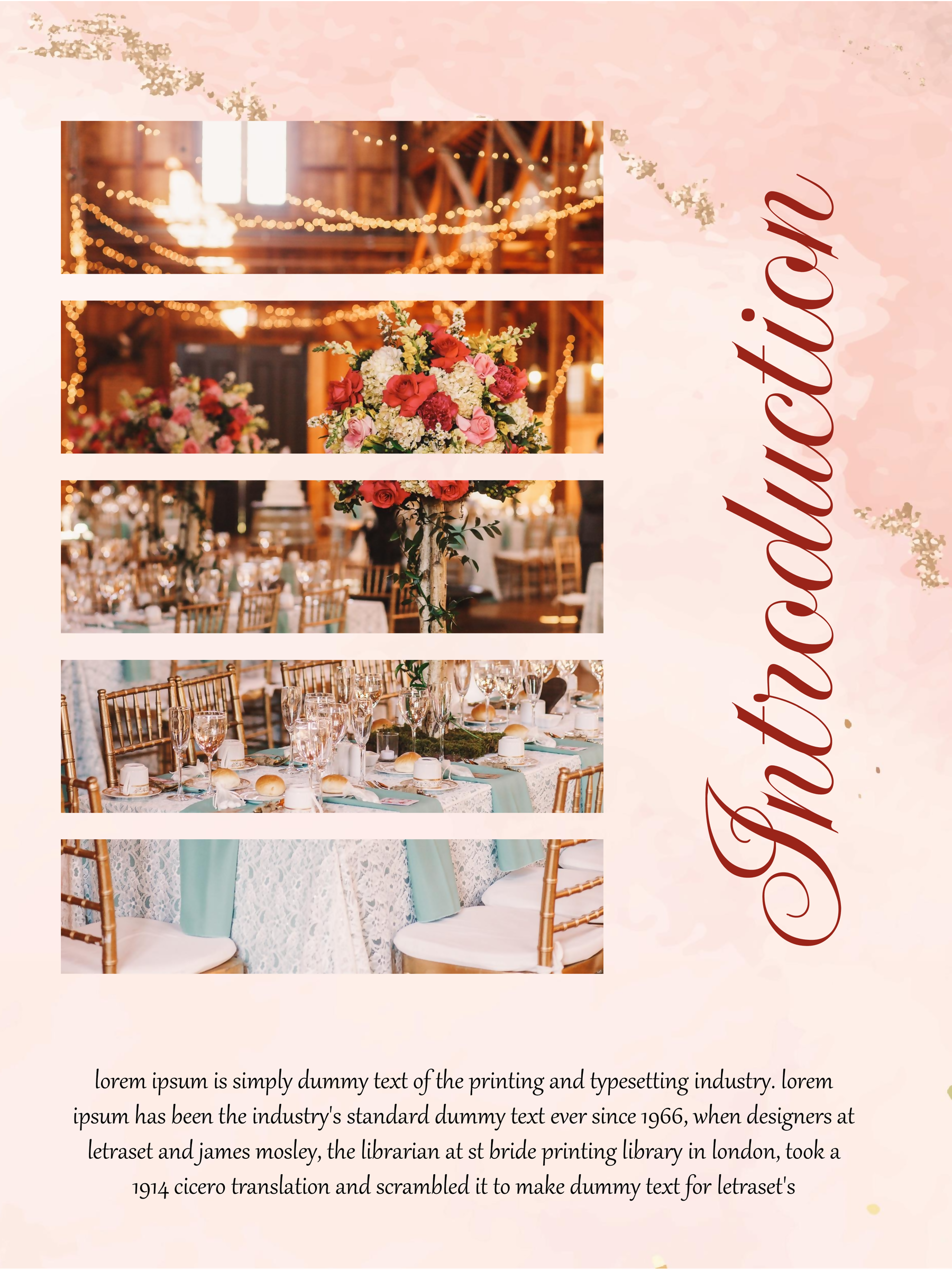
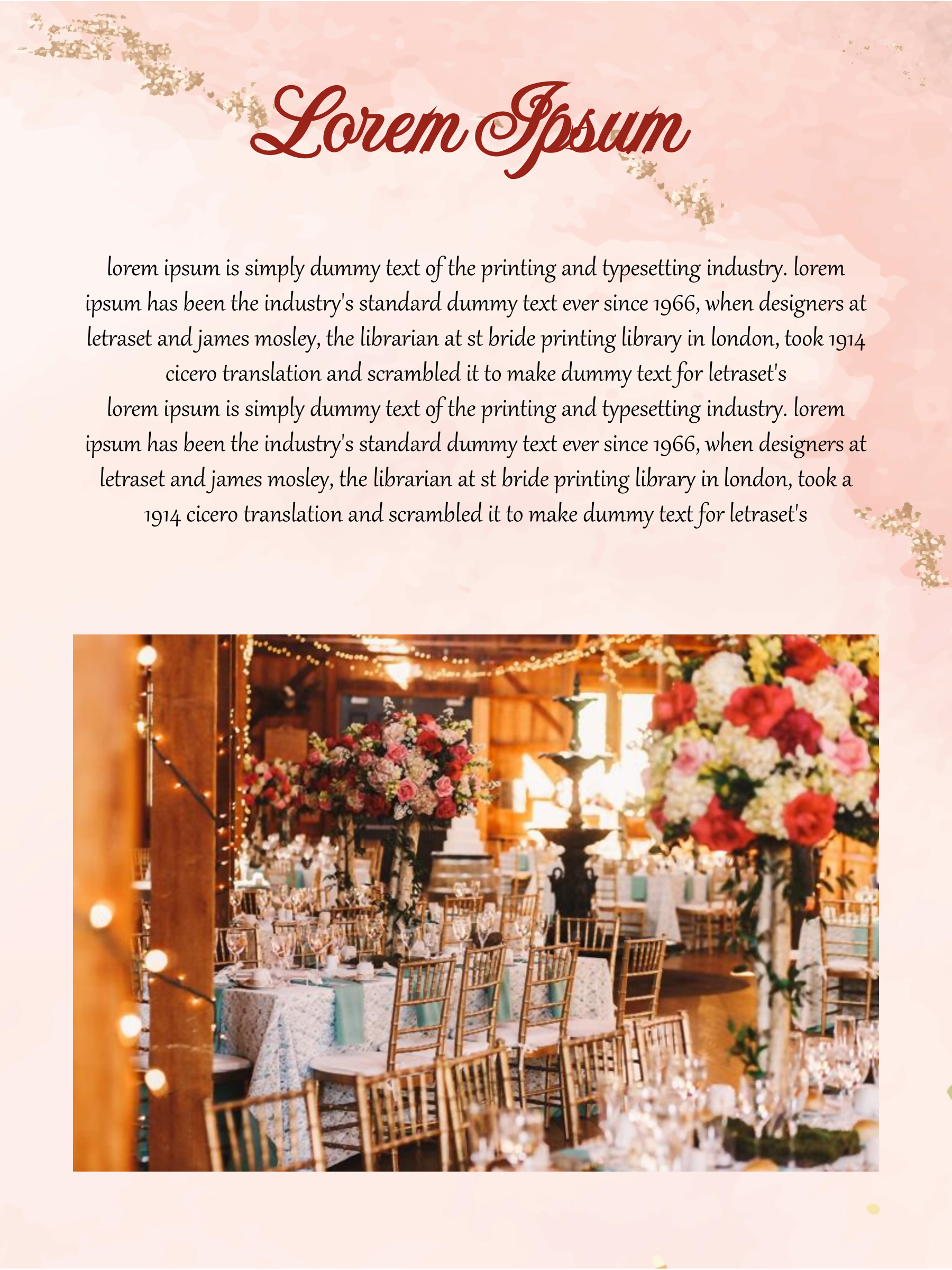
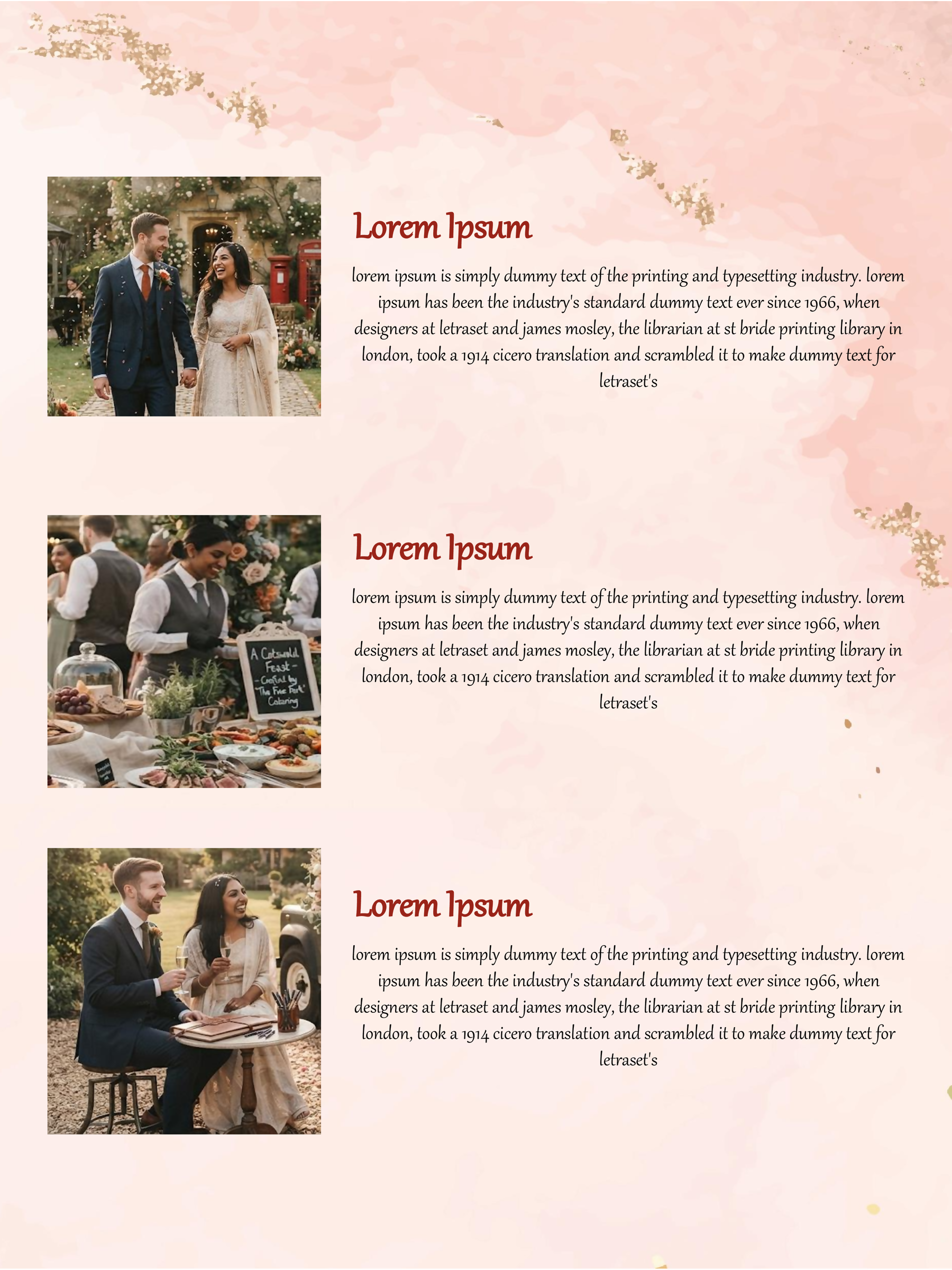
Wedding Booklet 05
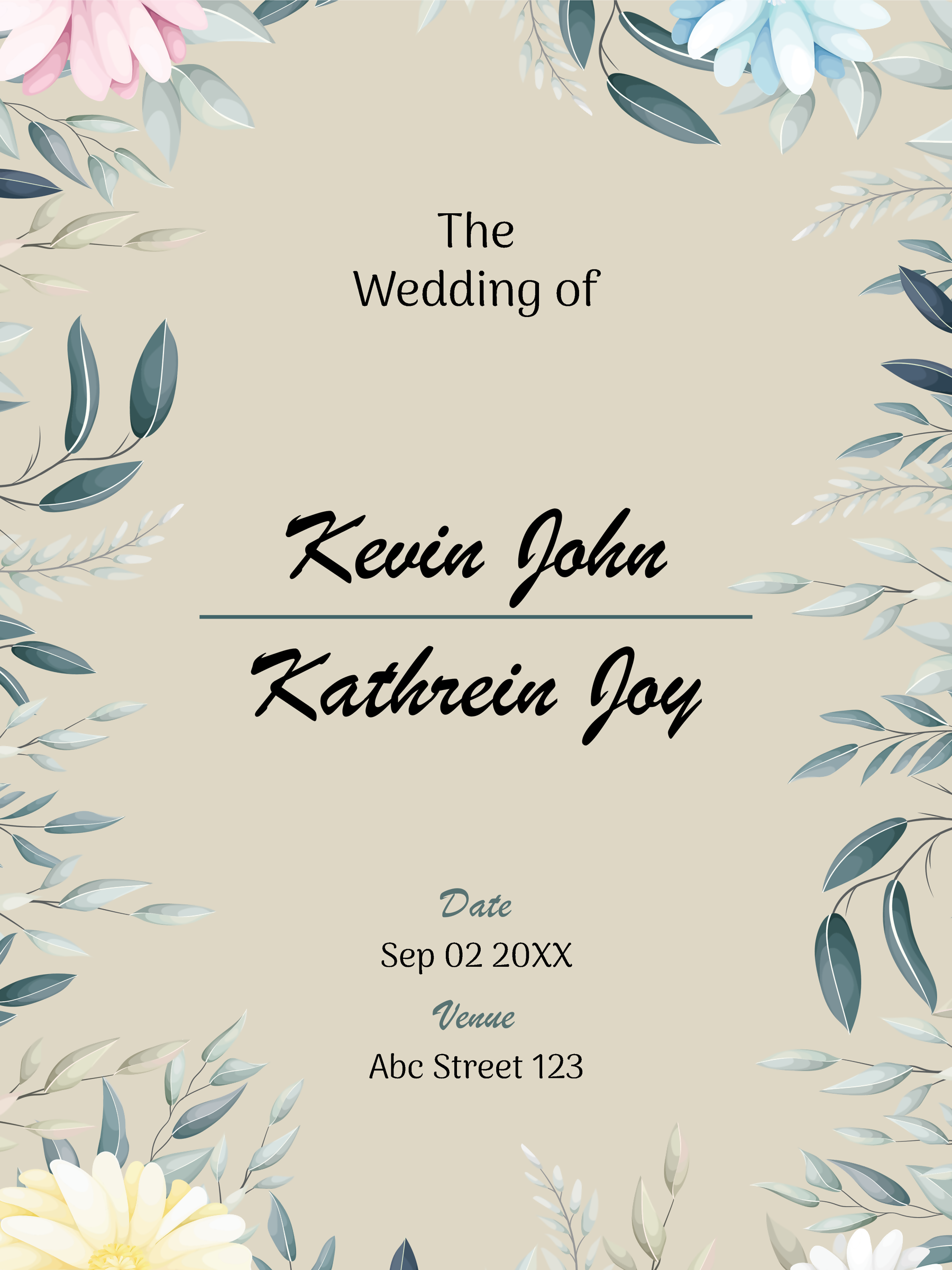
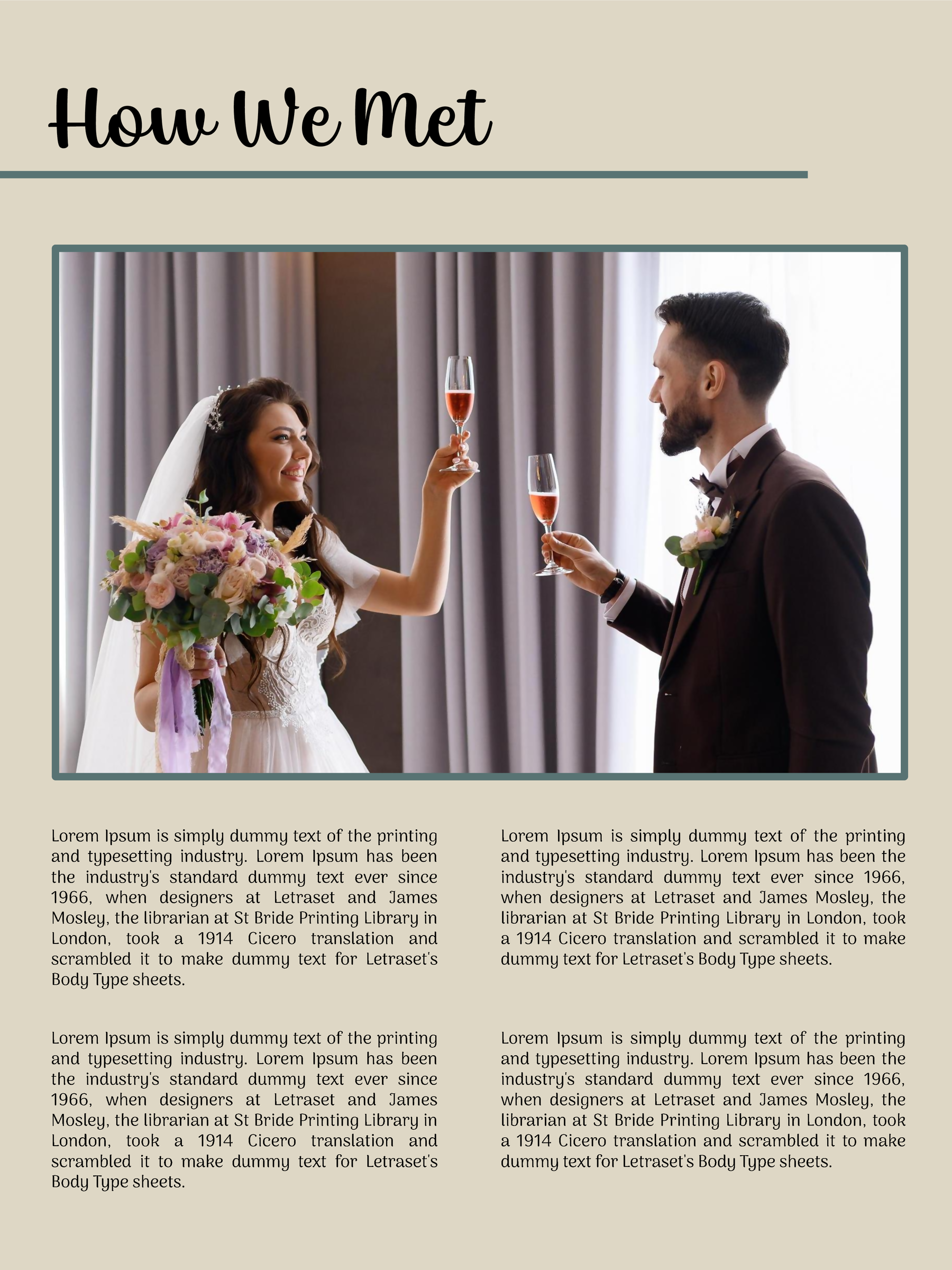
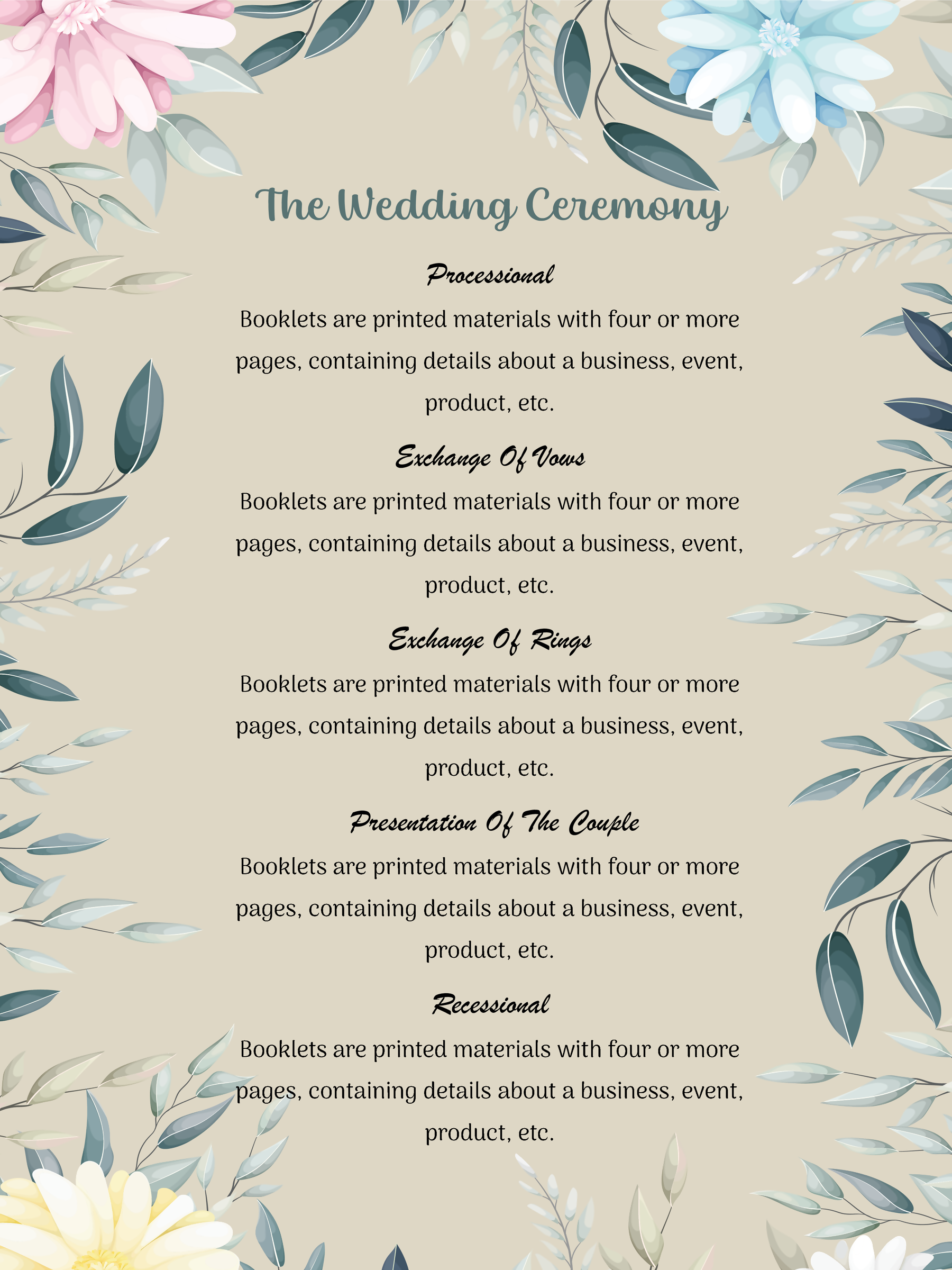
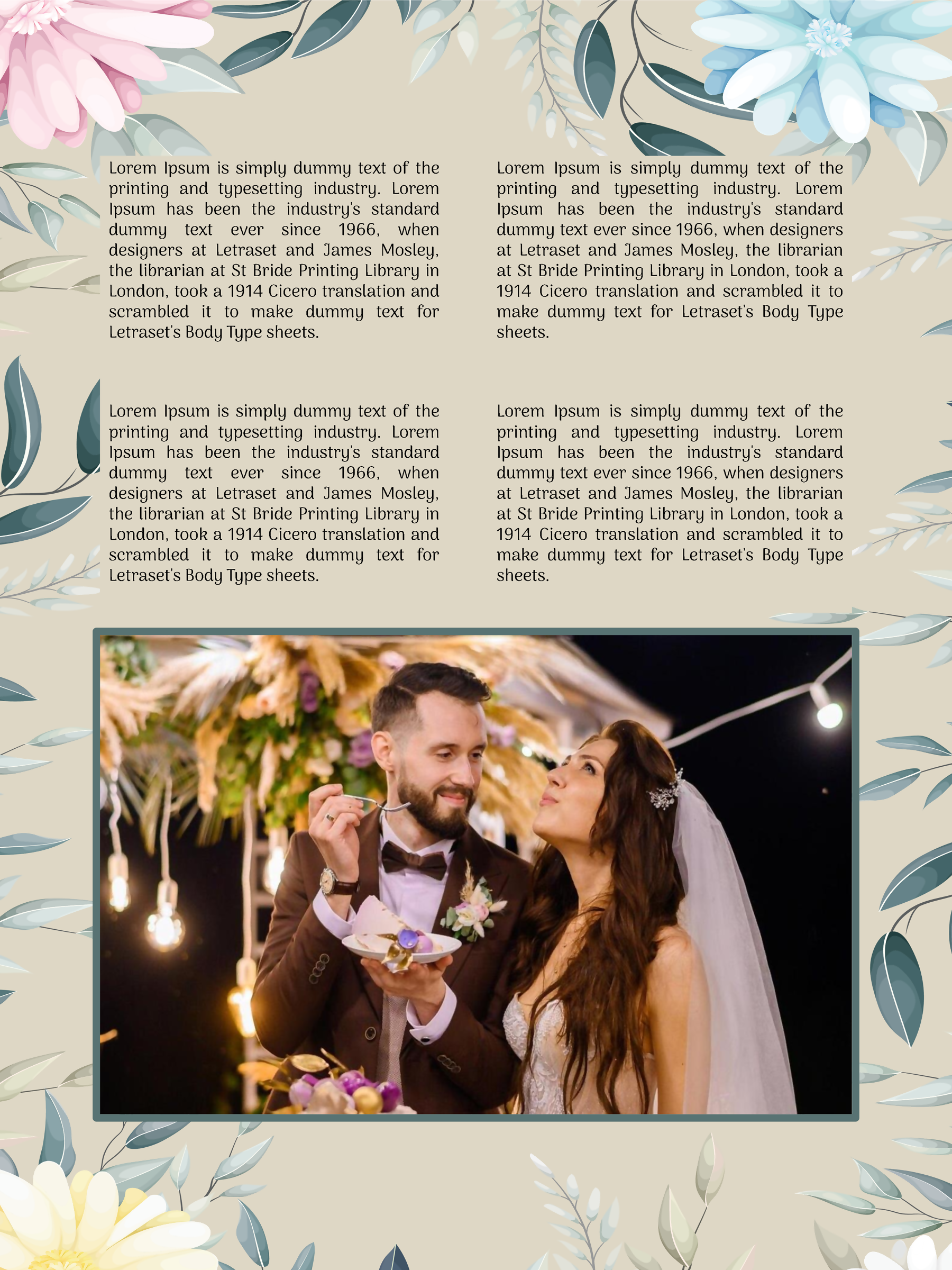
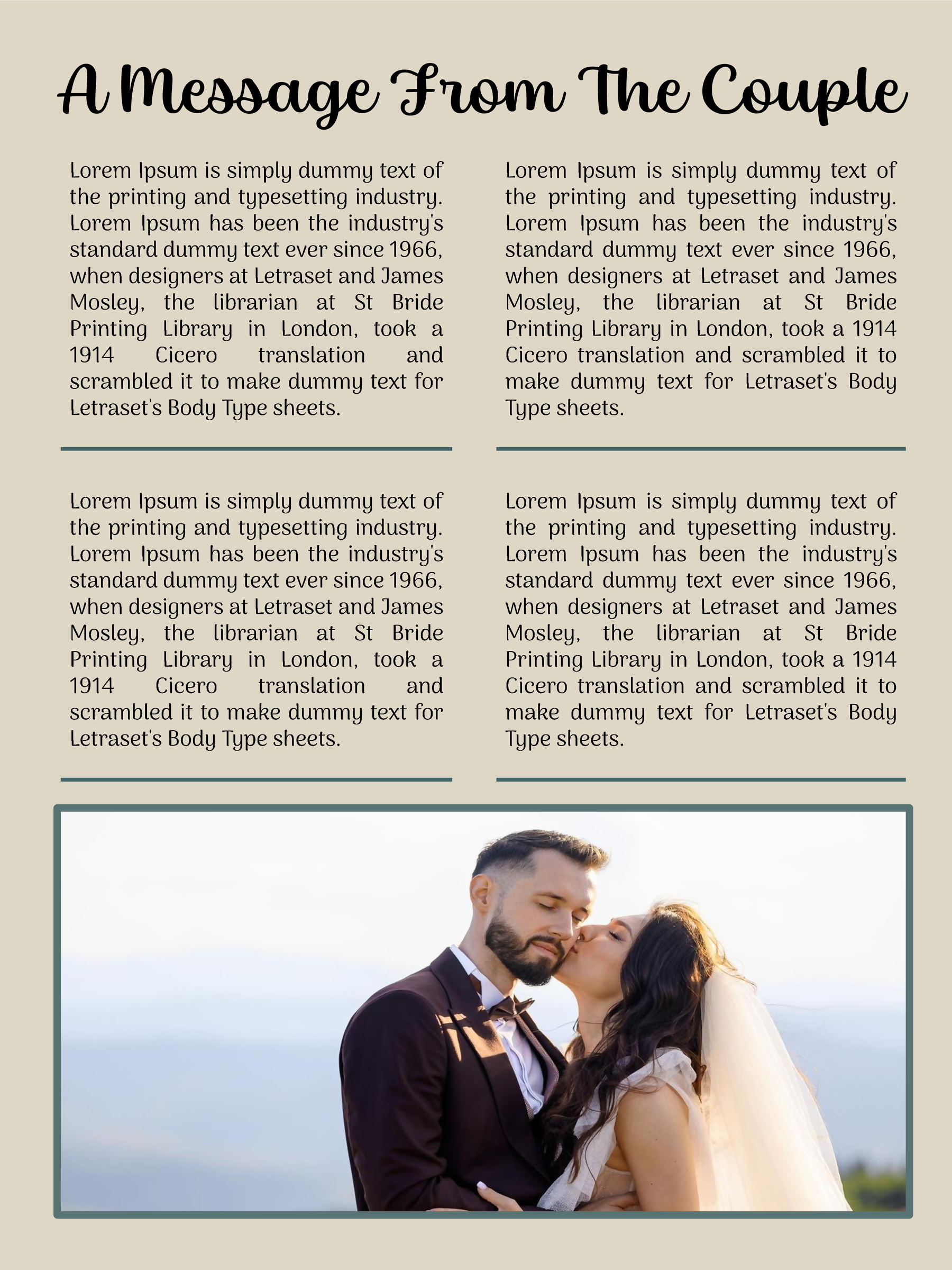
Wedding Booklet 06
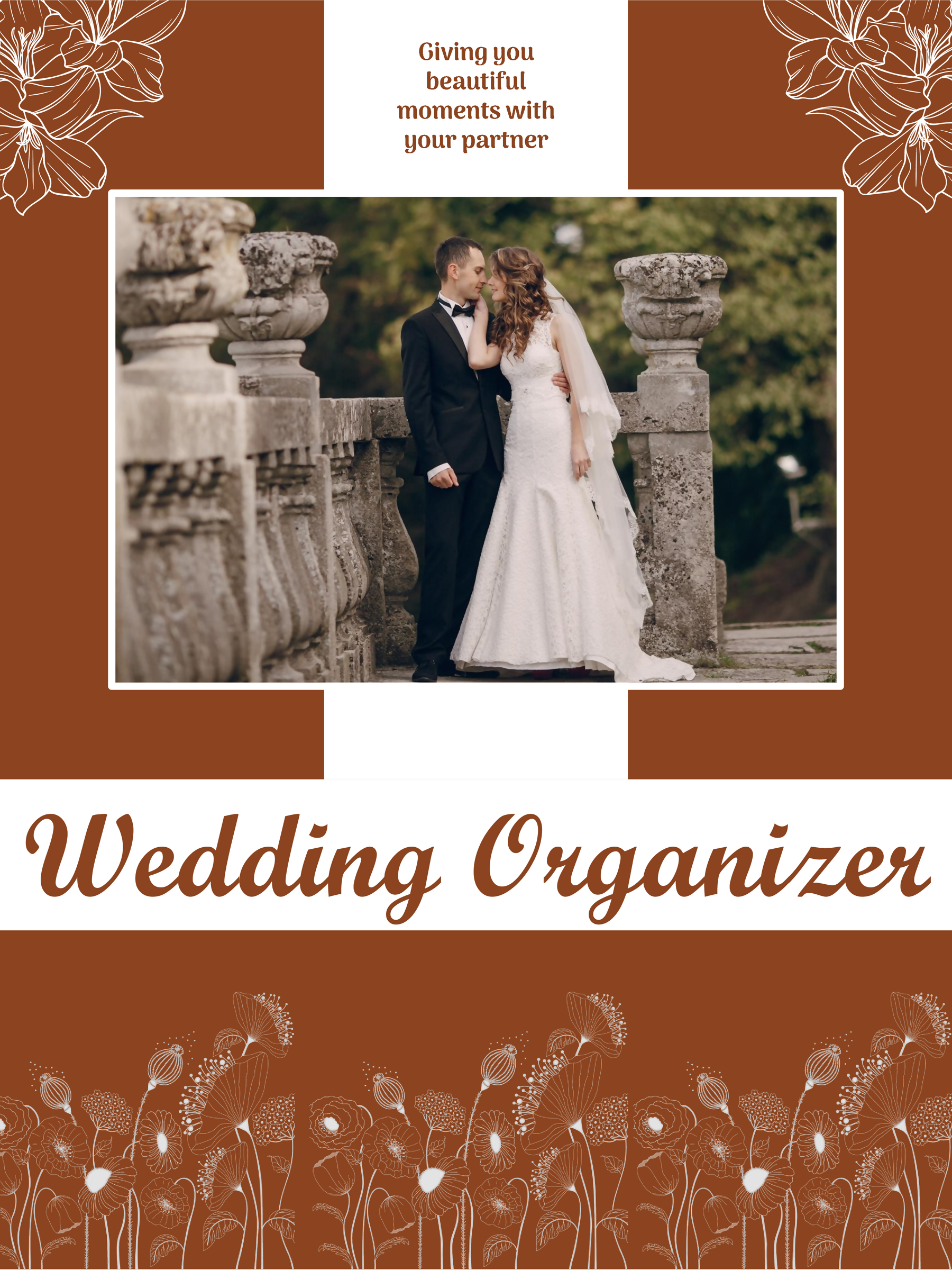
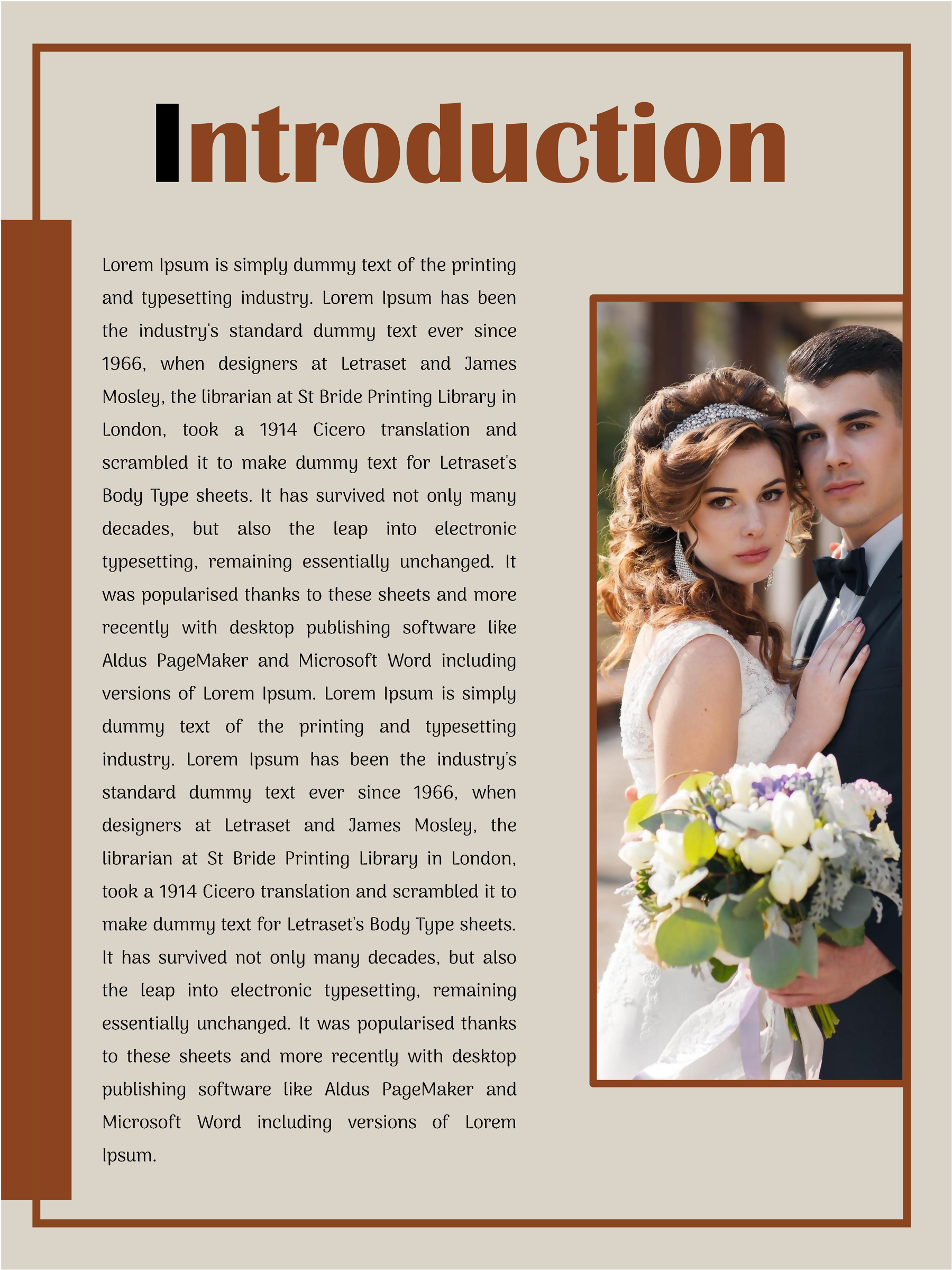
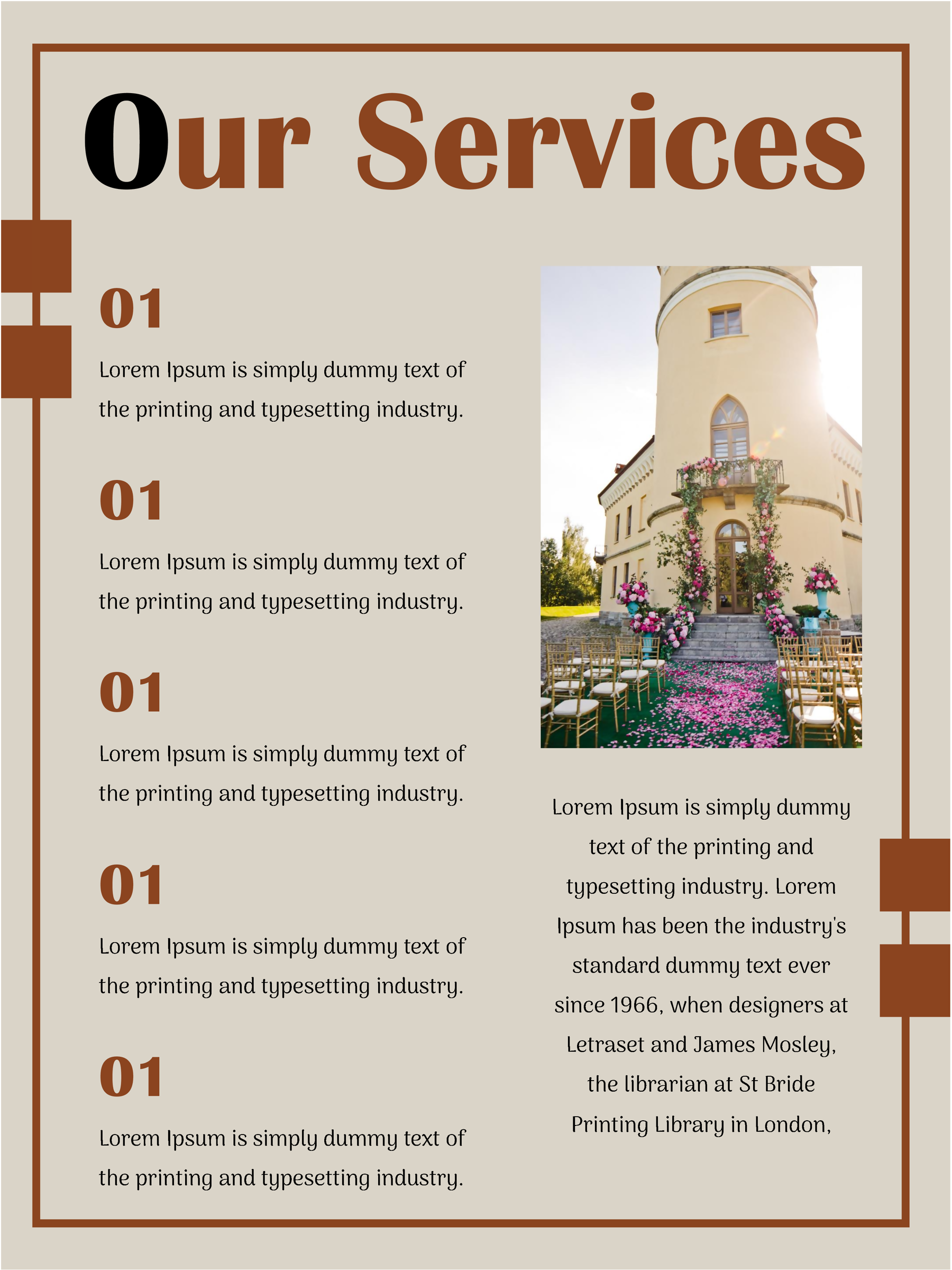
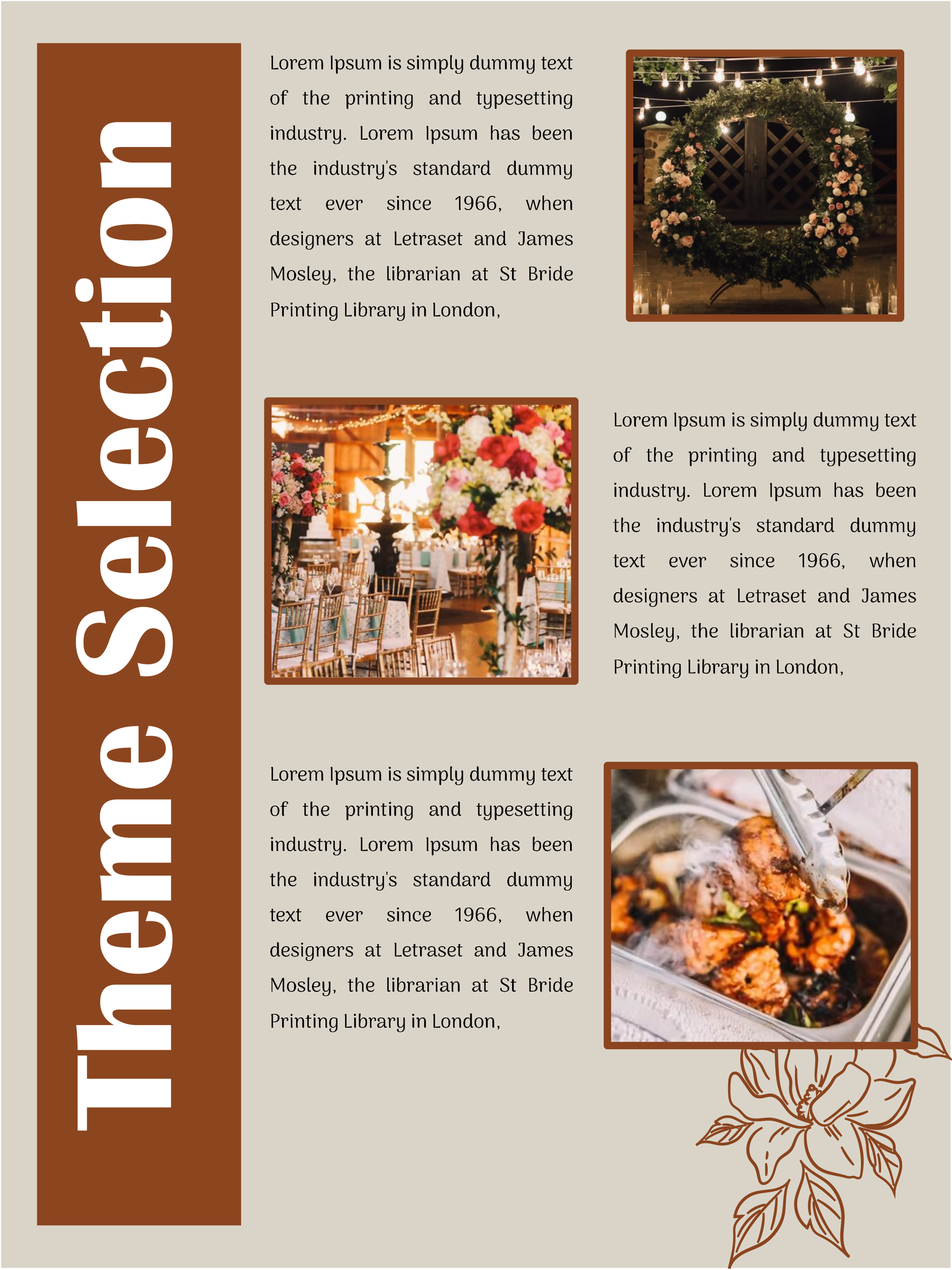

Wedding Booklet 07
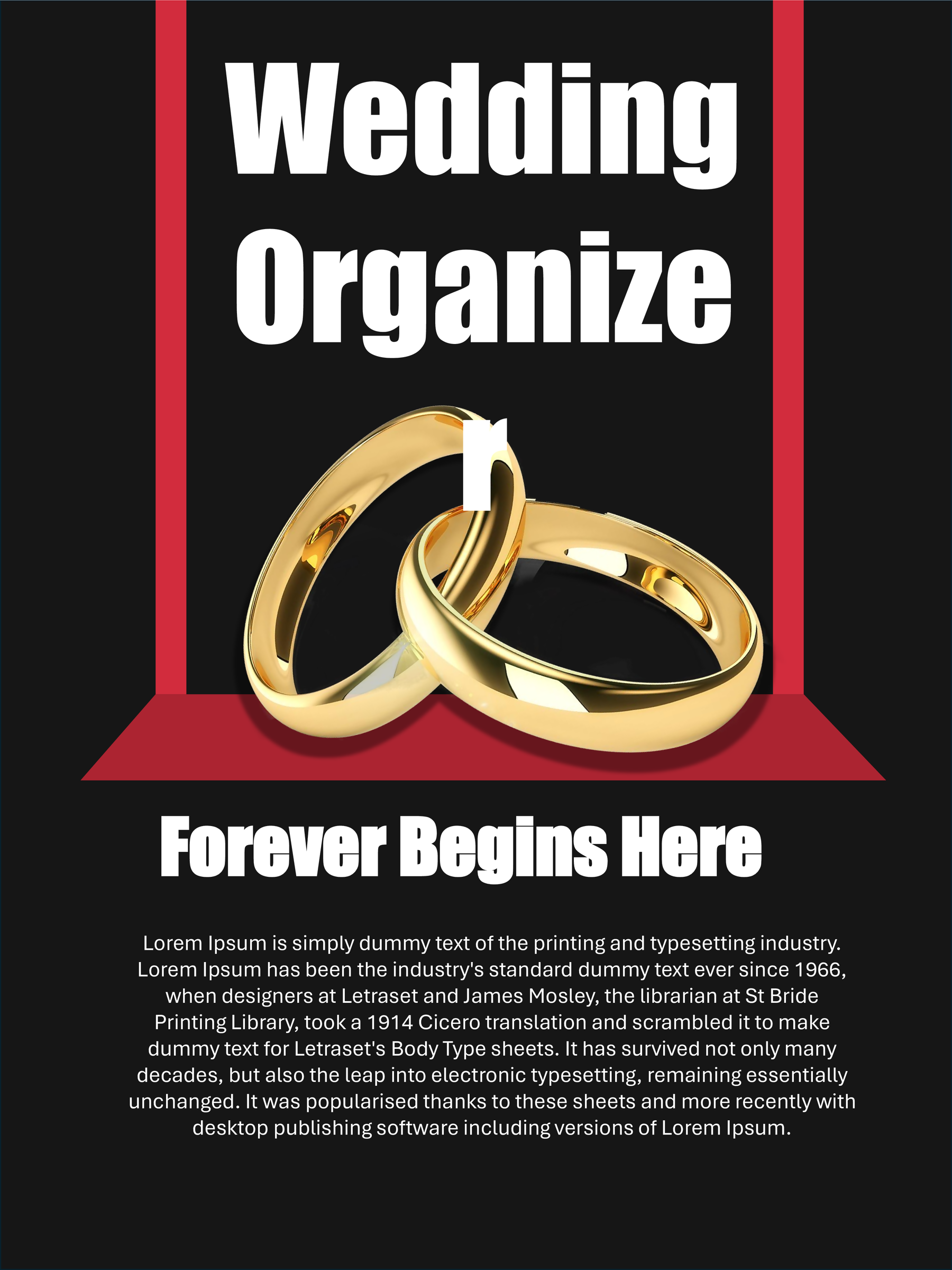
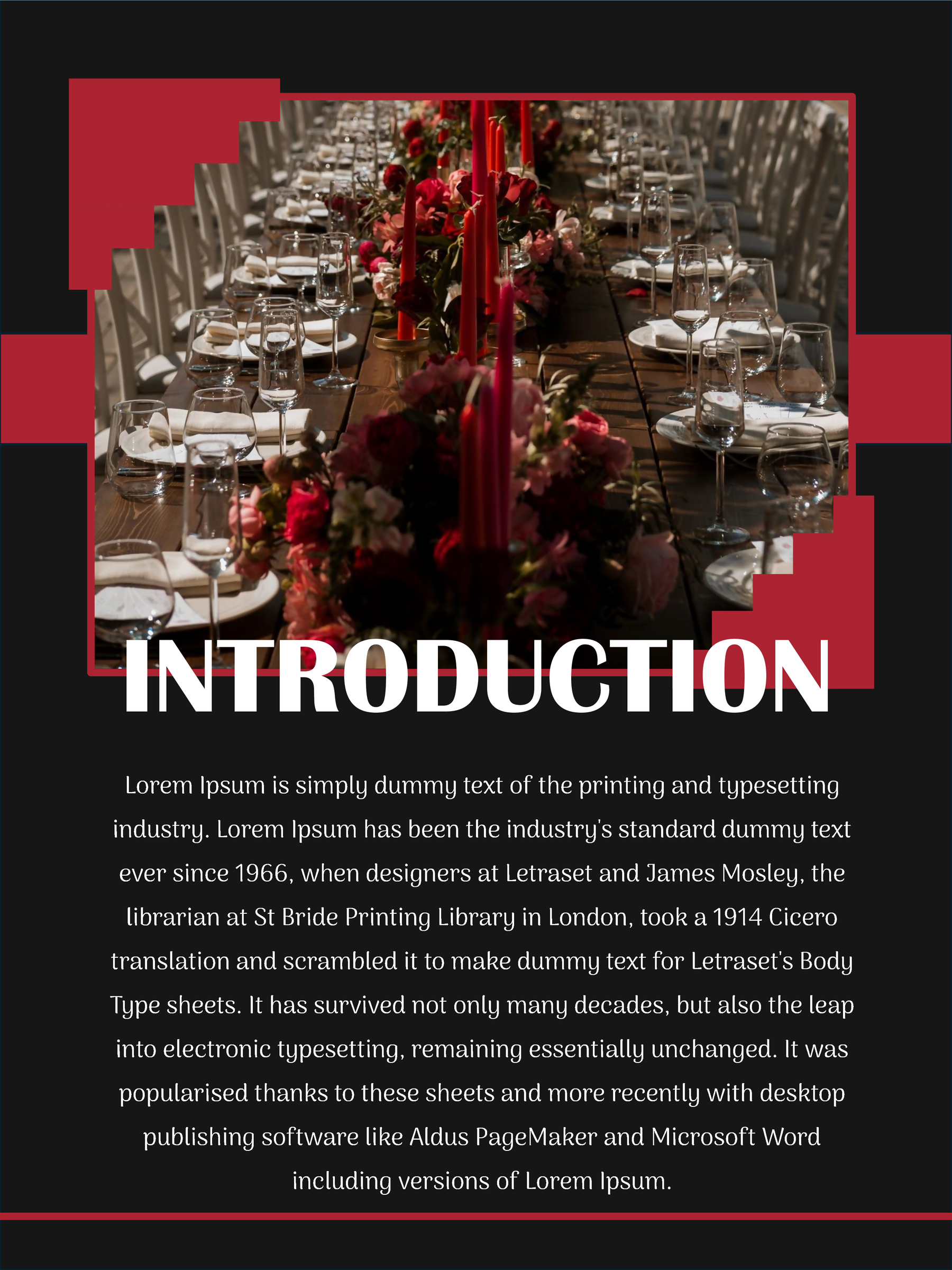
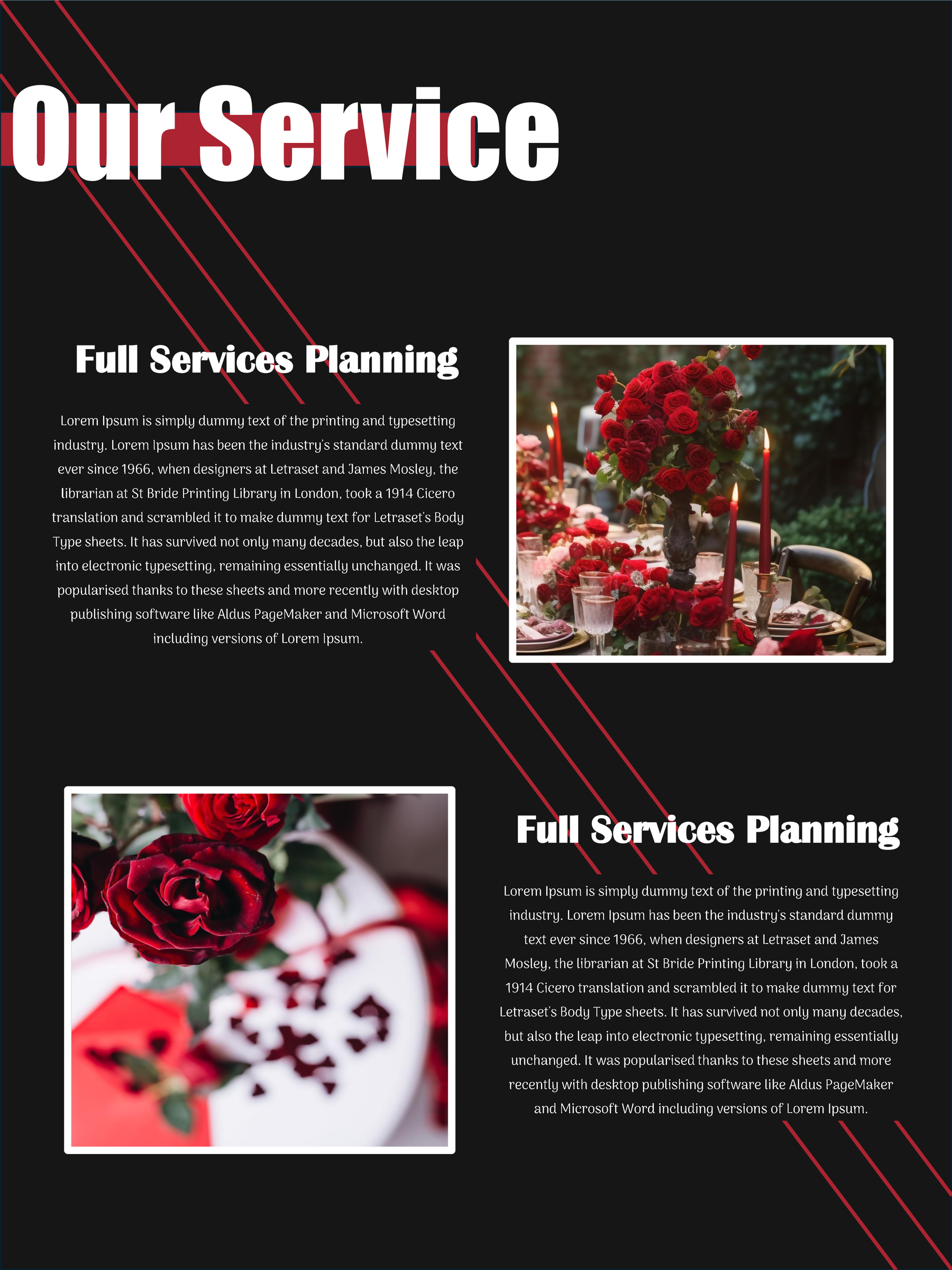
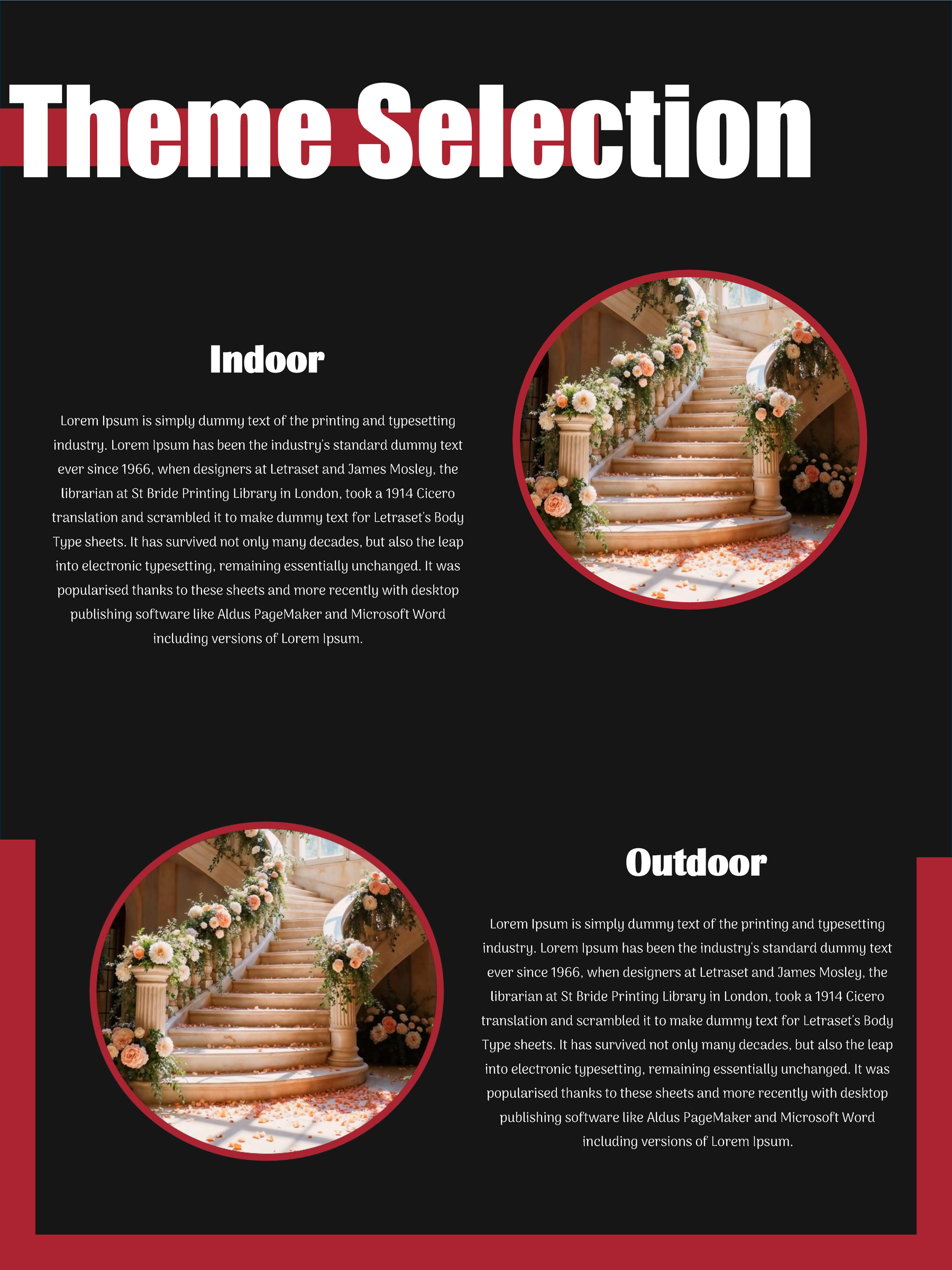
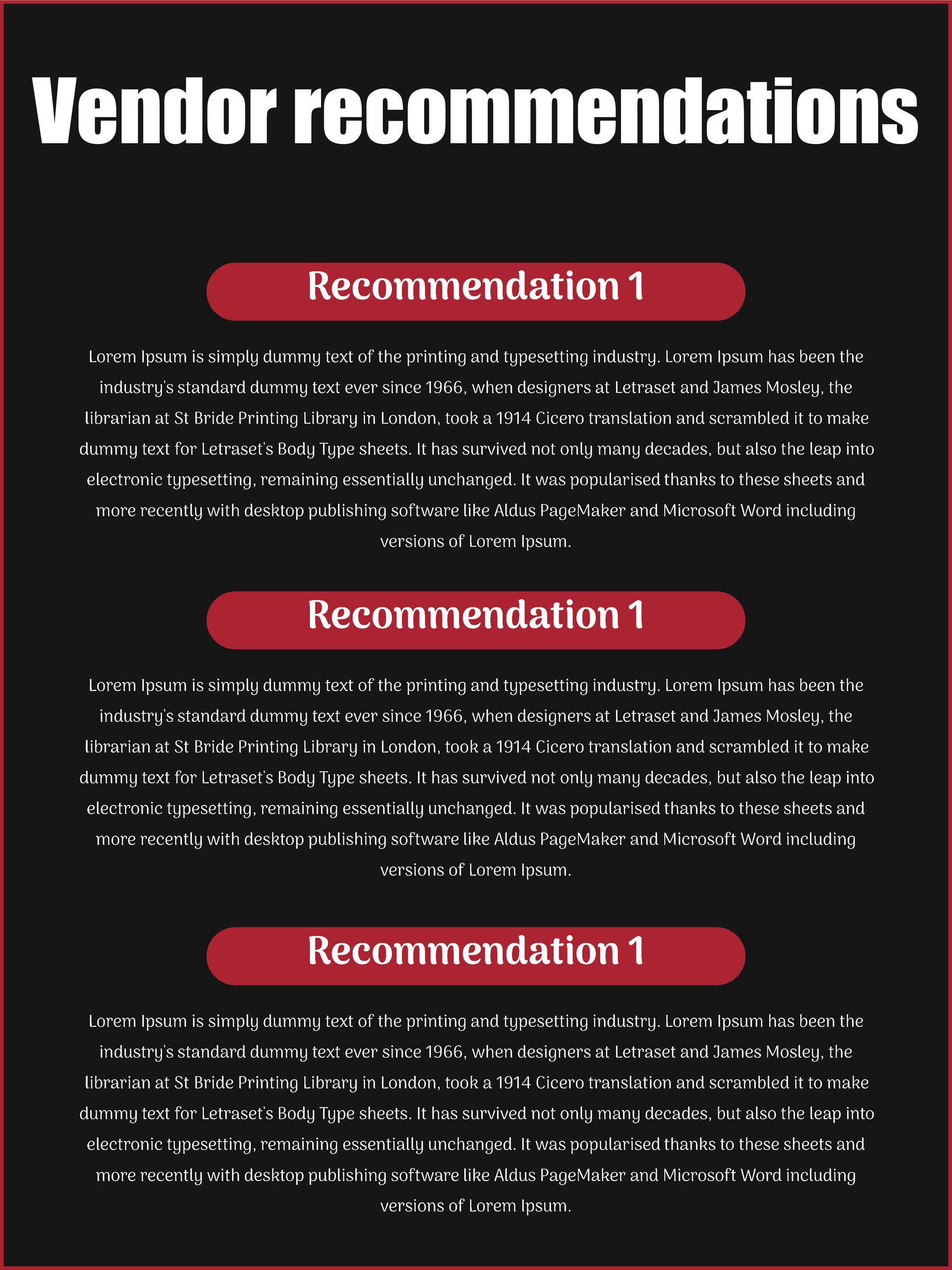
Wedding Booklet 08
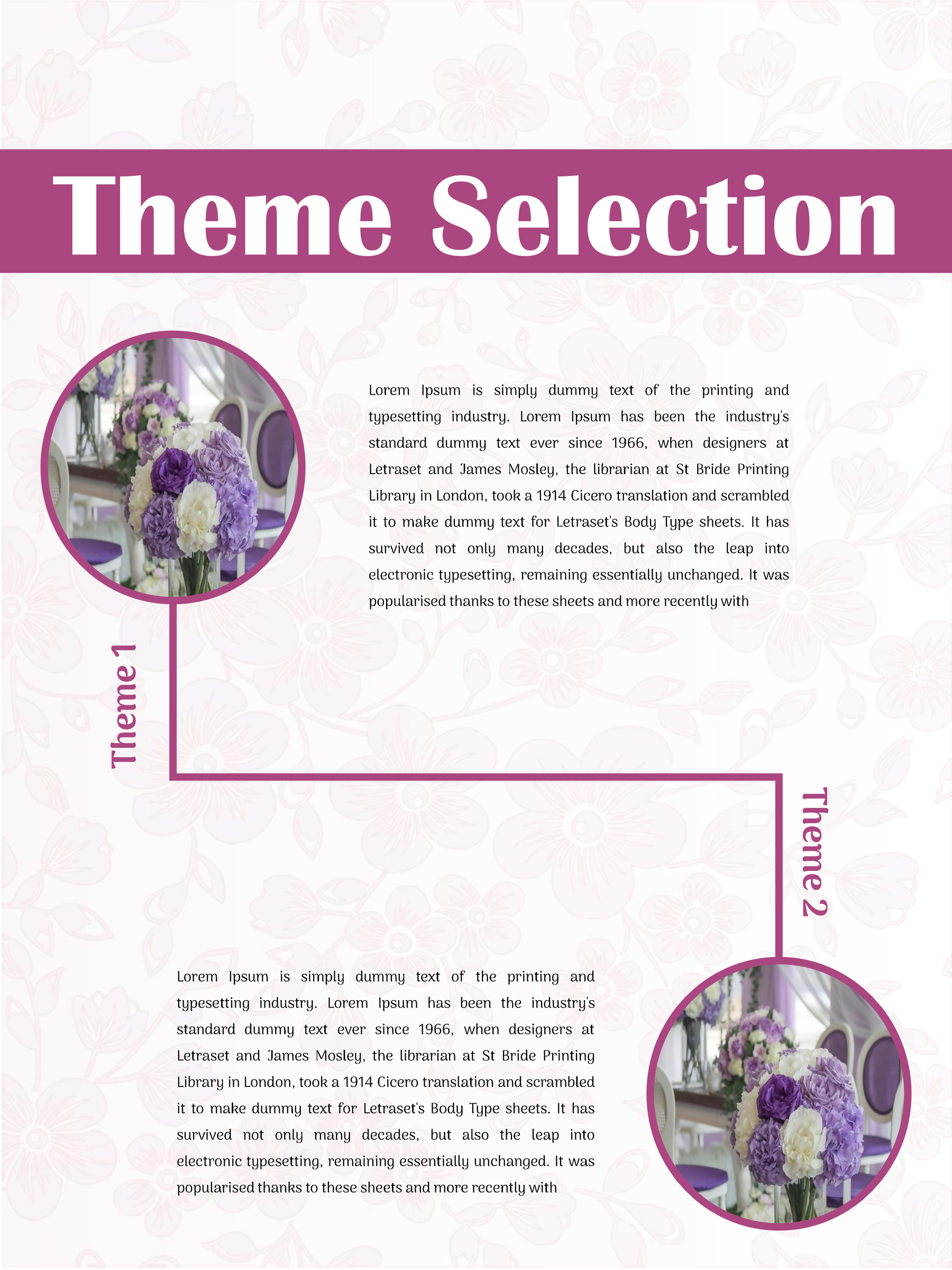
If you’re preparing a brochure for prospective clients, begin with the service pages below. If you’re making something for your guests, go to the couple’s booklet guidance.
Give a prospective client enough to make an enquiry
Start by replacing the sample business identity with your own name, service area and contact details. Then read the service headings as promises: would a couple understand what you offer, and could you deliver what the page describes?
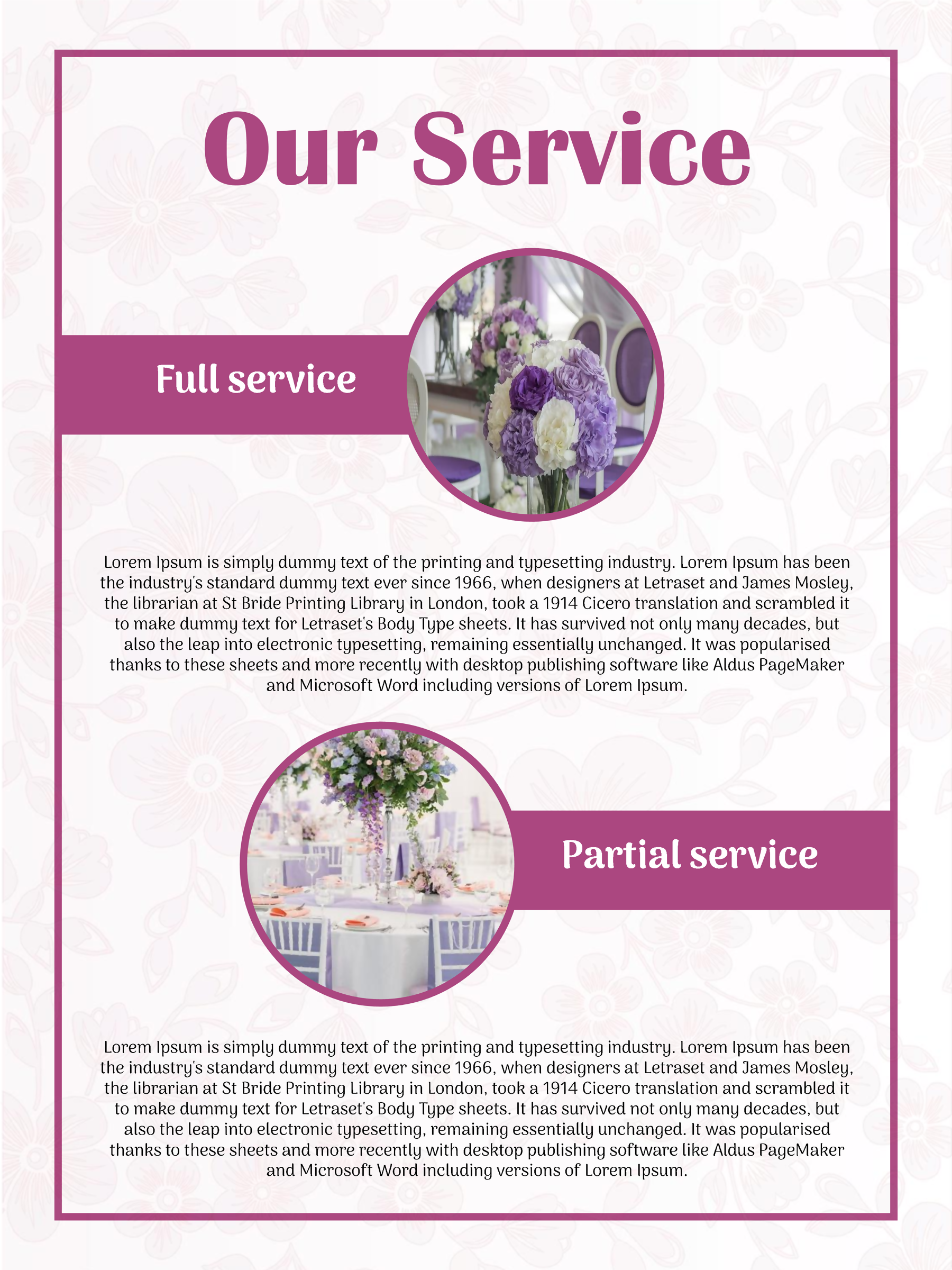
Wedding Booklet 02, for example, has Full-Service Planning and Partial-Service Planning headings. Here is a fictional editing example: a planner might describe full-service support as work beginning with the initial brief, while partial support picks up arrangements the couple has already made. Those are illustrative descriptions, not standard package definitions. Write the scope your own business actually provides, including where its involvement begins and ends.
Give each retained page a distinct purpose. A catering page should explain the catering service you offer. A vendor-recommendation page can describe how you help with suppliers, without implying that every pictured service is included in your fee. If you don’t provide something shown in the sample, remove that claim from your working copy.
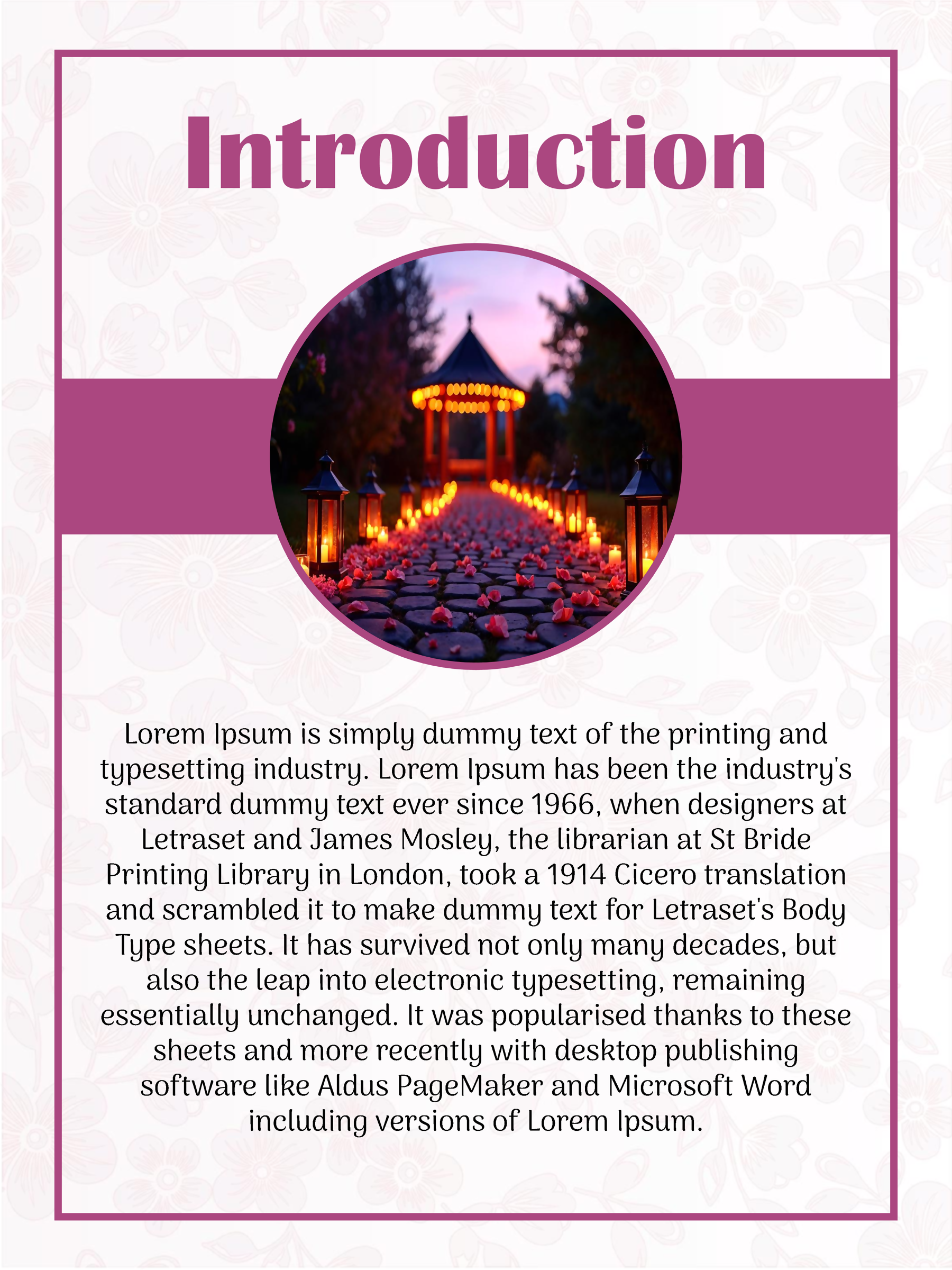
The introduction doesn’t need to repeat the services list. Use it to explain who you help and where you work; let the later pages answer the details. Replace demonstration praise with truthful information rather than inventing testimonials or experience. Where a layout includes terms, use wording appropriate to your actual arrangements—the placeholder in Booklet 04 is not reviewed legal language.
Finish the client-facing copy with a clear enquiry route. Check that an email address, phone number or website is current and easy to read. A prospective client should know how to ask about their date without searching through several pages.
If the booklet is for your wedding guests
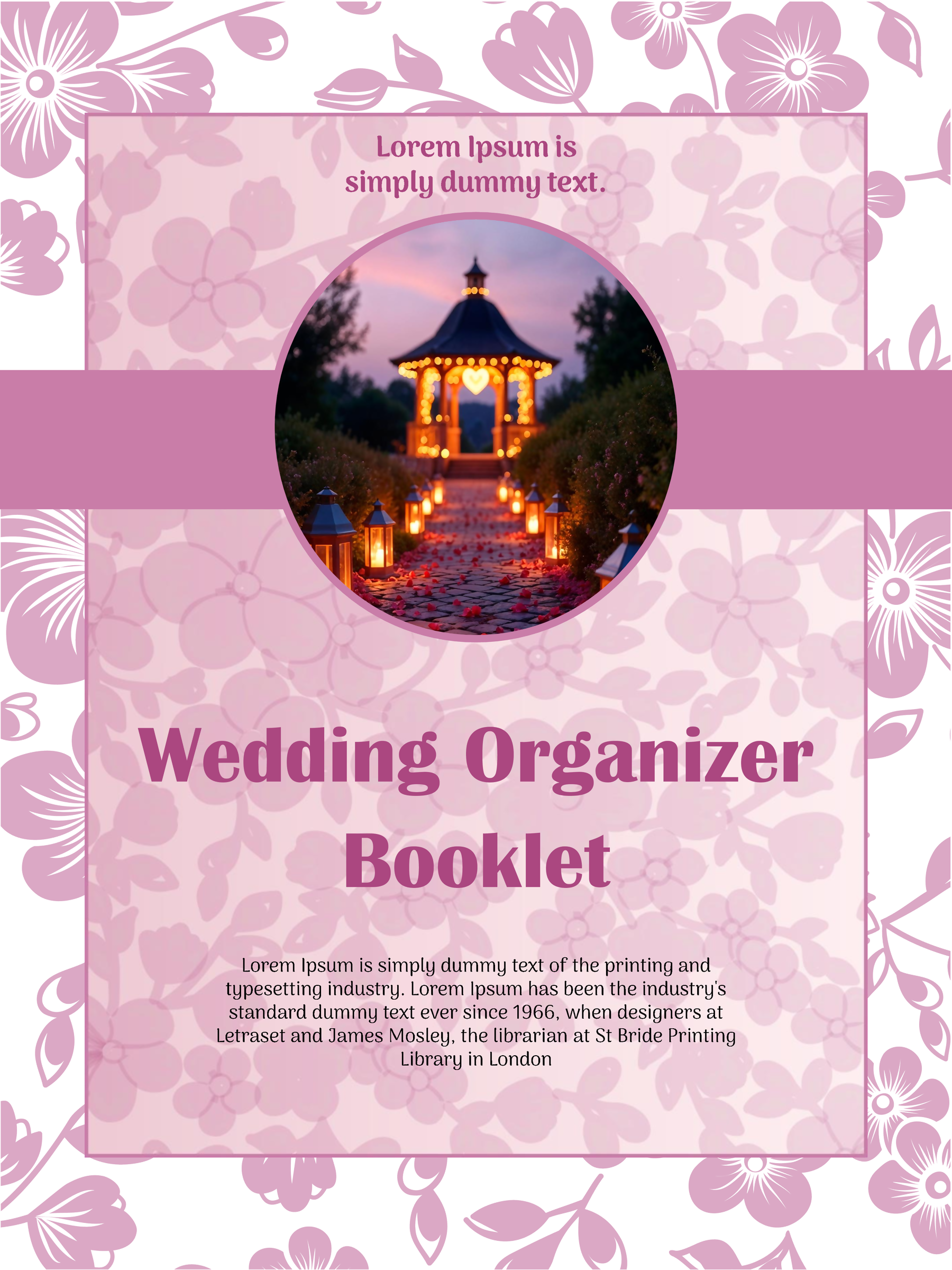
Wedding Booklet 05 gives you space for the couple’s names and wedding details, a How We Met page, ceremony information and a Message from Couple. Start with the confirmed names, date and venue, then add the personal material you want guests to read.
Keep the ceremony section tied to what will happen at your wedding. Confirm the order and wording with the people conducting it; the sample prose is not a required religious service. WTO’s separate wedding program guide offers more guest-program planning ideas if the order of events is your main concern.
You don’t need a long story simply because a story page is provided. A short personal note can serve the space in your own copy. Read the finished booklet from a guest’s perspective: it should be clear whose wedding this is and which details they need on the day.
Read the finished pages before exporting the booklet
Work in your own copy of the PowerPoint file or Google Slides template. Replace sample wording and contacts throughout, use images you’re entitled to use, and retain the design-credit page. Check less prominent text as carefully as the cover; a leftover sample email can undermine an otherwise finished brochure.
The source canvas is approximately 10.83 × 14.44 inches in portrait orientation. It is not A4 or Letter. Before ordering printed booklets, confirm the intended finished size, page order, scaling and binding with the printer. These files do not establish a ready-made booklet-imposition or bleed setup.
PowerPoint can export a PDF through its Export options. In Google Slides, check the print settings and preview for your chosen output. PDF is an export option, rather than an included download in this collection.
Read a proof at the intended size. If your new text crowds a page, shorten it before reducing it to tiny type. Check the final enquiry details for a business booklet, or the confirmed names and wedding details for a guest booklet, before producing the remaining copies.
About This Article