Golden tickets have a strong emotional appeal to customers as they exude exclusivity and a once-in-a-lifetime opportunity. You can use golden ticket templates as a strategic tool to capture your target audience and improve brand image. In today’s competitive market, golden tickets are what will make customers prefer your brand over others. Additionally, the limited availability, VIP treatment, and perks associated with golden tickets boost perceived value as it shows scarcity and status, which is what customers yearn for. This in turn enhances user engagement.
Golden tickets are not only eye-catching, they are also strategic tools that you can use in:
- Branding, for example, creating memorable moments by giving golden ticket holders exclusive perks which may lead to customers creating awareness about your brand.
- Experiential marketing, for example, giving golden ticket holders backstage access, limited edition products, etc. to see their feedback.
- Campaigns such as digital campaigns, for example, encouraging customers to get golden tickets so that they can have access to behind the scenes previews, early releases, bonuses, etc. which increases traffic to your brand.
Free Templates
We have a collection of carefully curated, customizable golden ticket templates that are free to download. Our templates will help you streamline event planning and promotional campaigns. They are also professionally designed, editable in PowerPoint, and are optimized for digital and print distribution. Go through the template collection below and choose one that suits your needs.
Golden Ticket Template 01
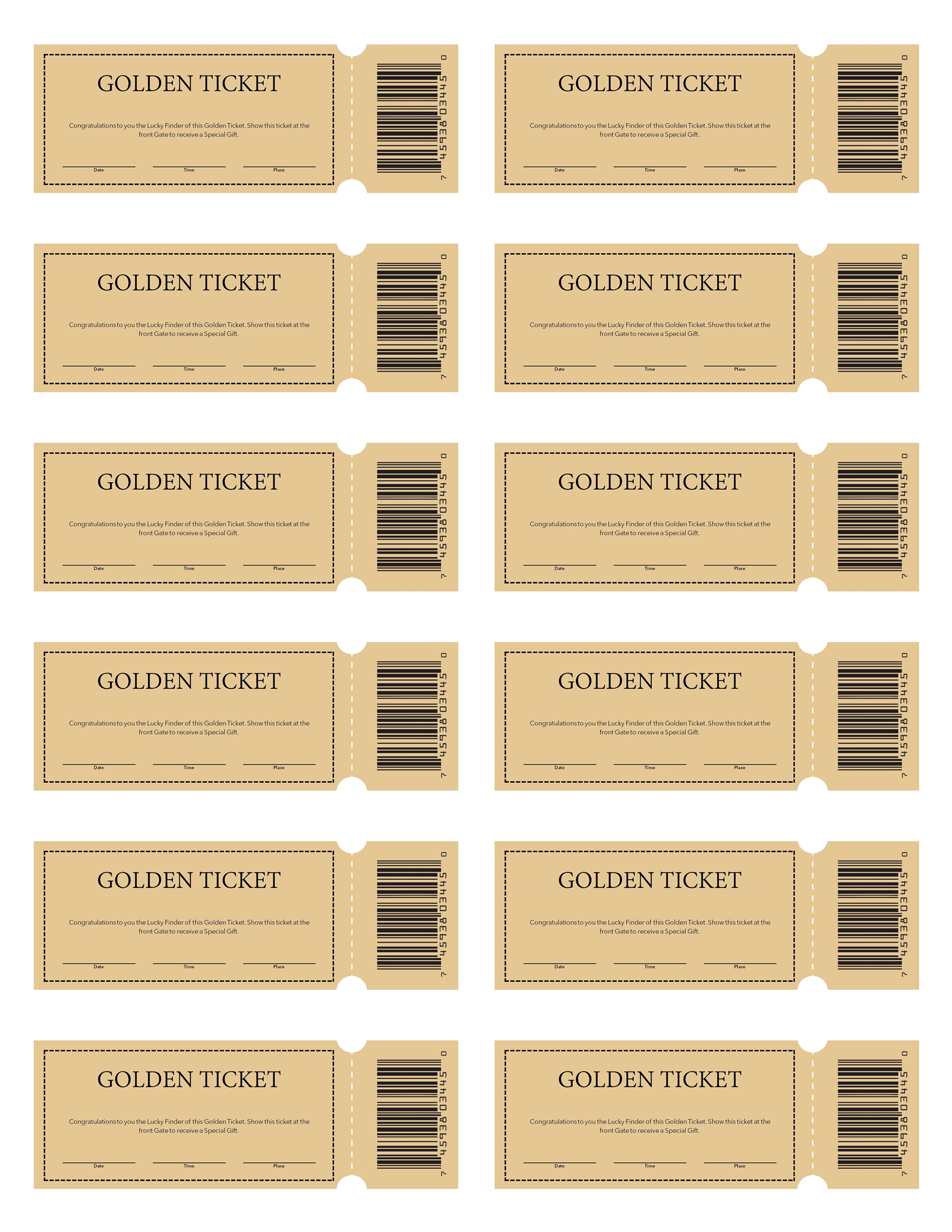
Golden Ticket Template 02
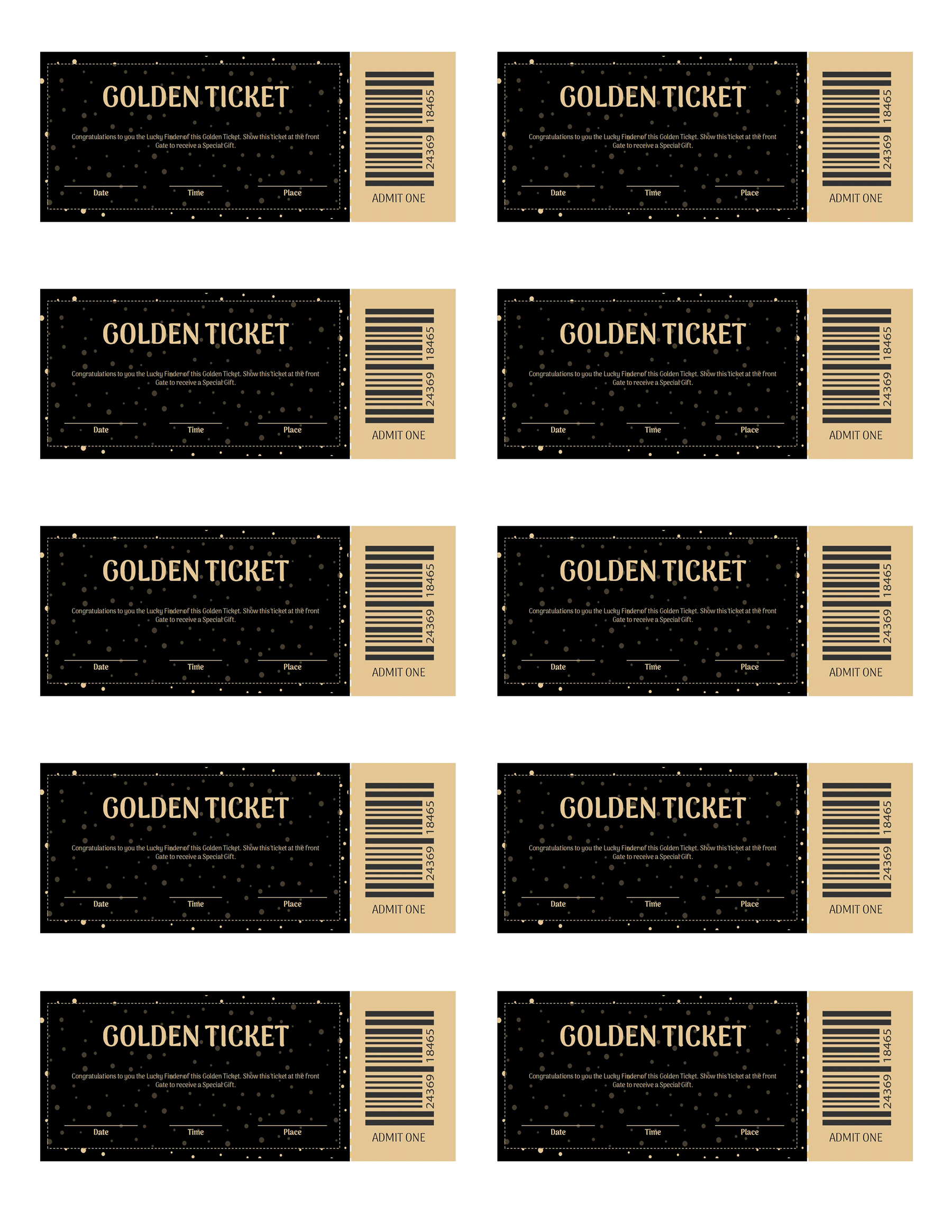
Golden Ticket Template 03

Golden Ticket Template 04
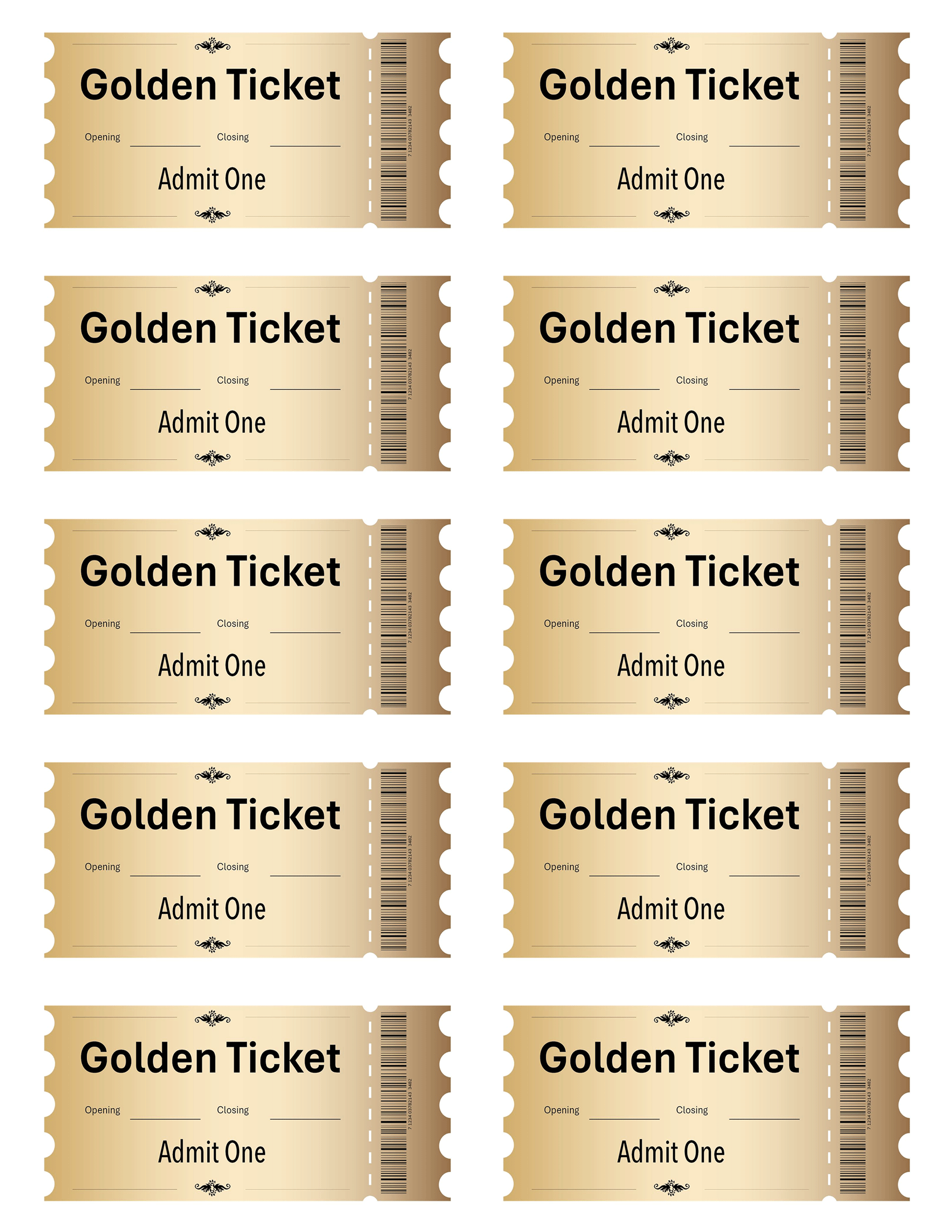
Golden Ticket Template 05
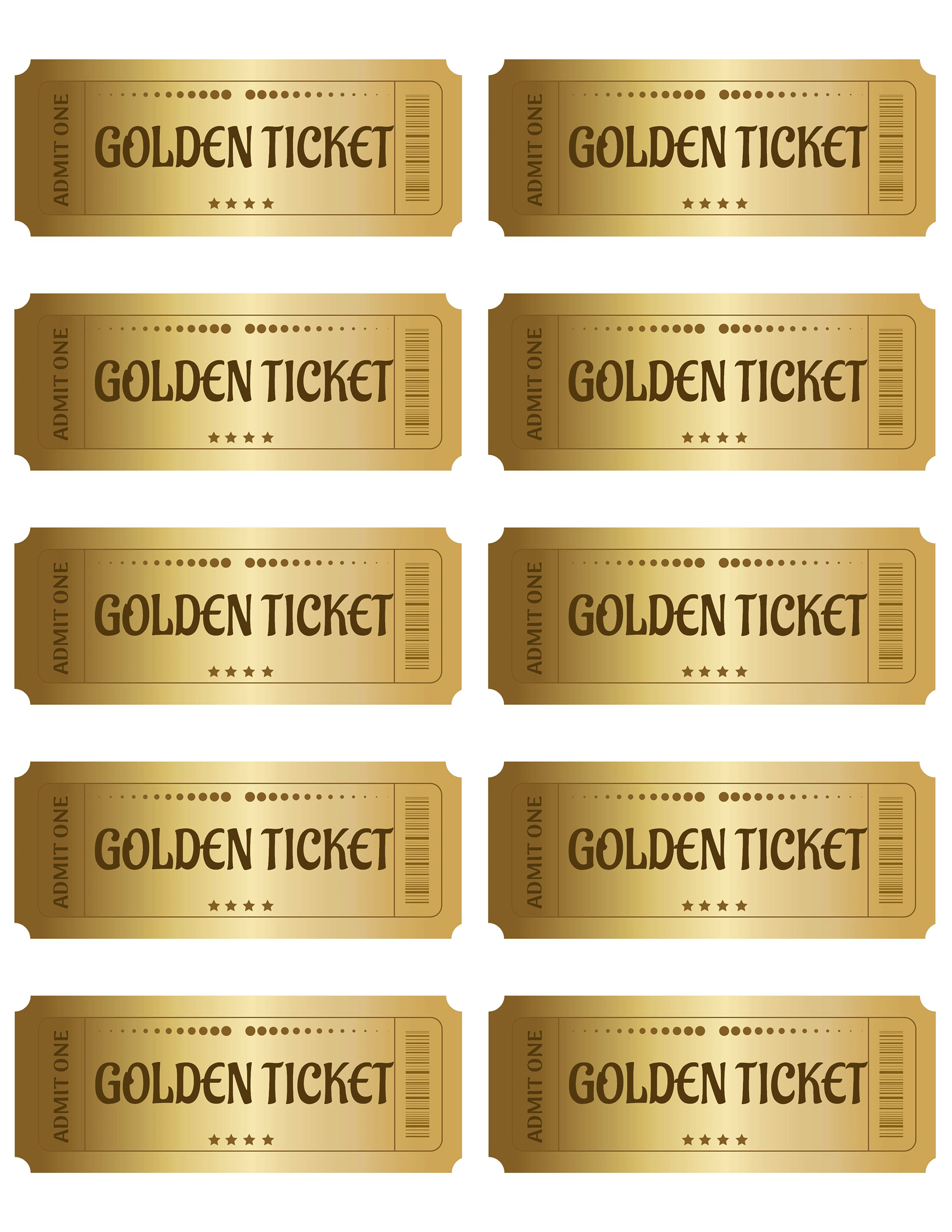
Golden Ticket Template 06

Golden Ticket Template 07
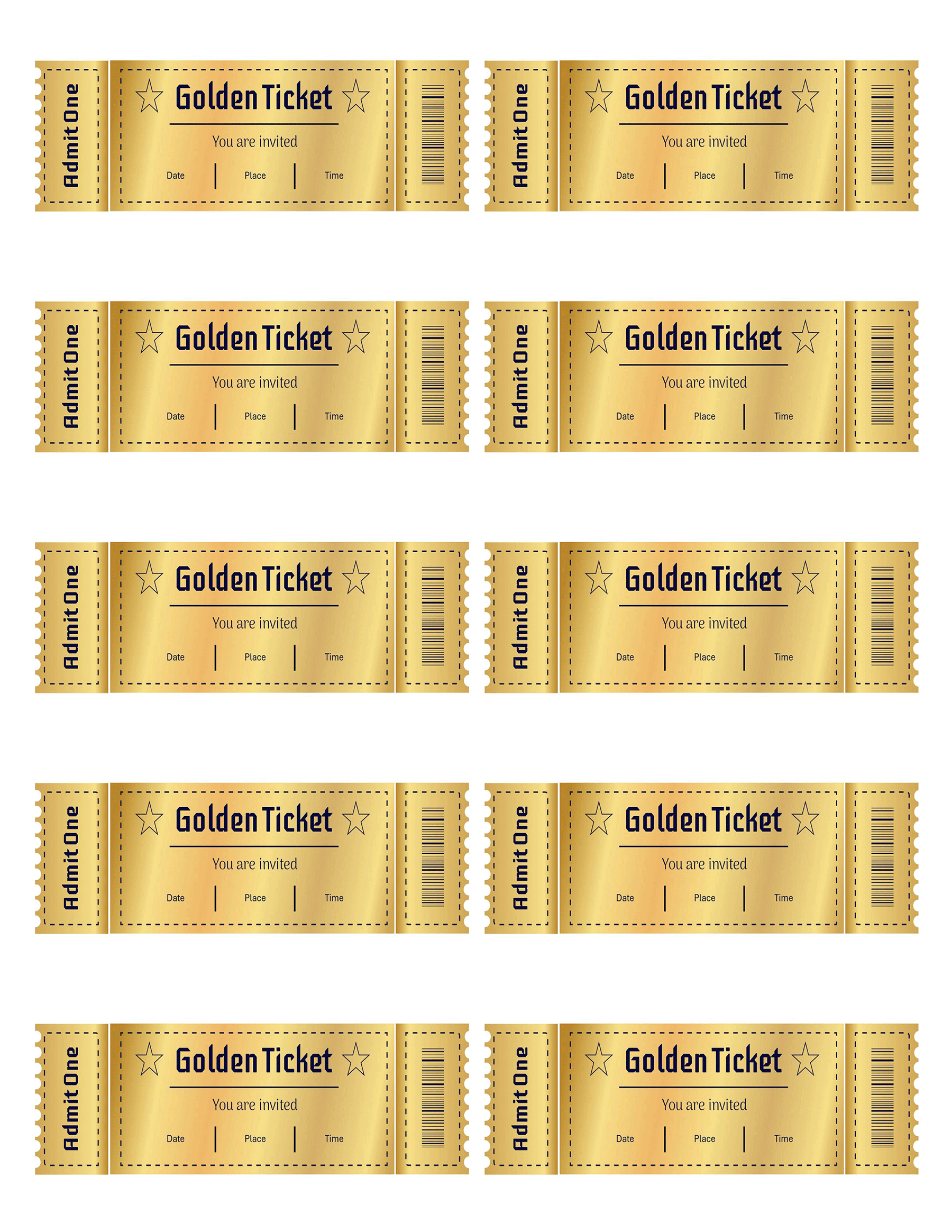
Golden Ticket Template 08
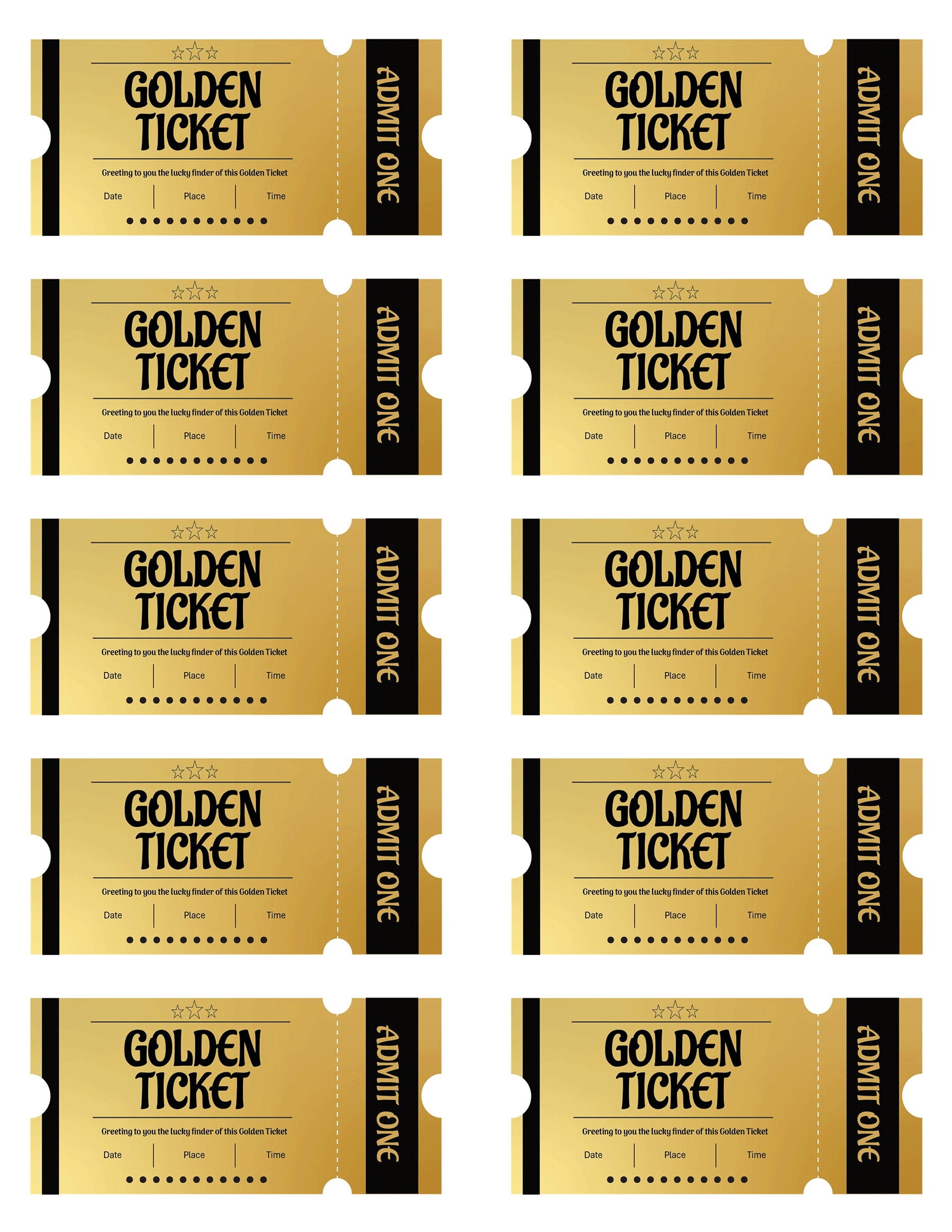
Related: 54 FREE Event Ticket Templates – Word, Illustrator
Design Intent and Psychological Triggers
A golden ticket template is used to design tickets that are visually appealing to influence the behavior and perception of customers. Below are the components of the template and the psychology behind them:
Visual hierarchy
Use a clear layout for the most important details to guide the viewers. You can do this by:
- Writing prominent headlines such as event name, call to action, etc. in bold or use a different font.
- Spacing the contents well to avoid visual clutter and give a neat look.
- Divide key sections such as name, date, location, etc., for clarity, which improves the layout.
Color psychology of gold tones
In everyone’s psychology, gold is associated with prestige, value, and exclusivity. It appeals to status-driven individuals and makes them feel elite.
Typography choices and emotional connotations
Fonts will influence how a ticket holder feels about the ticket or the brand responsible.
For example:
- Serif fonts are best suited for luxury or formal events and they show timelessness.
- Script fonts are best suited for artistic events, galas, etc.
- Bold fonts are used to show clarity and confidence which is best suited for experiential marketing.
Role of Clean Composition and Minimalist Elements in Maintaining Focus and Professionalism
- A minimalist layout allows key messages to be conveyed by preventing the use of excessive texts.
- Clean lines and alignment show attention to detail and professionalism.
- Using visuals and bold fonts makes sure that the recipients focus on the main points.
In short, a clean and minimal design shows confidence, which is a quality associated with top brands.
Customization for Brand Alignment
Editing techniques in PowerPoint
PowerPoint is a simple software to use, but it offers editable design tools when used strategically. Below are some ways you can edit using PowerPoint:
- Use clear fonts with balanced contrast for event names, dates, and locations. Additionally, you can use auto-numbering features for ticket numbers or seat information.
- Use brand-approved fonts or alternatives that complement them and replace generic colors like gold with your brand’s, for example, navy blue, emerald, etc.
- Put your logos in corners or margins to avoid visual clutter and resize the logos to maintain ratios. This prevents them from overlapping each other.
Advanced additions
- Insert QR codes or barcodes that people can scan to get event brochures, maps, event details, etc. This adds the interactive element as it makes users have a hands on experience.
- Customize the ticket templates to make custom tickets for individual recipients to give that VIP treatment feeling. You can do this by using Excel sheets to fill in user data and the mail merge on MS Word to insert names into your PowerPoint via apps like Adobe.
Output preparation
- Set up a resolution for printing to produce crisp and professional printed output. A minimum of 300 DPI is recommended. Go to the PowerPoint menu, click export, choose PDF and print quality 300 DPI.
- To allow for trimming, increase the background colors and images at least 3mm beyond each edge to enable trimming. Additionally, keep all the important texts, logos, etc. in the safe zone alignment (6mm inside the edge to avoid cuts).
Distribution Formats and Usage Scenarios
You need to have a thorough and careful selection process of distribution channels to maximize the reach of golden tickets. There are two distribution formats. Digital and physical.
| Digital | Physical |
| Email attachments | Cardstock printing |
| PDFs | Lamination |
| App-based invitations | Gold-foil finishes |
High Impact Usage Scenarios
Gala event entries and raffles
Golden tickets at formal dinners, fundraising or charity events shows sophistication and exclusivity as well as giving perks such as early access.
Product or brand launch activities
Golden tickets offer perks such as early access, behind-the-scenes previews, which generate a lot of buzz and traffic to a brand.
Corporate exclusives
Golden tickets highlight key details for corporate events, especially ones where investors, executives, etc. are present. These events include award ceremonies, investor briefings, executive dinners, etc.
Influencer or affiliate campaign tie-ins
You can send golden tickets to brand influencers or affiliates as part of a challenge or giveaway strategy.
Legal and Compliance Considerations
When using golden tickets, especially in public events, they need to comply with various licensing and legal standards to safeguard brand reputation and image.
- First is the proper use of disclaimers, expiration terms, and event-specific legal language. Use terms such as “non-refundable, non-transferable as disclaimers to avoid liability. You can also include expiry dates to show the usage duration of a ticket. Lastly, you can use event-specific language such as “No entry without ID”.
- Thereafter, confirm licensing clarity. Confirm the license type (whether for personal or commercial use), if you can legally edit or distribute, the attribution requirements, and if the fonts, background, or icons used are legally accepted for commercial use.
- Make your golden tickets usable by all audiences, especially for those with visual or reading difficulties. Avoid using light-on-light pairings and use a minimum of 12pt font for the body text and around 16-20pt for headings. Most importantly, do not use fancy fonts for important details.
About This Article