SF-702 records who opened, closed or checked a security container and when. The sheet documents those actions; an entry does not replace the action it records. Agency instructions determine how the form is completed and used.
The download below is an unchanged copy of the official GSA PDF: one US Letter page with two log panels. GSA’s Security Container Check Sheet page lists the current revision as January 2020. Check the issuing source before using a saved copy.
Official SF-702 Security Container Check Sheet (Rev. January 2020)
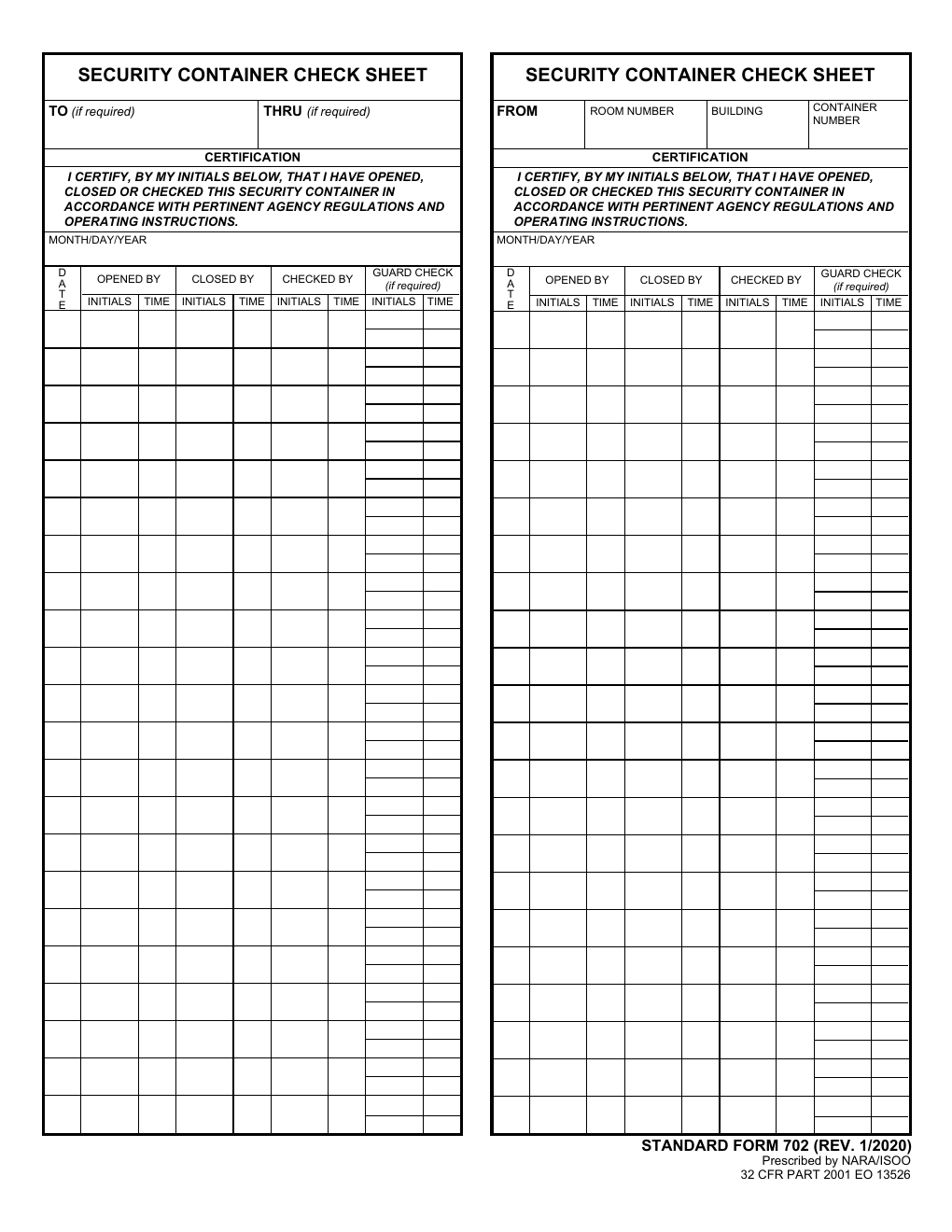
Official SF-702 Security Container Check Sheet (Rev. January 2020)
GSA directs users to Adobe Reader for its PDF forms. If the original PDF does not display correctly in a browser, follow that guidance. The file uses XFA form technology, and a browser’s ability to show the page does not establish that it can save completed entries correctly.
Read the action and the entry together
The Opened By, Closed By and Checked By columns each have space for initials and a time. Read those two parts together: initials identify the person, while the time records when the stated action occurred. Initials alone leave the time unanswered; a time alone does not identify the person.
Make an entry for the action actually performed, following your agency’s instructions. Do not use the sheet to certify a check in advance. The form does not tell you how to open, secure or inspect the container.
The guard-check column is conditional: the form labels it Guard Check (if required). That wording does not set a universal checking interval or require every workplace to use the column. Confirm applicable checks and assigned responsibilities through local procedures.
32 CFR 2001.80(d)(5) identifies SF-702 as the record for opening, closing or checking a container that holds classified information. It places completion, storage and disposal under each agency’s security regulations.
Check which header panel you are using
The two panels on the official page have different identification areas. One includes To and Thru. The other includes From, Room Number, Building and Container Number. Both contain the log and certification wording.
Look at the panel you are completing before copying identification details or dates. Use your agency’s direction for the applicable panel and entries. The presence of two panels does not by itself prescribe a sequence, require duplicate entries or establish how the page should be separated.
Keep related forms and local instructions separate
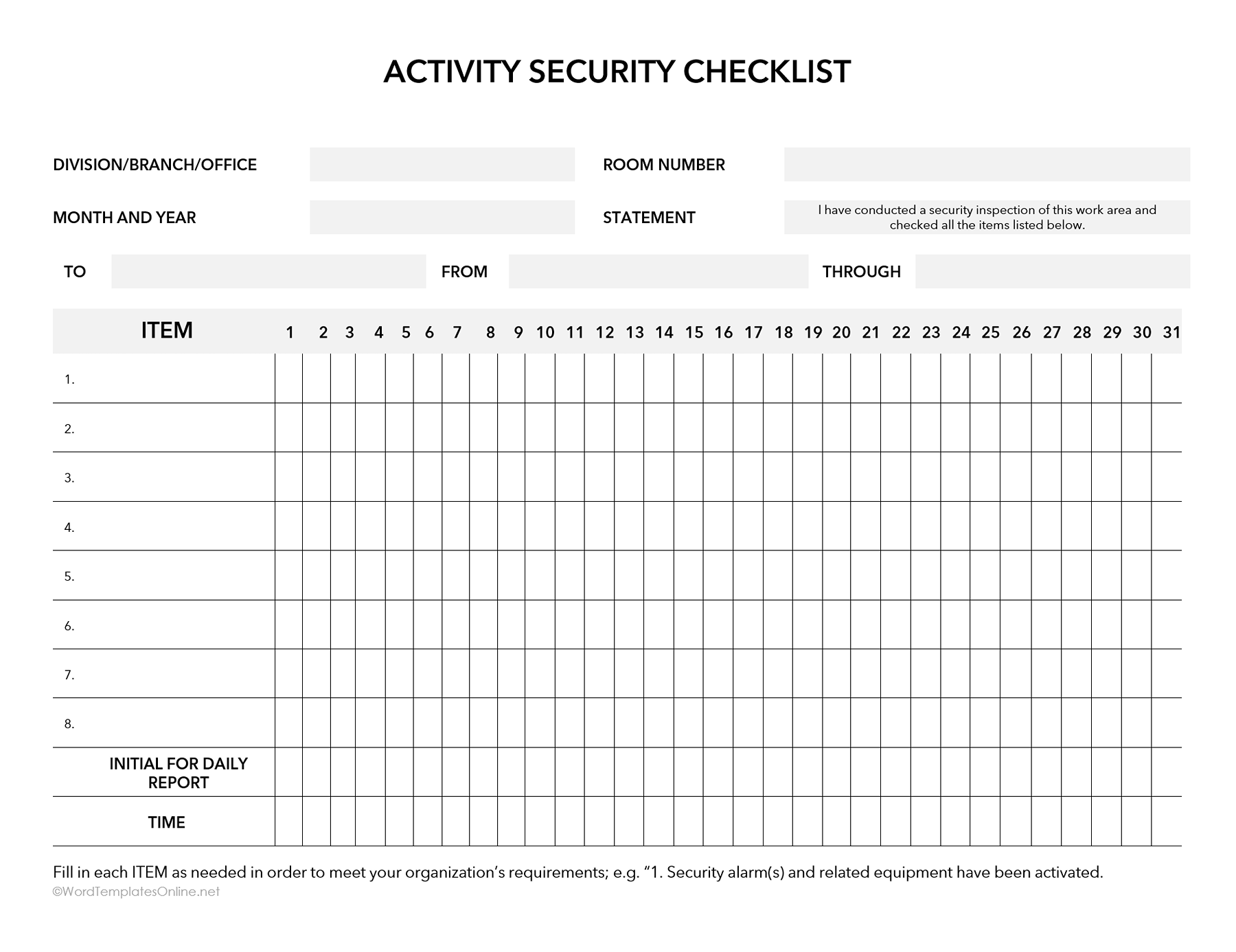
SF-701 concerns security checks of an activity or work area; SF-702 records container opening, closing and checking. SF-700 holds security-container information and serves a different purpose from this log. NARA’s security-forms guide identifies the forms in this family.
Before using the sheet, confirm the applicable checks, authorized personnel and records-handling requirements with your agency. The regulation does not provide one retention period for every organization. Use the agency’s current storage and disposal instructions for the completed record.
About This Article