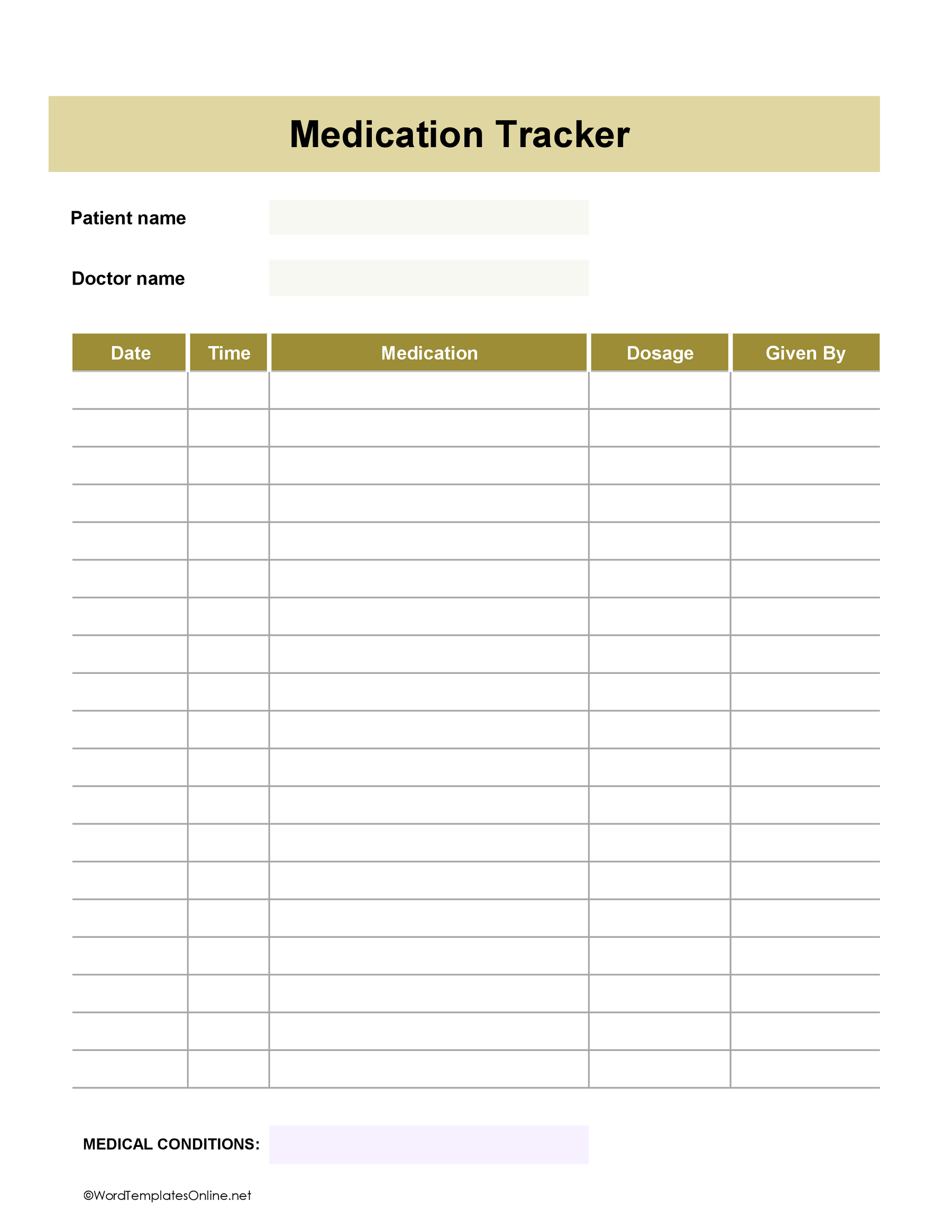
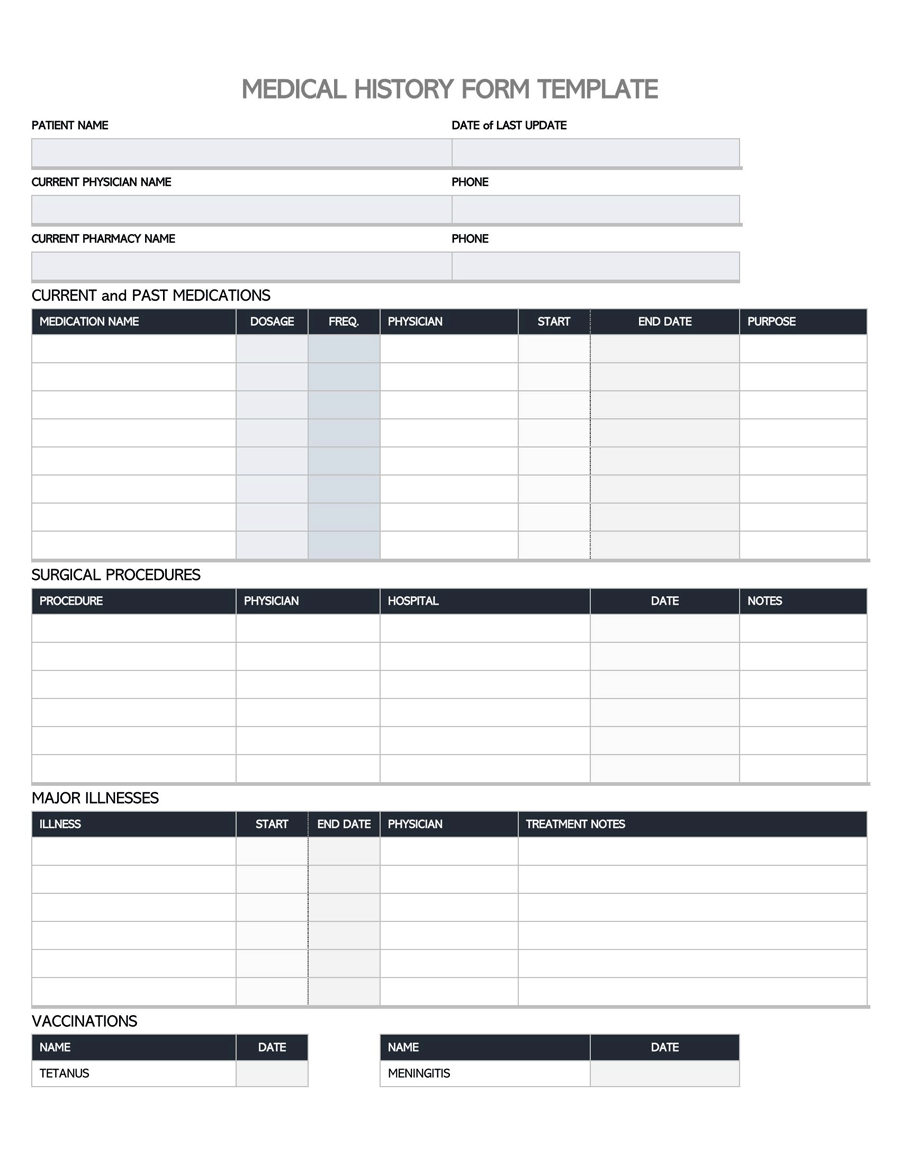
Keeping a record of your weight or body measurements is fairly straightforward. The tricky part is making sure you can tell what each entry means when you look back at it. A weight tracker gives you a place to write down what you’ve measured and when. It doesn’t tell you whether the result is healthy or what your measurements should be.
The eight templates below include weekly and four-week records, body measurement charts, a before-and-after comparison, and related fitness forms. Each is available as a Microsoft Word template (DOTX), an OpenDocument (ODT) file, and a linked Google Docs version. These are manual records, so they don’t calculate changes or create graphs automatically.
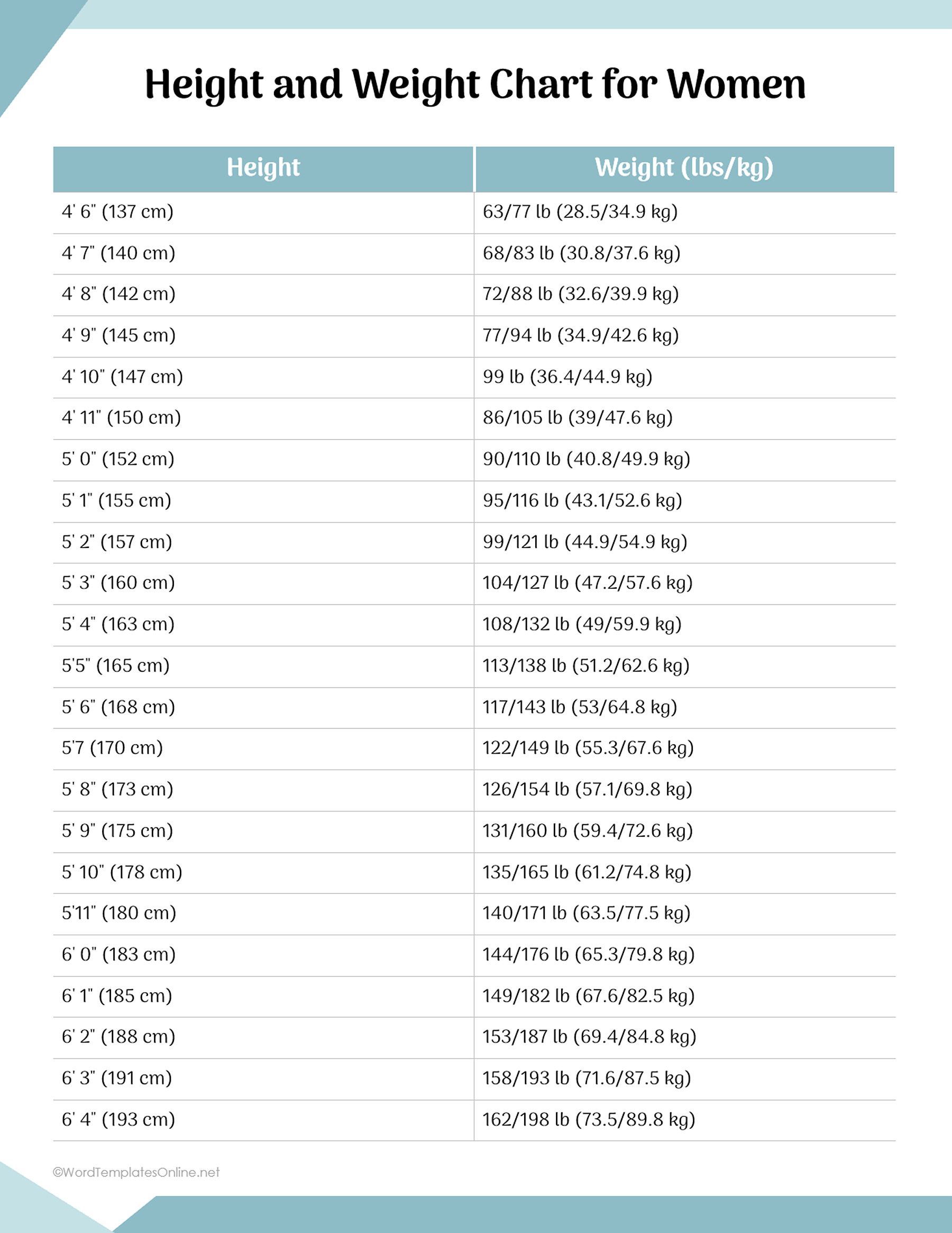
Before choosing a template, check what it actually records. One is a workout log where Weight refers to exercise load rather than body weight. Another has a height grid with Small, Medium, and Large columns whose meanings aren’t defined. There’s also a prefilled height-and-weight reference chart, but its values have no verified source or method. Neither height chart should be used to determine a healthy or ideal weight.
Weight Chart for Woman Template 01
Weight Chart for Woman Template 02
Weight Chart for Woman Template 03
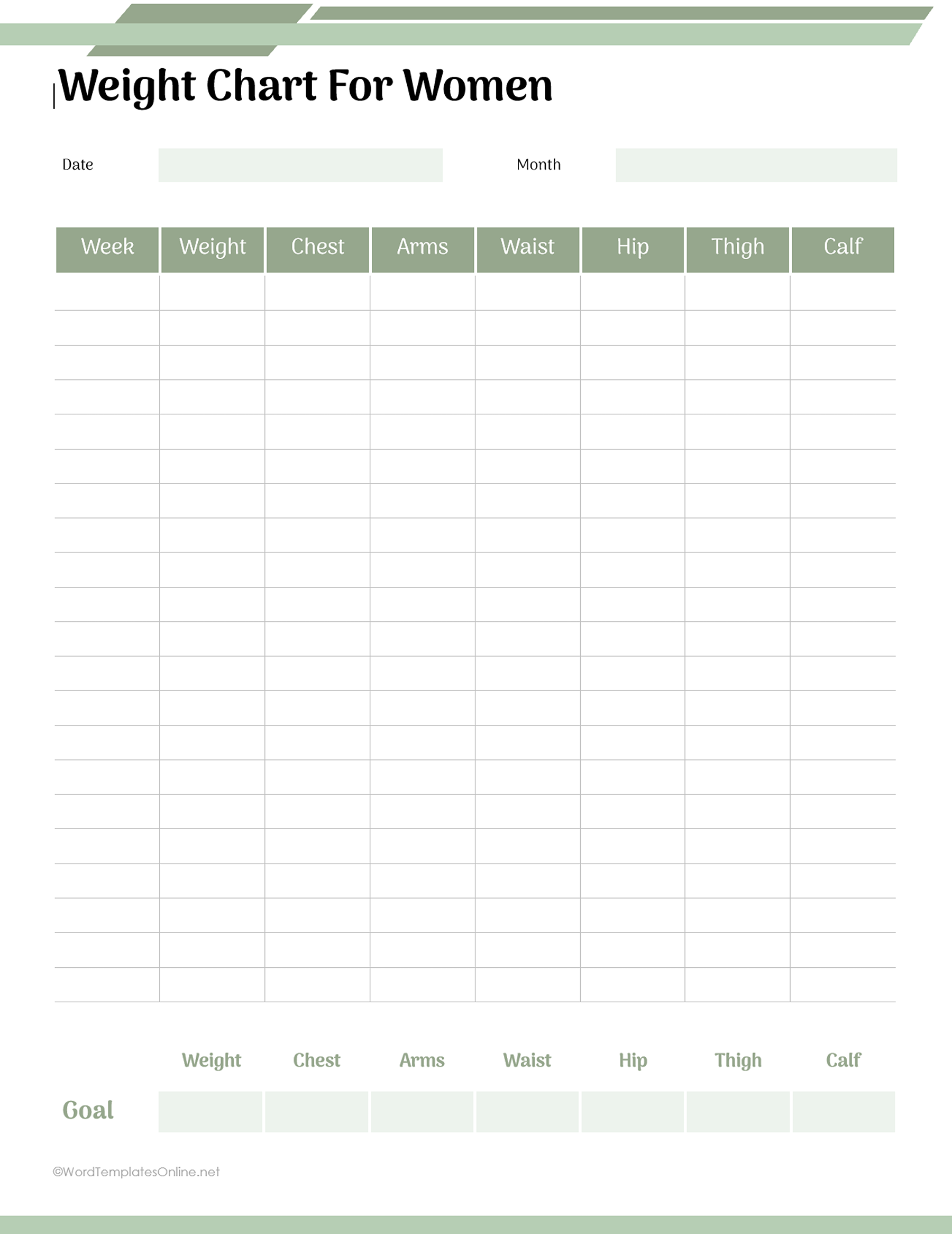
Weight Chart for Woman Template 04
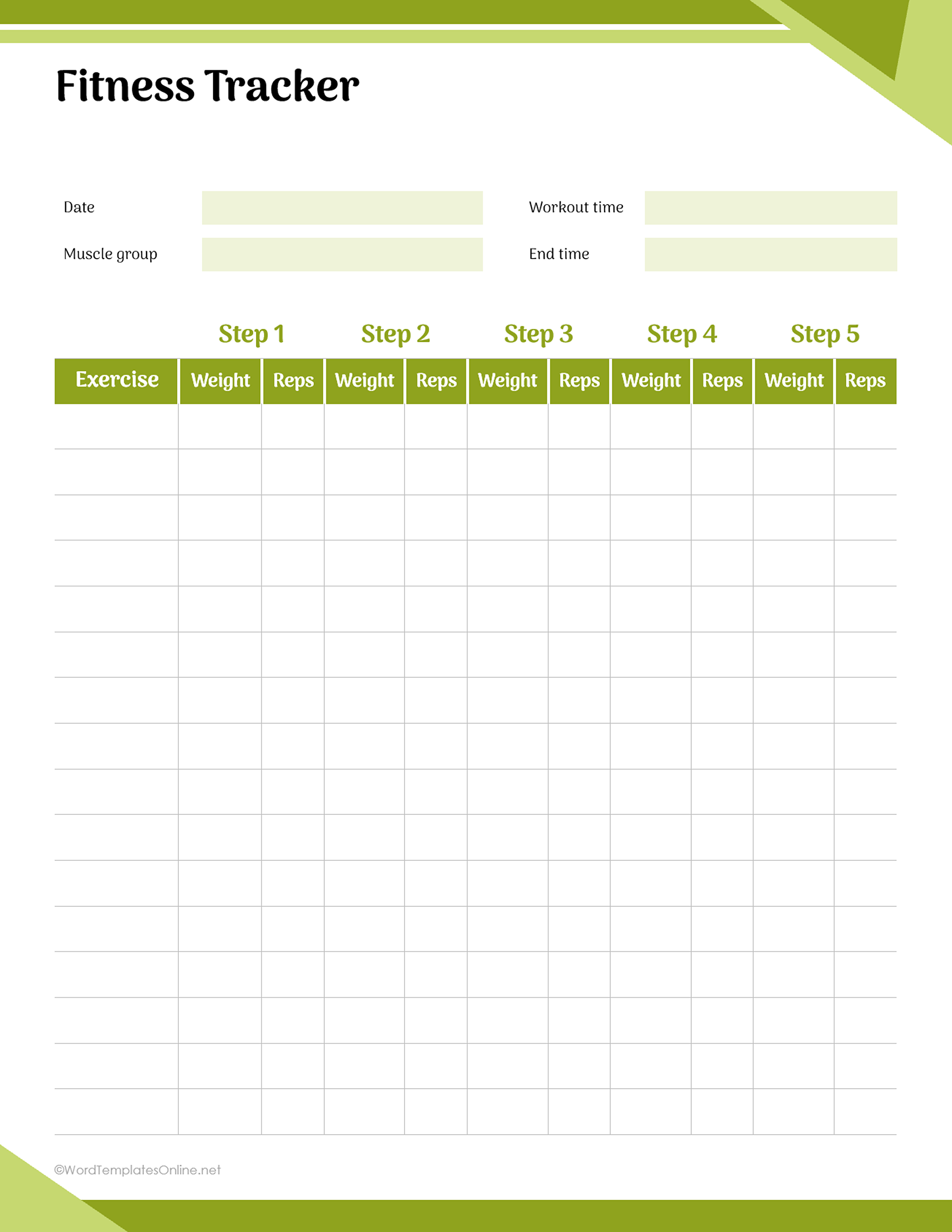
Weight Chart for Woman Template 05
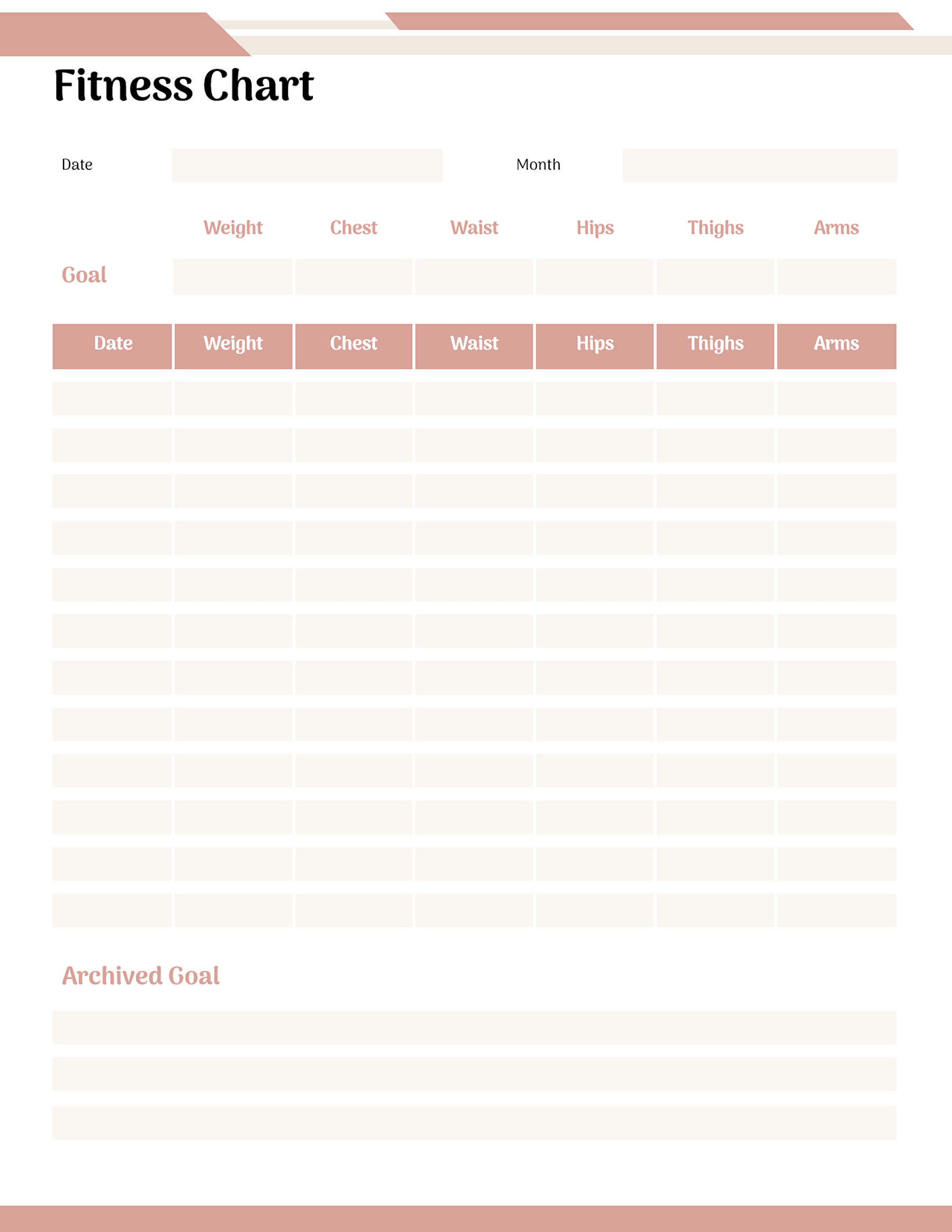
Weight Chart for Woman Template 06
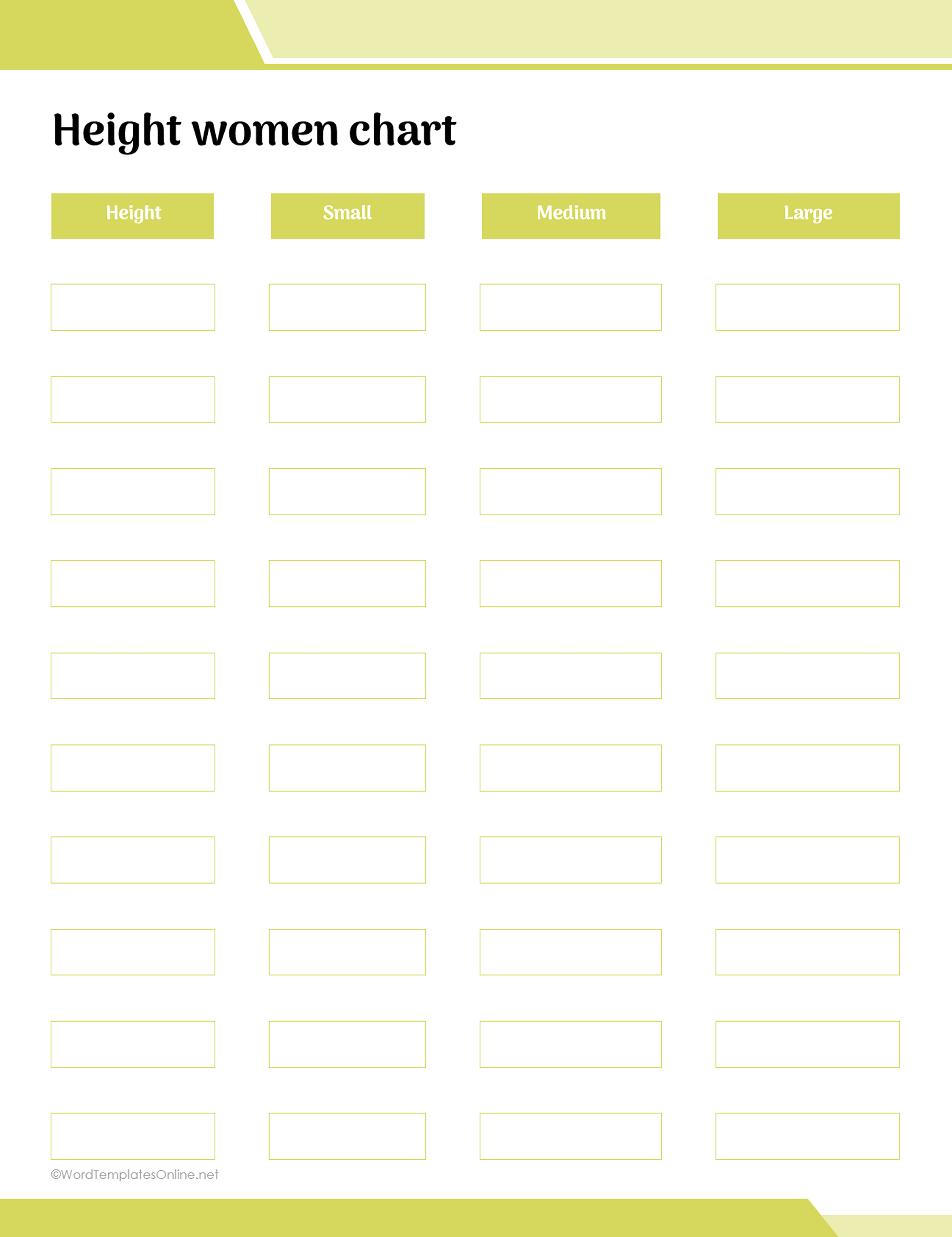
Weight Chart for Woman Template 07
Weight Chart for Woman Template 08
Make an entry you can understand later
Imagine finding an old measurement chart with “Weight: 65” written in one of the rows. You might remember what you were recording at the time, but the entry doesn’t tell you when you measured it or whether you used pounds or kilograms.
That’s why a little context matters when you’re filling in a chart.
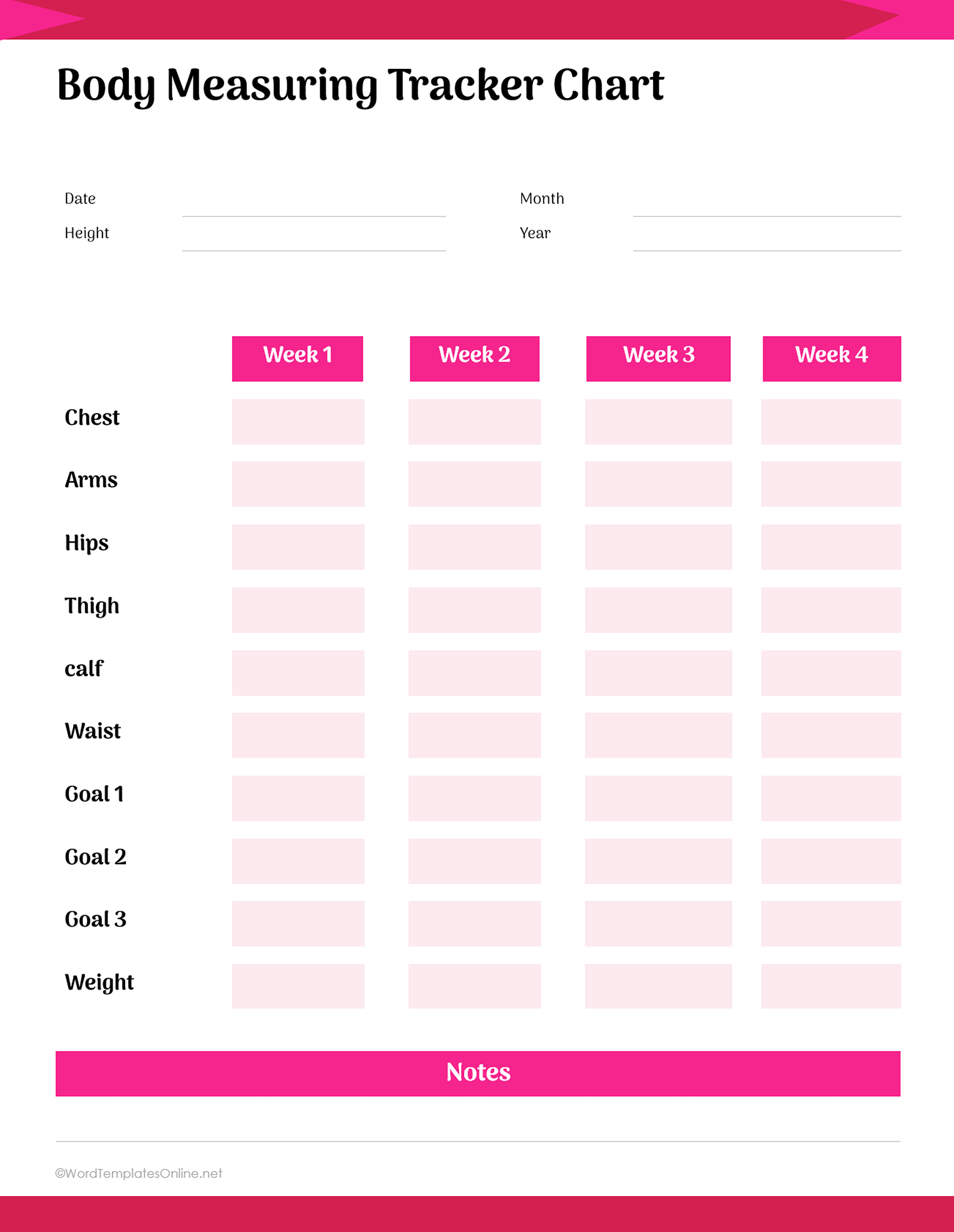
The four-week template in this collection has spaces for weight, body measurements, goals, and notes. It also includes date information in the header. You can use those areas to make each entry understandable without having to remember the circumstances later.
For example, a fictional entry might look like this:
Week 1 — October 24 | Weight: [recorded value] kg | Waist: [recorded value] cm | Notes: [optional context]
The brackets are placeholders for your own information. The example doesn’t suggest a particular measurement or goal.
With the date and units included, you can tell when the entry was made and how to read it. The notes area is useful when there’s something you want to remember that the numbers don’t explain.
You can record weight in pounds or kilograms. Body measurements such as waist or chest circumference can be written in inches or centimeters. Choose whichever units you normally use, but keep them consistent within your record.
If you’ve already entered one measurement in inches and another in centimeters, label them clearly rather than treating the numbers as directly comparable. You can convert them if you need to make a comparison. The templates won’t do that calculation for you.
Also pay attention to the date when using weekly rows. “Week 1” identifies a place on the form, but you may not remember which calendar week it represents after a few months. Adding the actual date removes that uncertainty.
You don’t have to fill every space just because it’s available. A short note may be useful on one occasion and unnecessary on another. The chart also doesn’t prescribe how often you should record your measurements. Its rows provide space for the entries you choose to make.
Check what each number actually represents
A body-weight record and a body measurement chart may look similar, but they don’t record quite the same information.
Body weight is the number you read from a scale. A body measurement chart records the circumference of particular areas, such as your waist, chest, hips, or arms.
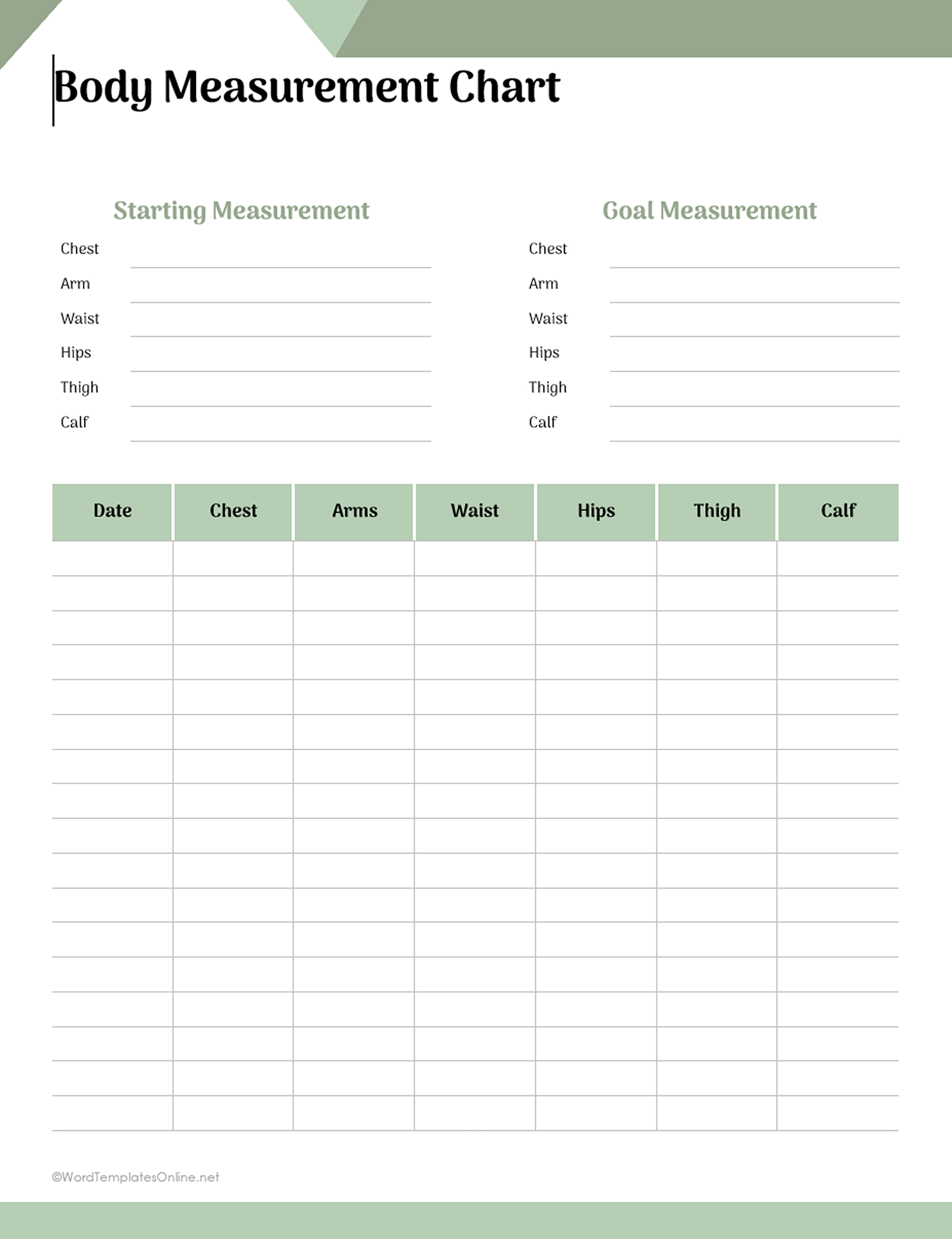
The first body-measurement design in this collection has starting and goal spaces for several areas of the body, along with a dated recording grid. It doesn’t have a dedicated body-weight column.
That may be enough if you’re interested in keeping circumference measurements. But if you also want to record your weight, the weekly weight-and-measurement design has spaces for both on the same sheet.
The workout tracker is different again. Its rows are arranged around exercises, with Weight and Reps fields. In that form, Weight means the load used for an exercise, while Reps records the number of repetitions. It’s a workout log rather than a personal body-weight history.
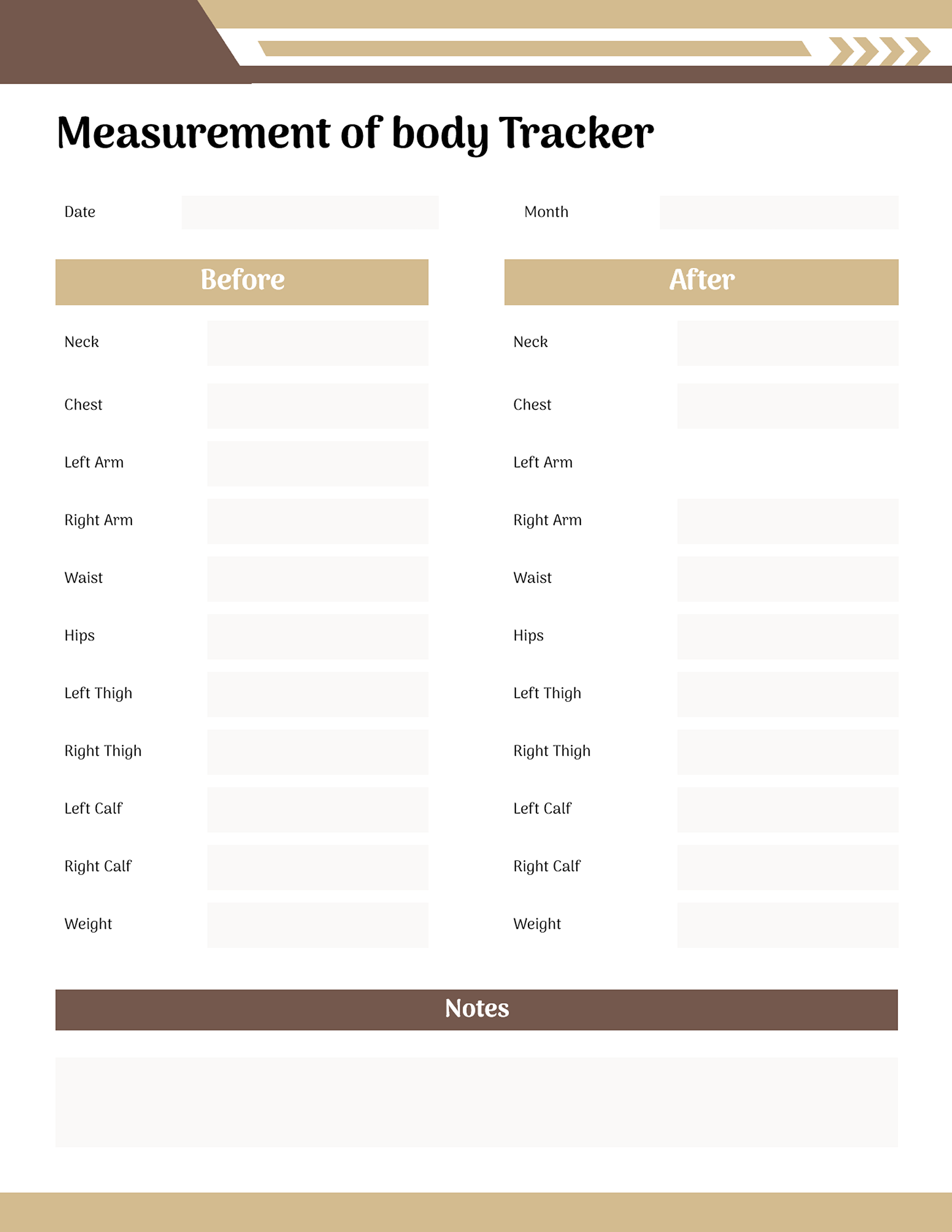
There’s a useful distinction in the before-and-after measurement design as well. It has separate entries for the left and right arms, thighs, and calves. If you’re using those fields, record each side under its own label instead of entering one combined measurement.
These differences are worth checking before you start filling in a template. If you’re looking for a simple body-weight log, a sheet devoted to circumference measurements or exercise repetitions won’t give you the recording spaces you expected.
You can also use a measurement-only chart without filling every area it provides. The printed fields are there to organize information. They don’t determine which measurements you need to collect.
A running record and a before-and-after chart answer different questions
Some people want to see a series of dated measurements. Others only need to keep two sets of information together.
A running record is useful when you want to look back across several occasions. The four-week template provides separate spaces for each week, while another design uses weekly rows for weight and body measurements. There’s also a fitness measurement chart with dated rows for weight and several body areas.
Return to the fictional Week 1 entry from earlier. If you make another entry later, you can add it to the next relevant row. Both entries will show what you recorded on their respective dates. You don’t need a separate calculation or graph to read the original information.
A before-and-after chart is arranged for a different purpose. Instead of maintaining a longer history, it places measurements from two occasions alongside each other.
The before-and-after design in this collection includes weight and several body measurements. It also has separate left/right fields and a notes area.
Suppose you have a set of measurements from an earlier date and another set from a later one. You can keep those two records together without adding all the entries that may have come between them.
The labels “before” and “after” identify when the measurements were recorded. They don’t establish that one result is better or that a change represents an improvement in health.
Some templates also include starting and goal measurement fields. You can use those spaces if they relate to your own purpose, but a blank goal field isn’t a recommended target. There’s no need to assign yourself a numerical goal simply to complete the form.
When deciding which arrangement to use, think about what you expect to look for later. If you want a history of several entries, the weekly or dated layouts give you room for it. If you only need two dated snapshots, the before-and-after chart may be sufficient.
What these charts cannot tell you about a healthy weight
A weight chart can hold your measurements, but it can’t determine whether those numbers are healthy or what you should weigh for your height.
That’s an important distinction if you came here looking for a weight chart for women with recommended height-and-weight ranges.
The prefilled reference chart in this collection doesn’t have a verified source or method behind its values. The separate height grid also uses categories whose meanings aren’t explained. Neither provides a reliable basis for setting personal health targets.
Even established methods of assessing weight have limitations. The Centers for Disease Control and Prevention’s explanation of body mass index (BMI) describes BMI as one screening measure that should be considered alongside other health factors. It also explains that BMI cannot distinguish body fat from muscle or bone. The CDC uses different approaches when interpreting BMI for adults and children.
If you’re trying to understand what your weight or measurements mean for your health, a qualified healthcare professional can consider your circumstances rather than relying on a single number or an unverified chart.
For recordkeeping, you can simply document the measurements you choose to keep. There’s no need to attach a health judgment to every entry.
Once you’ve chosen a suitable template, make a working copy and keep the blank original for later. Add the dates and units that belong in your record. If you’re using the Word DOTX file, ODT file, or linked Google Doc to prepare a printed copy, check the finished layout in print preview first. Edits and source credits may affect the page count, so a one-page preview isn’t a guarantee that the final document will print on one page.
About This Article