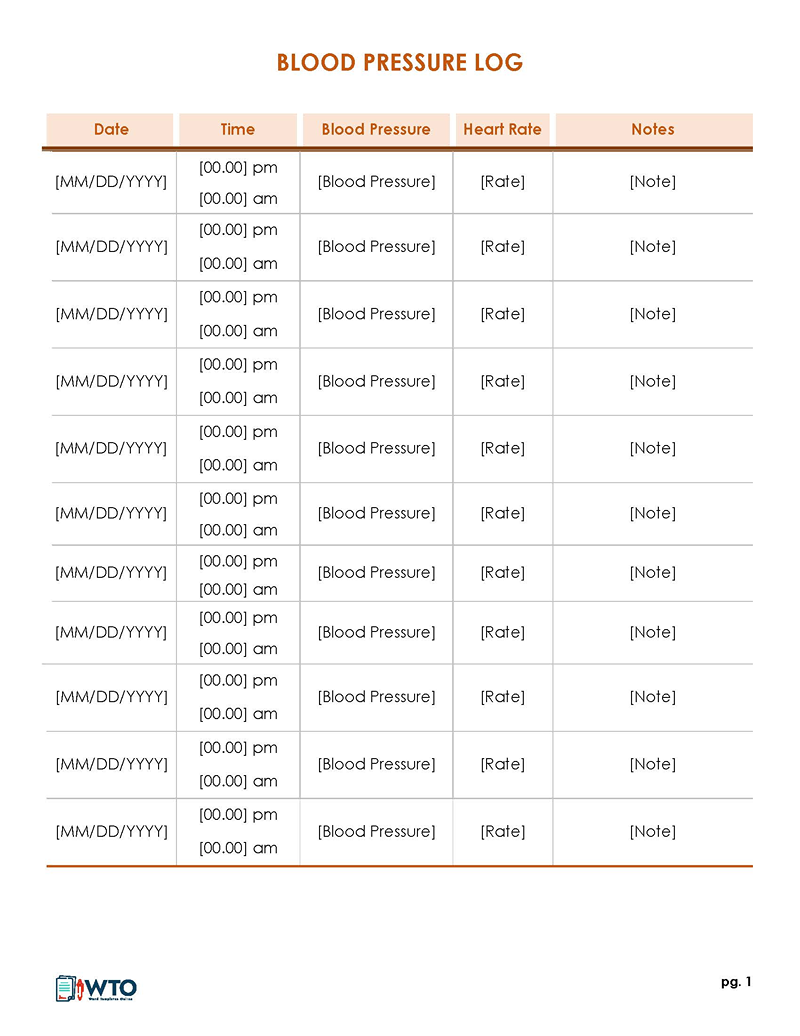
These free blood pressure logs give you a place to write the readings from your home monitor. Download a PDF (.pdf), Word (.docx), or Excel (.xlsx) file, depending on whether you want to write by hand or keep the log on your computer.
The Word templates are just below. You’ll find Excel files and printable PDFs in the second collection. Follow the timing and blood pressure target your healthcare professional has given you.
What Is a Blood Pressure Log Sheet?
A blood pressure log sheet is a dated record of readings from a blood pressure monitor. Write down both numbers, along with the time. Some sheets let you add your pulse or brief notes, too.
For people with high blood pressure, the American Heart Association (AHA) recommends home monitoring alongside regular medical visits.
Free Blood Pressure Log Templates for Word

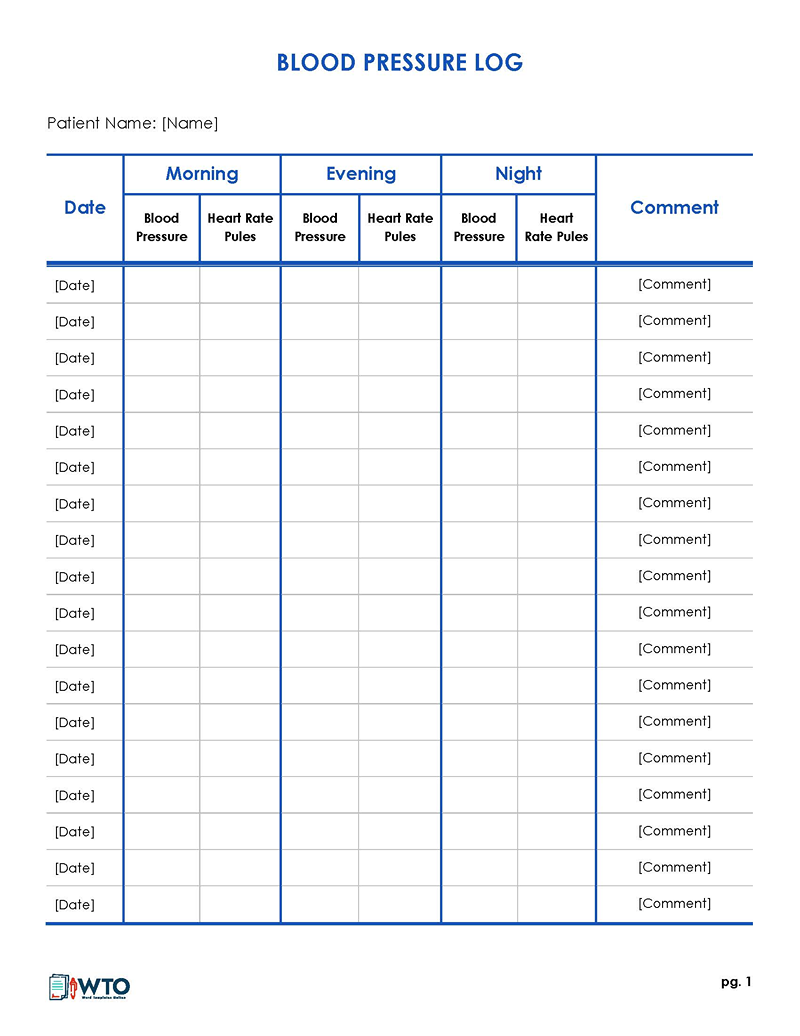
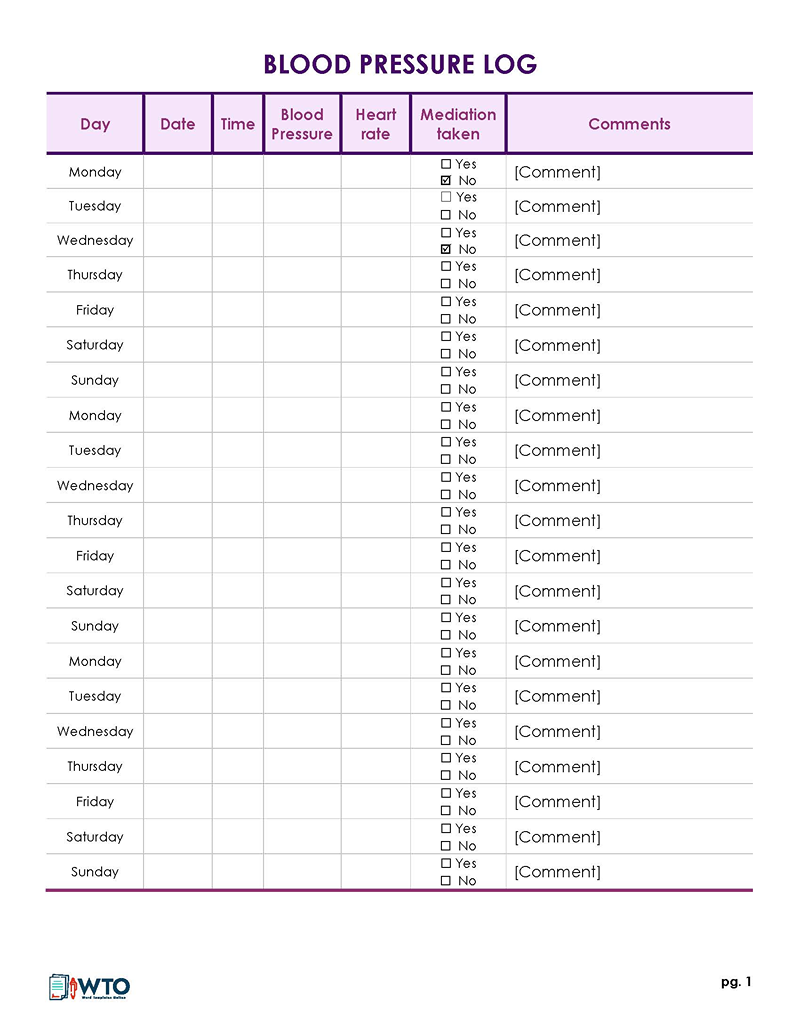
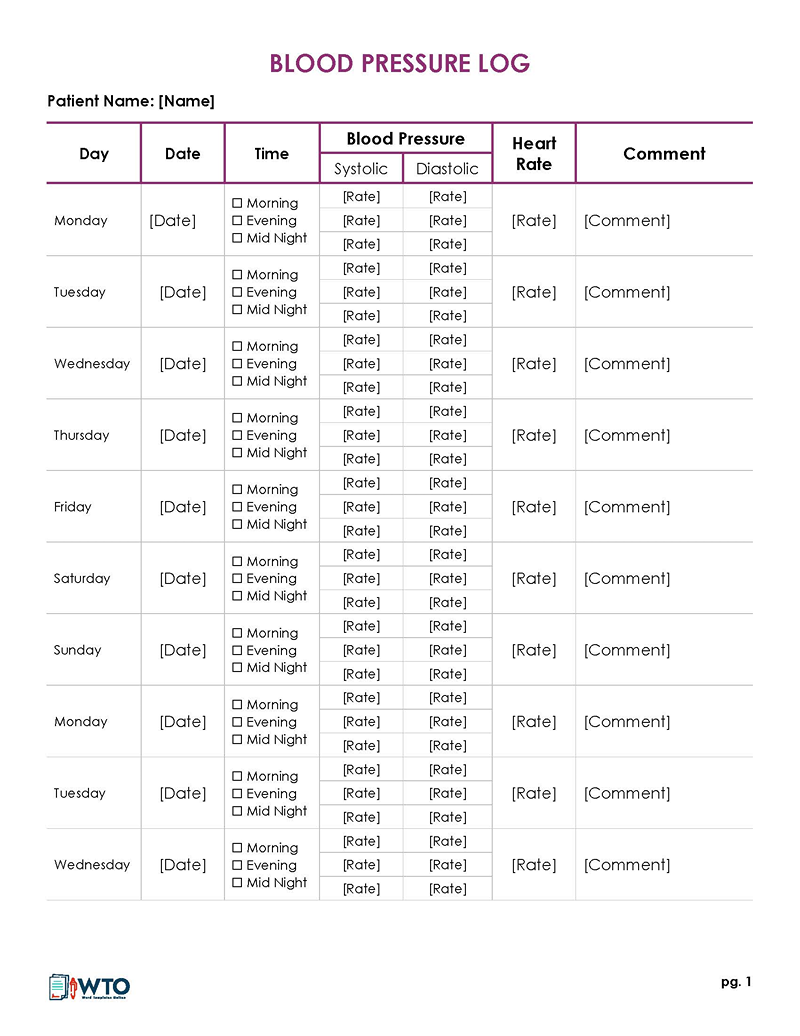
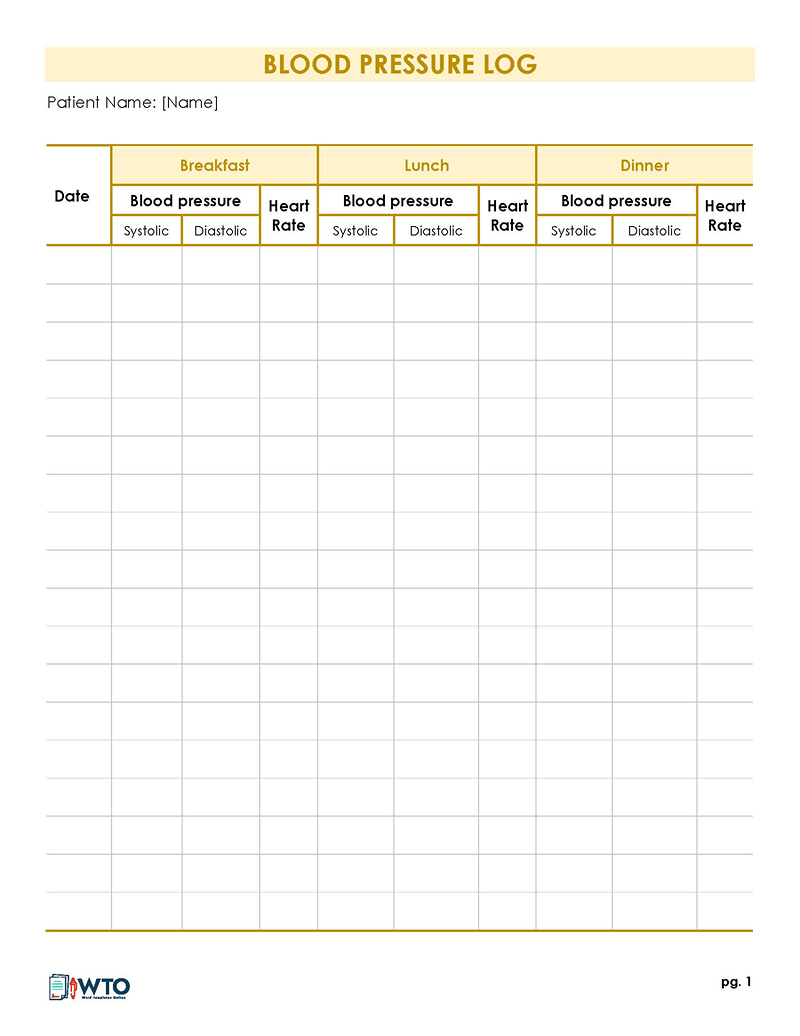
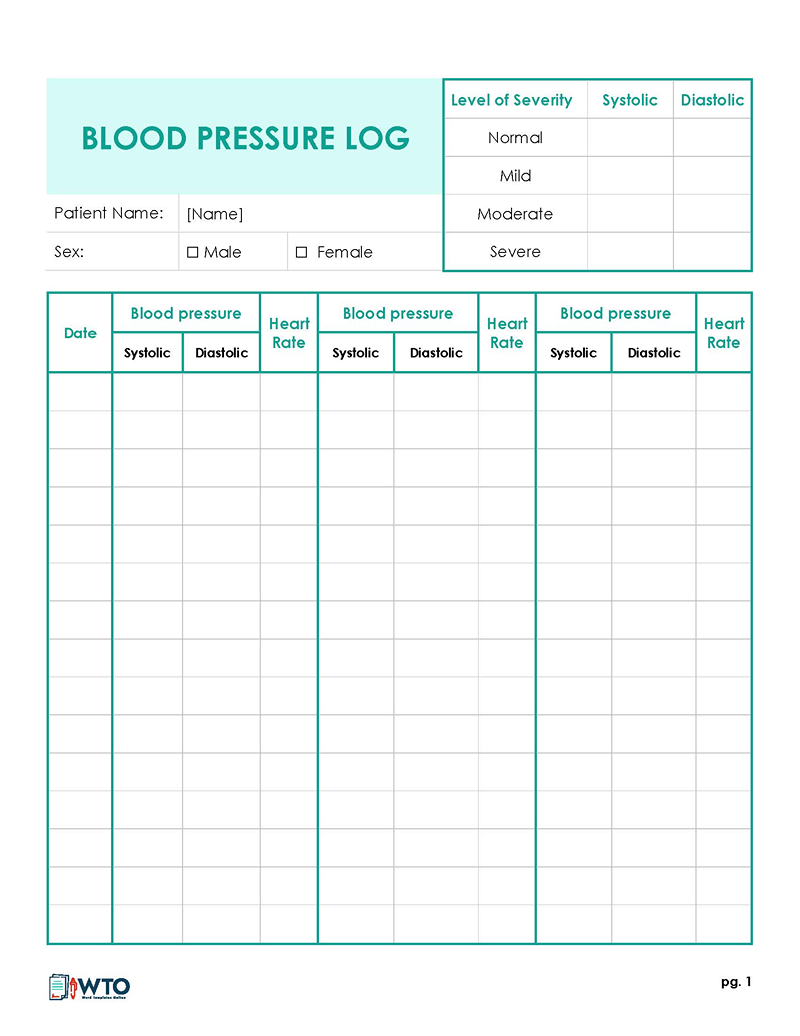
Choose a Log for Paper or Computer
If you’ll keep the log on paper, print a PDF or Word sheet. Word also lets you change the labels before printing. For a log you’ll fill in on your computer, download a Word document or an Excel spreadsheet.
| Format | Available files | Use it for |
|---|---|---|
| Word (.docx) | 14 documents | Change the labels or layout before printing, or type readings into the document. |
| Excel (.xlsx) | 10 spreadsheets | Enter readings on your computer. Some spreadsheets include a chart. |
| PDF (.pdf) | 7 PDFs | Print the layout as supplied. The PDFs don’t all have fillable fields. |
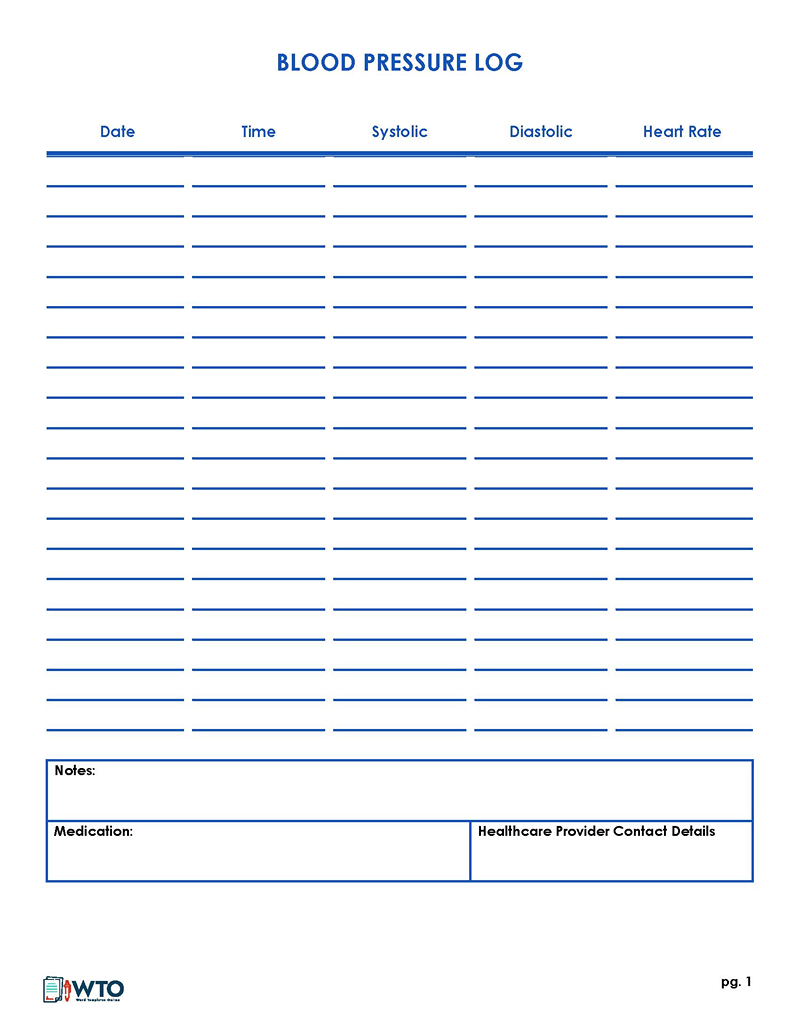
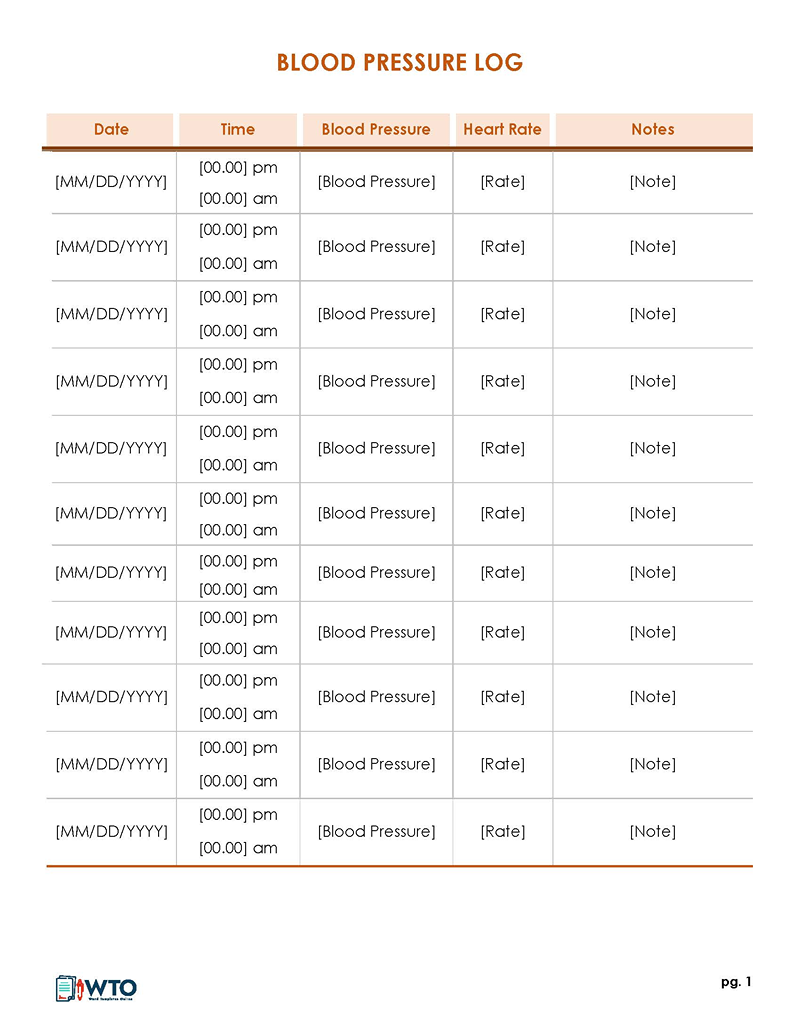
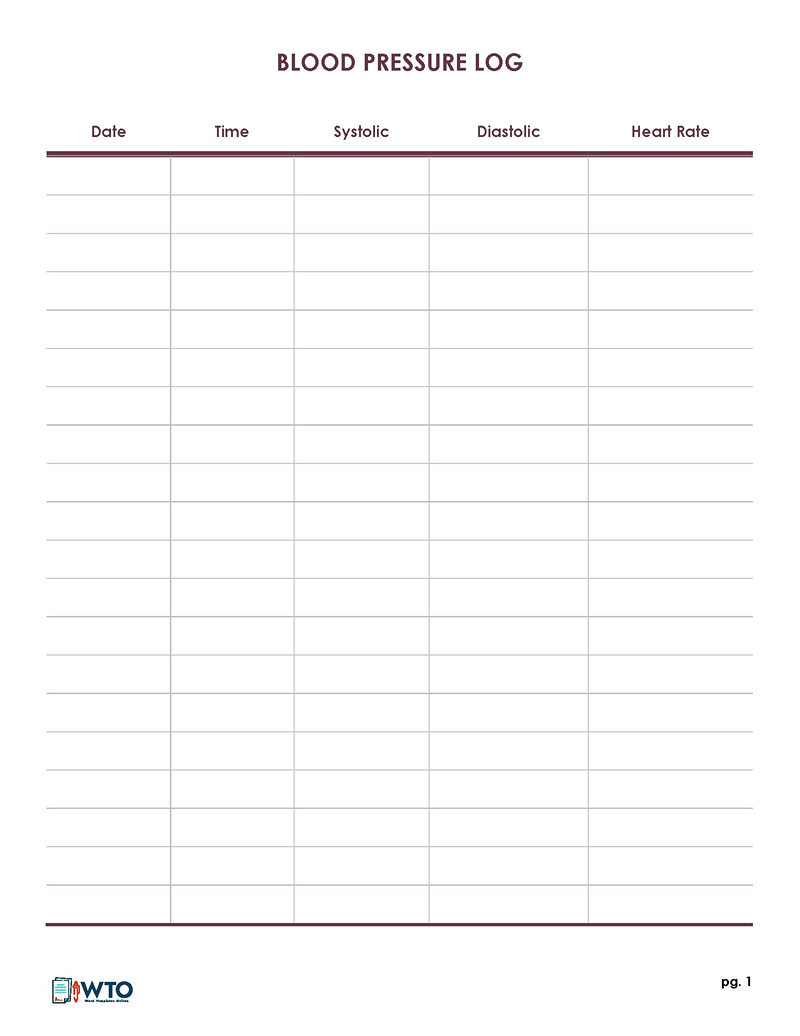
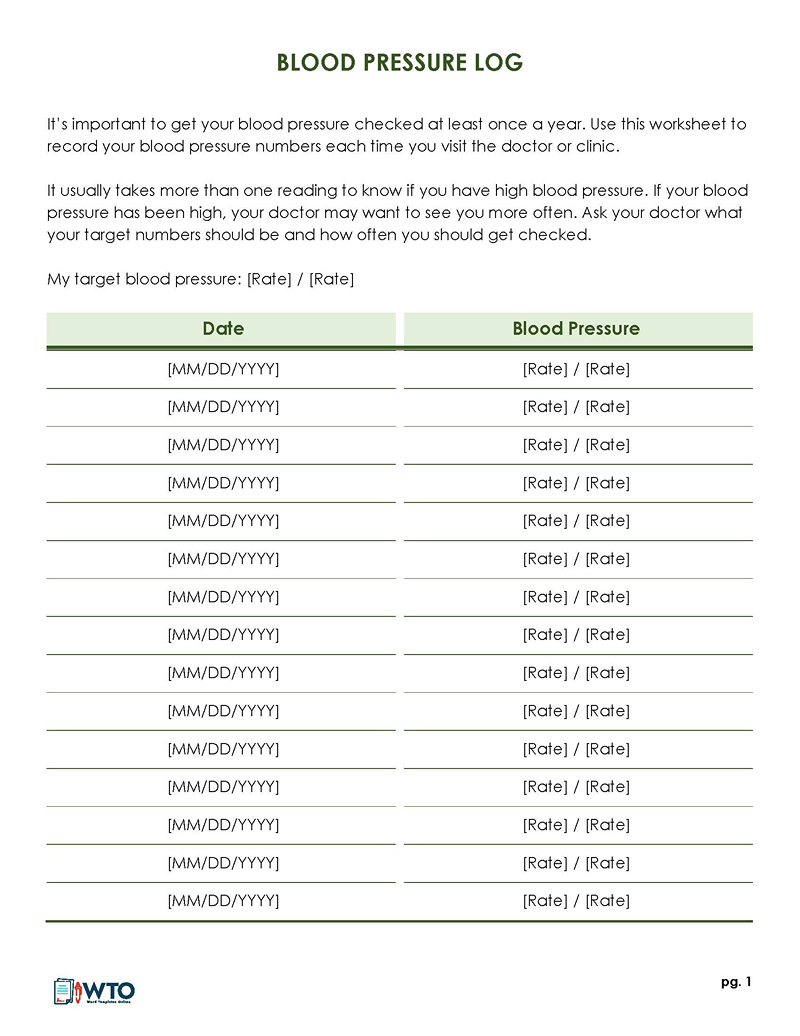
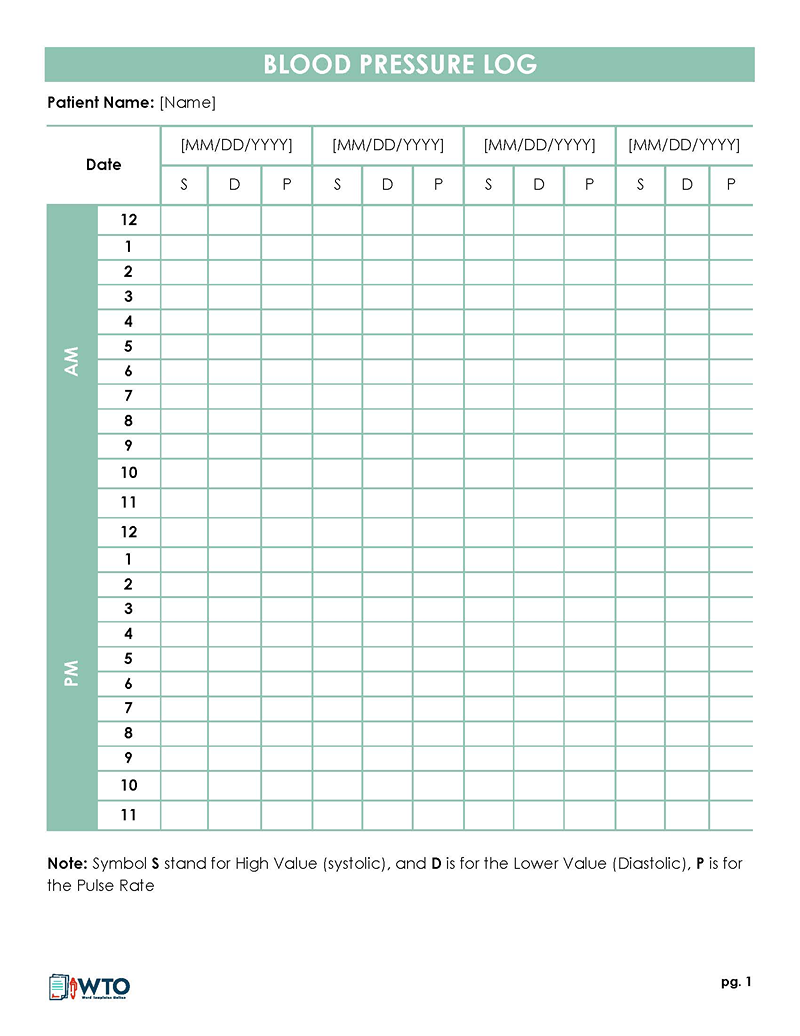
Start with Log Sheet 03 if you only need a date-and-time table. For two readings at a time, Log Sheet 11 includes pulse and comments. The more detailed Log Sheet 01 has fields for date, time, systolic and diastolic readings, heart rate, medication, notes, and healthcare provider contact details.
The downloads also include morning, evening, meal-time, and weekly layouts. Fill those spaces according to your own monitoring schedule. If a file has a target or colored clinical key printed on it, check it with your healthcare professional before using it to judge your readings.
What to Write on Your Blood Pressure Log
Date and time
Put the date and time next to every reading. Add AM or PM when the sheet doesn’t distinguish between them. When you take a second reading, give it its own row or use the paired spaces on the form.
Systolic and diastolic readings
Copy both numbers from the monitor. Systolic is the top number, measured when your heart beats; diastolic is the bottom number, measured between beats. The unit is millimeters of mercury (mm Hg). The AHA explains these readings in more detail.
Pulse, medication, and notes
If your monitor shows pulse, enter it in the pulse or heart-rate column in beats per minute (bpm). Keep it separate from the blood pressure numbers. The notes space can hold details your clinician asks for, such as the time you took a prescribed medicine or how you felt.
Write what happened without guessing why the reading changed. For example, “felt unwell before reading” records a symptom without claiming it caused the result. For a longer medication record, you can take a medical history form to the appointment along with your log.
How to Use a Blood Pressure Log Sheet
1. Set up the sheet
Before you start, ask your healthcare professional how often to take readings, at what times, and what to do about a concerning result. Add your name and the dates you’re tracking. Fill any target or “call physician” field with their instructions, and replace sample entries with your own details.
2. Prepare for the measurement
Before measuring, sit quietly for at least five minutes with your back supported. Keep your feet flat and your legs uncrossed. Rest your arm on a table at chest height, place the cuff against bare skin, and stay quiet while the monitor runs. These are part of the Centers for Disease Control and Prevention (CDC) measurement checklist; also follow your monitor’s instructions and your clinician’s advice.
The AHA’s home monitoring guide also advises avoiding smoking, caffeine, and exercise during the 30 minutes before a reading. Empty your bladder first. Check the guide for help with cuff fit and preparation.
3. Record each reading
The AHA recommends two readings a minute apart. Write down each result straight away. If your sheet only has one box for a session, use a second row or another sheet.
The two rows below show one recording session. They’re sample readings to demonstrate the layout, not a target or a diagnosis.
| Date | Time | Systolic (mm Hg) | Diastolic (mm Hg) | Pulse (bpm) | Notes |
|---|---|---|---|---|---|
| October 12 | 8:00 AM | 128 | 78 | 72 | First reading |
| October 12 | 8:01 AM | 126 | 77 | 71 | Second reading |
4. Add relevant notes
In the comments column, note the medication times or symptoms you’ve been asked to track. If you miss a reading, write “not taken” or leave the row clearly blank. Don’t enter zero.
5. Bring the record to your appointment
Bring the completed log to your next appointment. You can take your monitor too, so your healthcare professional can check how you’re using it.
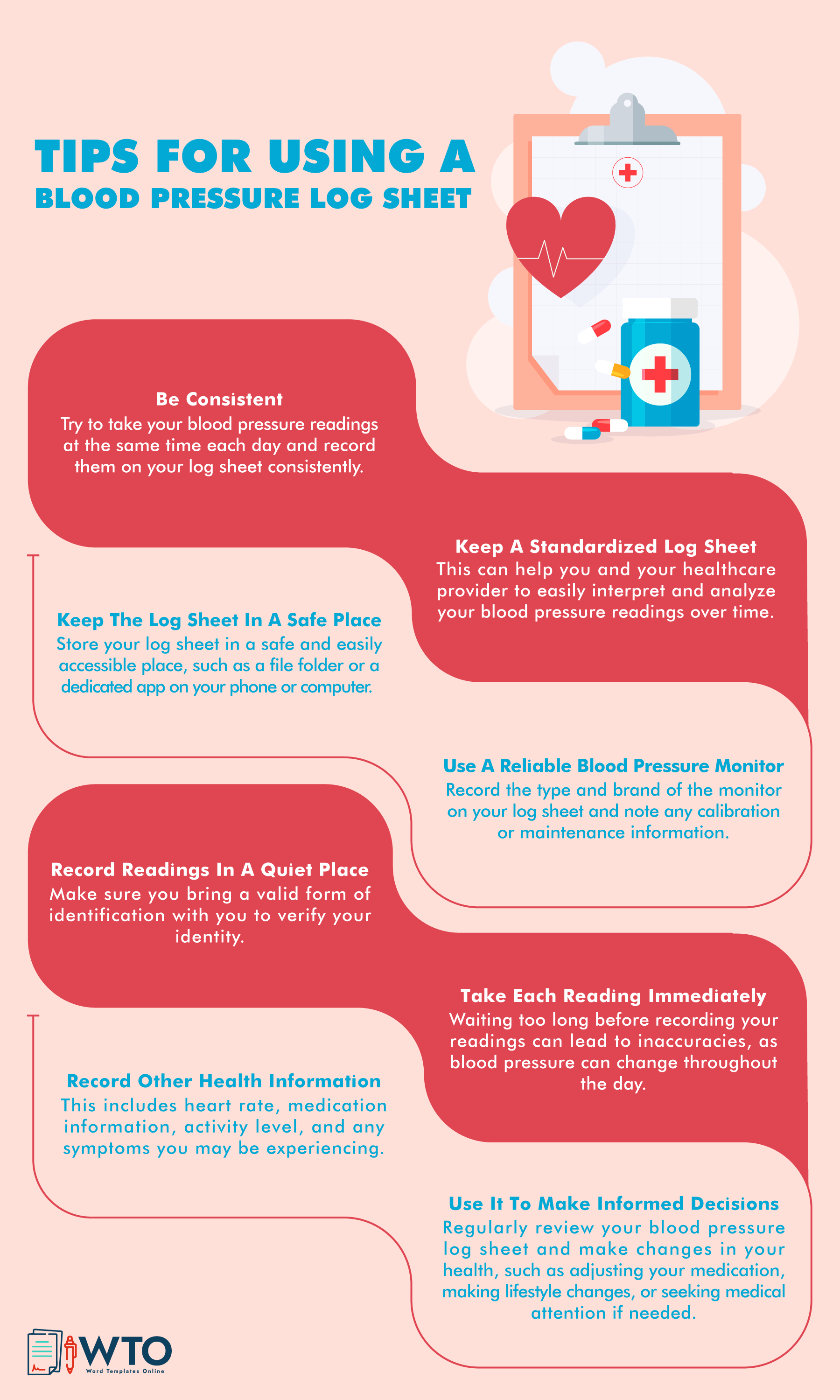
The identification reminder in the infographic below isn’t part of taking a reading at home. Don’t stop or change a blood pressure medicine without checking with your healthcare professional, even if the infographic suggests an adjustment.
Additional Blood Pressure Log Sheets: Word, Excel, and PDF
For paired readings, look for a sheet with two spaces per session. Use an AM/PM layout if it fits the schedule you’ve been given. The downloads below include Excel files, printable PDFs, and more Word logs.
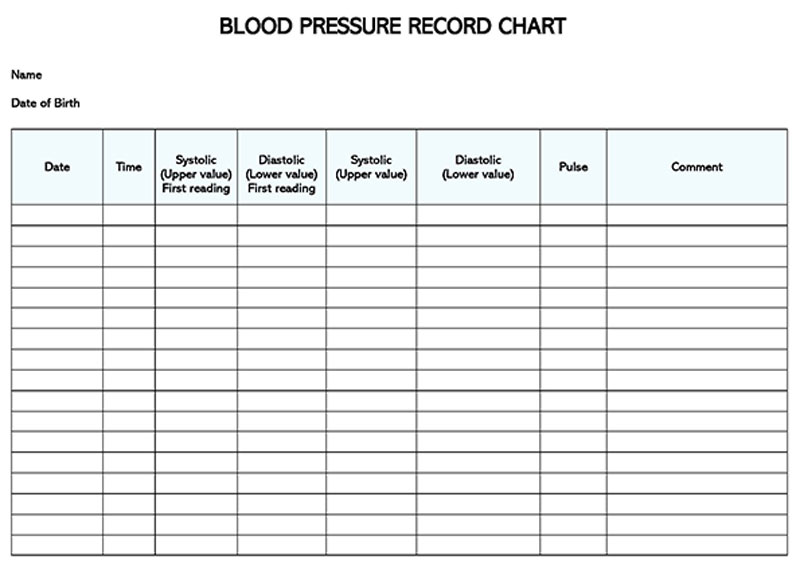
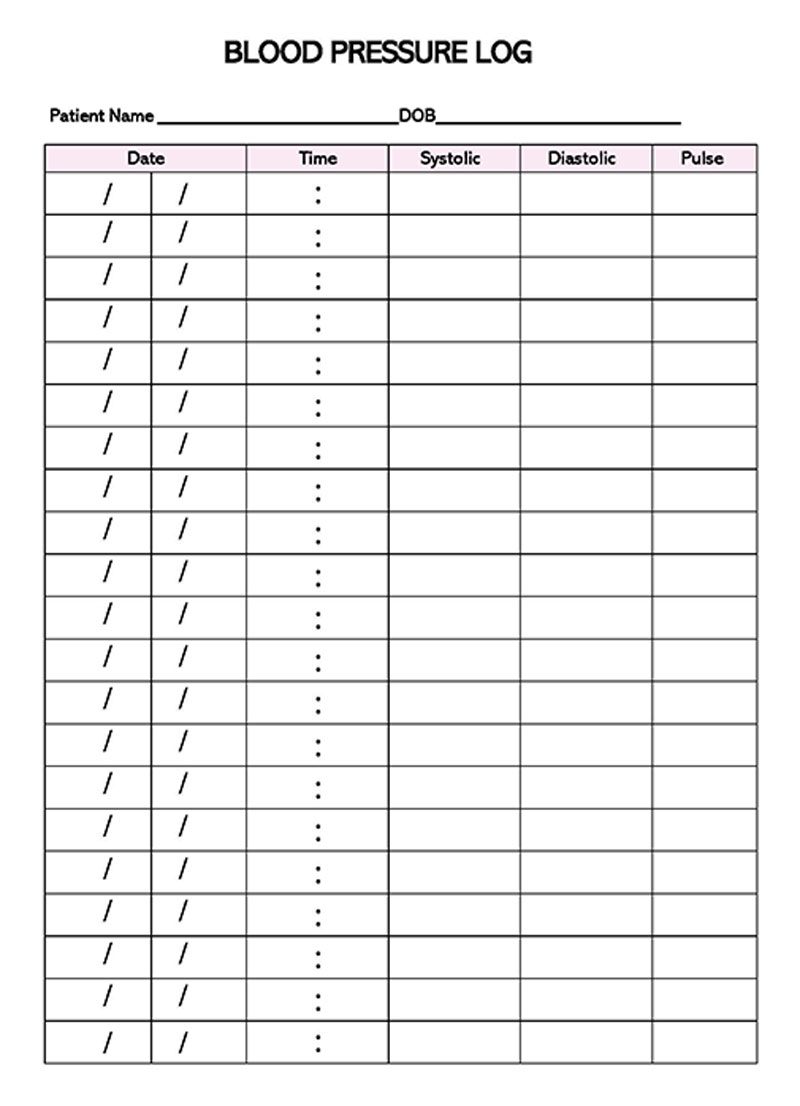
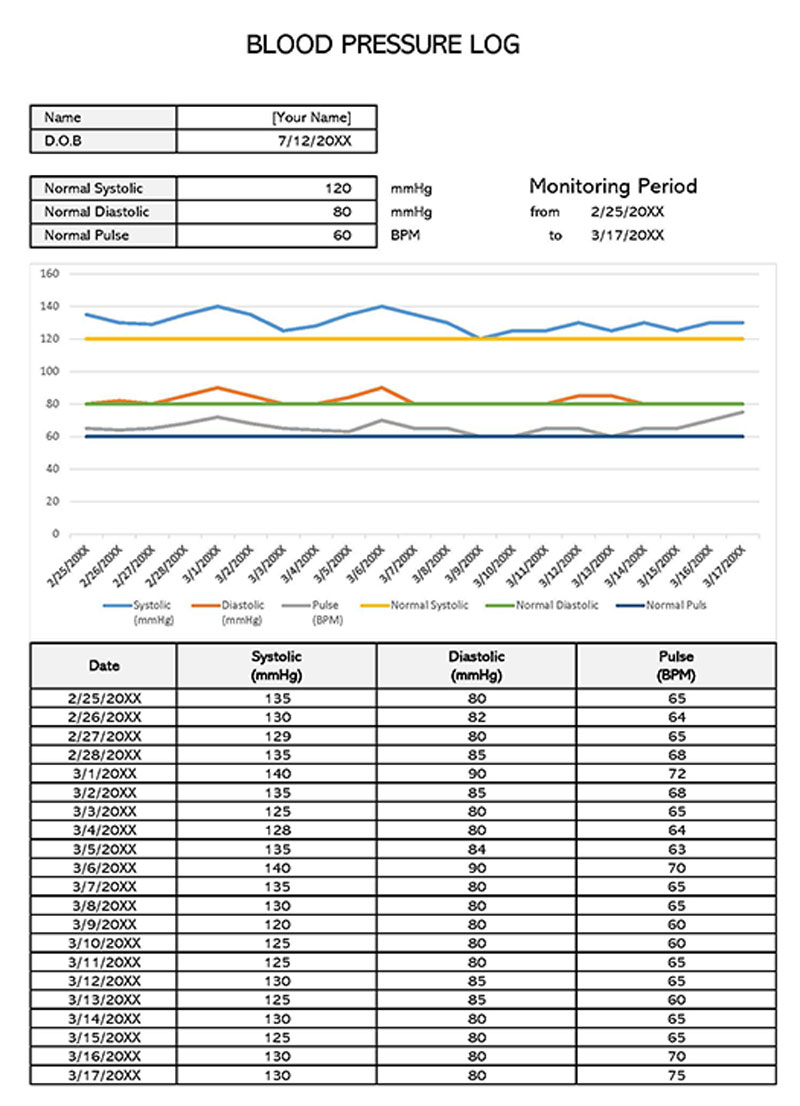
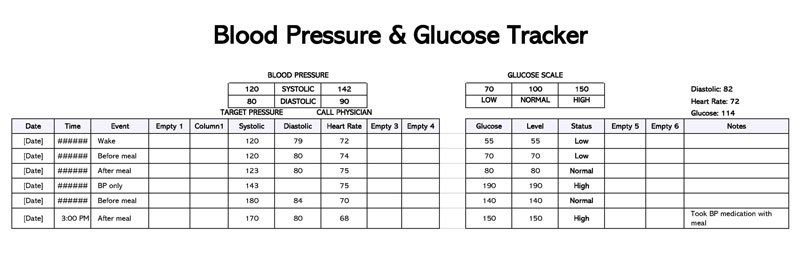
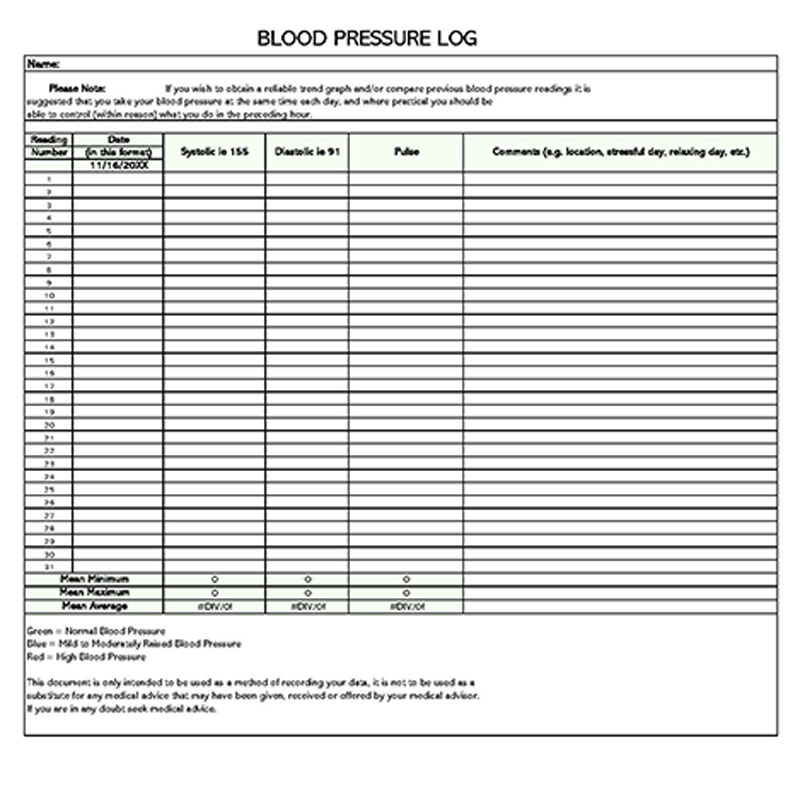
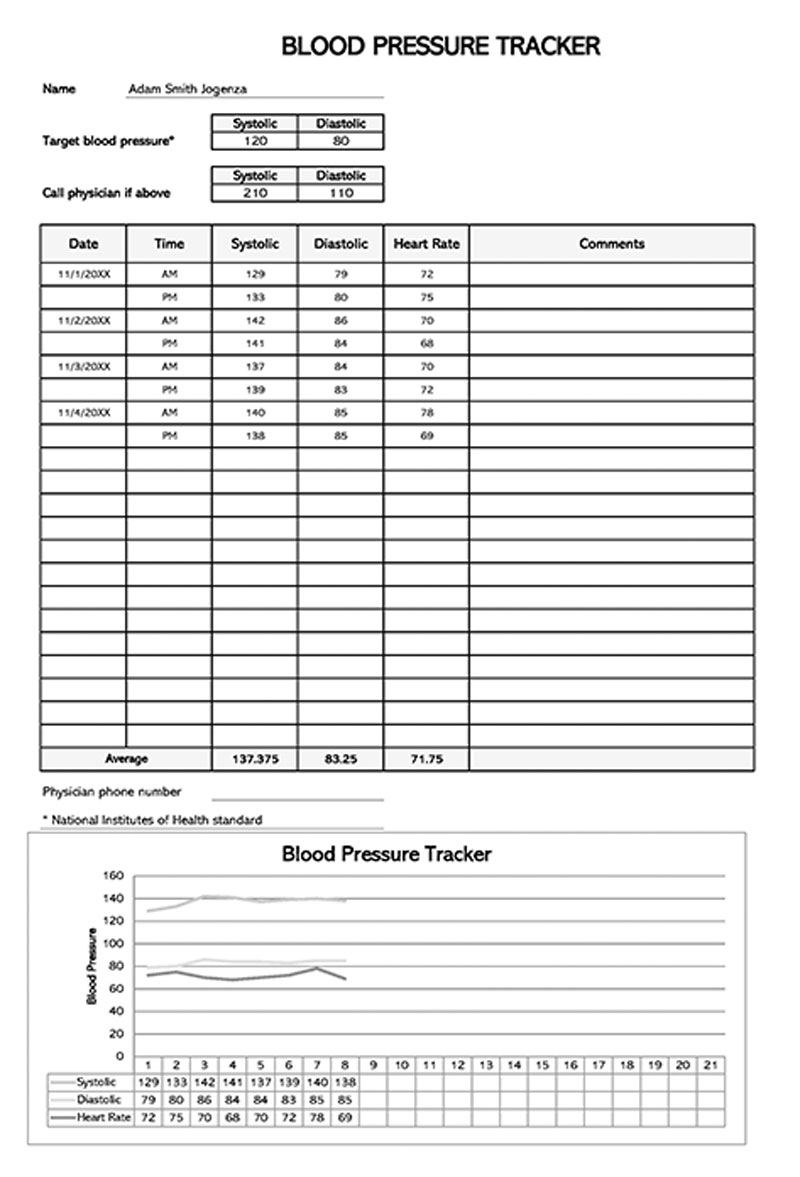
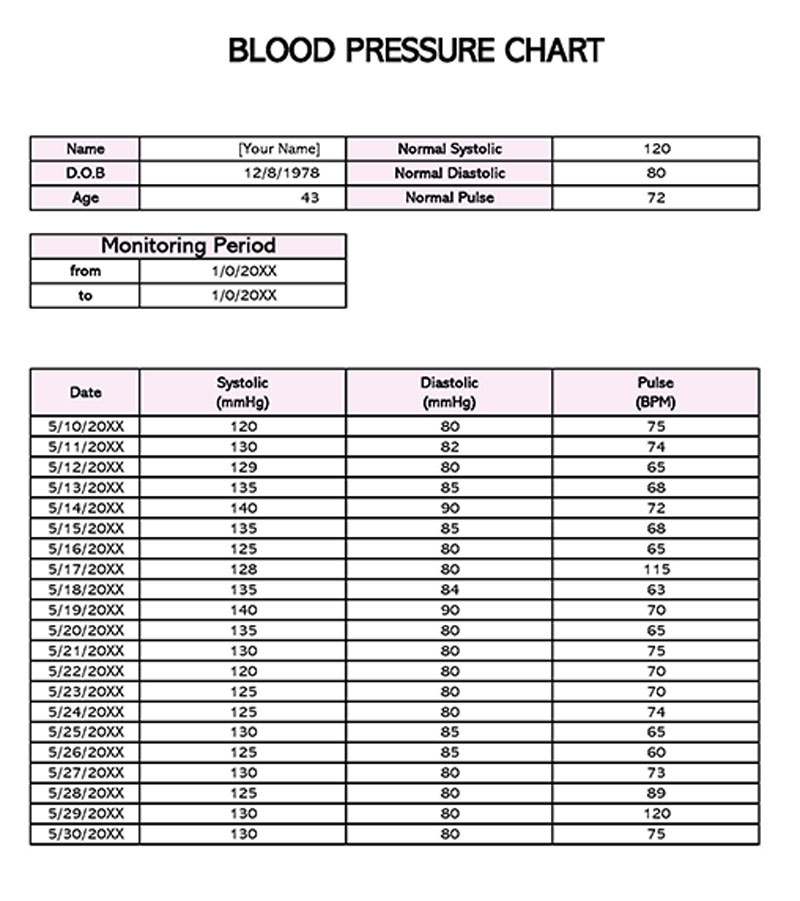
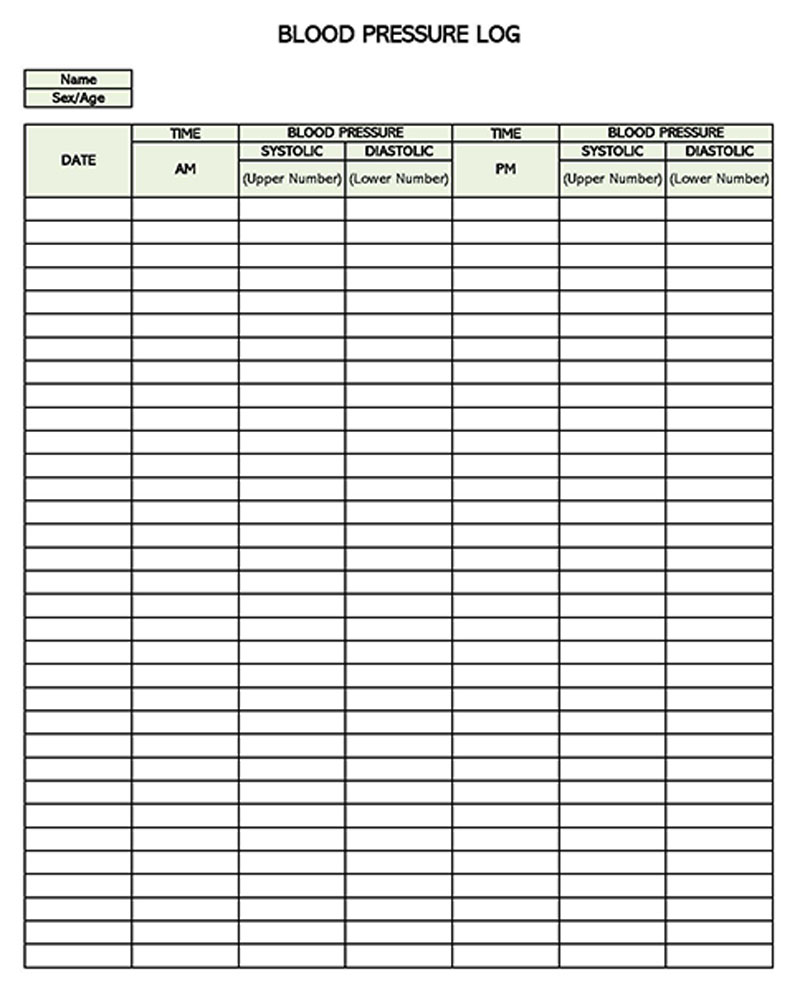
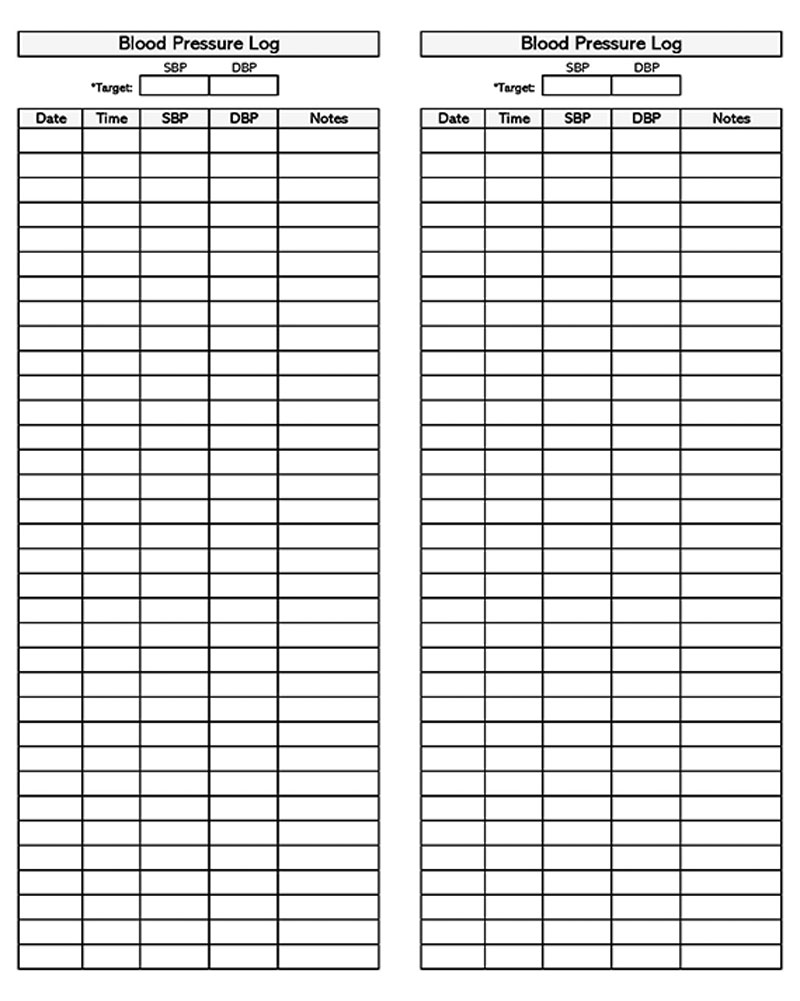
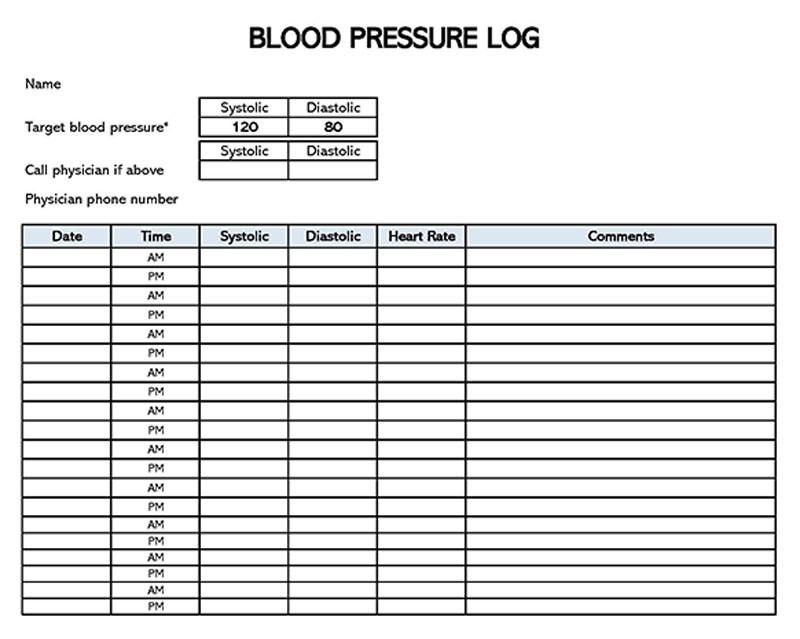
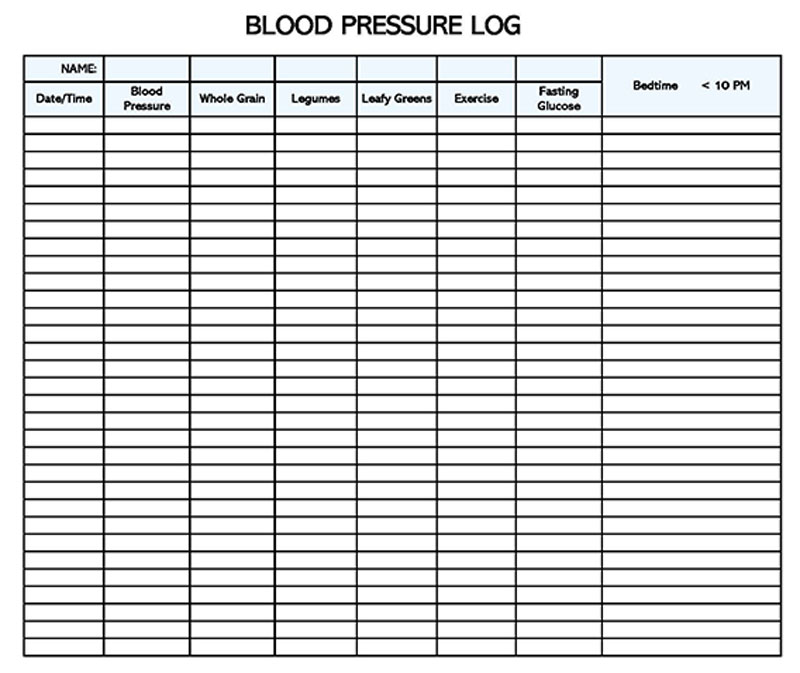
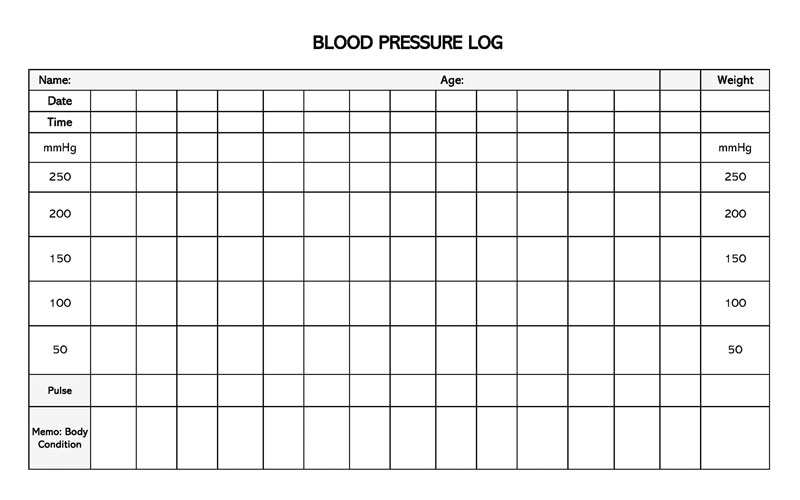
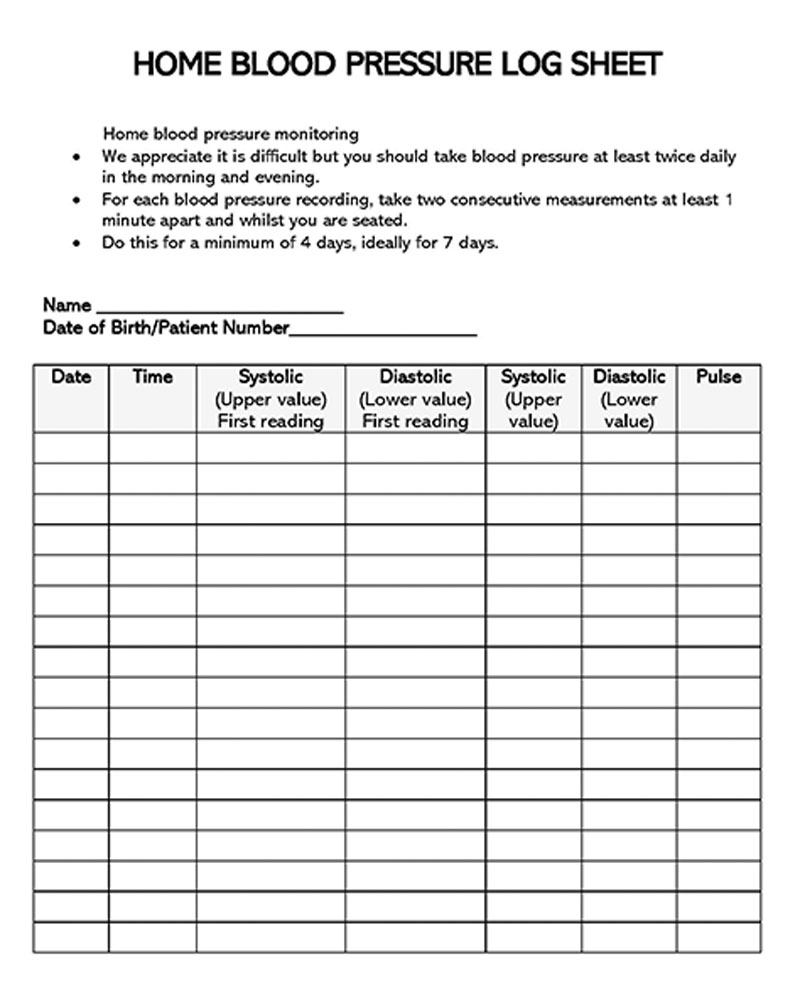
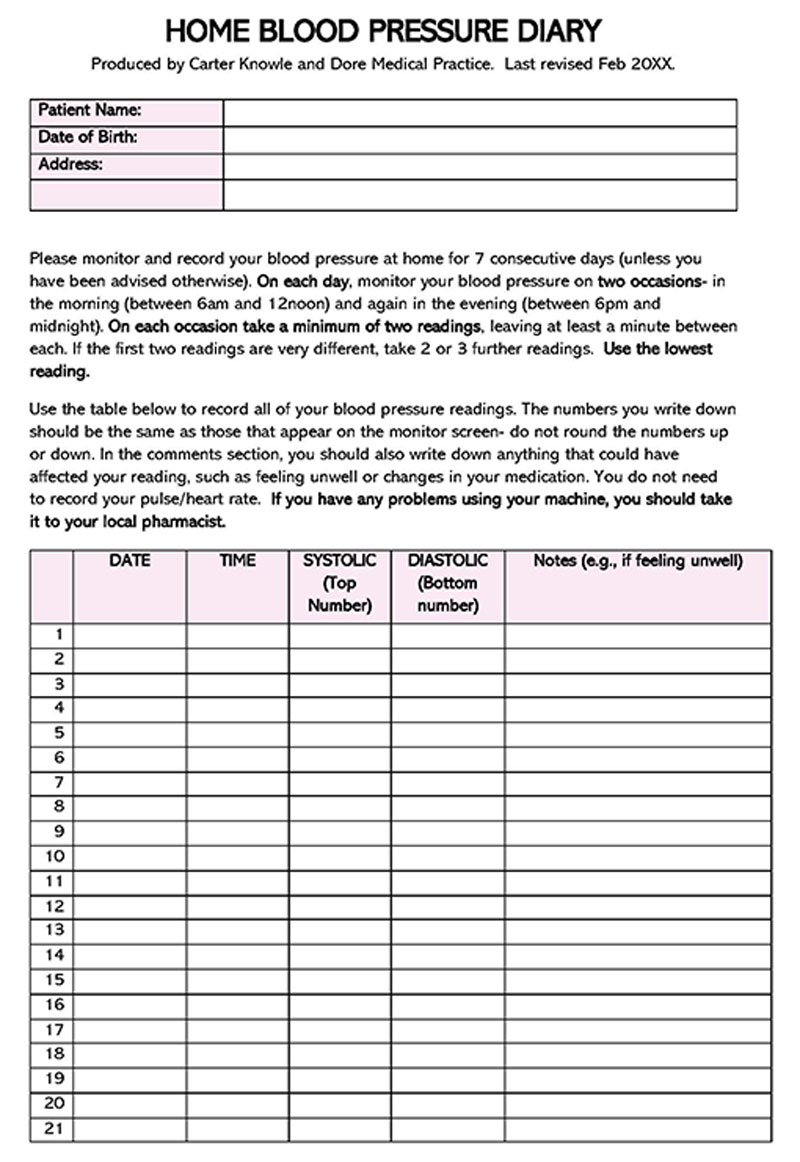
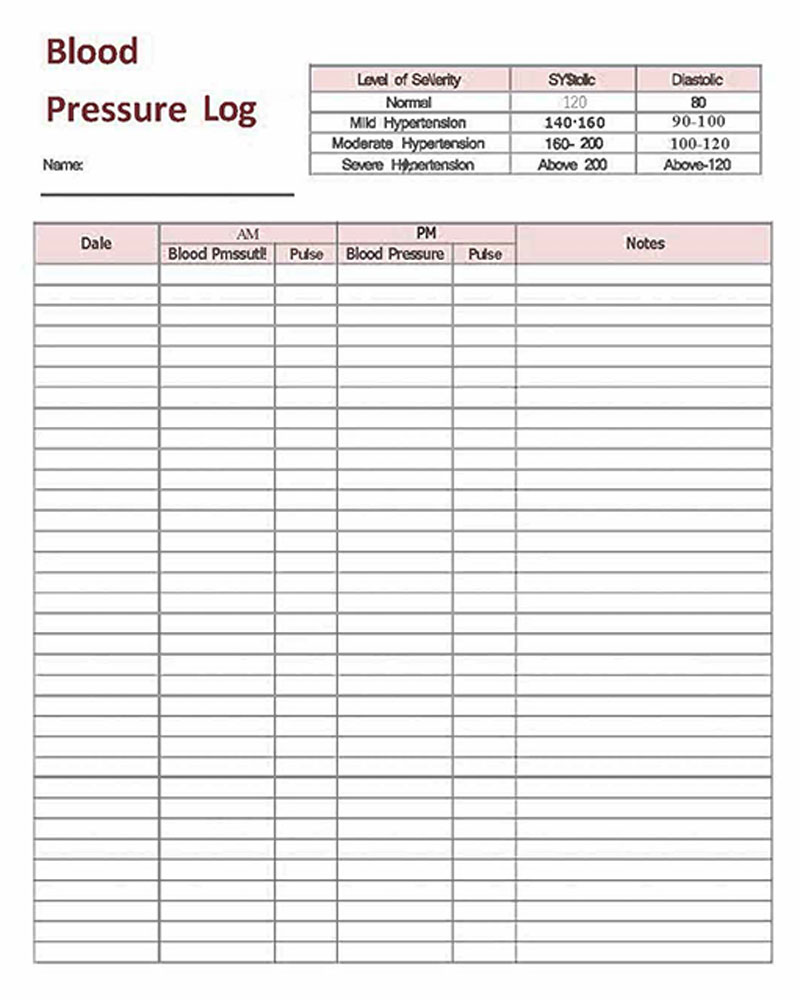
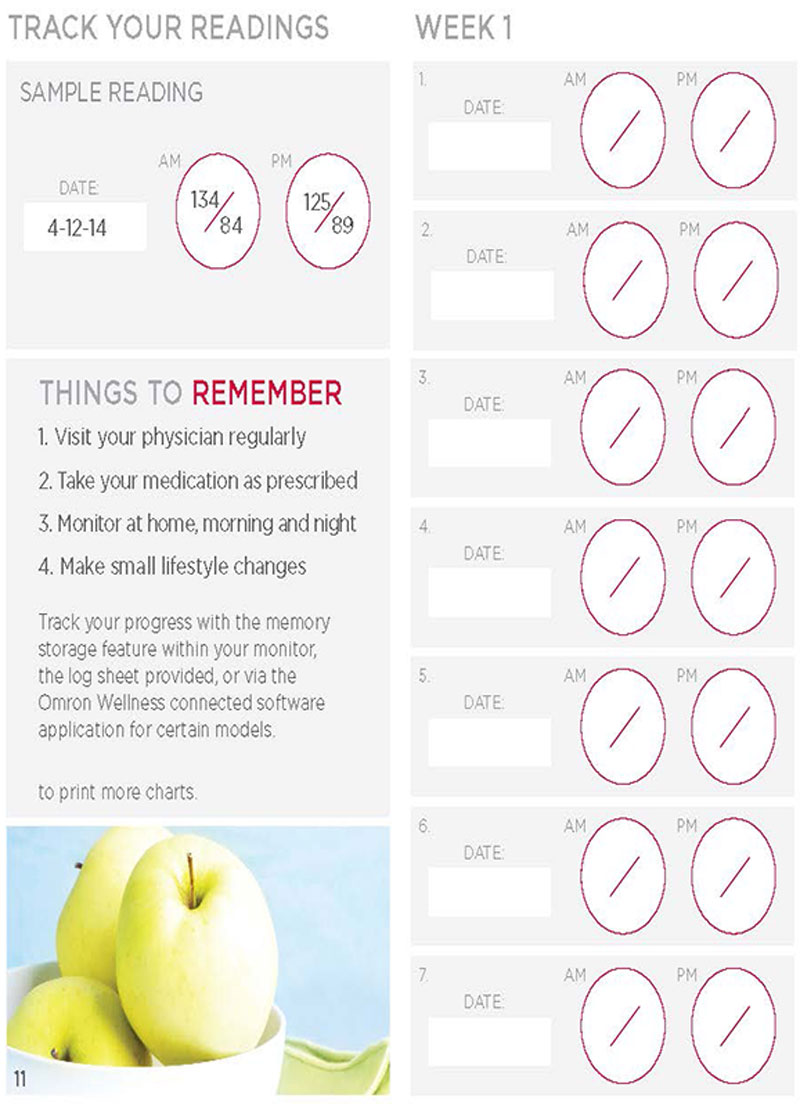
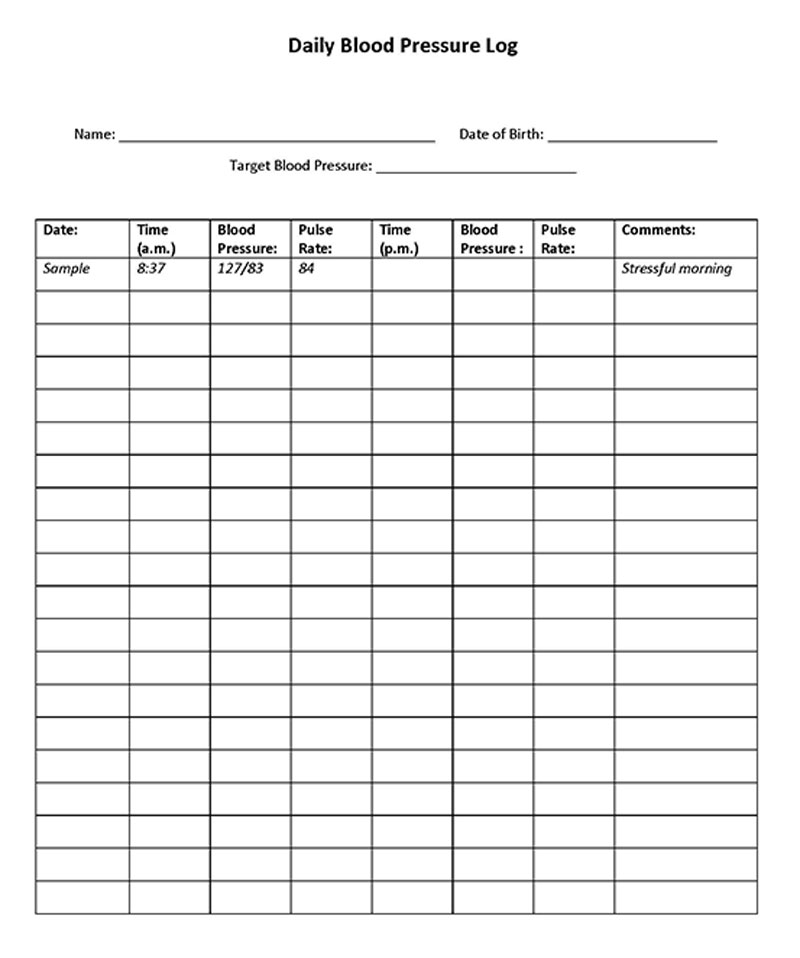
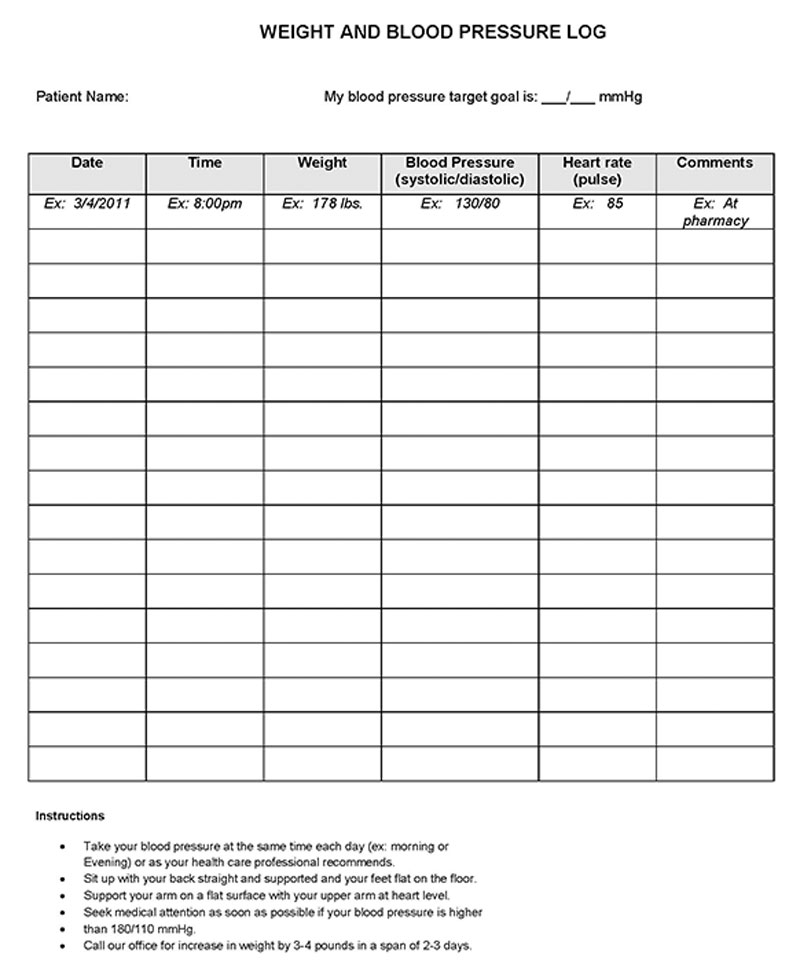
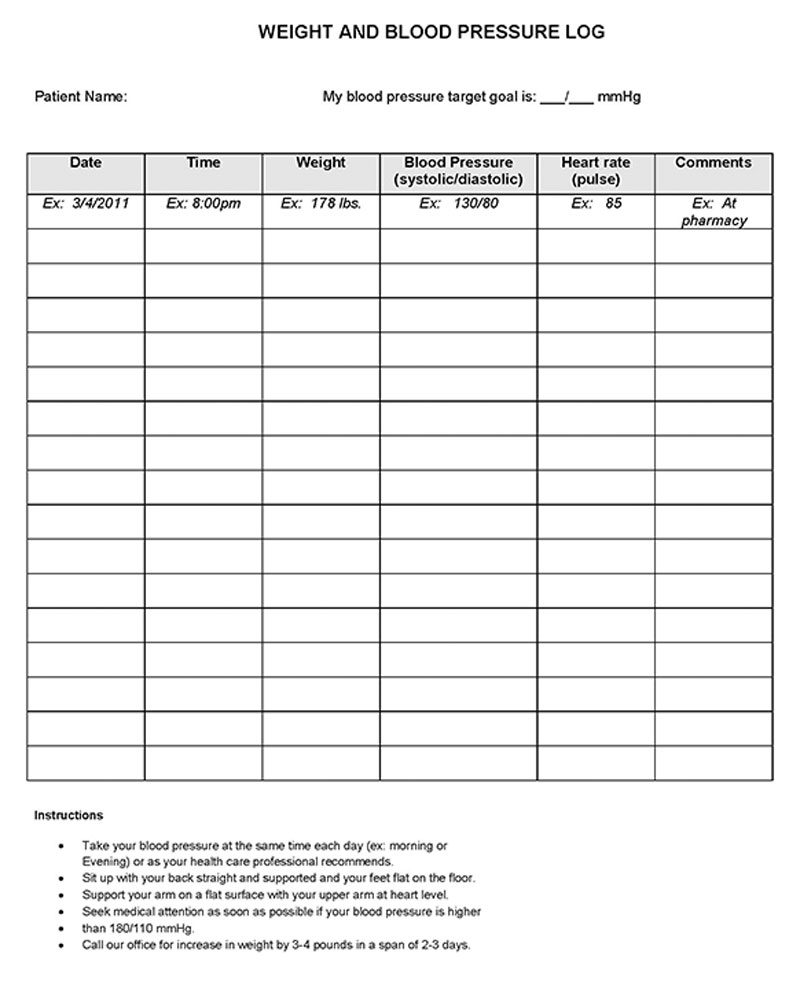
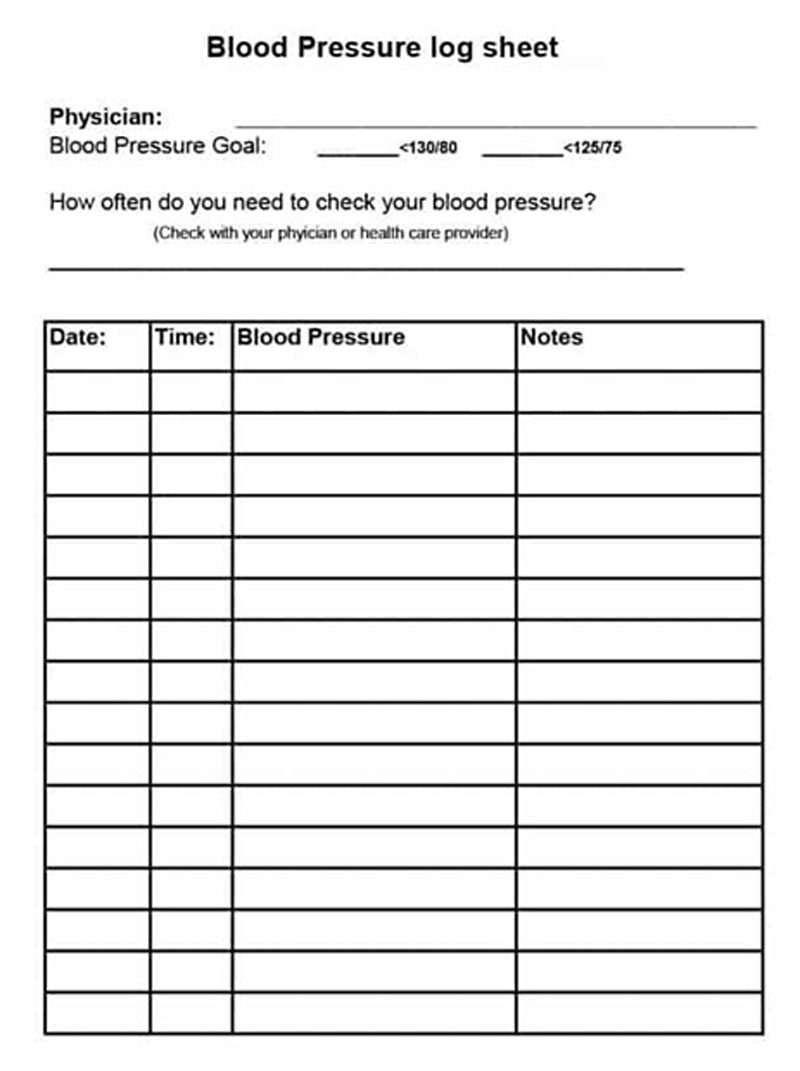
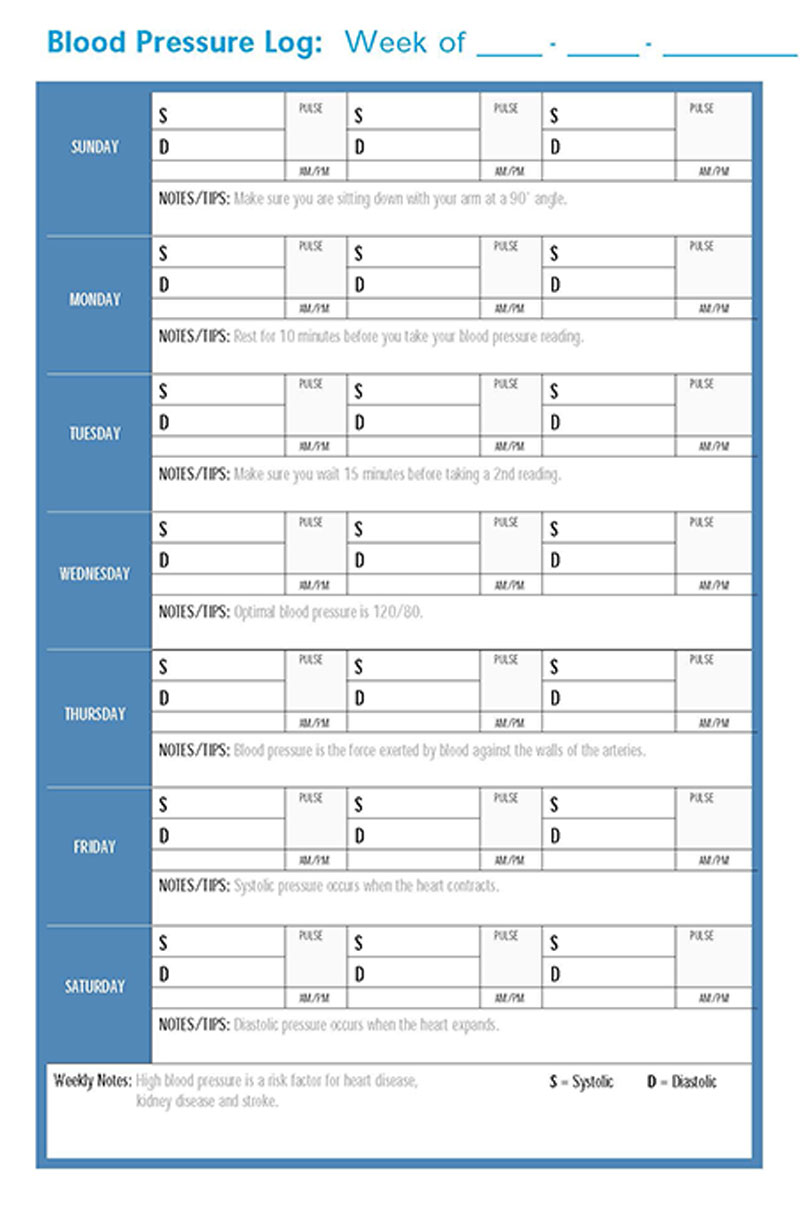
Print one blank page first and check that you can read the columns. A note about Log Sheet 27: it has PDF form fields, but its instructions warn that entered text may disappear when the file closes. Save and reopen a test copy in your PDF reader before adding a full log. You can also print it and write by hand.
Reading Your Blood Pressure Numbers
With a reading of 128/78 mm Hg, enter 128 as systolic and 78 as diastolic. Record both numbers. One entry alone isn’t a diagnosis; ask your healthcare professional to review the readings with you.
Recording Logs and Blood Pressure Category Charts
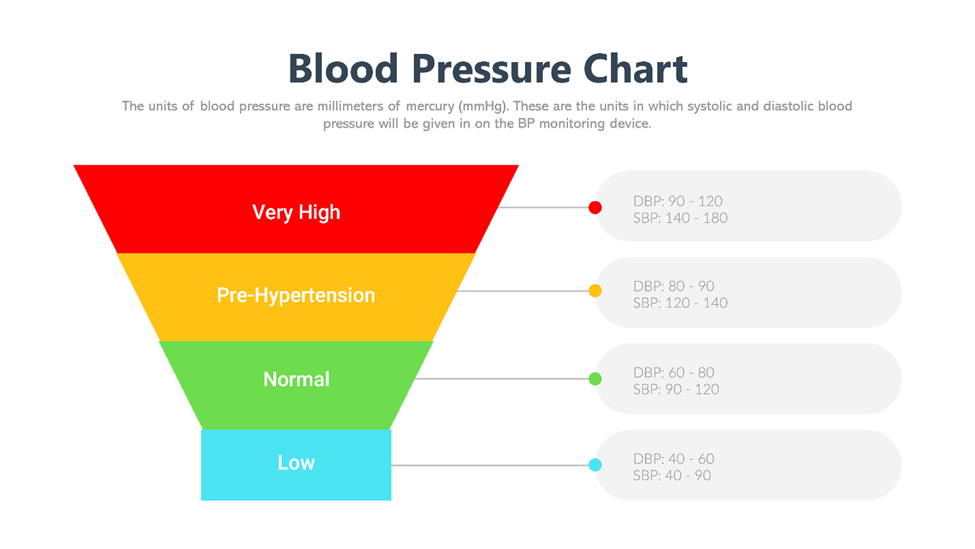
A recording chart keeps your readings by date. A category chart is a reference for what the numbers mean. The illustration below is older and uses different categories from current US AHA guidance. Use the updated reference below and your clinician’s advice when reviewing your readings.
Current US reference categories
The AHA uses these reference ranges for adults: normal is systolic below 120 and diastolic below 80; elevated is systolic 120–129 and diastolic below 80; stage 1 hypertension is systolic 130–139 or diastolic 80–89; and stage 2 hypertension is systolic at least 140 or diastolic at least 90. Your healthcare professional must confirm a diagnosis and set your target. Children and people who are pregnant need guidance for their circumstances.
Don’t delay urgent care to finish a log. For a nonpregnant adult, the AHA advises rechecking after at least one minute if systolic pressure is above 180 or diastolic pressure is above 120. If it stays very high, contact a healthcare professional promptly. A reading this high with symptoms such as chest pain, shortness of breath, weakness, or difficulty speaking calls for emergency help: call 911 in the US. Follow your individual care instructions.
Keep the Log Ready for Your Next Appointment
Download the sheet that fits your routine and keep it with your monitor, or save the file somewhere private that you can find again. Bring the completed record to your next appointment. If the paper gets full, start another sheet rather than squeezing several readings into one box.
About This Article