You’ve finished your community service hours, checked every box, and then comes the dreaded part: “Okay… now how do I prove I actually did all that?” Dates, working hours, organization details, activities, supervisor signatures- listing them all quickly becomes a paperwork puzzle.
But you don’t need to stress about this because that’s where community service form templates help you. They give you an already made space to add every important detail without thinking about what will come where.
So, whether you’re recording volunteer hours for school, keeping organizational records, or verifying completed service, a simple template can make the whole process really quick and much less of a headache.
What Is a Community Service Form?
In simpler terms, a community service form is basically a paper trail or proof of the good work you’ve done. It’s used to track details about volunteer or community service activities, such as where you volunteered, what you did, and how many hours you completed.
Well, it may be a community service hours log, a volunteer tracking sheet, or a service verification form, with slightly different content, depending on what your organization demands. Even so, one thing remains crystal clear: its core goal is to record your hard-earned volunteer hours impeccably listed.
Why Is This Form Used For?
Apart from providing proof that you actually served those hours, it also helps you with:
- Mention dates and locations instead of trying to remember them later.
- List the organization or supervisor connected to your service.
- Verify completed work, in case a school, program, or organization requires proof.
- Keep a personal record of your community service activities for future reference.
What Counts as a Community Service?
The fact is that not everything you do counts as community work. Before we move to the next part, let’s make it crystal clear what comes under this service:
- Helping nonprofit or community organizations: Let’s say lending a hand at food banks, shelters, charities, or community centers.
- Supporting community events: Help with setups, registrations, cleanup, fundraising, or other activities.
- Educational and youth activities: Tutoring students, helping them with reading or other youth activities.
- Environmental and Neighborhood projects: Joining a community cleanup, recycling drive, beautification project, or local improvement effort.
What Information Goes on a Community Service Form?
If you’re looking for a reliable and good form, then you must know all the basic questions so that you don’t play detective later. Let’s have a look:
1. Volunteer or Student Information
First things first, it starts with the basics such as name, contact details, and student, participant, or volunteer ID, if one is required. This might seem very basic, but it makes clear whose service record you’re looking at.
2. Organization and Service Location
A template must give you a place to write the name of the organization and where the service took place. Moreover, in some cases, you can also include the relevant department or program (if needed).
3. Service Date and Time
In this section, you will record when the service happened, including the start and end time, in case someone needs to calculate the hours. For ongoing volunteering, the form has a space to list several dates.
4. Description of Community Service
This is where many things get clear. Here, you will write a brief note about what the service was about and what the volunteer actually did. Did you help with food distribution, organize an event, or tutor?
5. Hours Completed
This is where the number game begins. Record the hours completed, either as a total or separately for each service session. Clear hour tracking is particularly useful when you need to meet a specific service requirement.
6. Supervisor or Organization Verification
Finally, there’s usually a spot for the supervisor’s name, role, signature, or approval, and verification date. Plus, contact details can also be included when required, giving the record a way to be confirmed if needed.
Template Showcase: Community Service Forms for Different Situations
As there are several community services, which means, you cannot use one template in every situation. For this reason, we have come up with different templates so that you don’t need to edit them every single time you use them.
Community/ Volunteer Service Verification Form Template
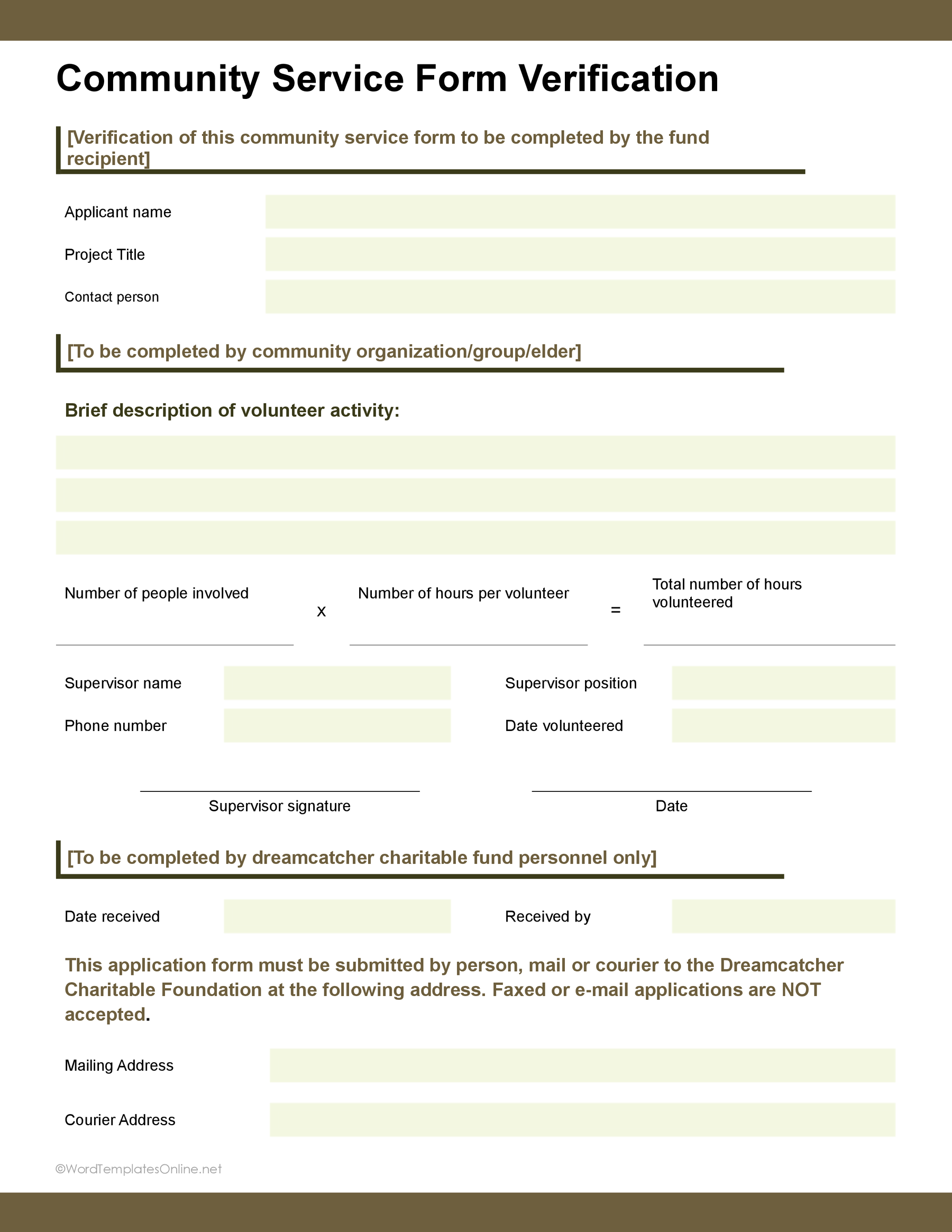
The first one on the list is a volunteer service verification form that’s designed to document and confirm that community service actually took place. So, you can say that it’s a bit more detailed than a basic hours log.
Community Service Form 03
Community Service Form 03
Talking about the layout, it starts with basic details such as the applicant’s name, project title, or contact person. It then gives you space for a description of the volunteer activity, followed by fields for the number of people involved, hours per volunteer, and total hours completed.
There’s also a section for the supervisor’s name, position, phone number, volunteer data, signature, and verification date. The bottom section is for the fund’s records, including the date received, recipient, and mailing or courier details.
Community Service Completion Form
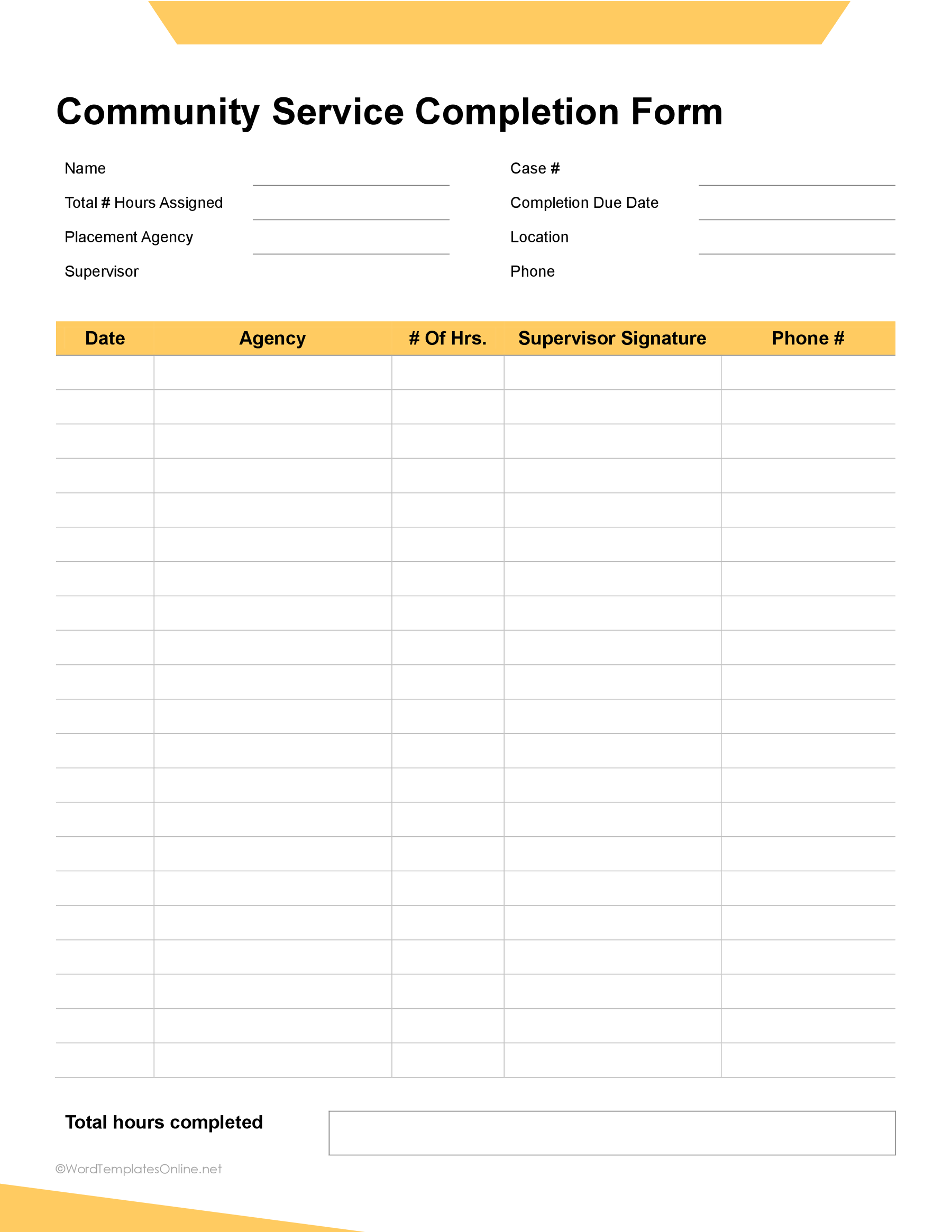
This layout is specially designed to keep a running record of completed service hours. The main purpose is to see exactly where the time went.
Community Service Form 02
Community Service Form 02
The top section, as you can see, captures the basic details such as name, case number, total hours assigned, and other information. The main table then lets you record each service session by date, agency, number of hours, and supervisor details. At the bottom, there’s a spot to add the total hours completed.
Overall, it’s a simple layout for keeping all those service hours in one place rather than trying to piece them together later.
Simple Community Service Form
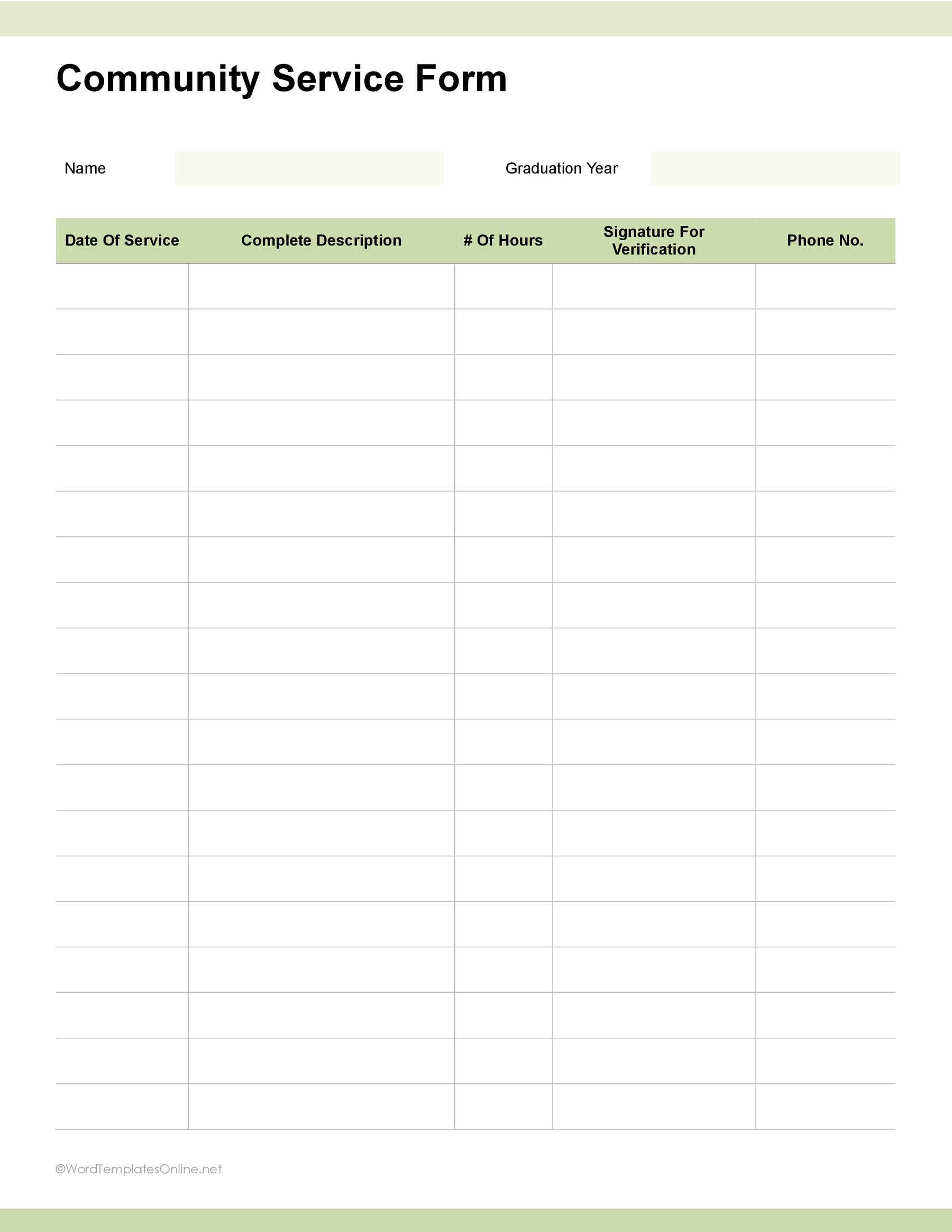
This one keeps things nice and simple, such as no paperwork maze and no unnecessary extras. The top of the template has the volunteer’s name and graduation year, while the main table does the real tracking. In addition to that, each row gives you space to record the date of service, what you did, the number of hours, a signature for verification, and a phone number.
Community Service Form 04
Community Service Form 04
The plenty of blank rows give you the freedom to keep adding service activities as you go. It’s a convenient and straightforward service hours tracking form that helps you keep those volunteer hours organized and easy to verify.
Student Community Service Plan
Community Service Form 07
Community Service Form 07
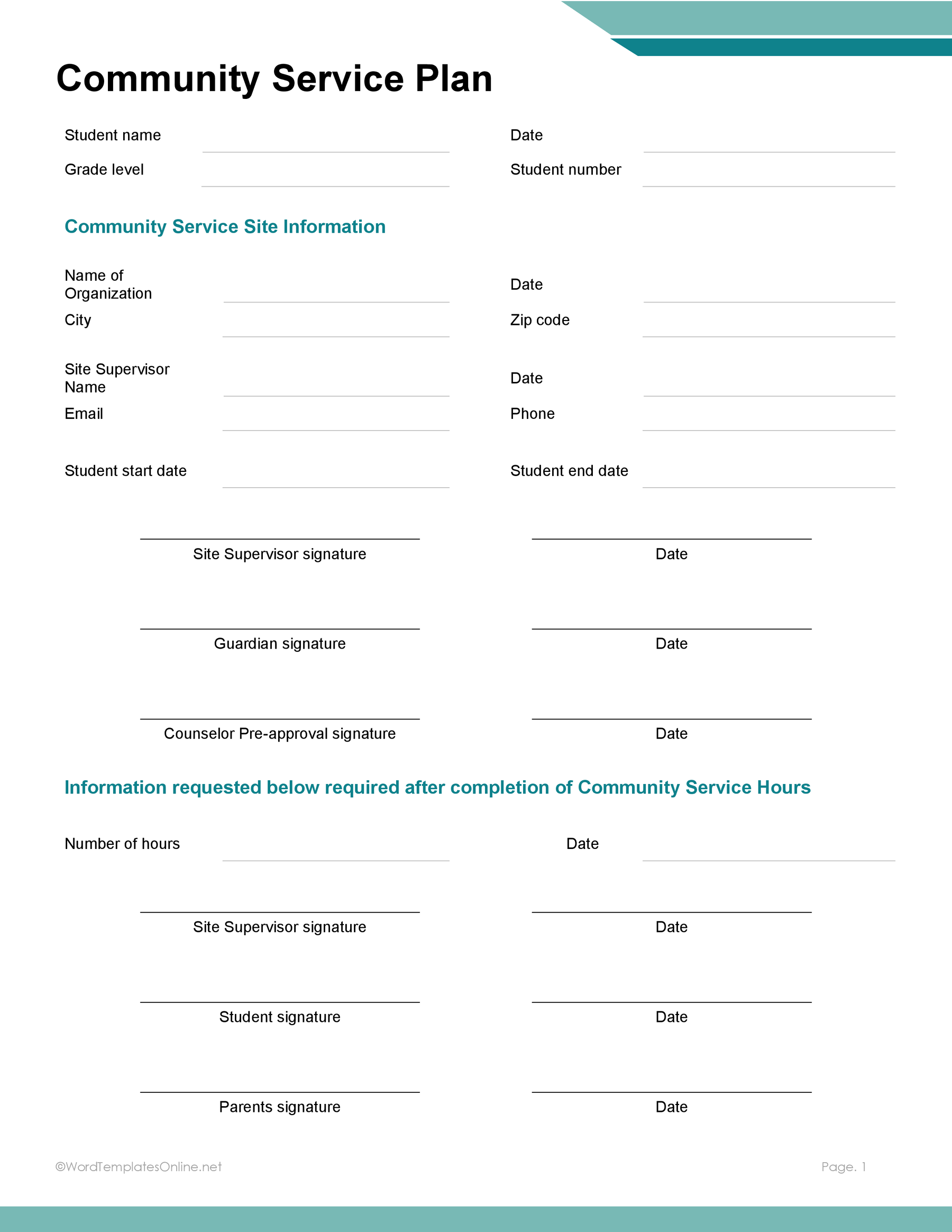
The template is designed especially for students to map their volunteer journey easily. The first page of the template starts by mentioning the essential student details such as their name, date, grade, and student number.
Next up, there is a community service site information section that acts as your project command center, where you need to fill in the organization name, city, zip code, site supervisor’s name and email, and other significant details.
Before you even roll up your sleeves, the form makes sure all bases are covered with pre-approval signatures for the site supervisor, guardian, and counselor.
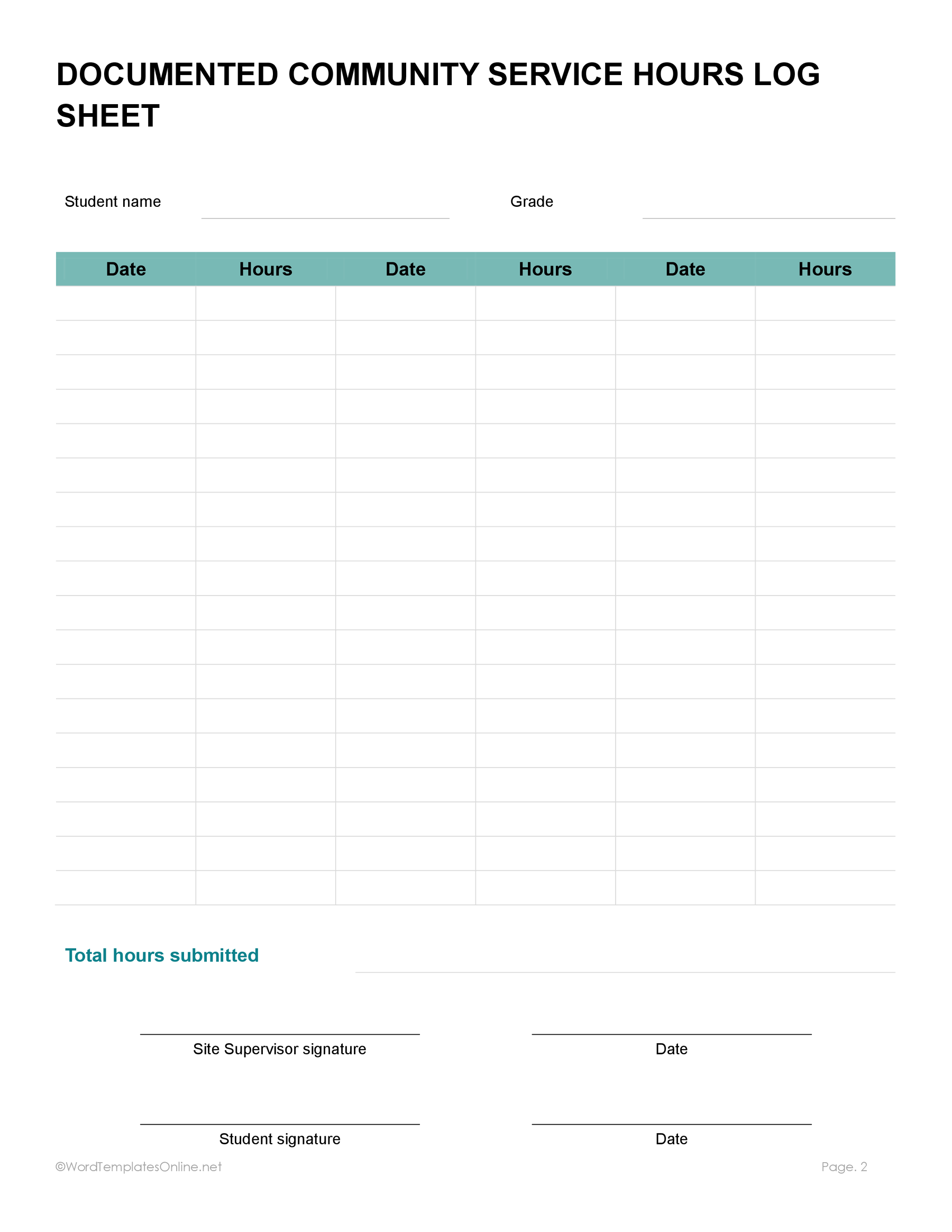
The second page of the template is where your supervisor records the total number of hours and the date. This separate dedicated page is attached so that there’s no confusion about who served how many hours. Moreover, the signatures below validate the information equally.
Community Service Project and Hours Form
Community Service Form 08
Community Service Form 08
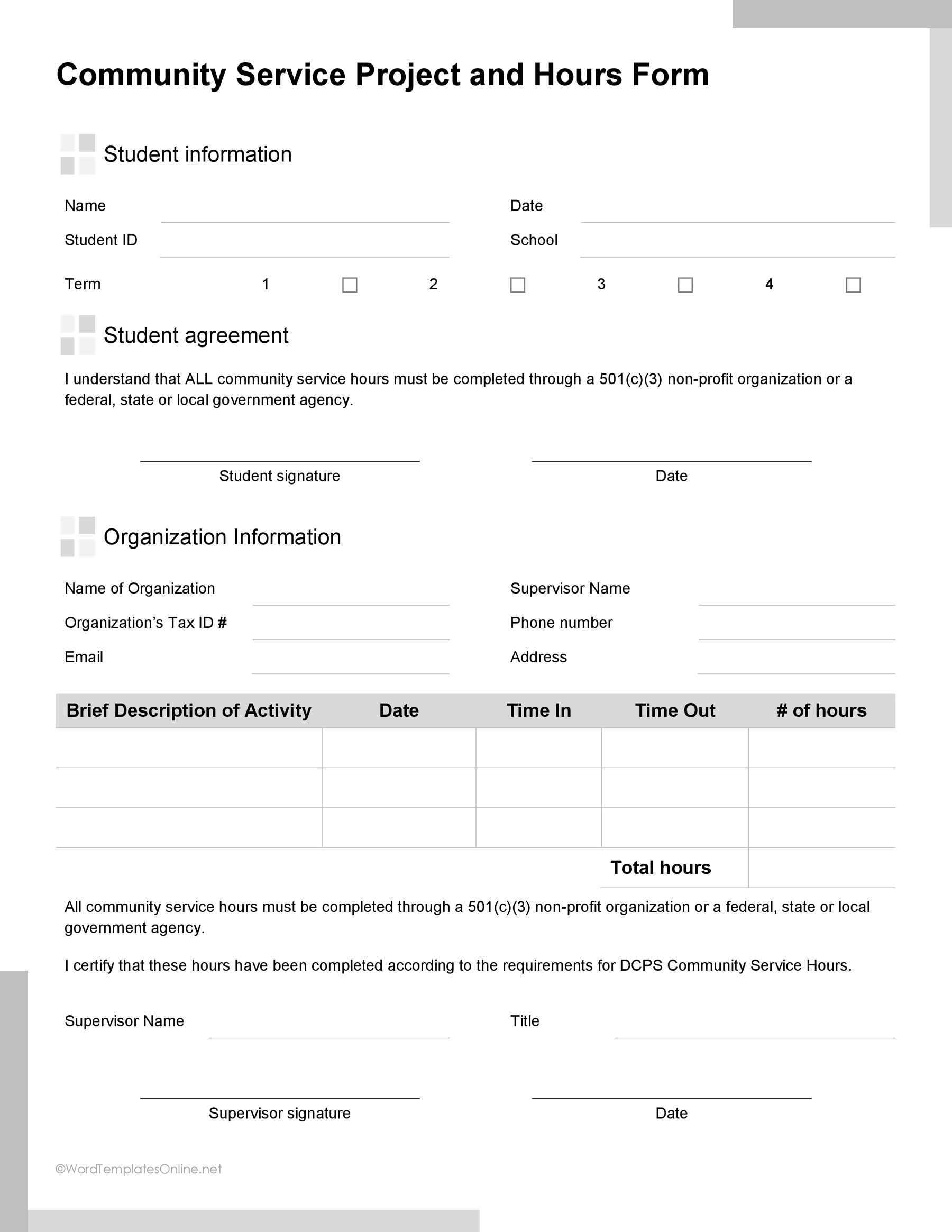
This 2-in-1 form is a bit more detailed and suited to students who need to document service hours for school or program requirements without overcomplicating it. The form starts with student information, followed by a student agreement section. It also covers important organization details so everything is transparent.
The main table is where the action happens. Here, students can record the activity, date, time in, time out, and number of hours. There are also total hours sections and a final supervisor verification and signature area to confirm all information.
Volunteer Service Tracking Form
Capture the full essence of your volunteer work and make reporting a breeze with this clean template.
Community Service Form 11
Community Service Form 11
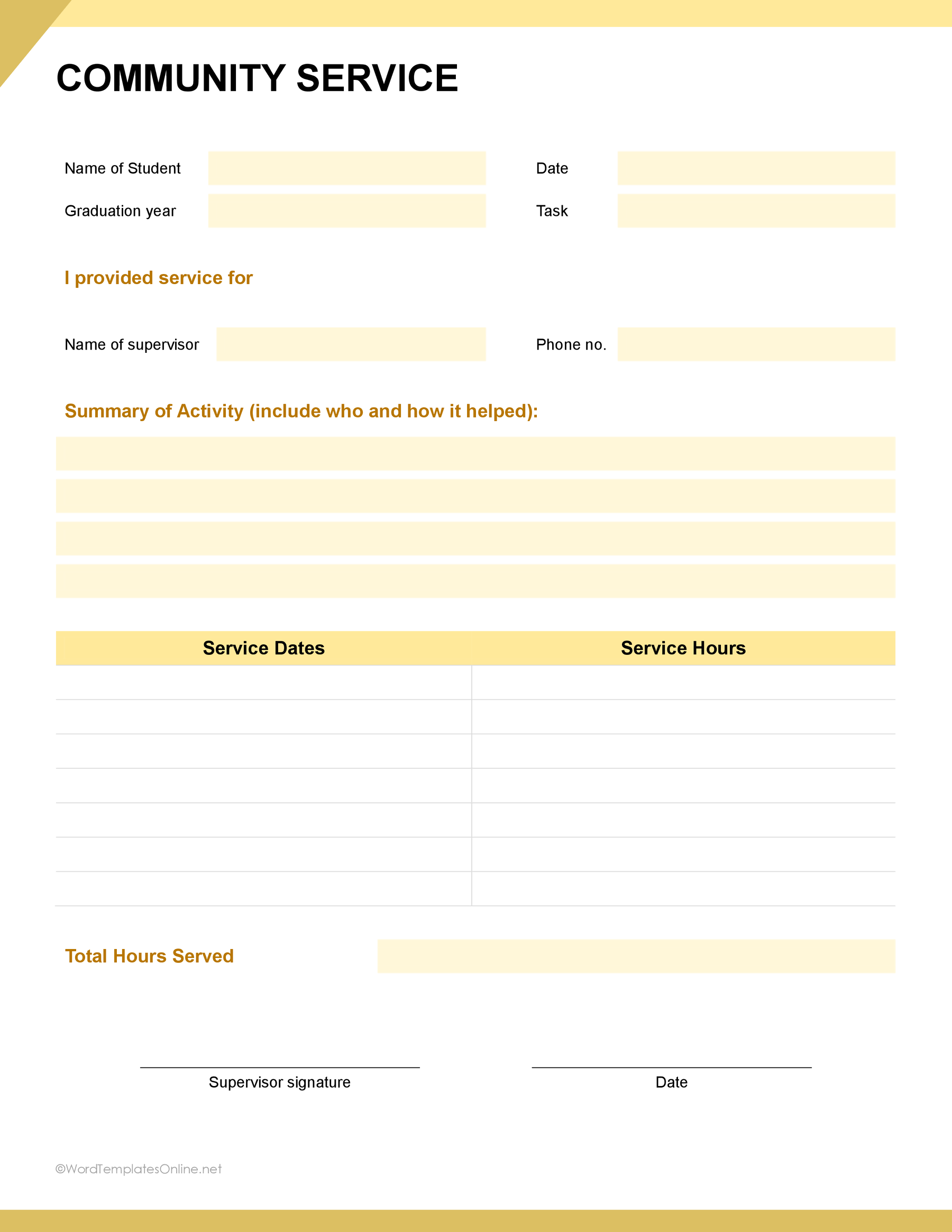
At the very top, you can record basic volunteer information such as name, date, graduation year, and task. Moving down, you will mention the name of the supervisor and phone no, in the “I provided service for” section.
The core part of the template includes a detailed summary of the activity section with wide writing blocks to explain your project story.
Below that, there’s a structured tracking table that lets you list individual service dates and hours, culminating in a clear total hours serviced field. Similarly, the template adds the official sign-off block featuring supervisor signature and date.
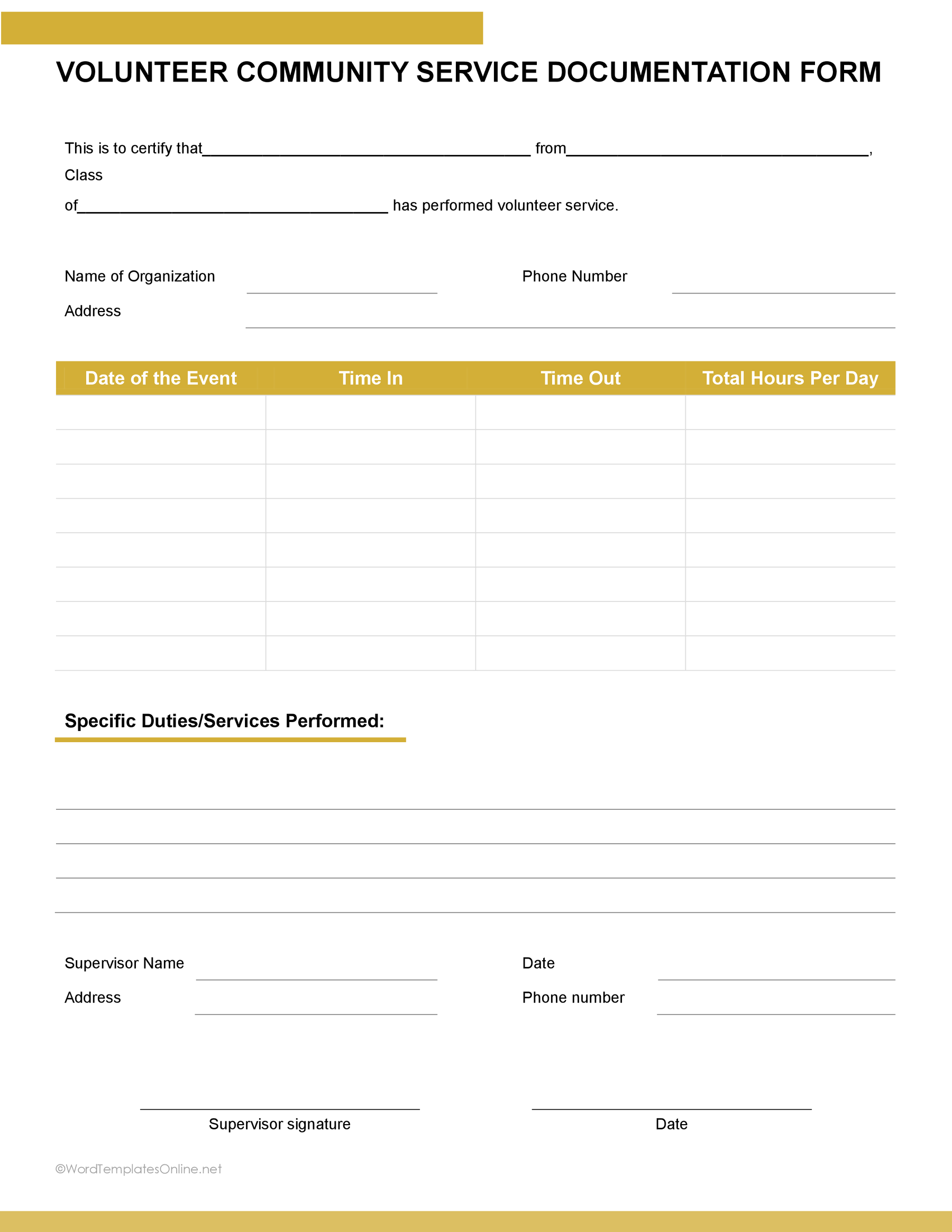
Plus, if you want to record more specific things such as time in and time out, you can use this volunteer community service documentation form.
Community Service Form 12
Community Service Form 12
Additional Community Service Forms
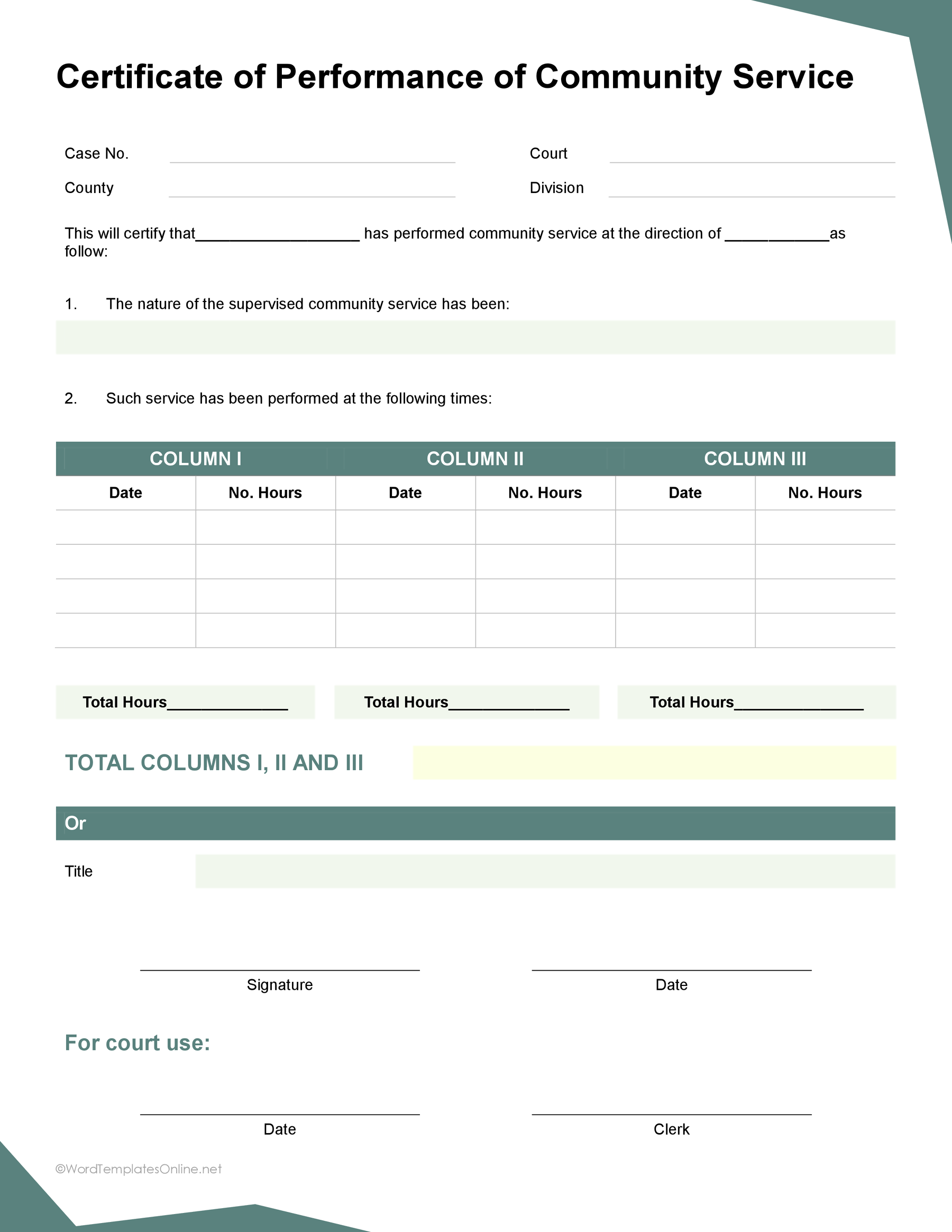
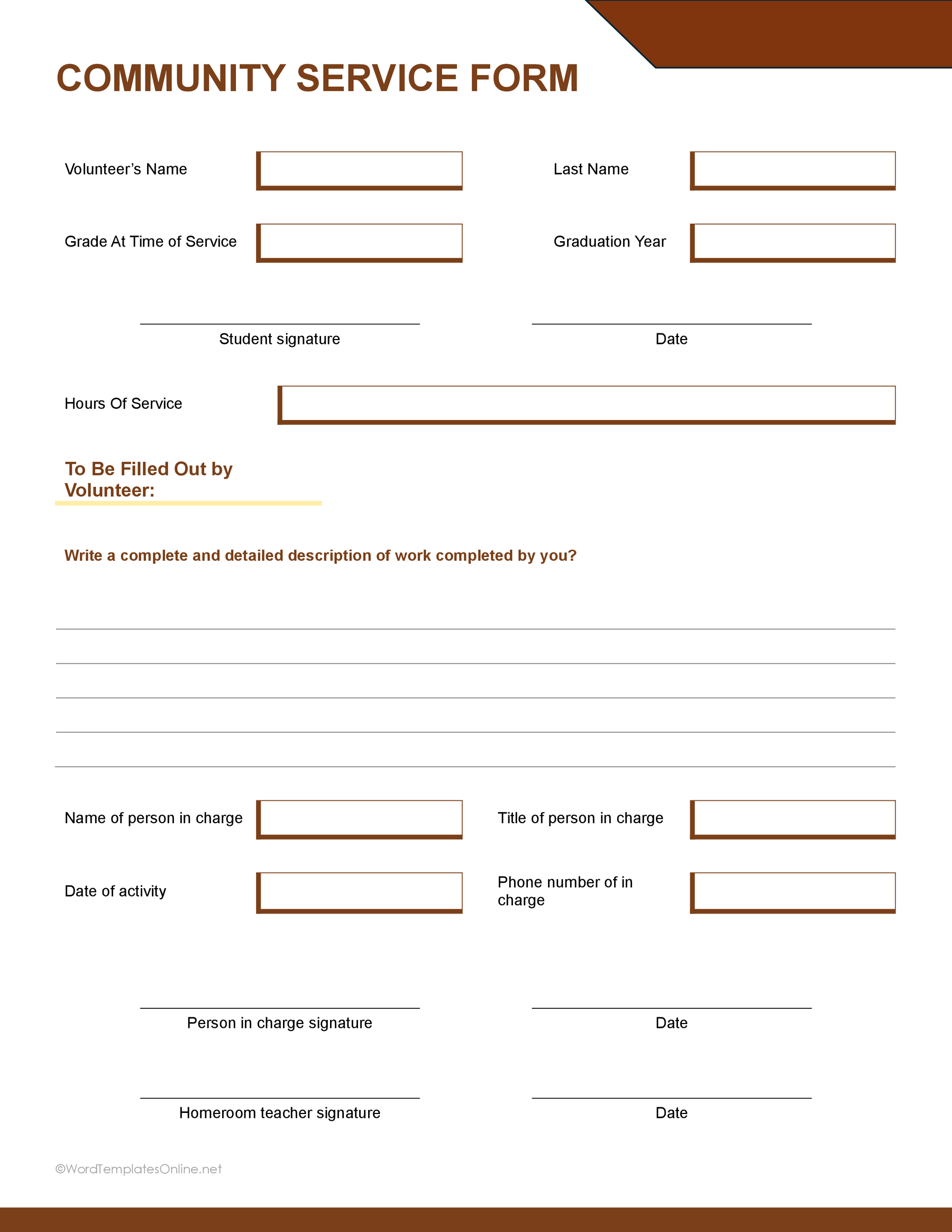
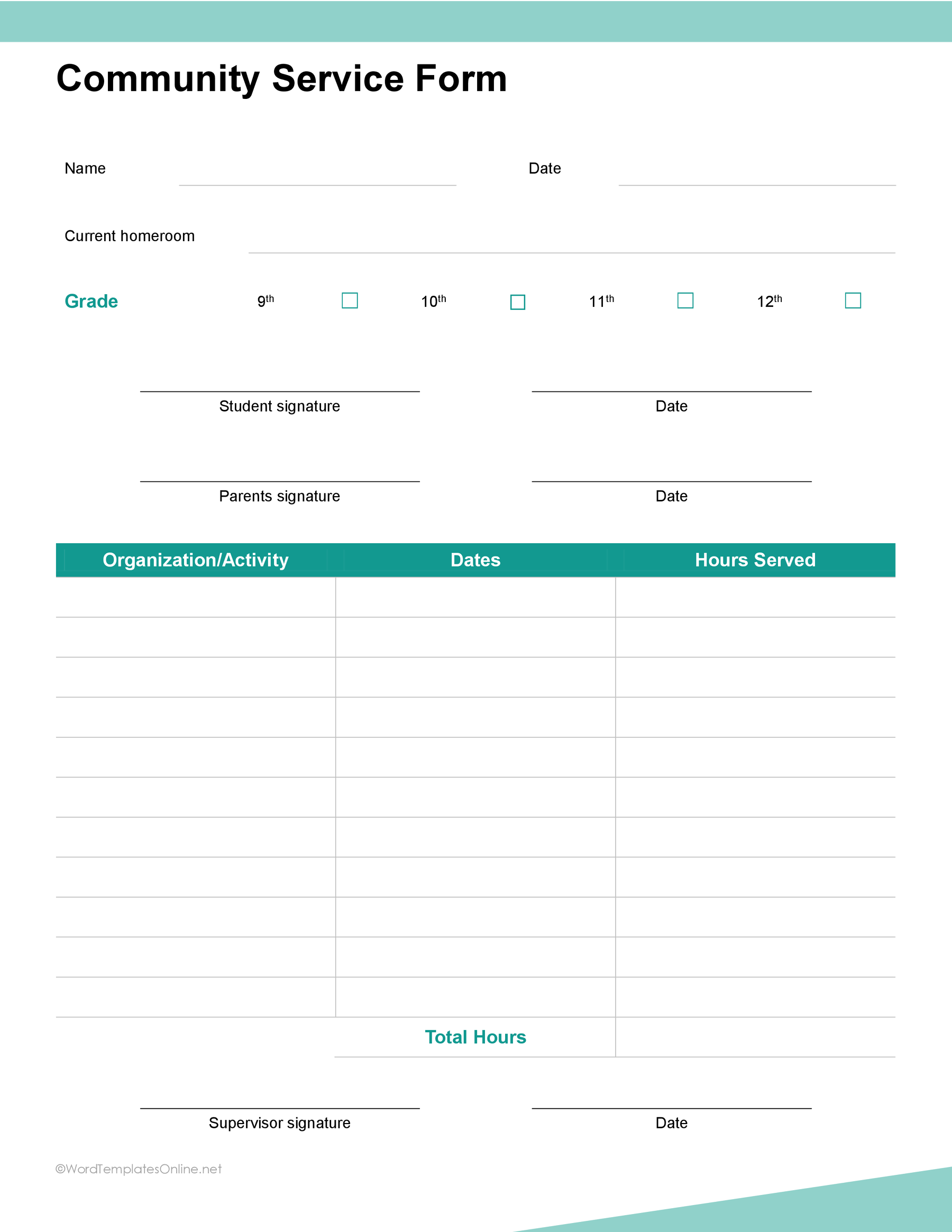
These additional layouts include a performance certificate, supervisor-completed service records, a student form with grade and signature fields, and two verification logs. Use the form your school, organization, or court accepts; a generic template does not guarantee acceptance.
Community Service Form 01
Community Service Form 05
Community Service Form 06
Community Service Form 09
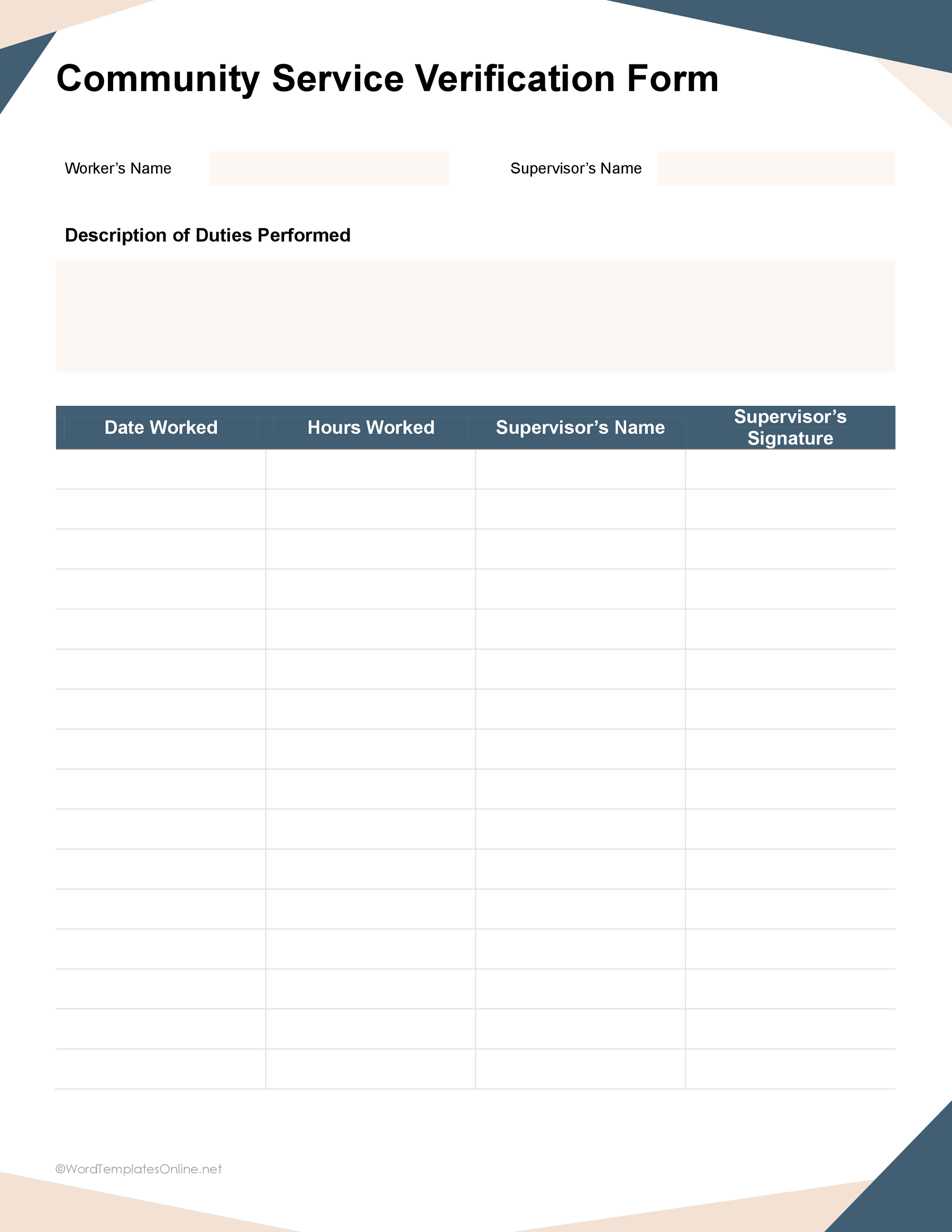
Community Service Form 10
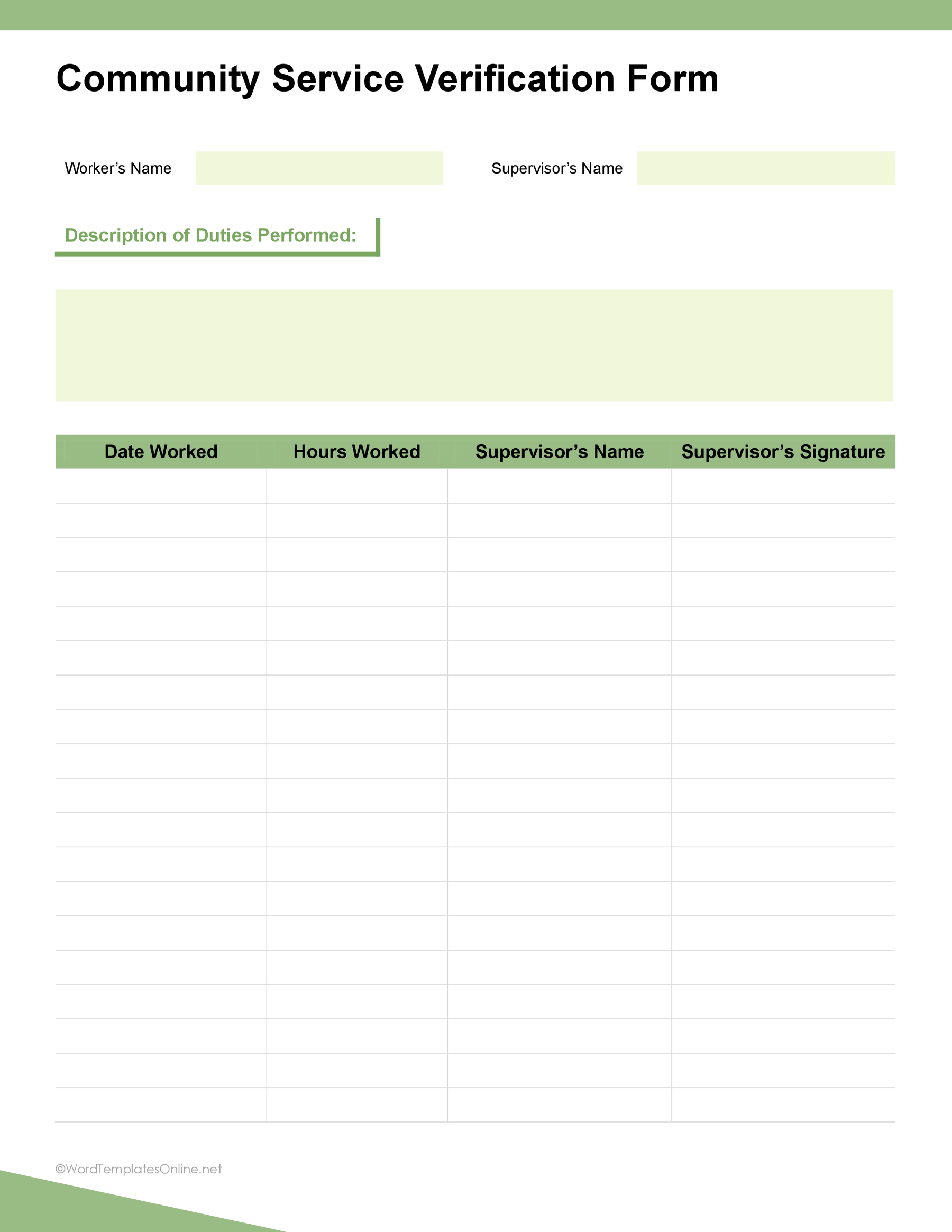
Tips for Keeping Service Records Organized
Keeping track of volunteer hours doesn’t have to become “where did I put that form?” A few simple habits now can save you from a lot of scrambling later.
- Record service while the details are fresh: First of all, make sure you fill in the date, hours, and activity after you finish. Trust us, “I’ll remember it later” has a surprisingly short lifespan.
- Keep descriptions short but specific: You don’t need to write a complete story. Just explain what you actually did instead of unclear entries like “helped out.” For example, “sorted food donations” tells the story much better.
- Separate Different Service Sessions: You must give each service session its own date and hour entry. This keeps everything easy to follow and makes adding up your hours much less confusing.
- Keep Verification With the Record: If a supervisor needs to sign and verify your hours, get it done while the details are still fresh. Don’t wait until you’ve collected six months of signatures.
Keep Your Community Service Hours in Check!
You’ve done the volunteering, put in the hours, and helped the community; now keeping them all in place has become the hardest part. A template gives all those details a proper home, so you’re not trying to reconstruct everything from memory at the last minute.
Whether you’re completing service for school, a volunteer program, or another requirement, the right template makes recording your work easy. Your only task is to get the most suitable template from the collection. THAT’S ALL!
FAQs
Does a Community Service Form Need a Signature?
Honestly, it depends on who you’re giving services to. If verification is required, make sure the appropriate supervisor signs it.
Can I Customize a Community Service Form Template?
Absolutely! With the editable format, you can add, remove, or adjust fields to match the information required.
Can I Use One Form for Multiple Volunteer Activities?
You can, as long as the template has enough space and the organization accepts multiple activities in one form. Otherwise, separate forms may keep things cleaner.
About This Article